Create Photo to Anime Art
Upload a photo, choose an anime style, and generate without writing a prompt.
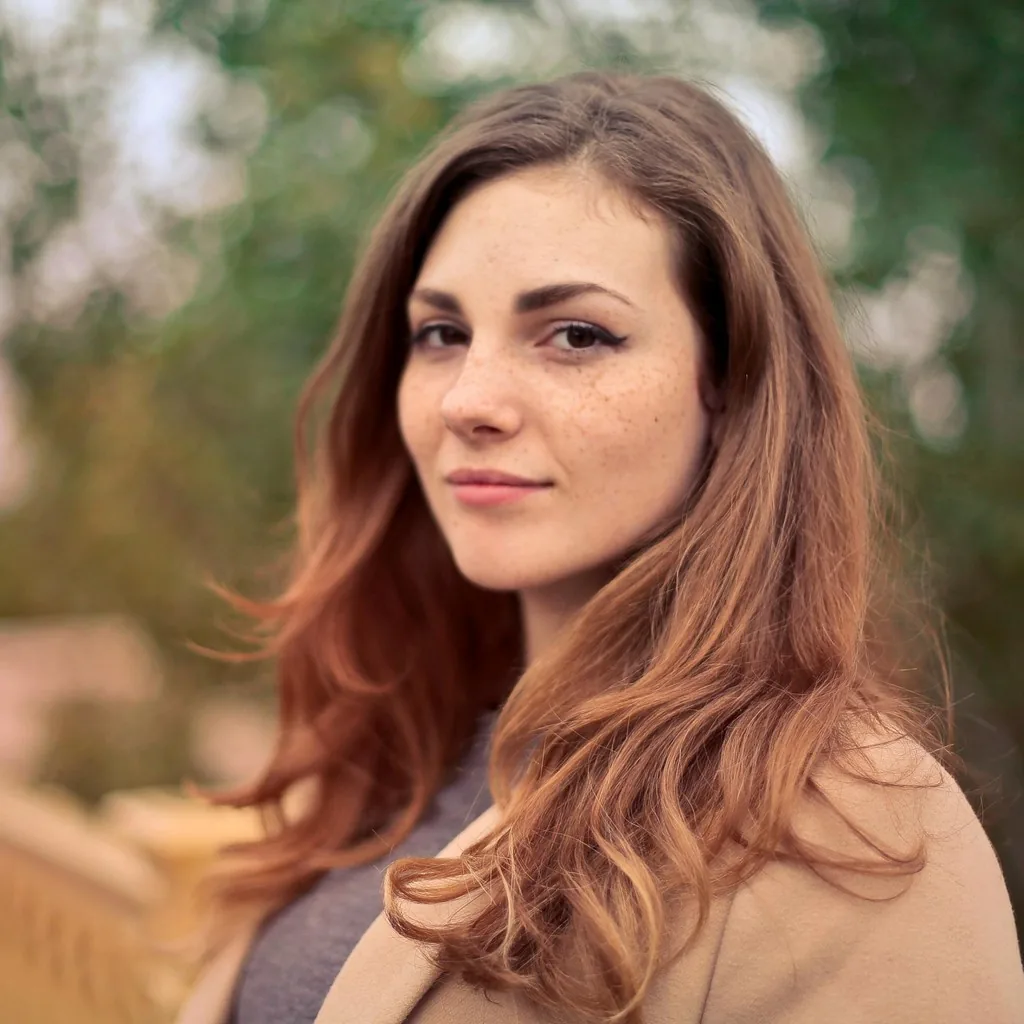
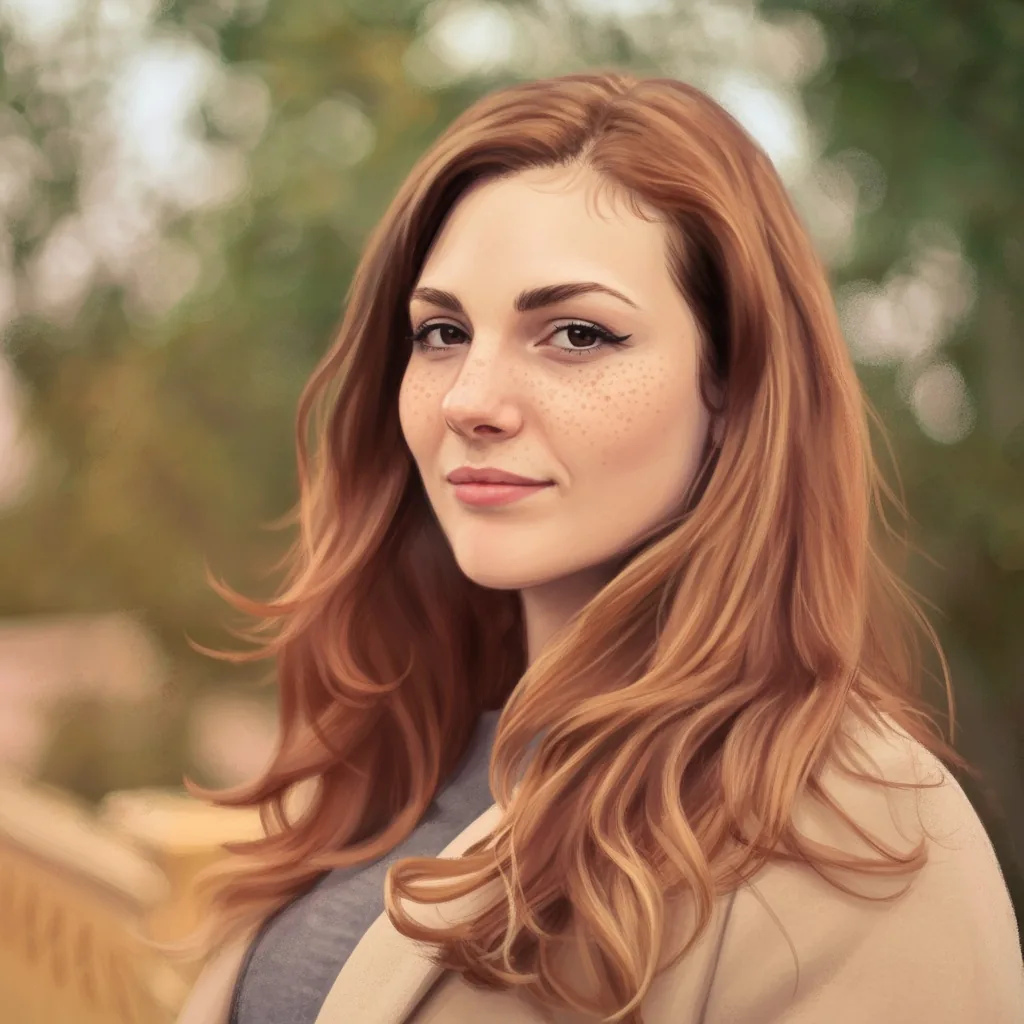
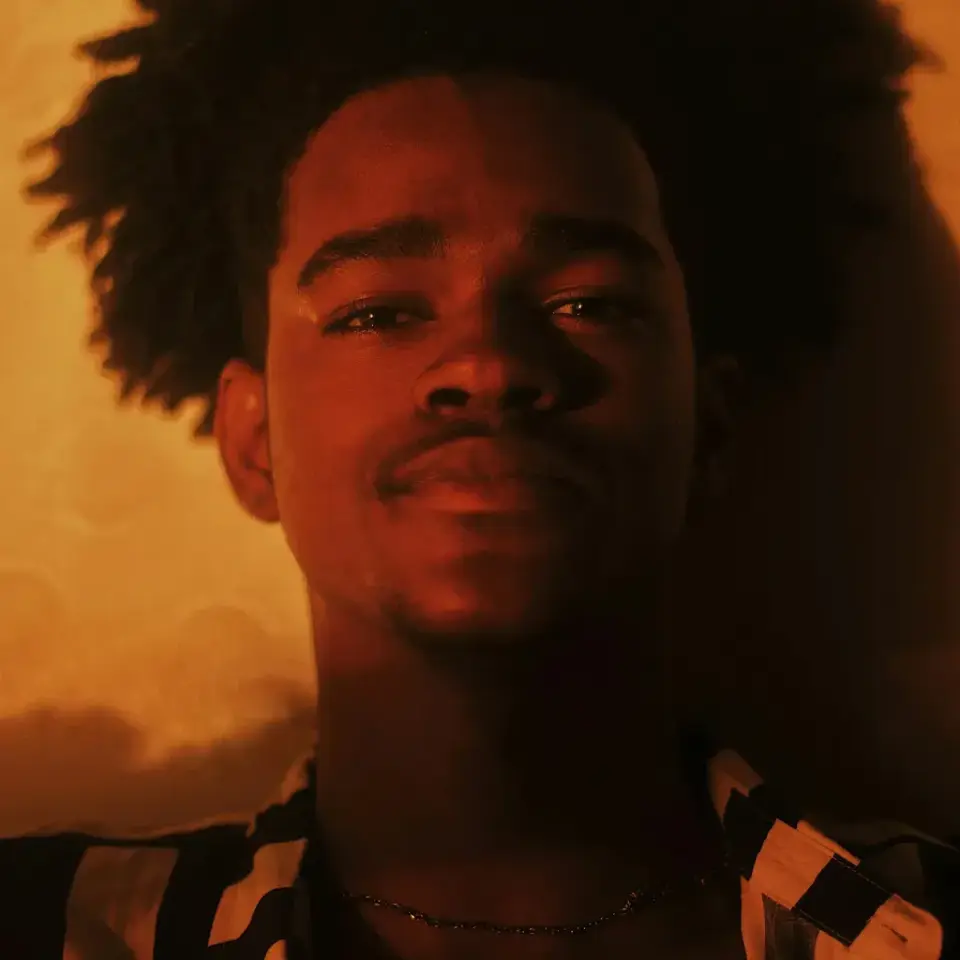
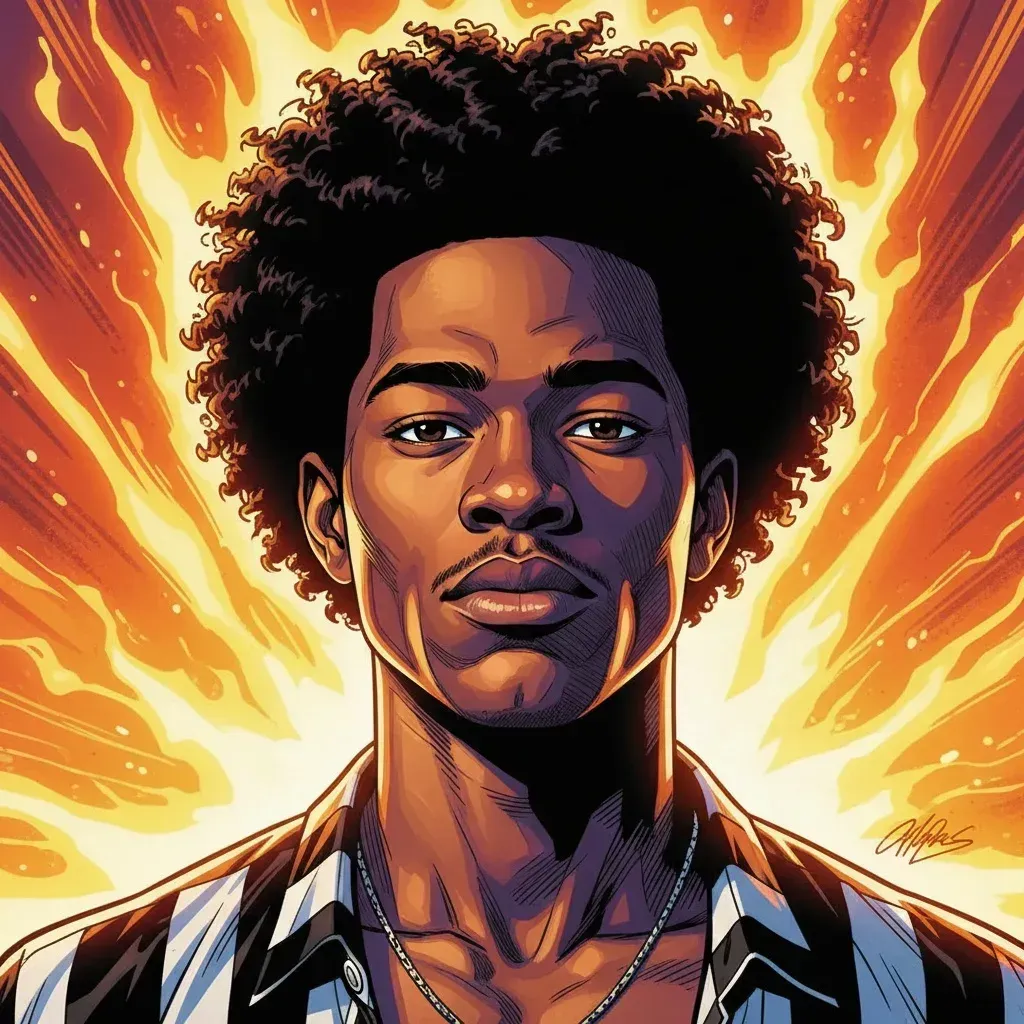
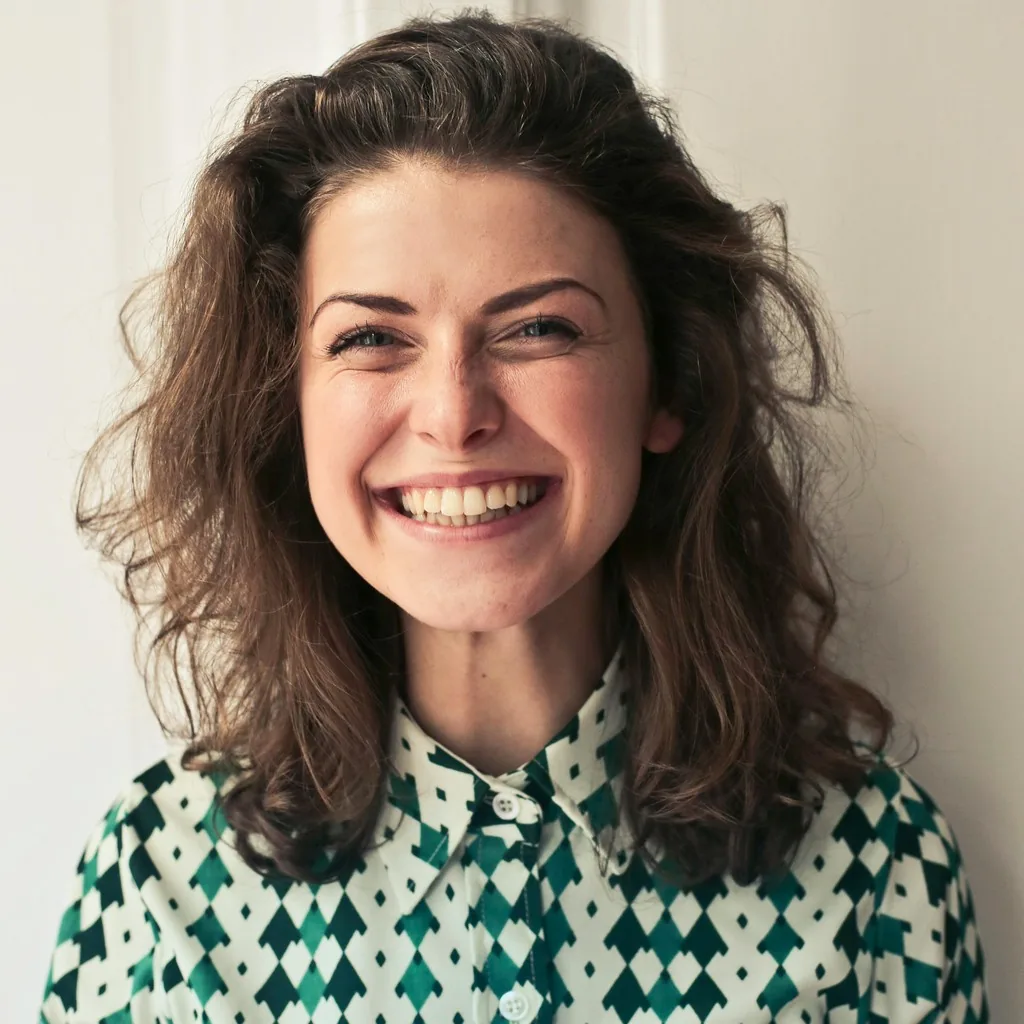
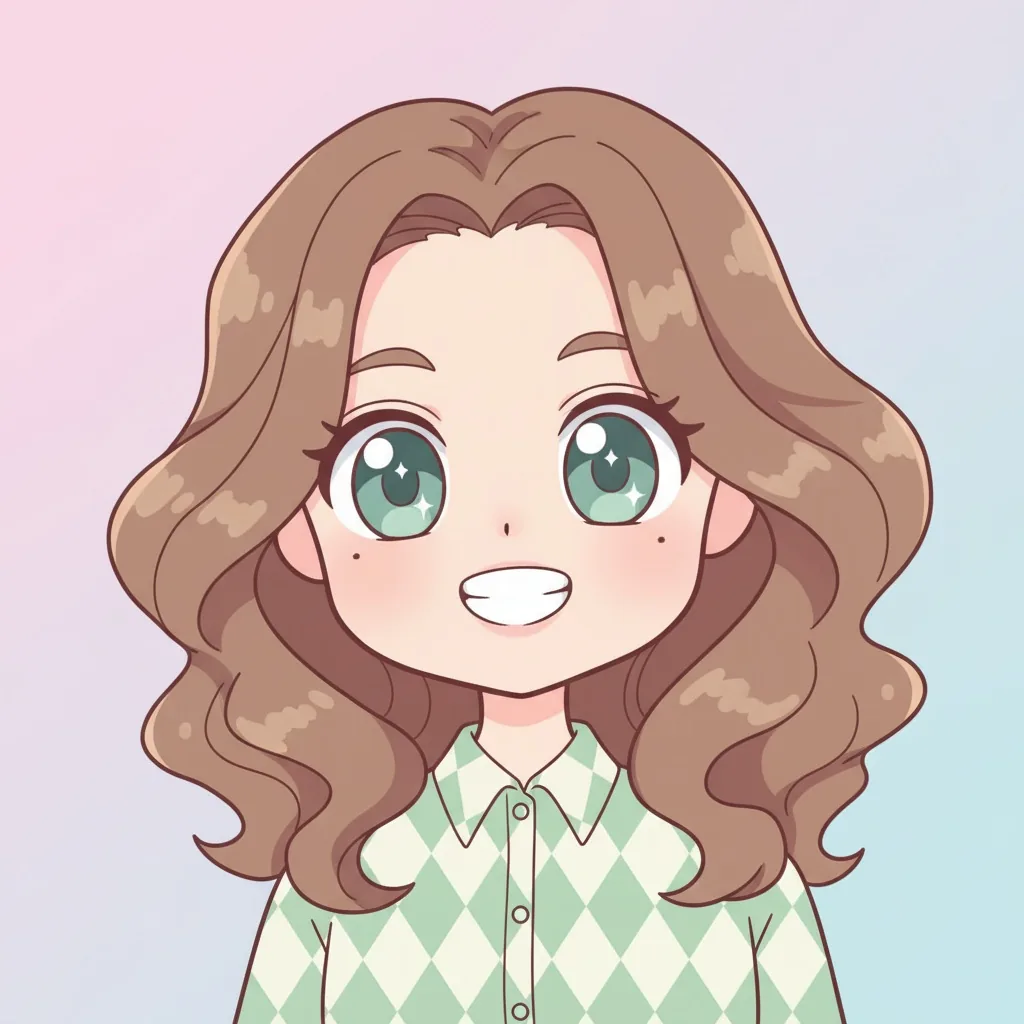
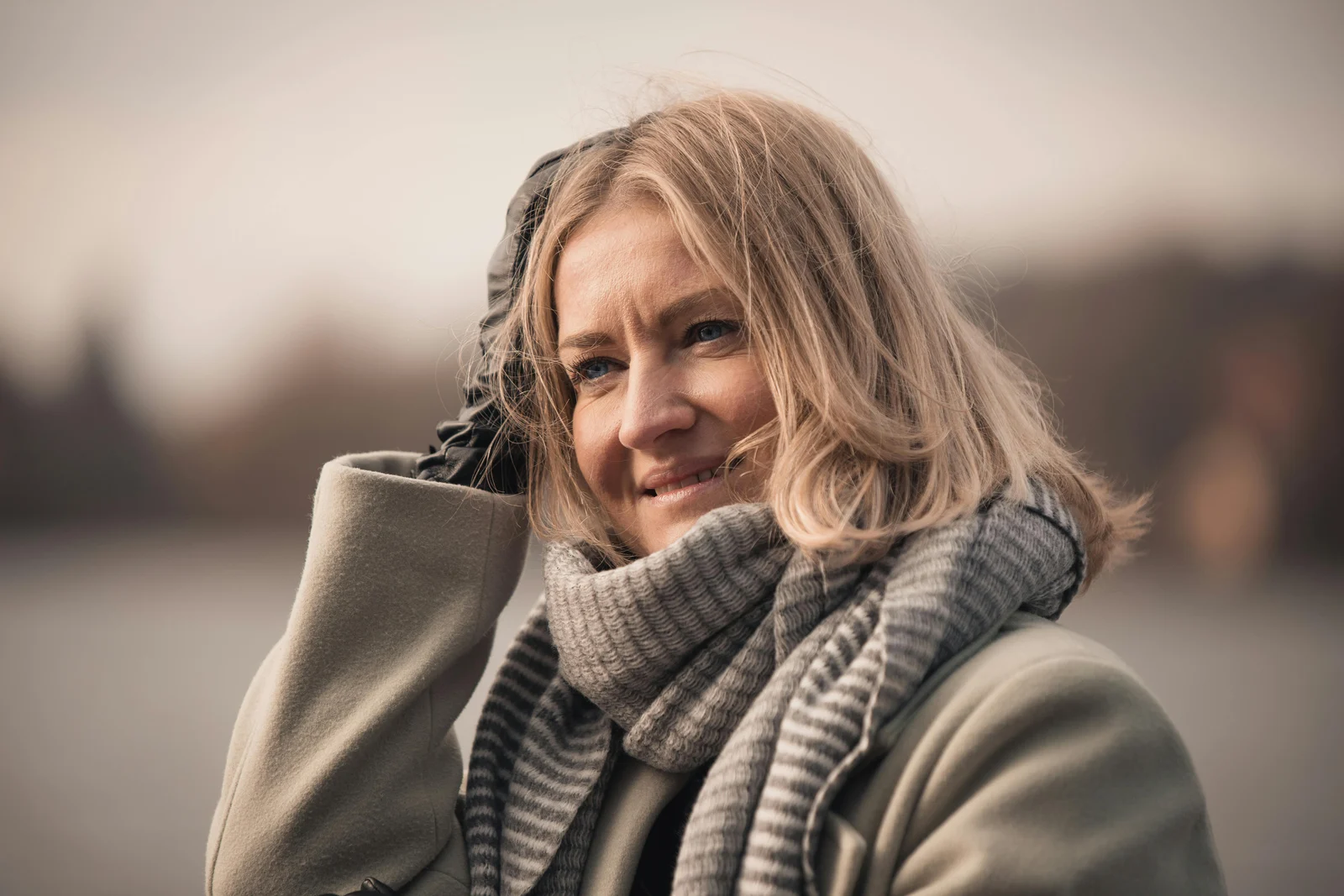
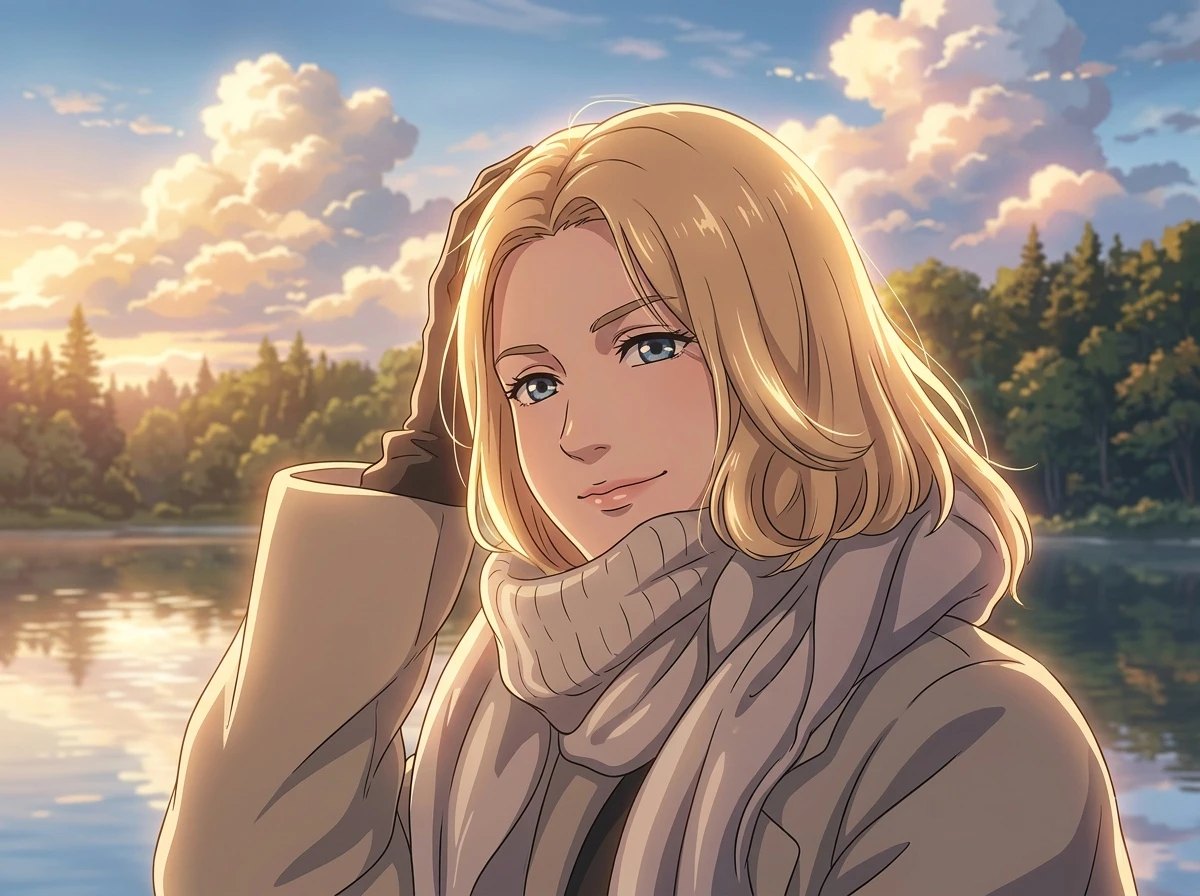
Explore more photo to anime styles
Compare photo to anime styles using the same original image, then choose the direction that feels most like you.
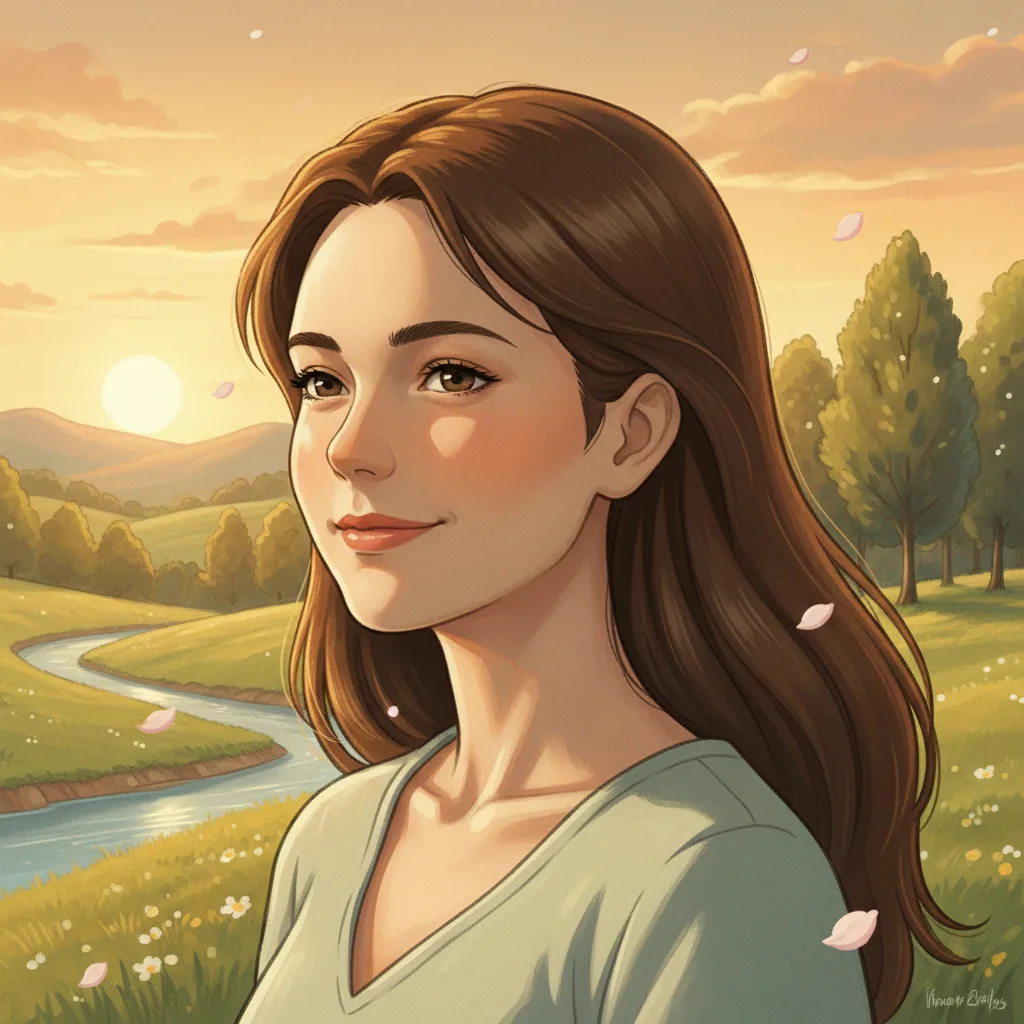
Photo to Studio Ghibli style anime
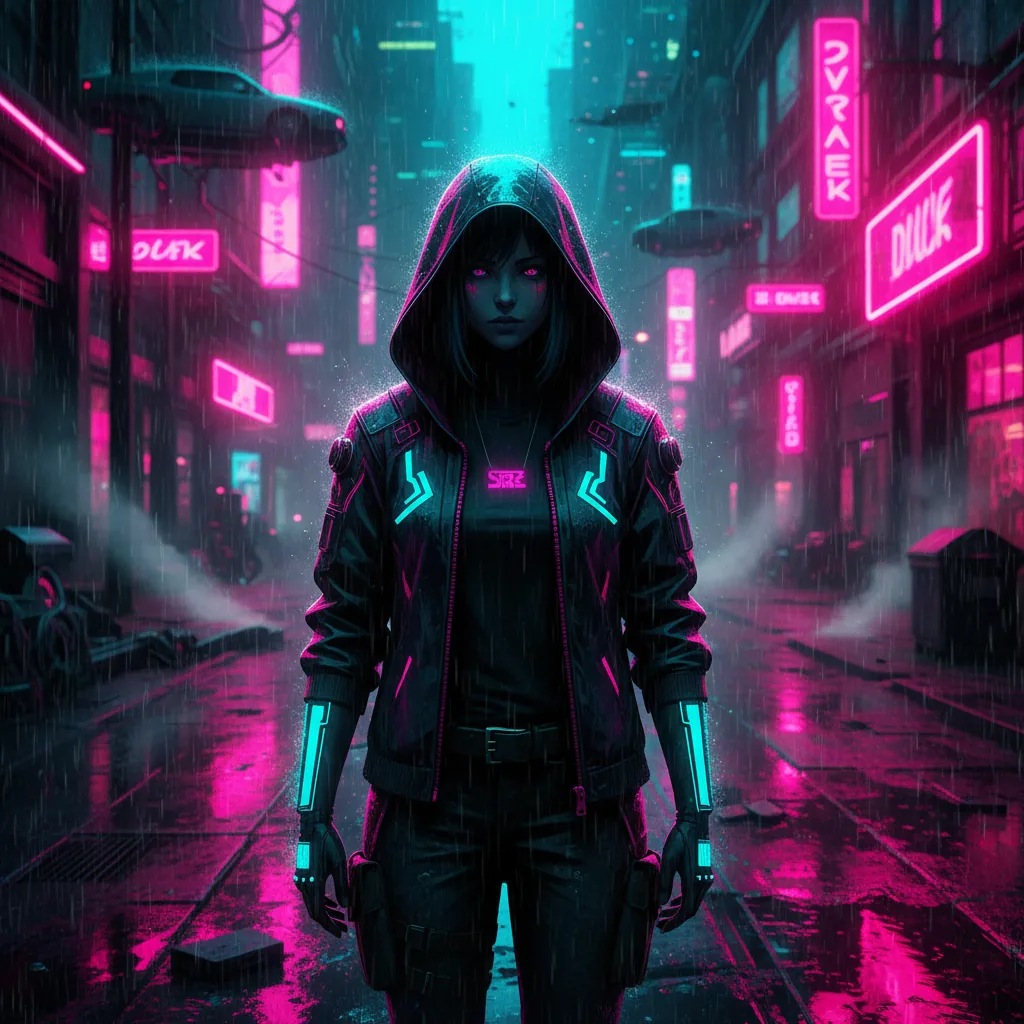
Photo to cyberpunk anime
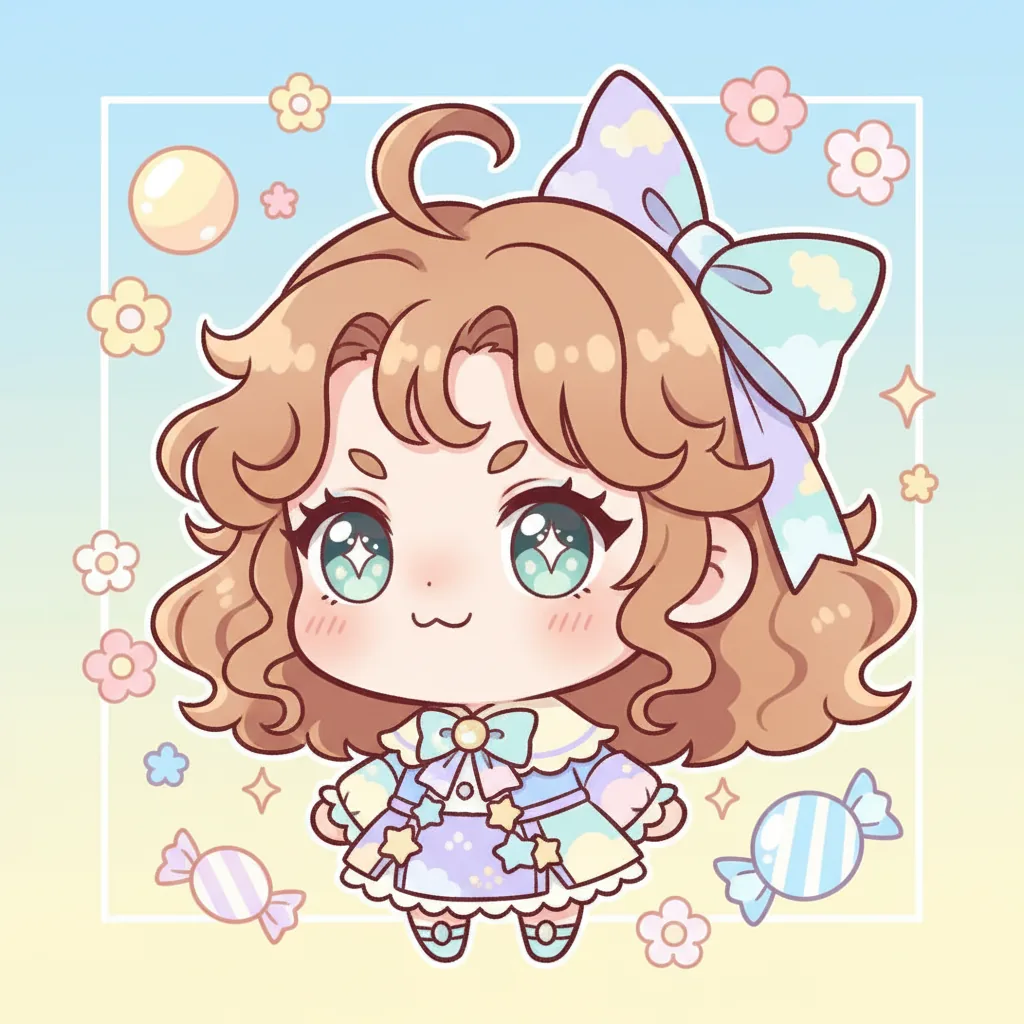
Photo to chibi anime
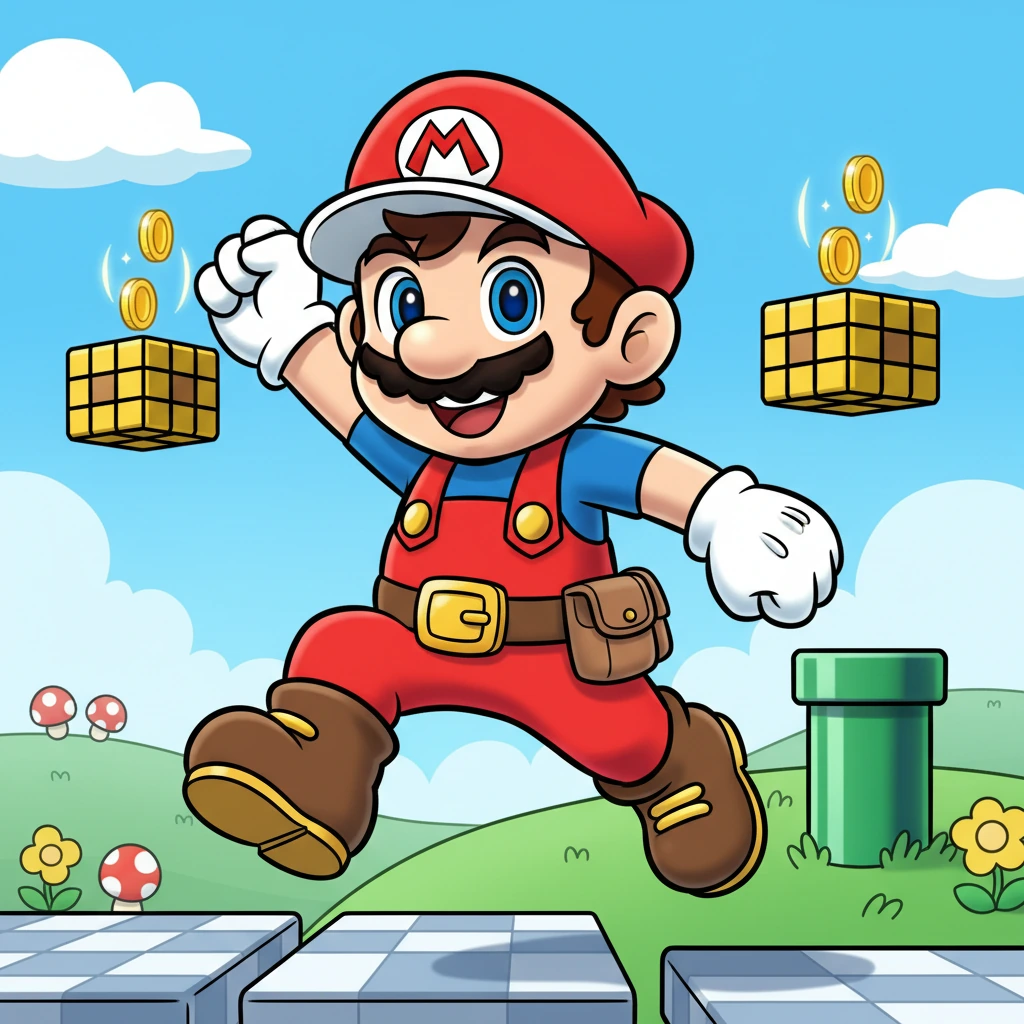
Photo to Mario-inspired anime
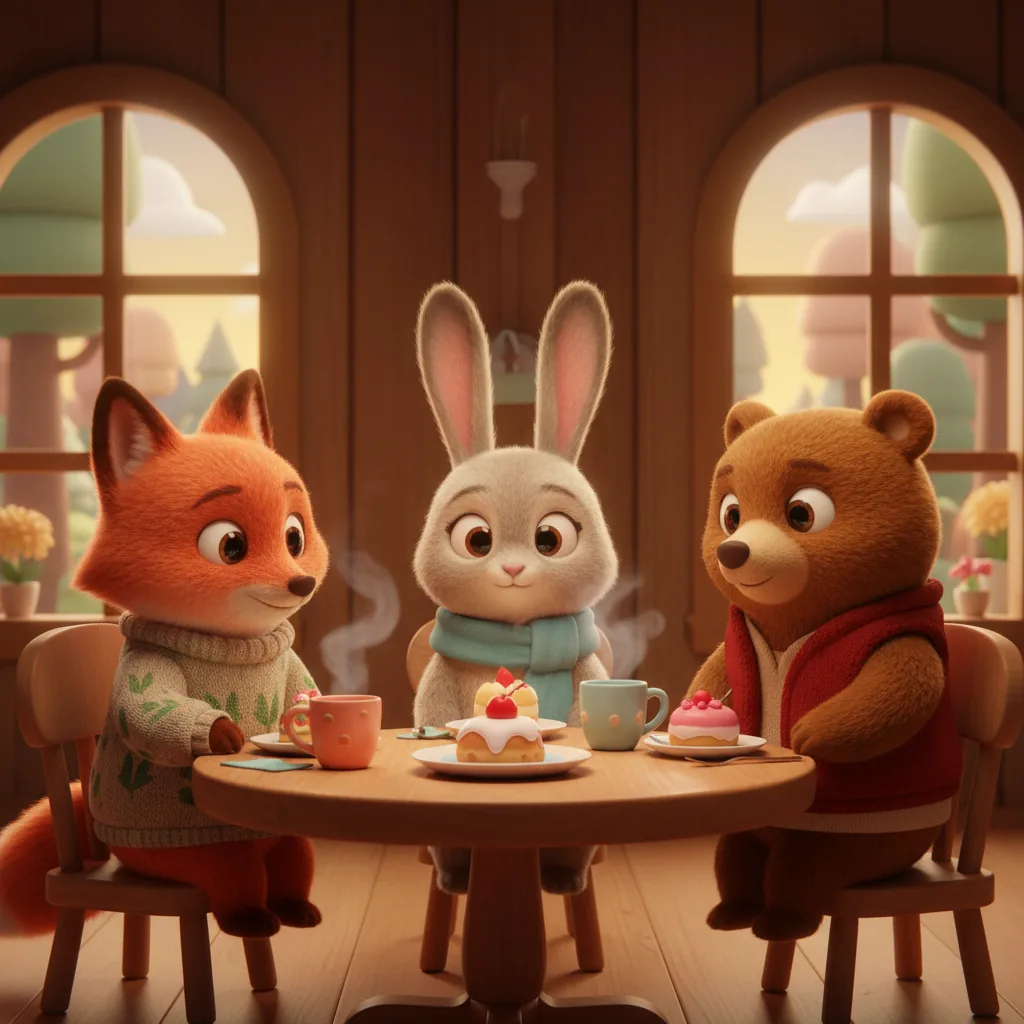
Photo to Pixar 3D style
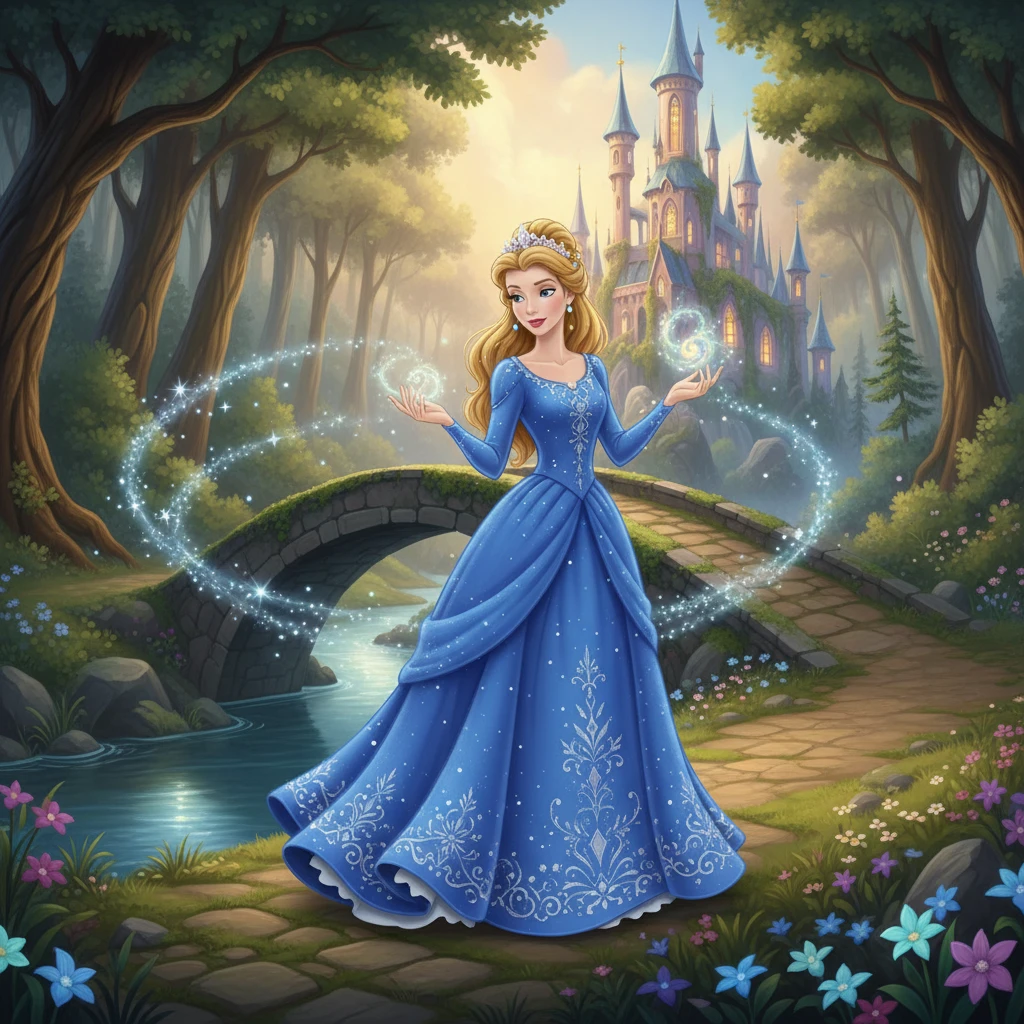
Photo to Disney Style style
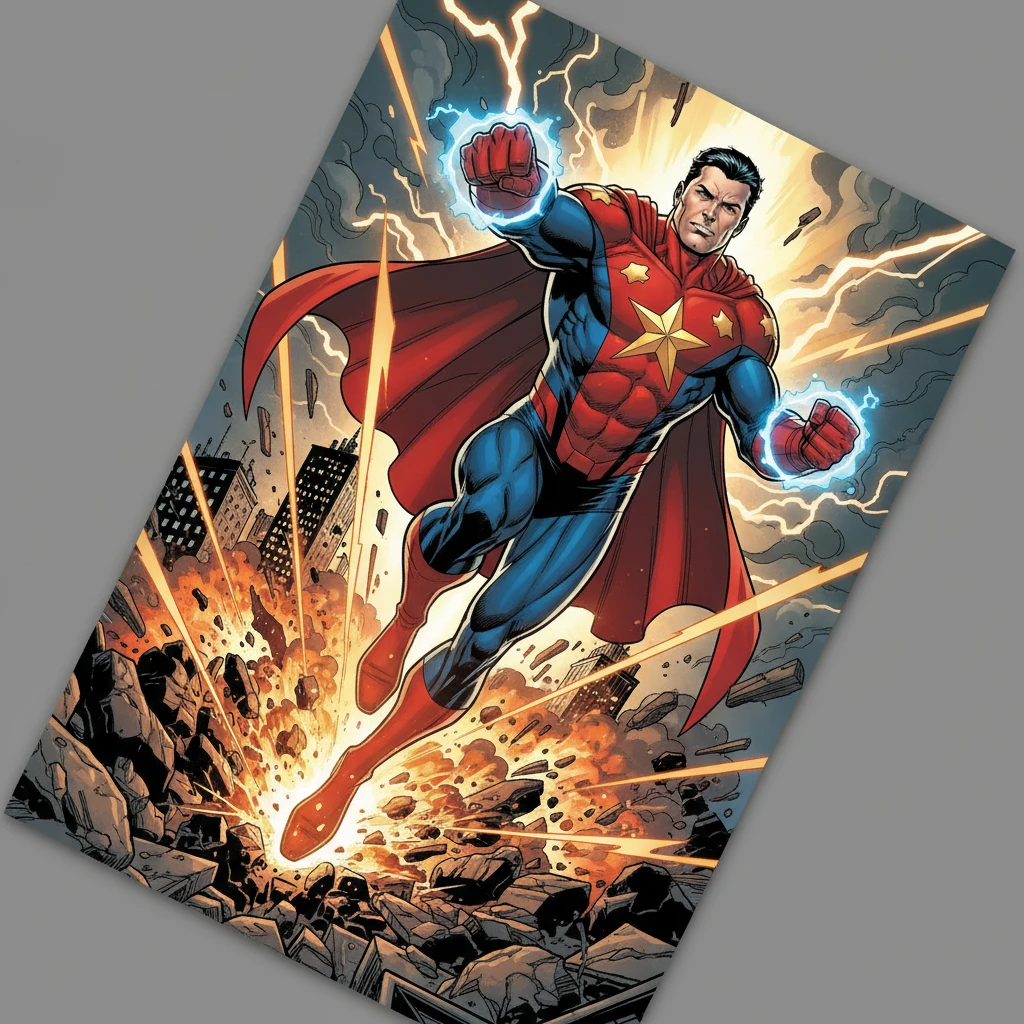
Photo to Marvel Comic style
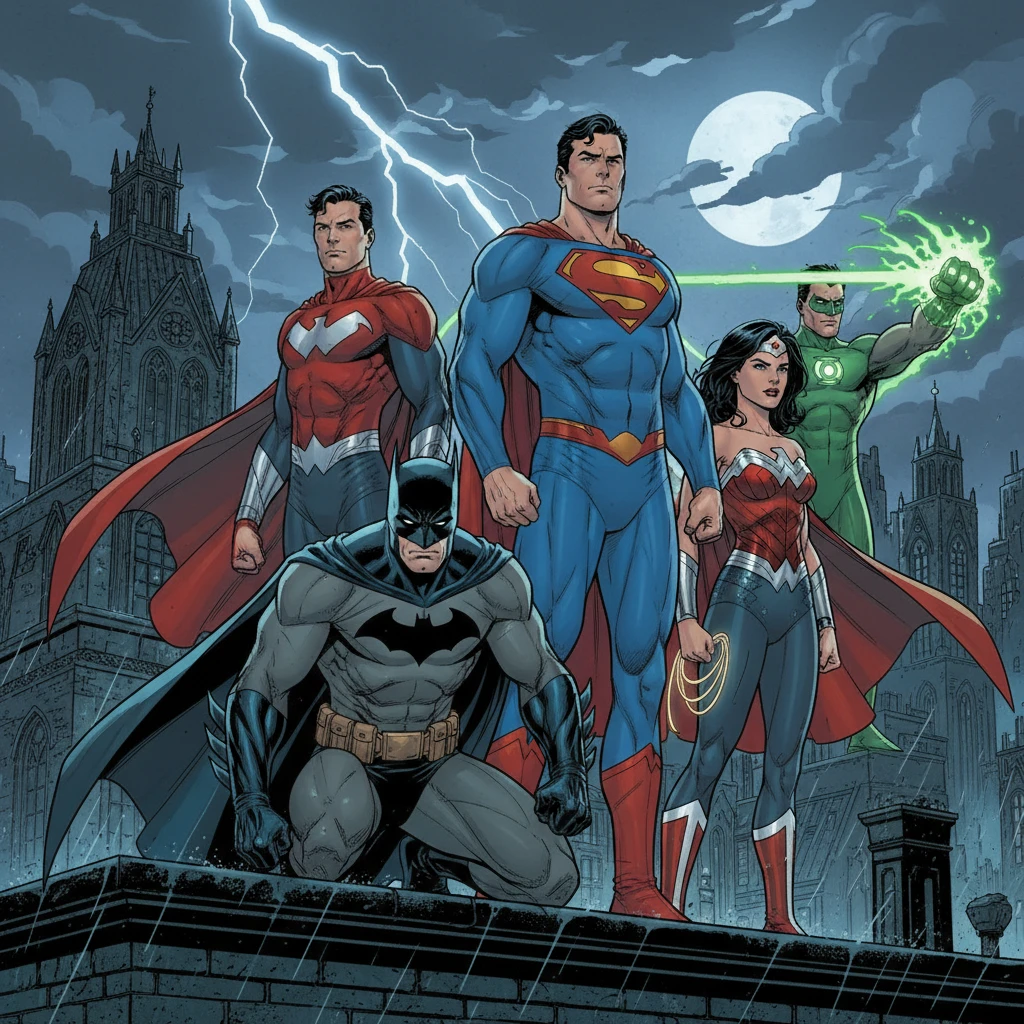
Photo to DC Comic style
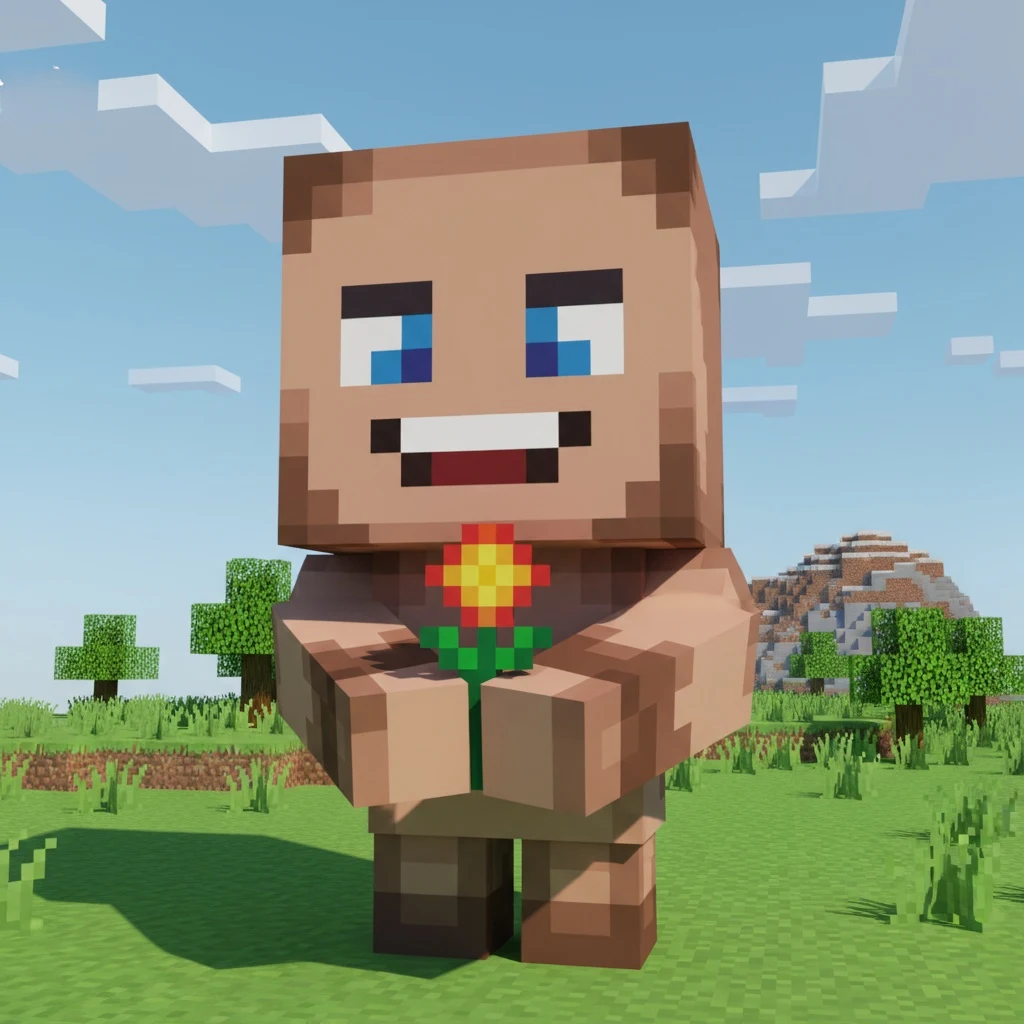
Photo to Minecraft style
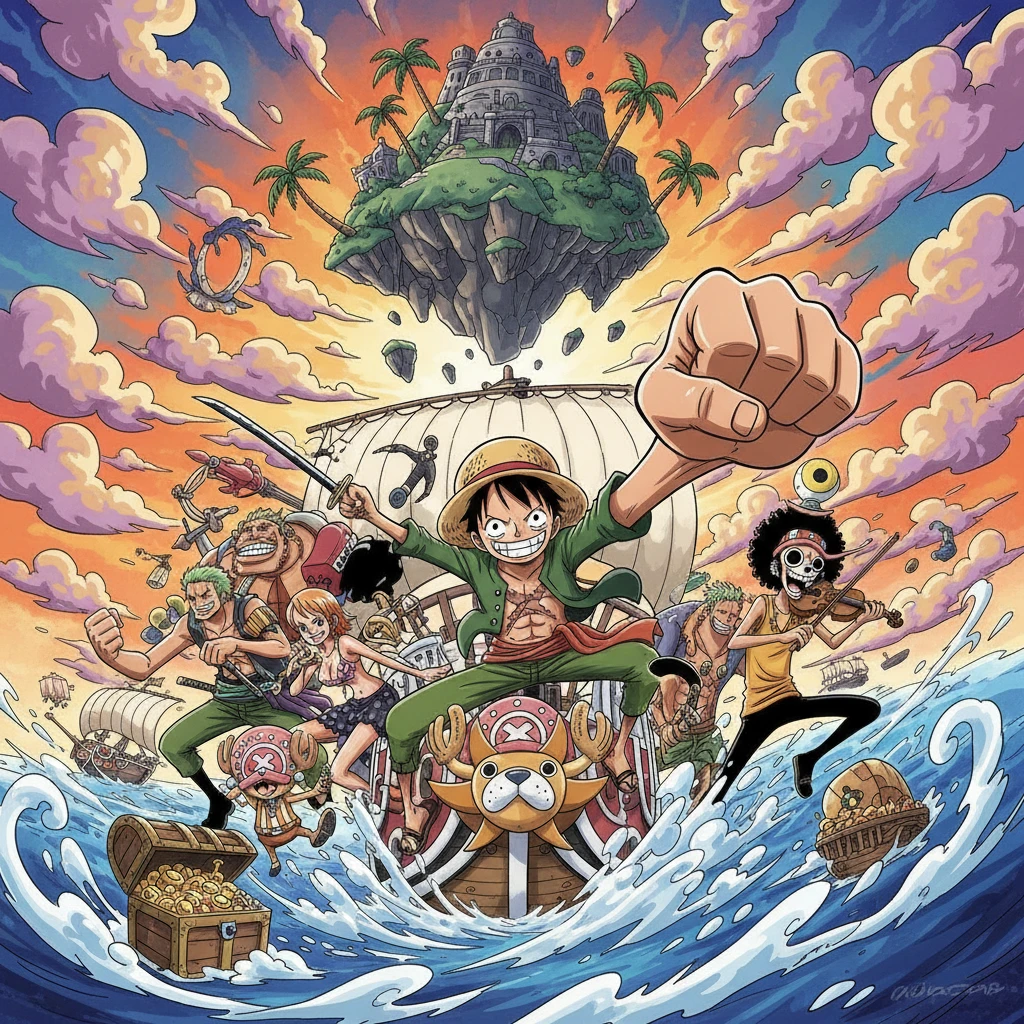
Photo to One Piece style
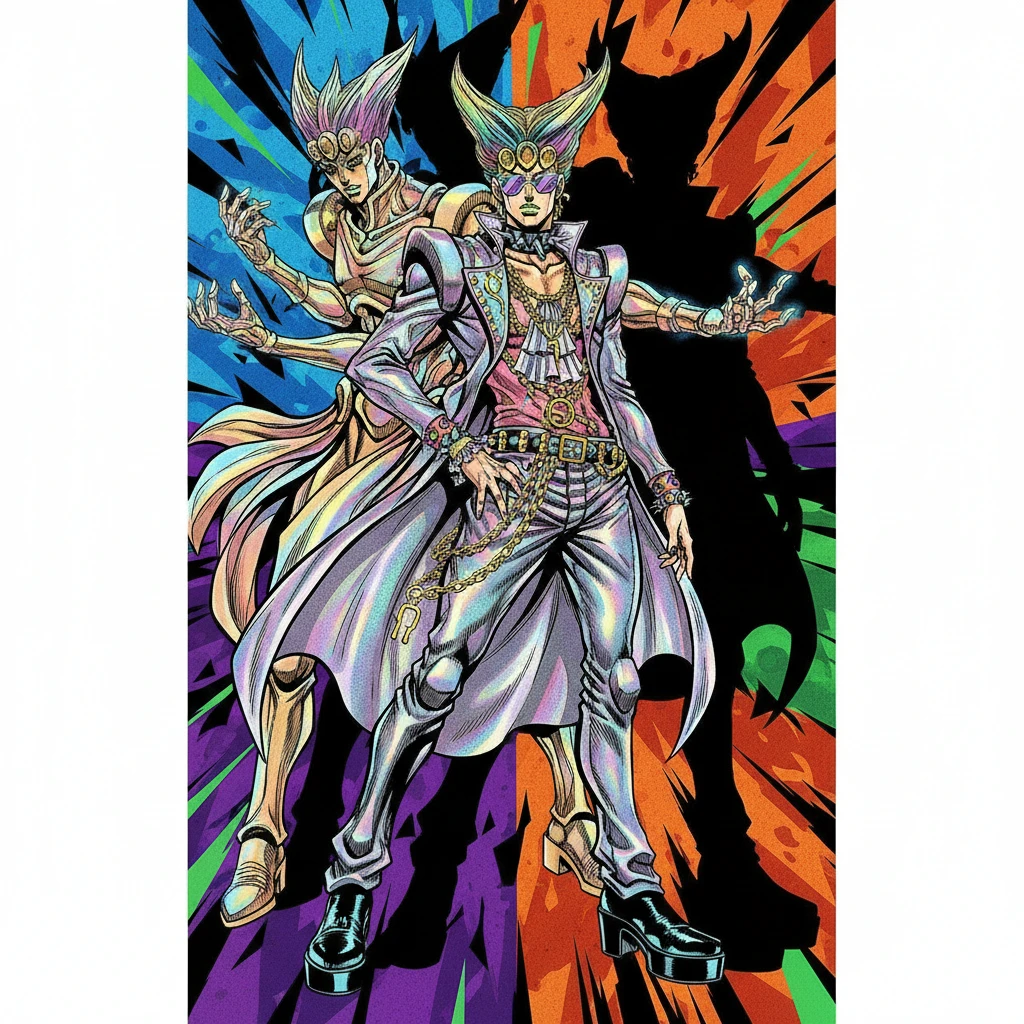
Photo to JoJo's Bizarre Adventure style
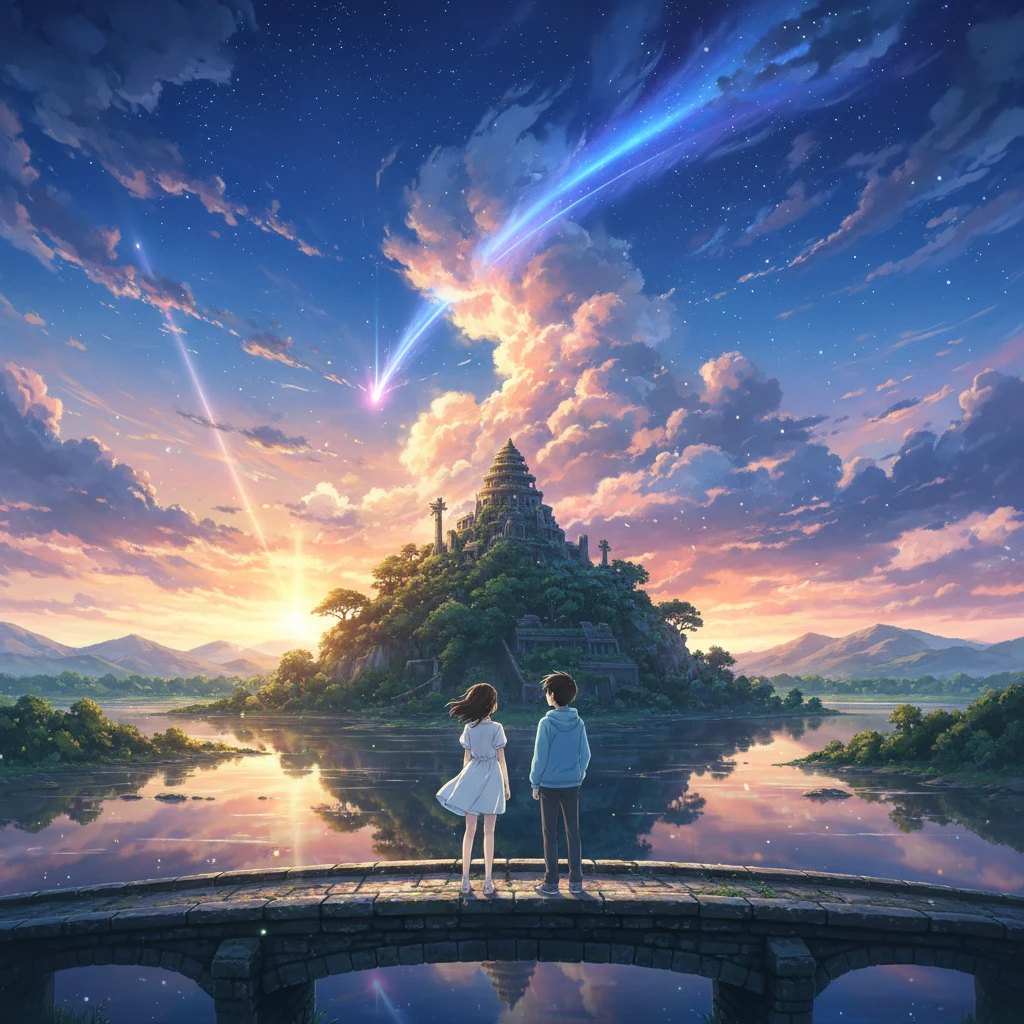
Photo to Makoto Shinkai style anime
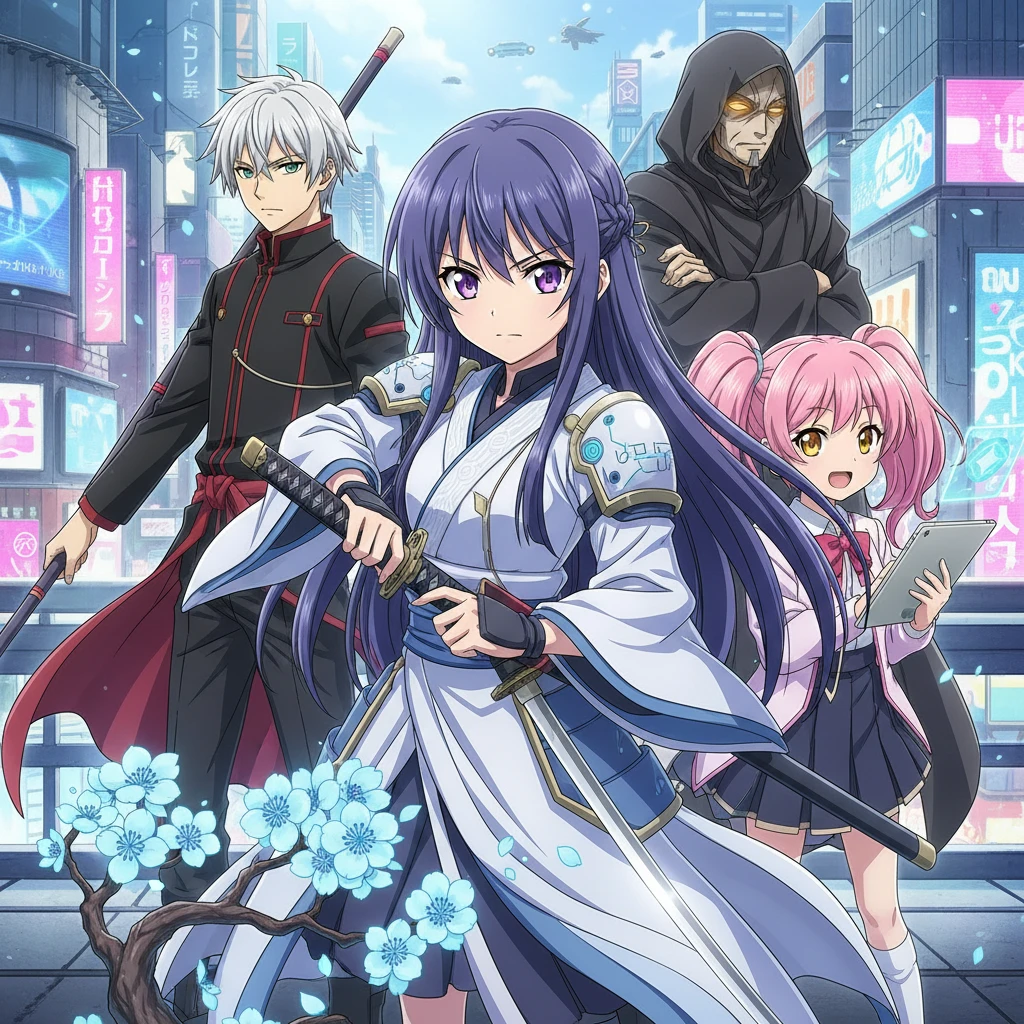
Photo to Japanese anime
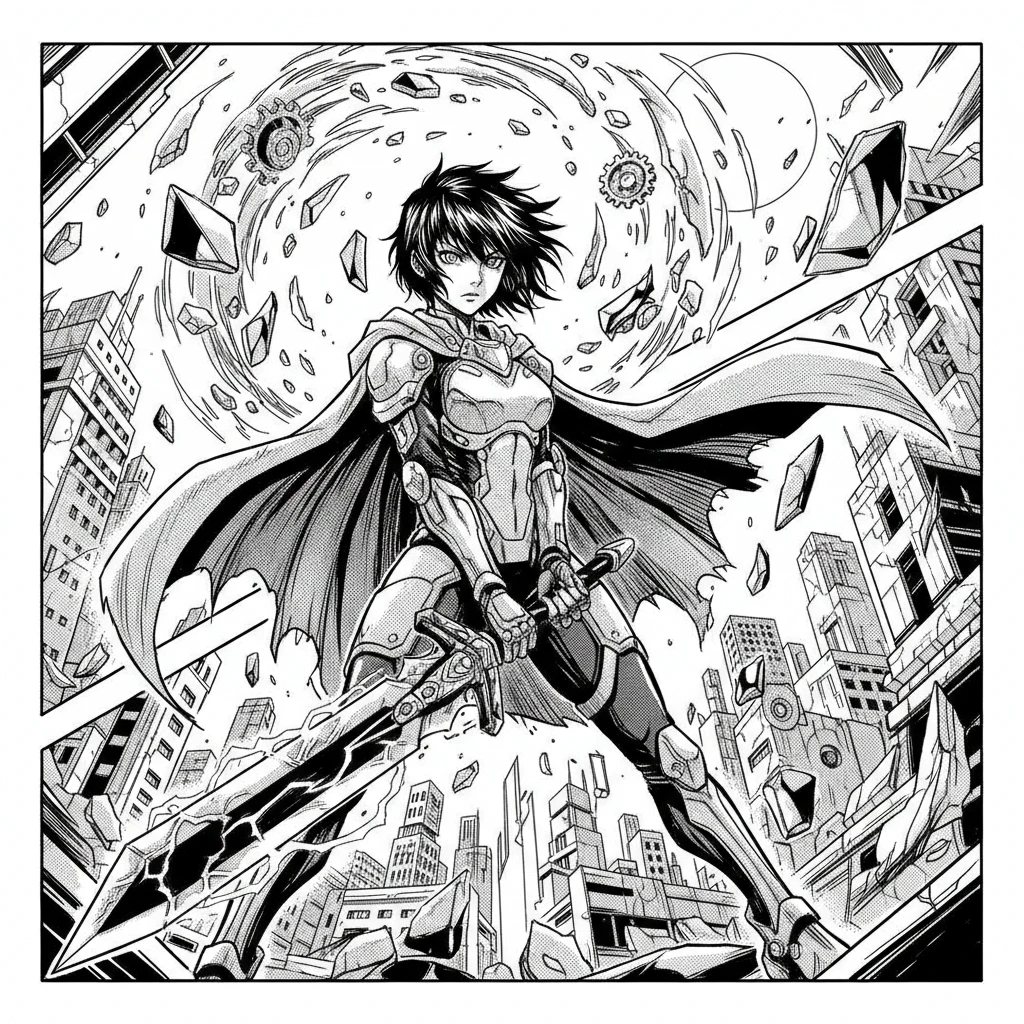
Photo to Manga style
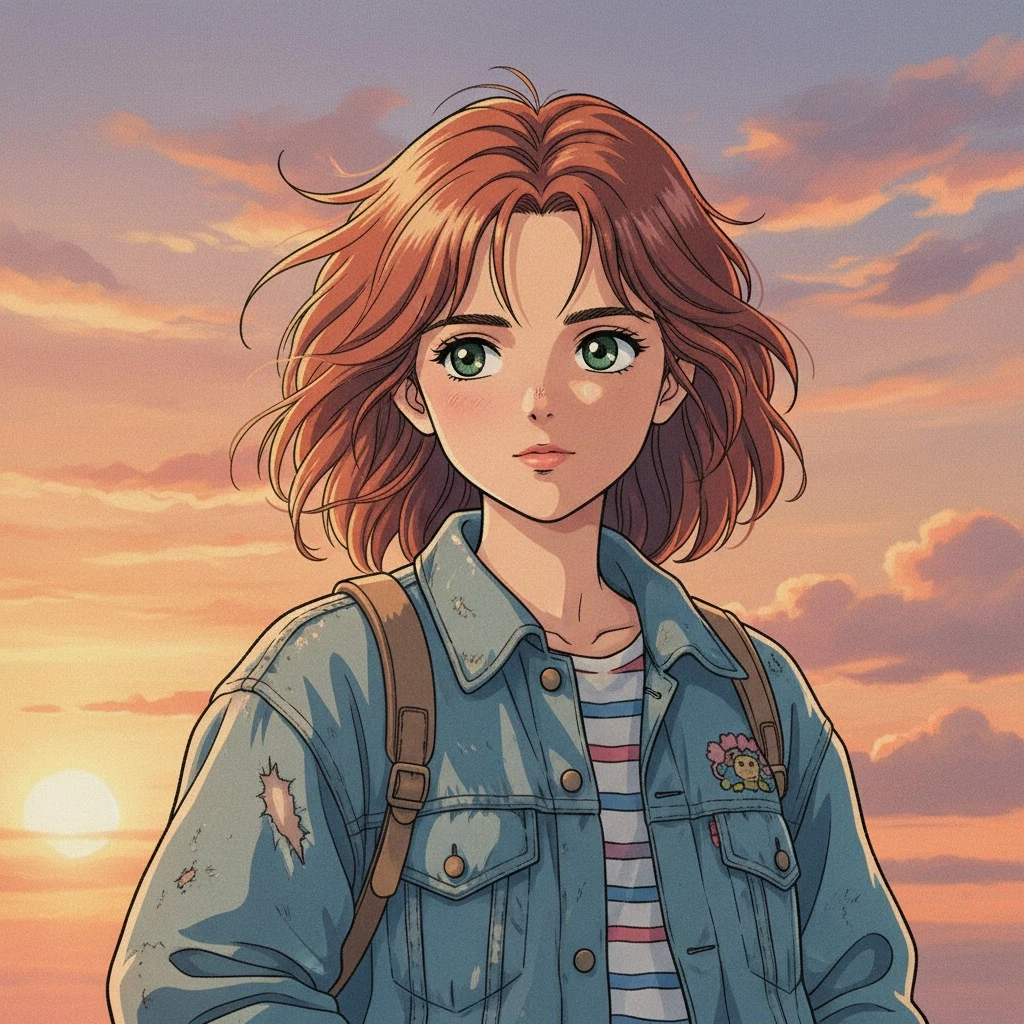
Photo to 90s anime
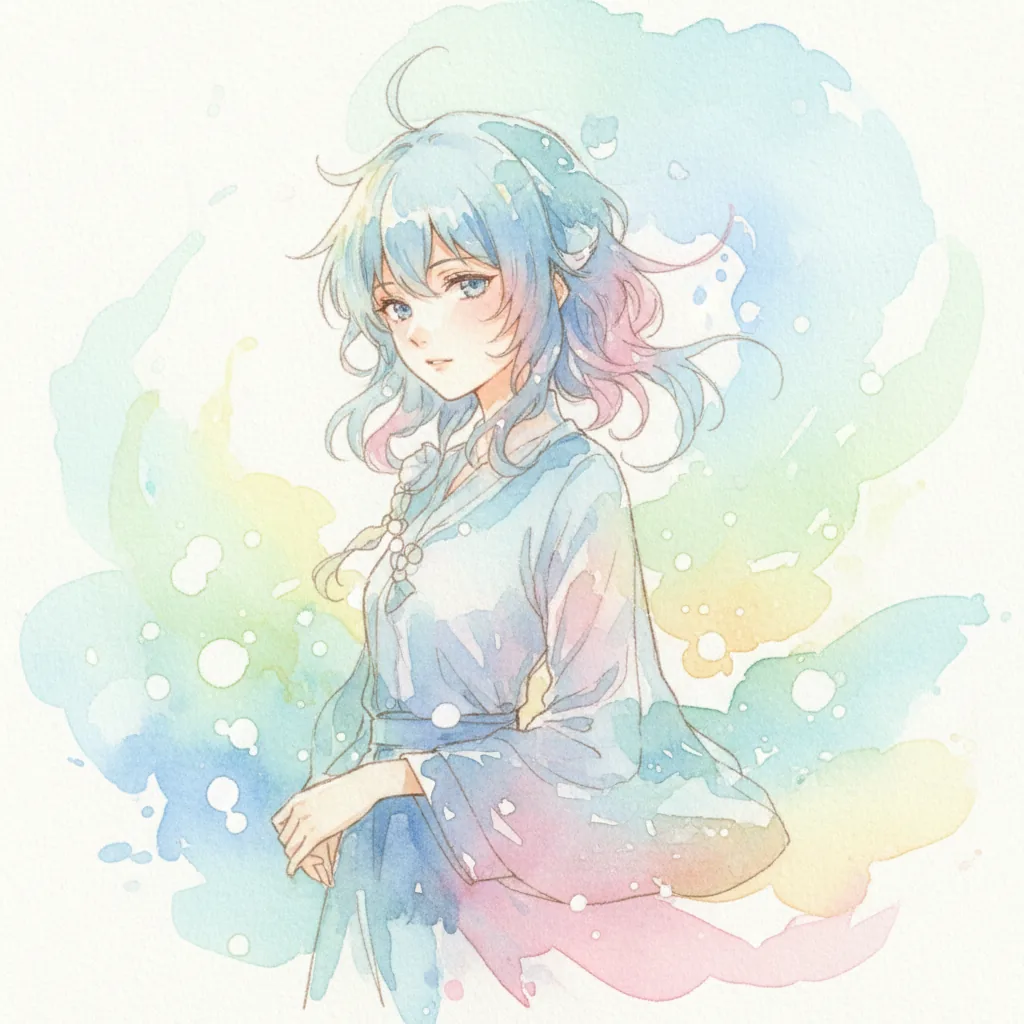
Photo to Watercolor style
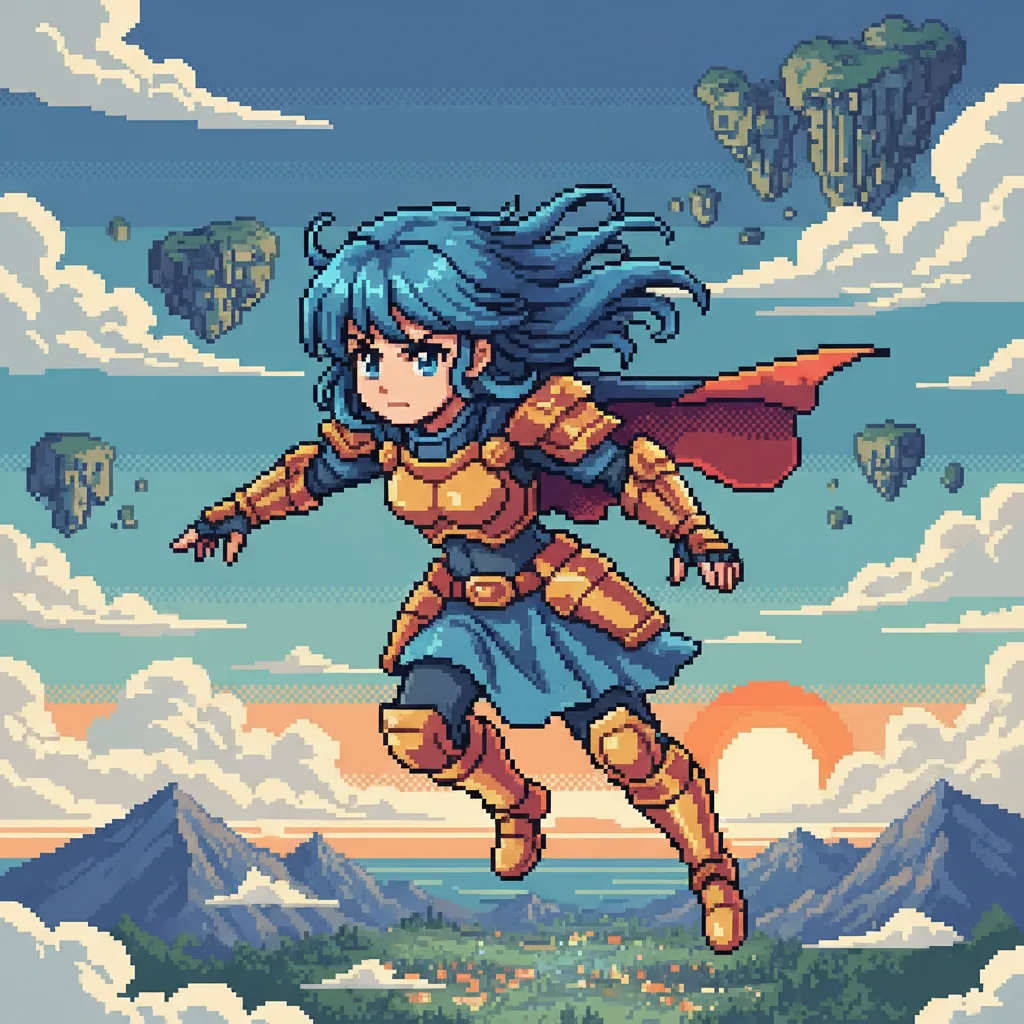
Photo to pixel art anime
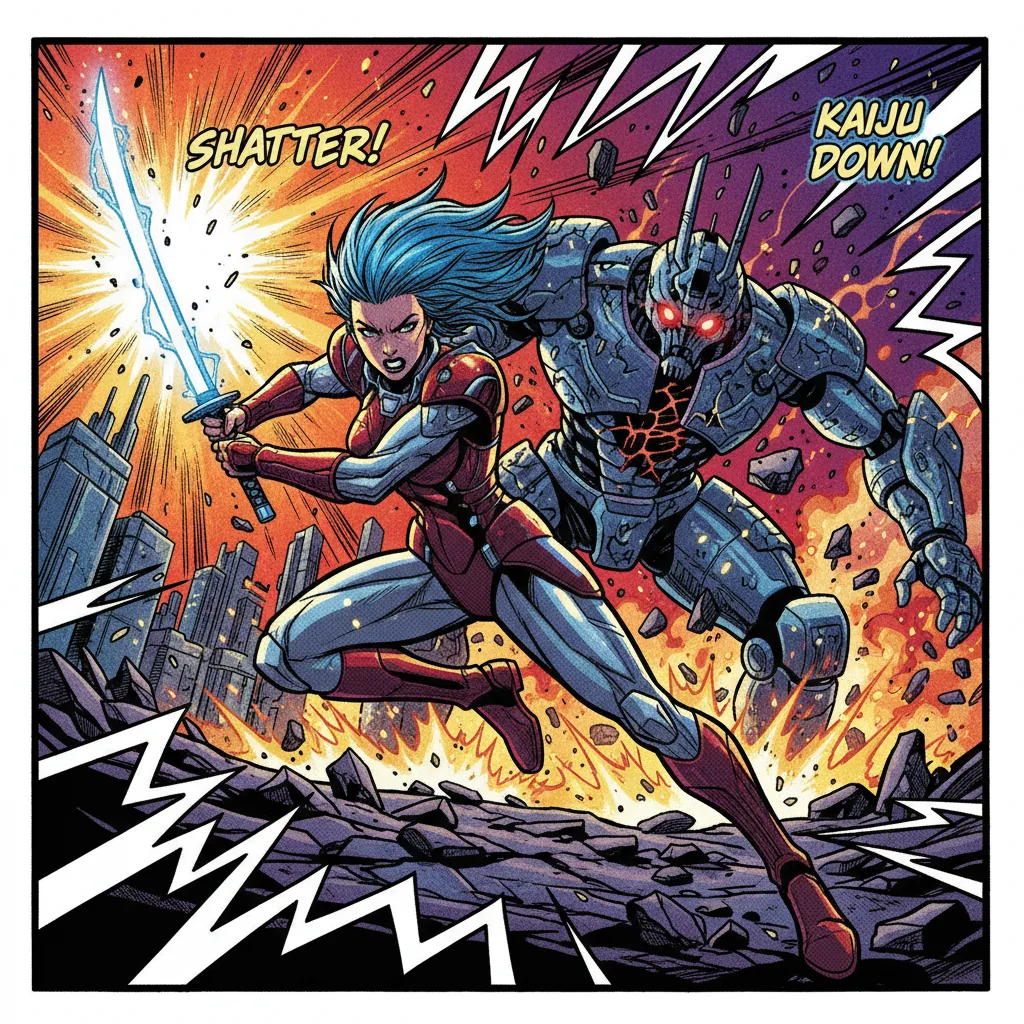
Photo to Comic Book style
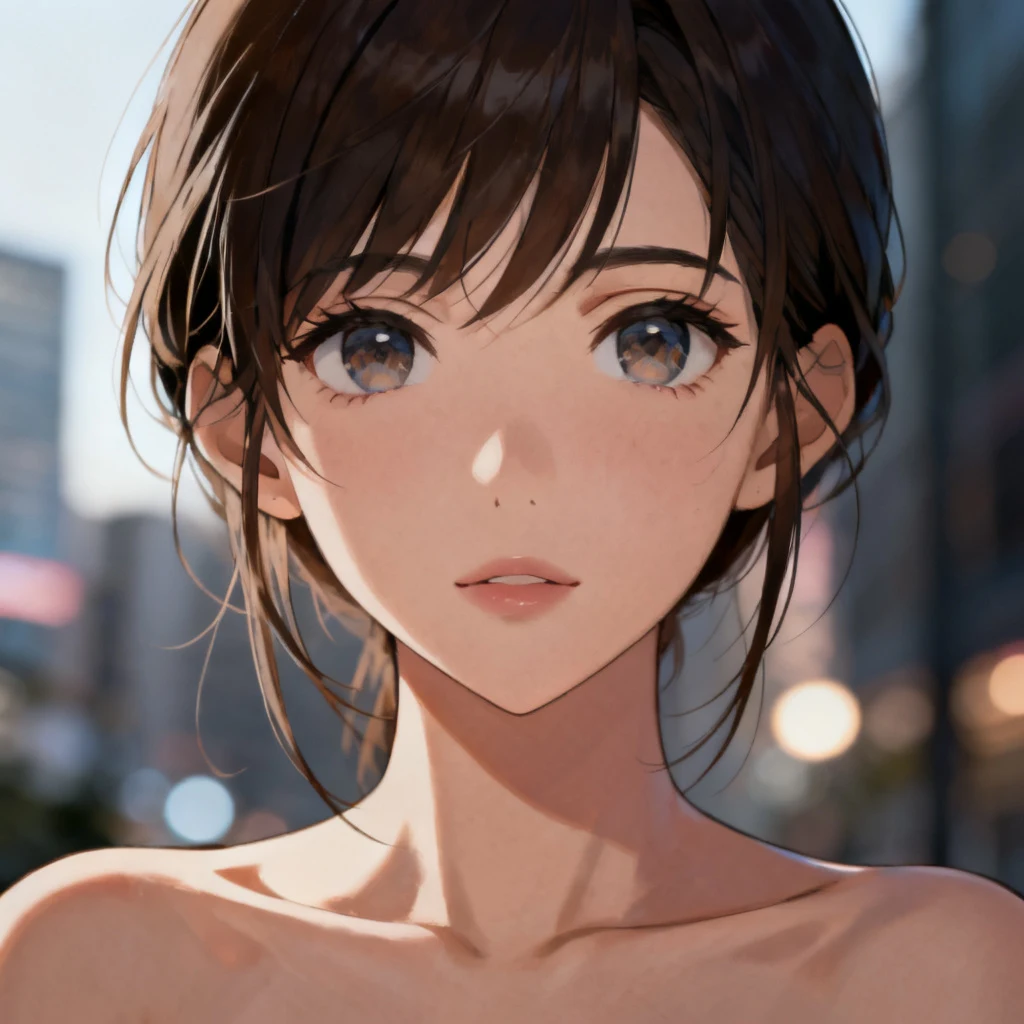
Photo to Realistic Anime style
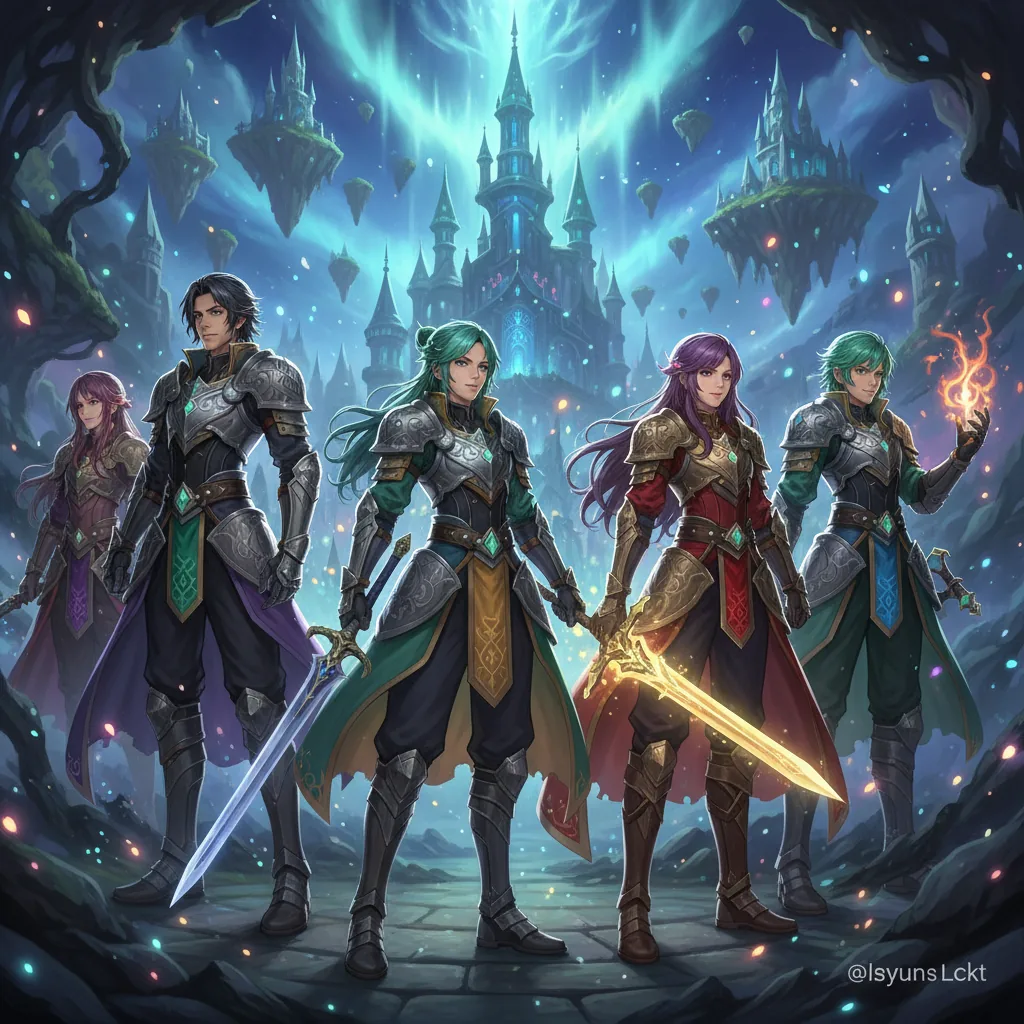
Photo to Fantasy RPG style
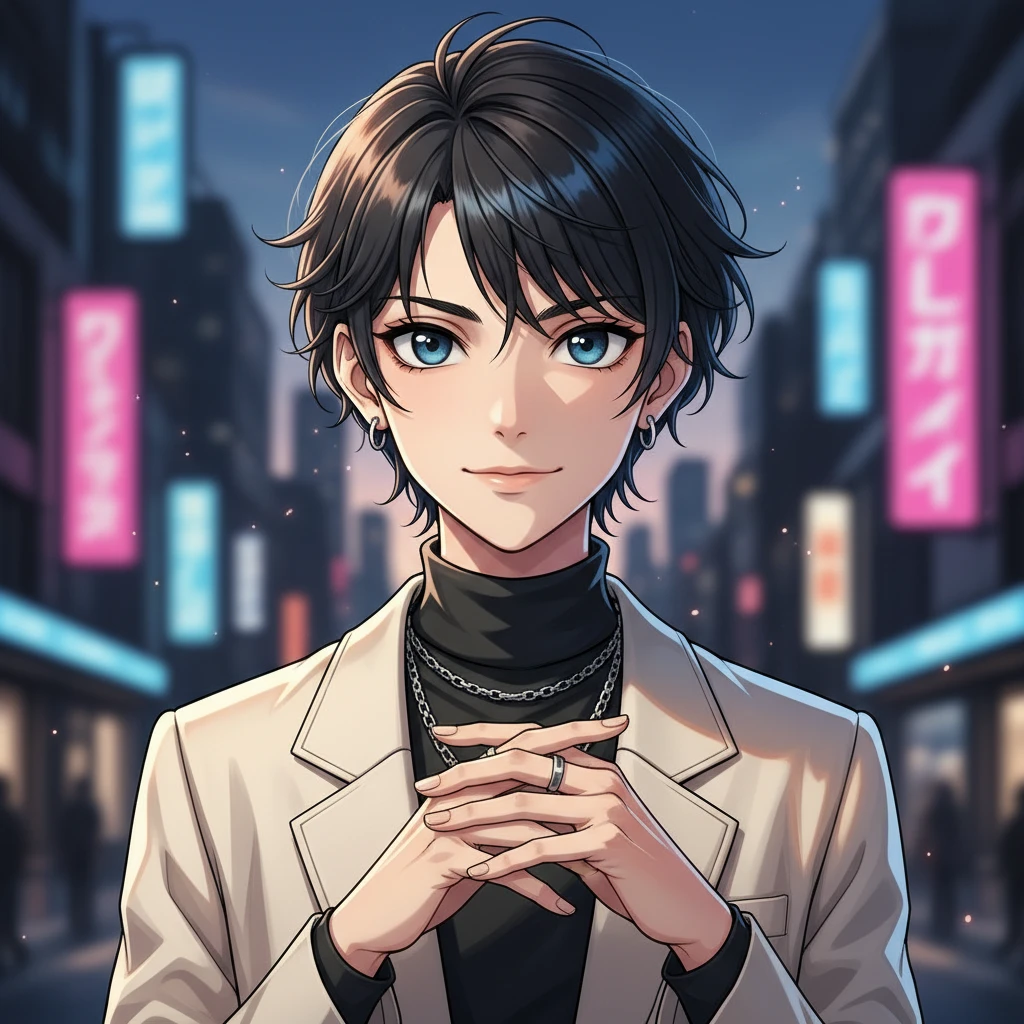
Photo to Core Anime Manga style
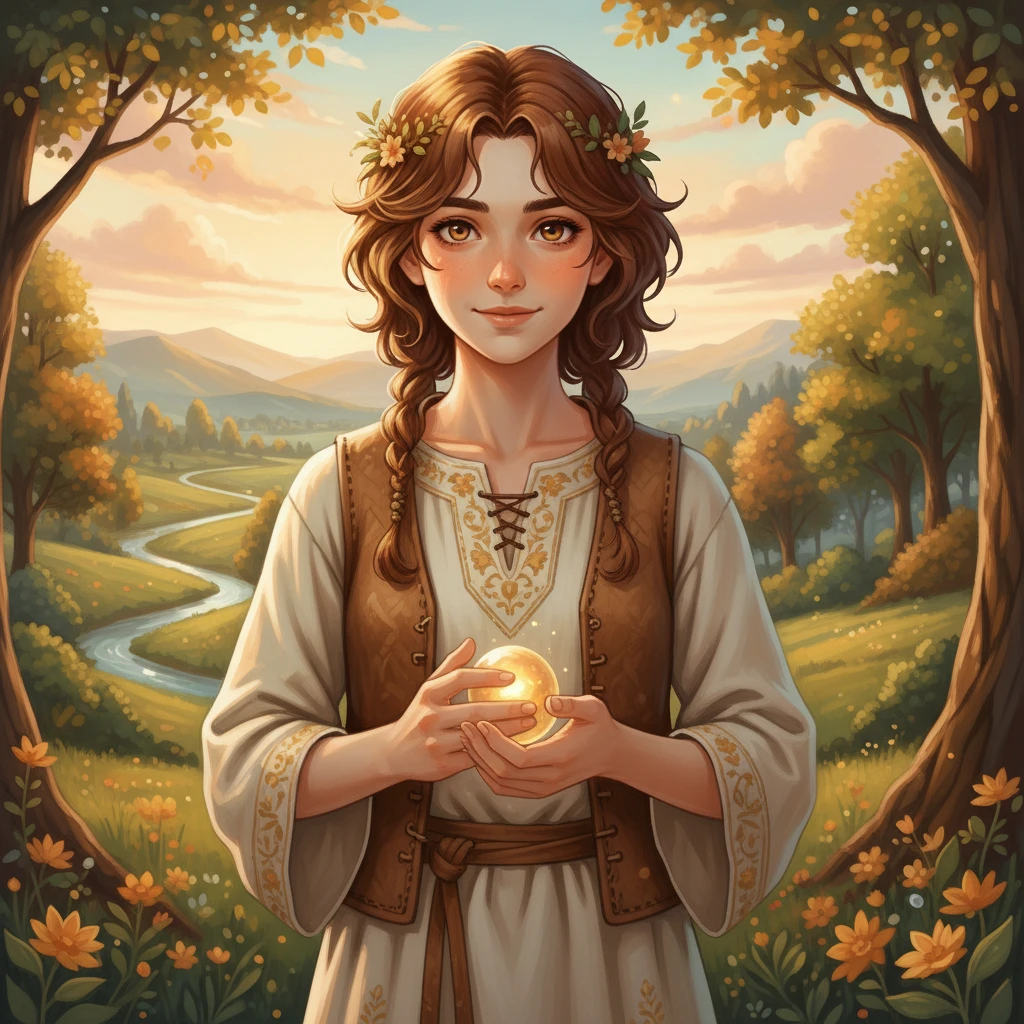
Photo to Pastoral Fantasy Anime style
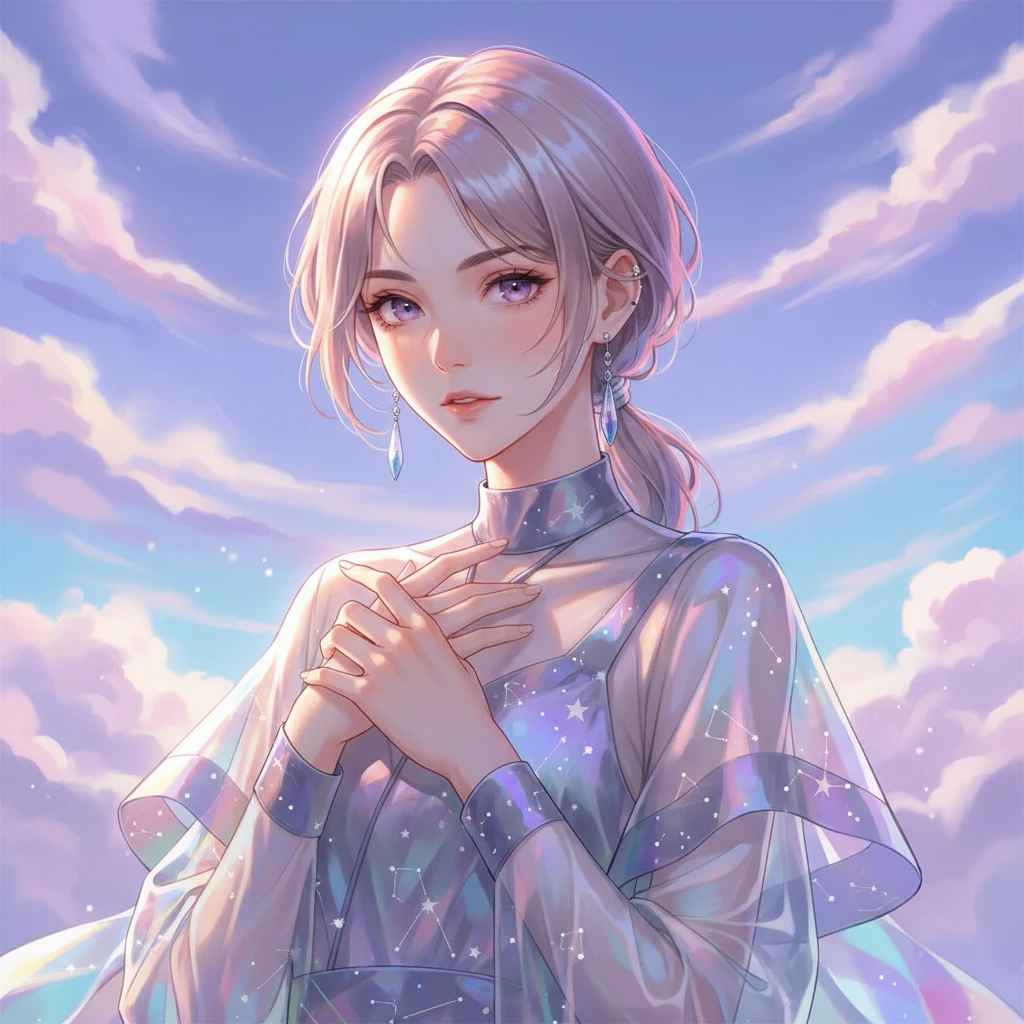
Photo to Cinematic Luminous Anime style
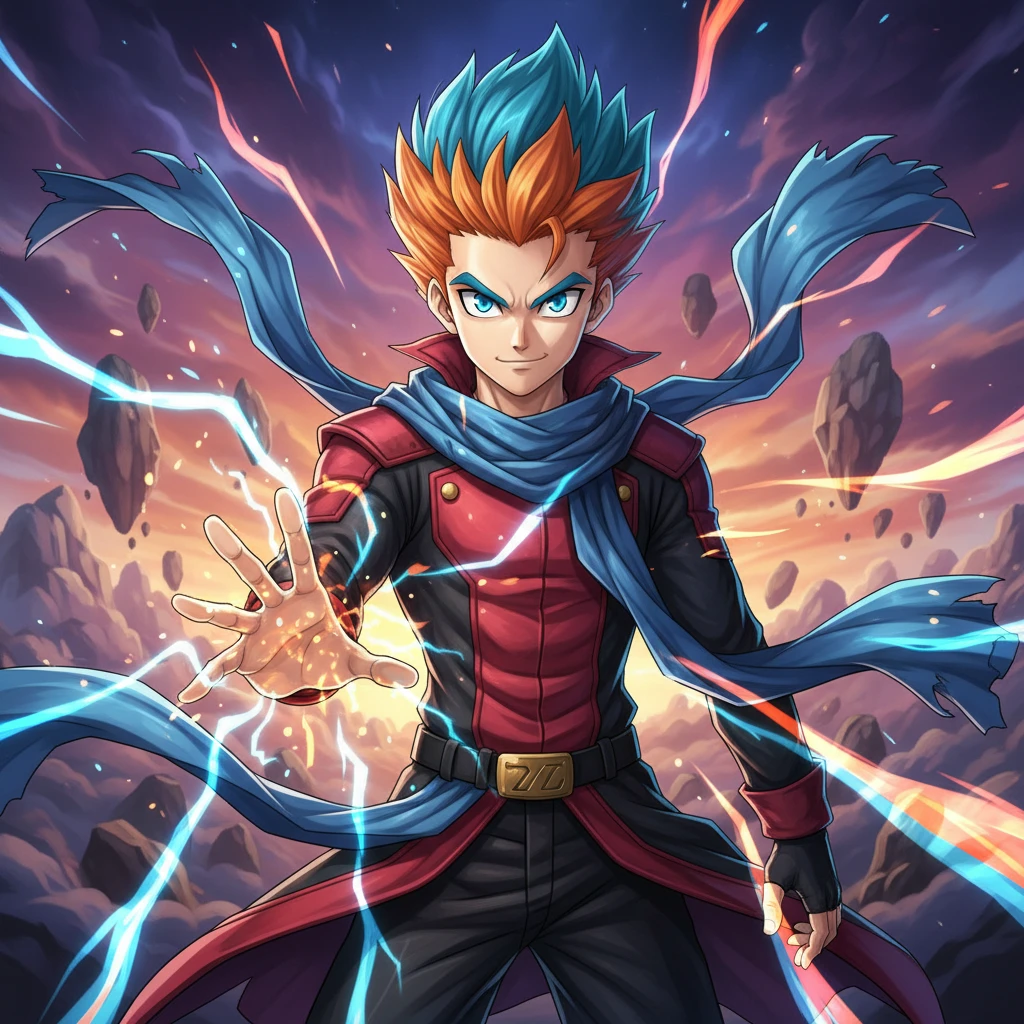
Photo to Battle Shonen Adventure style
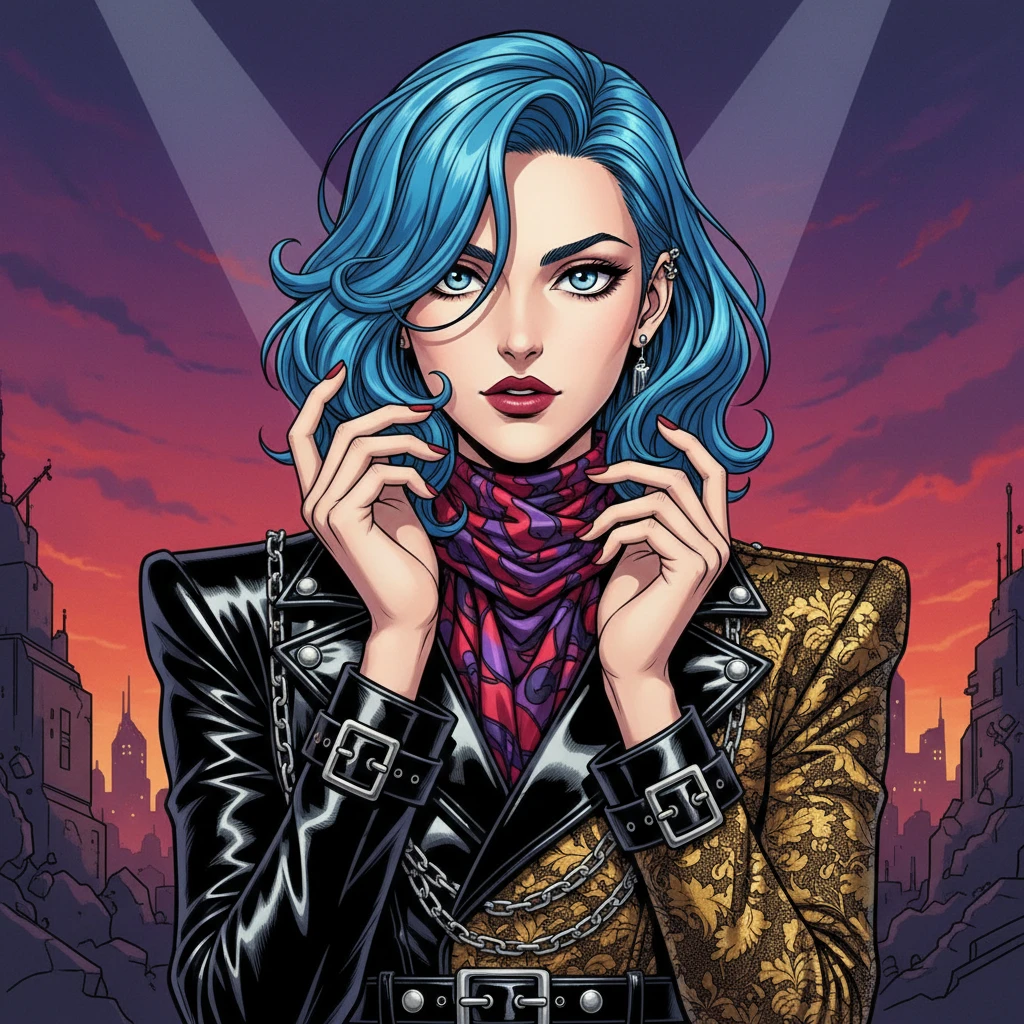
Photo to Bizarre Fashion Manga style
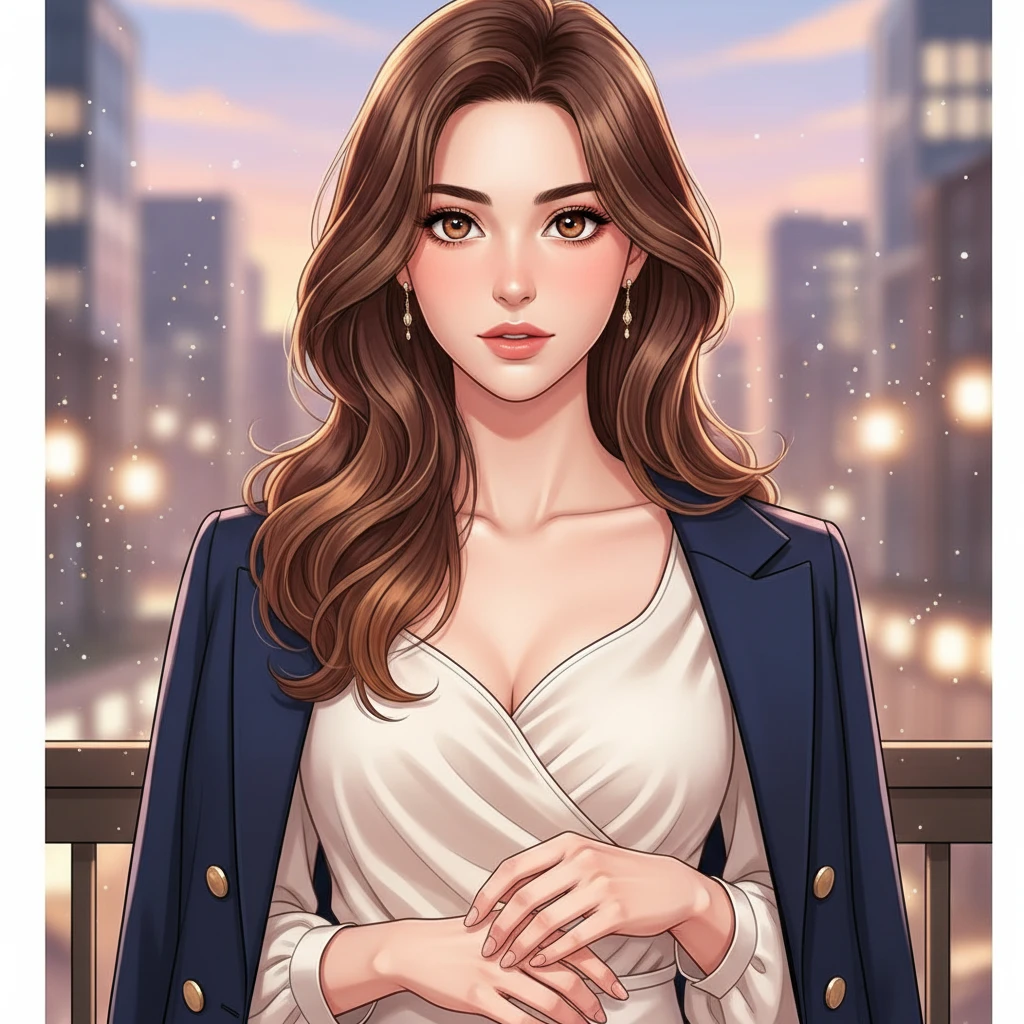
Photo to Romance Webtoon style
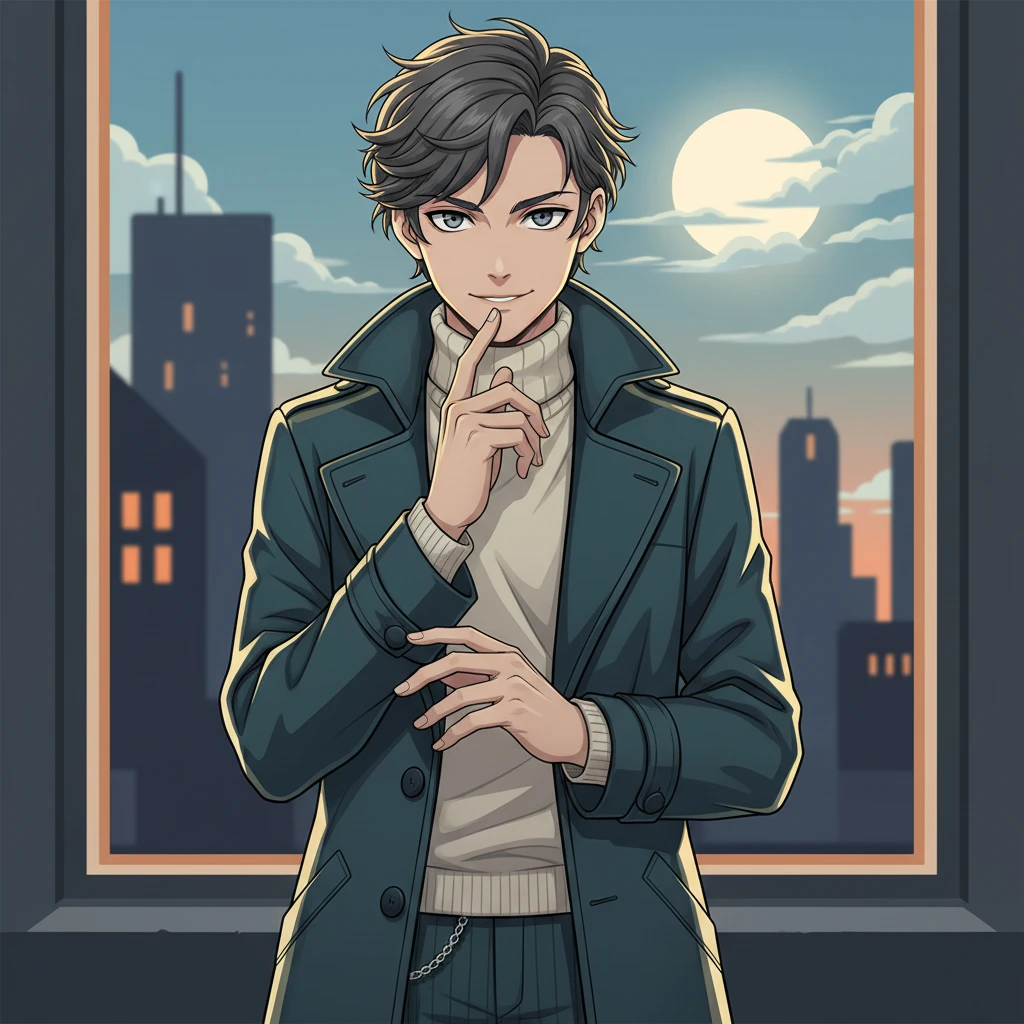
Photo to Detective Mystery Anime style
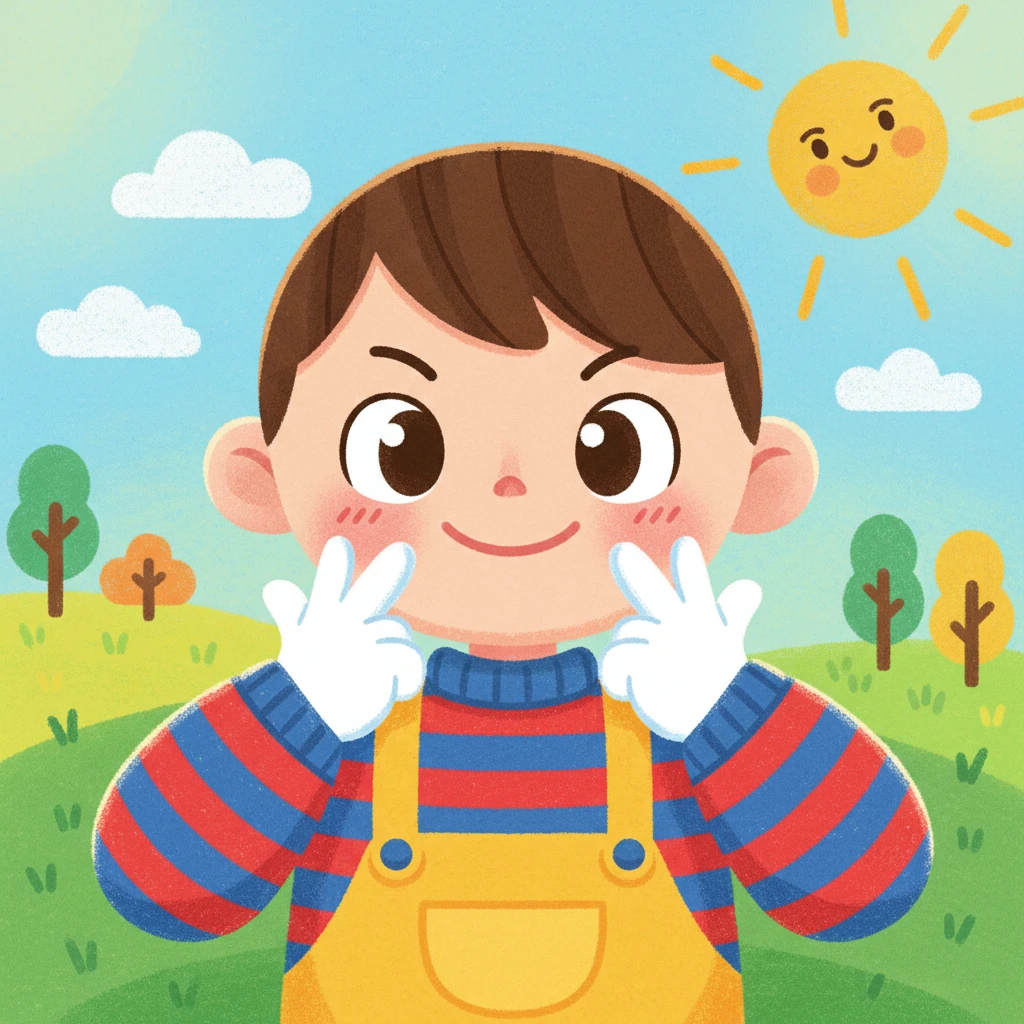
Photo to Childlike Crayon Cartoon style
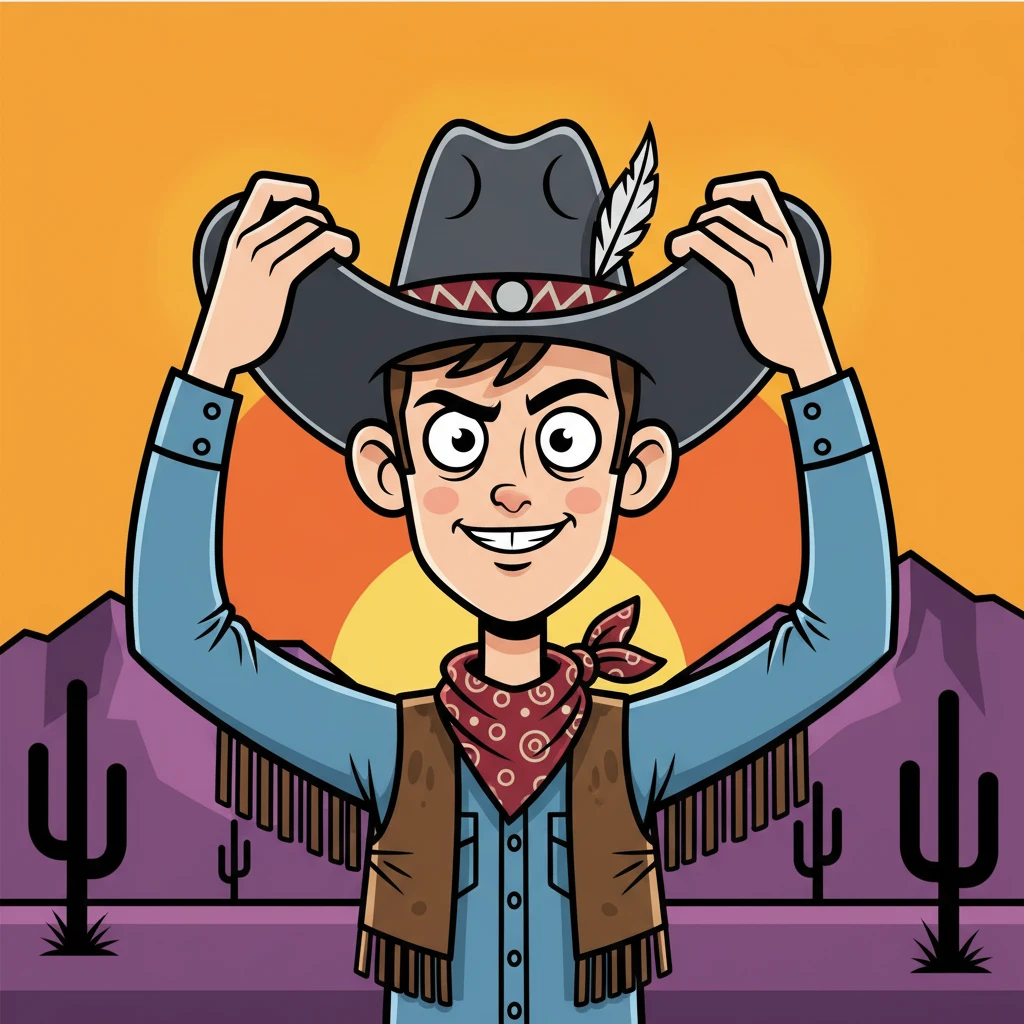
Photo to Satirical Family Cartoon style
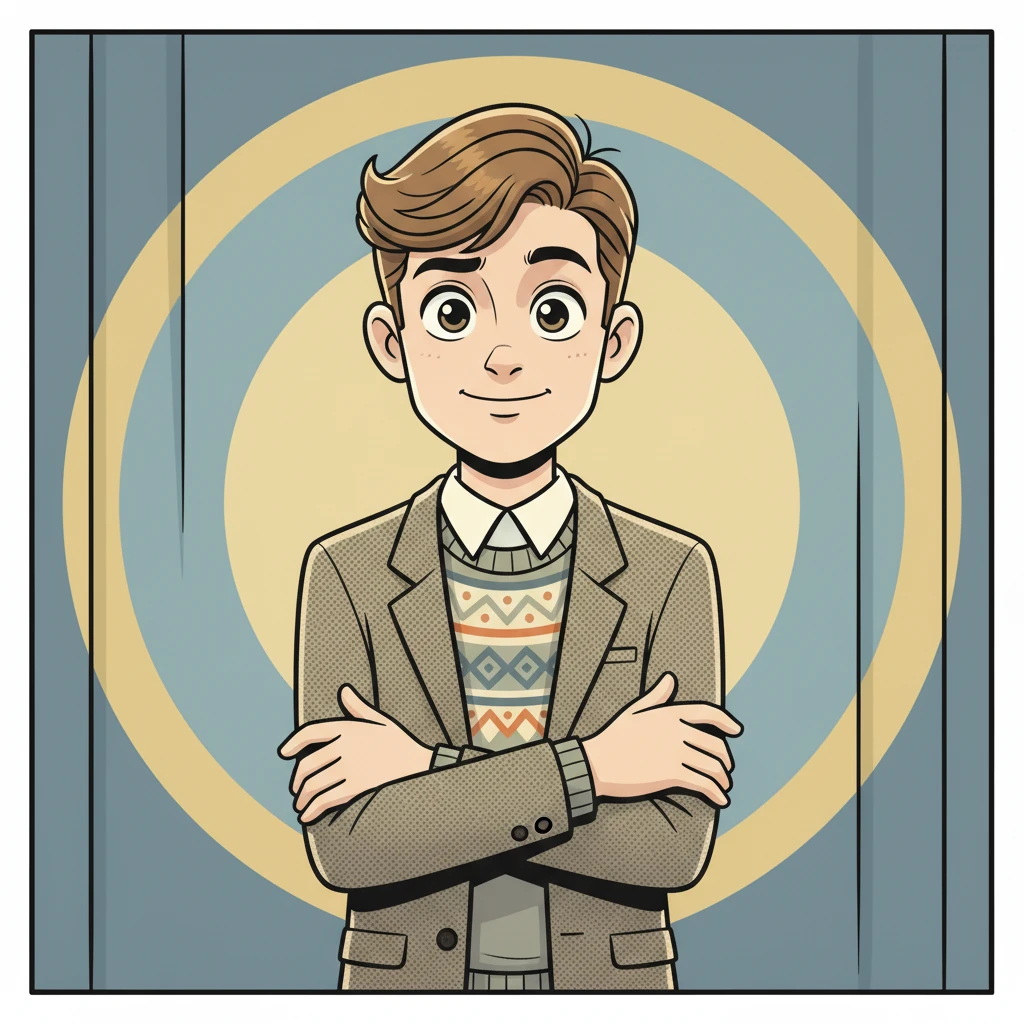
Photo to Newspaper Comic Strip style
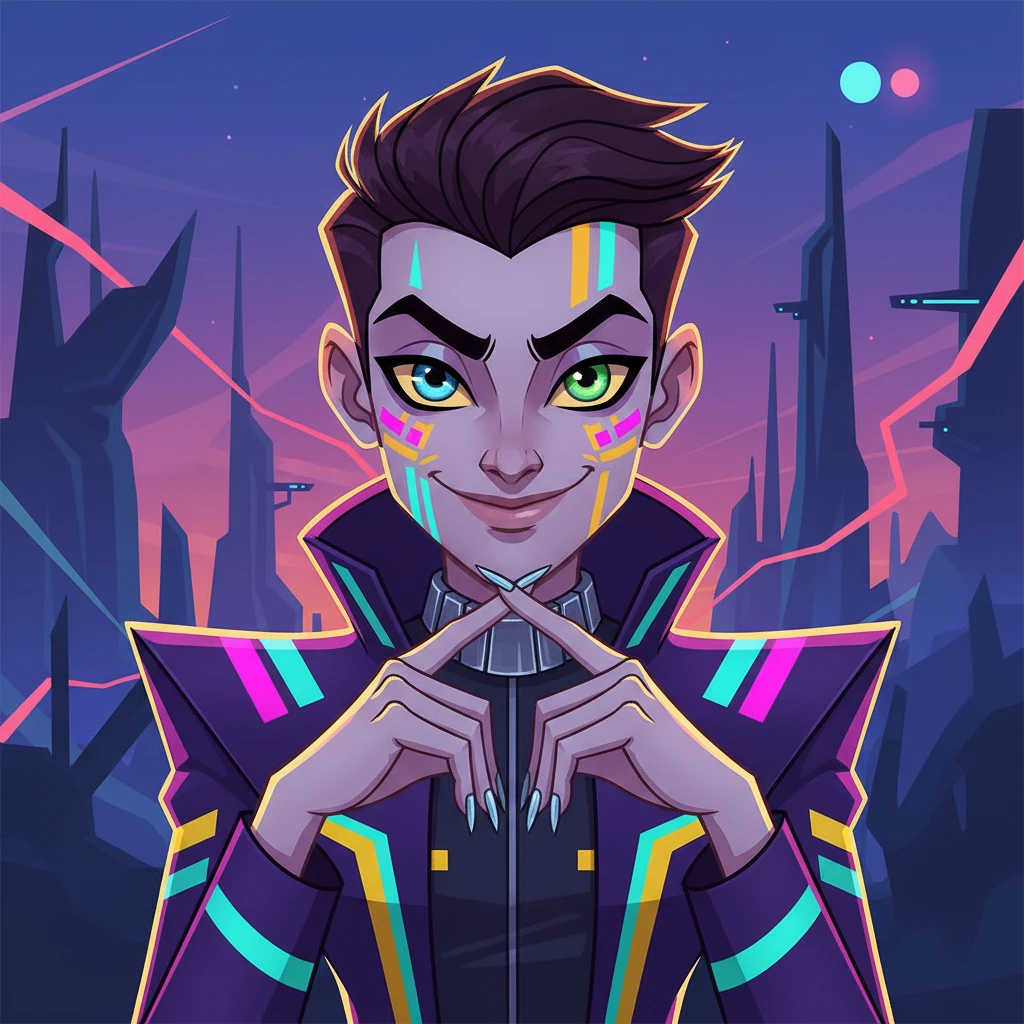
Photo to Adult Sci-Fi Cartoon style
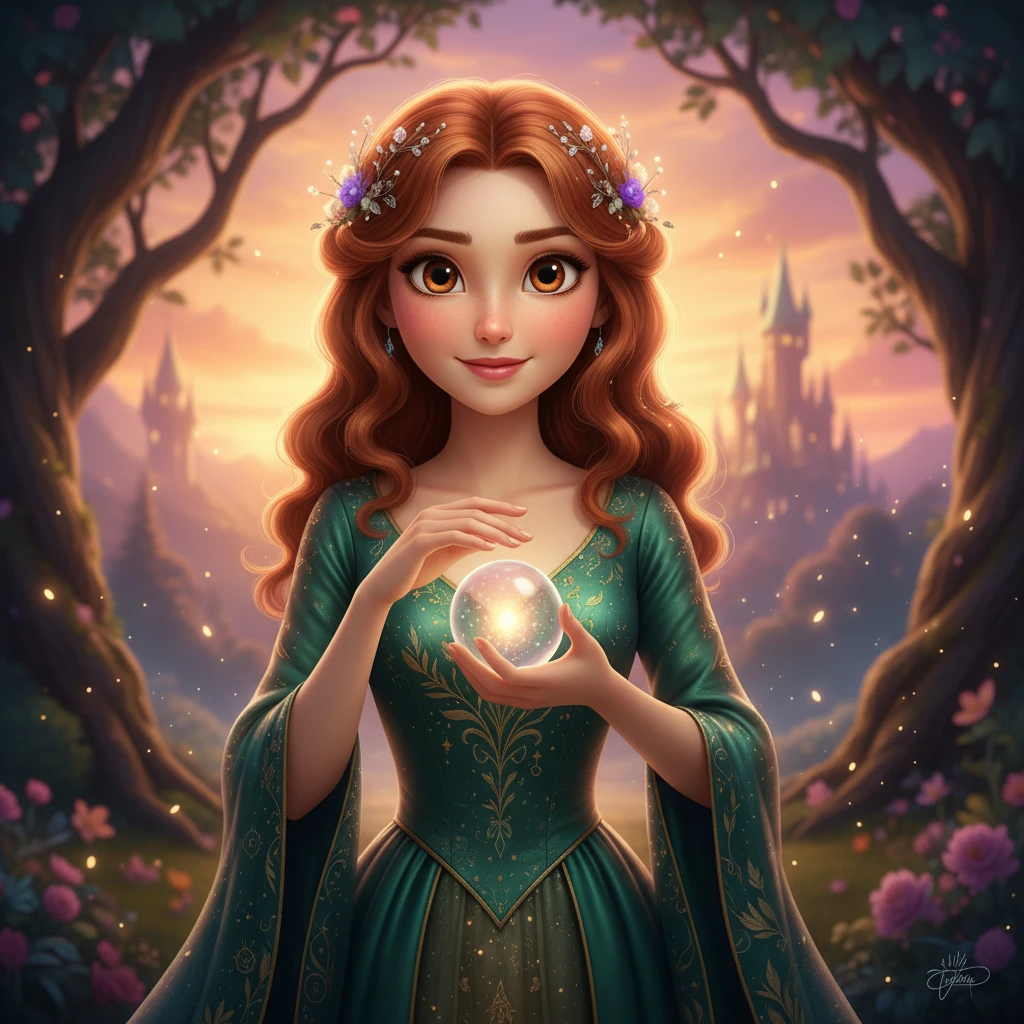
Photo to Fairytale Princess Animation style
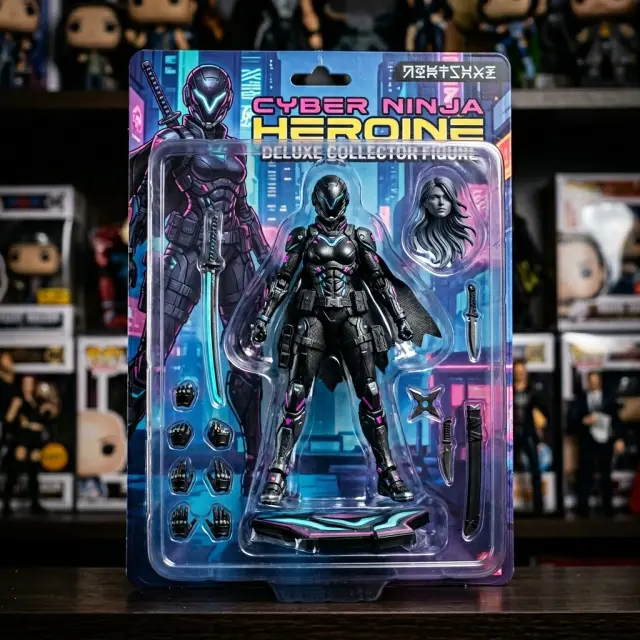
Photo to Action Figure style
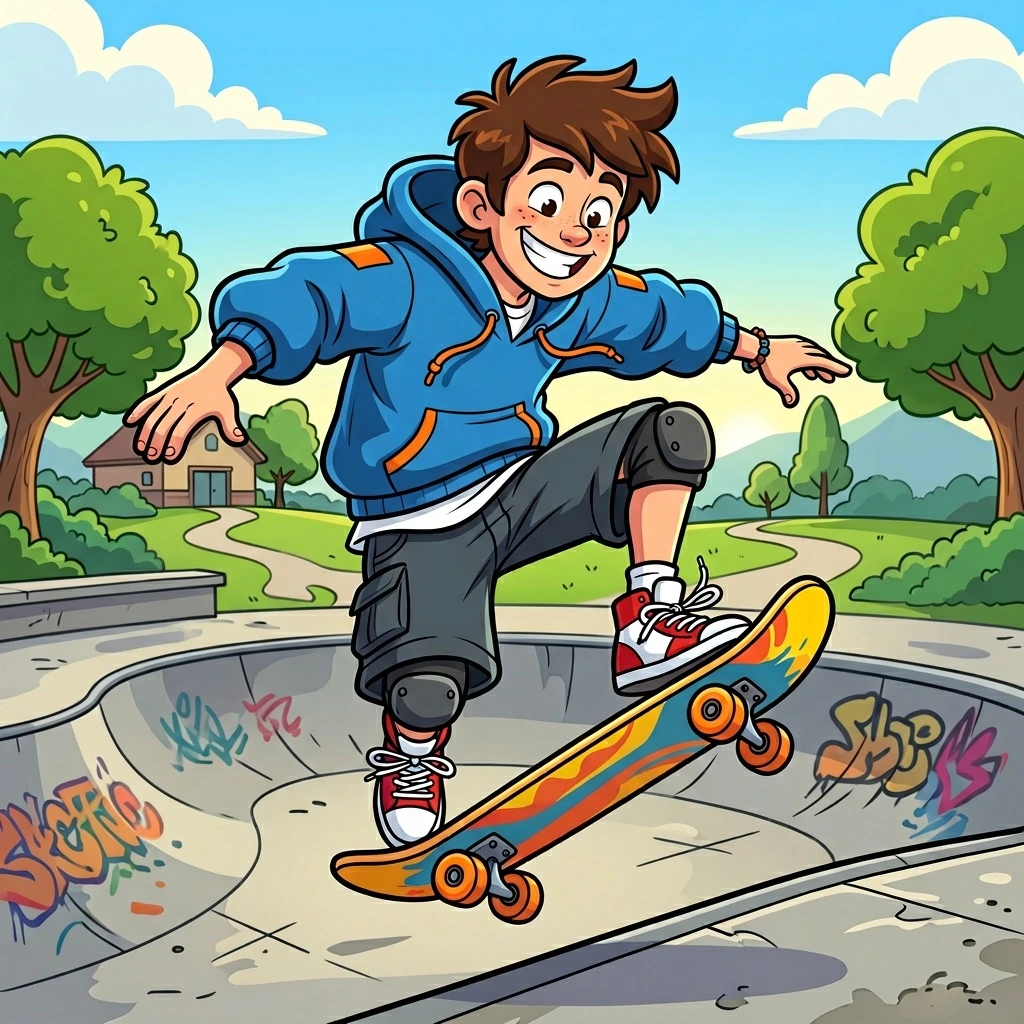
Photo to American Cartoon style
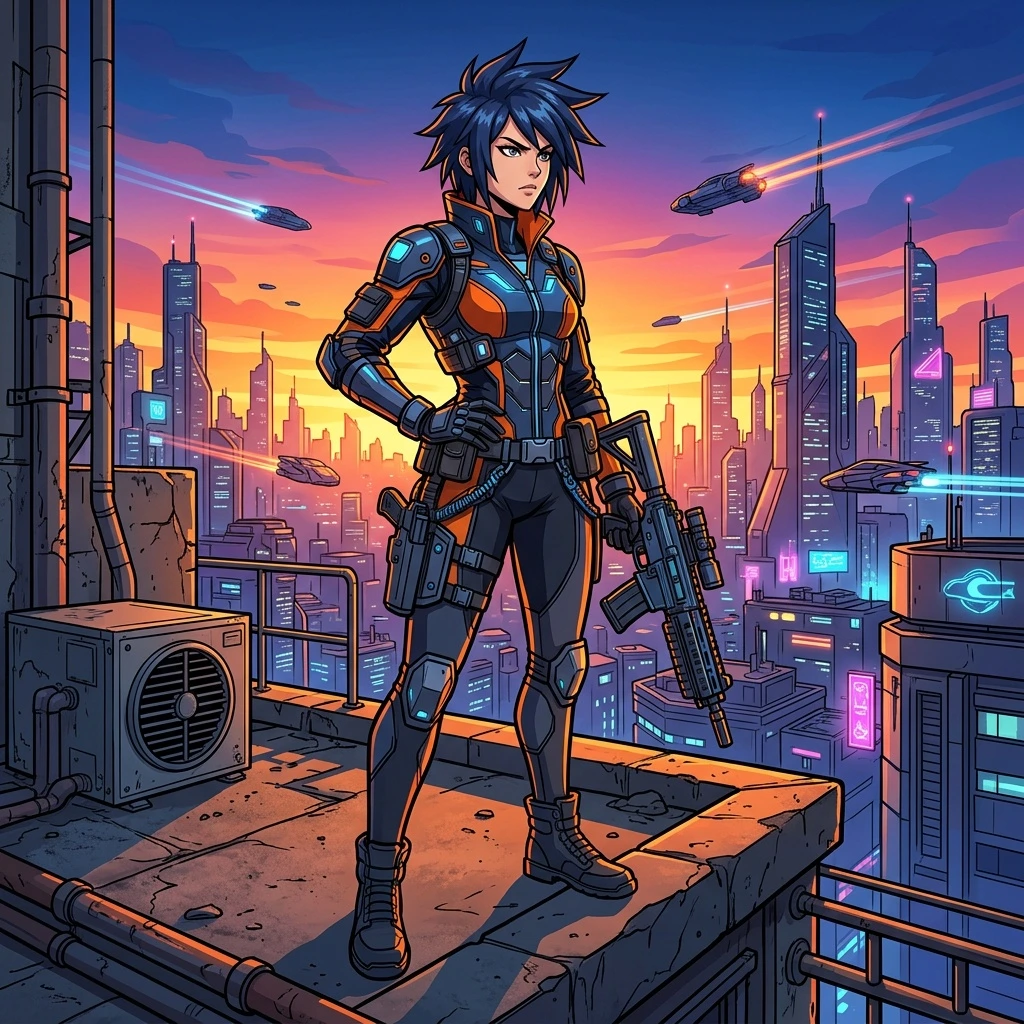
Photo to Cel Shaded style
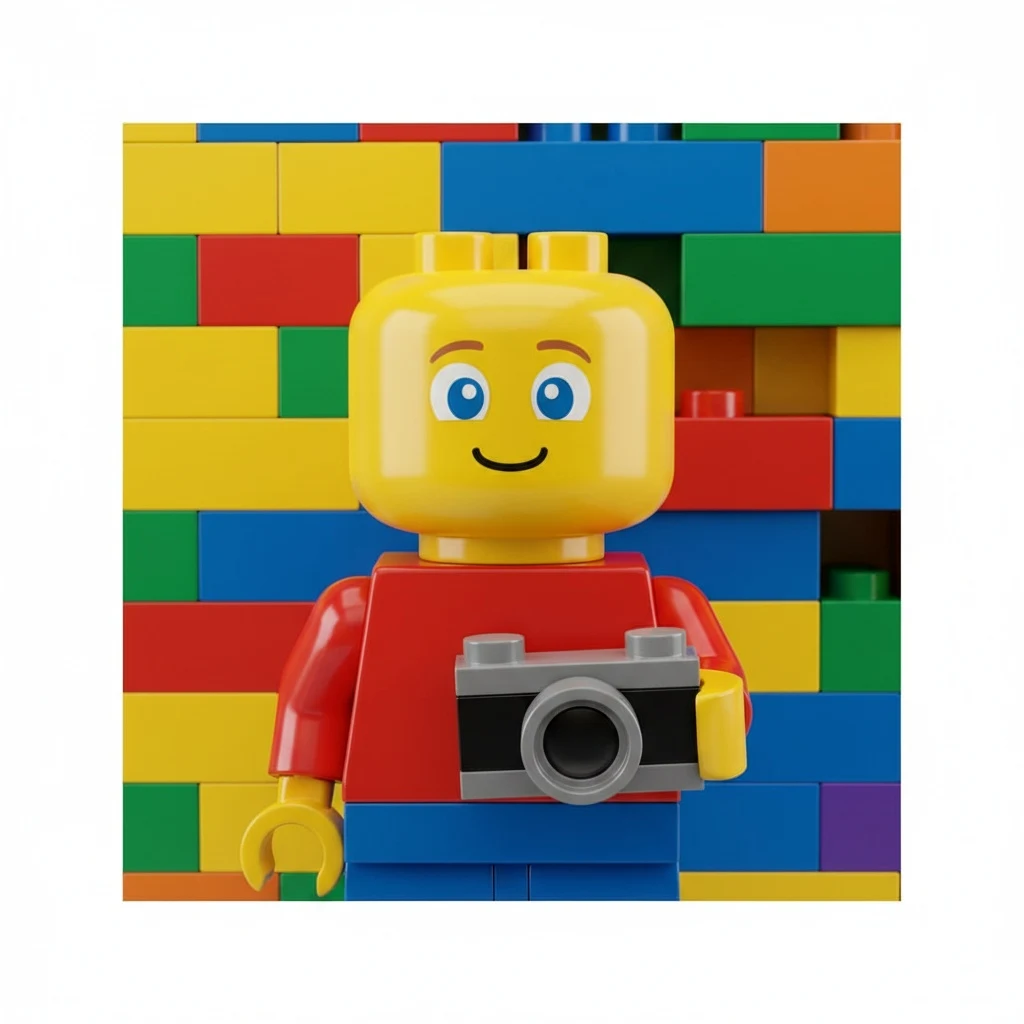
Photo to LEGO style
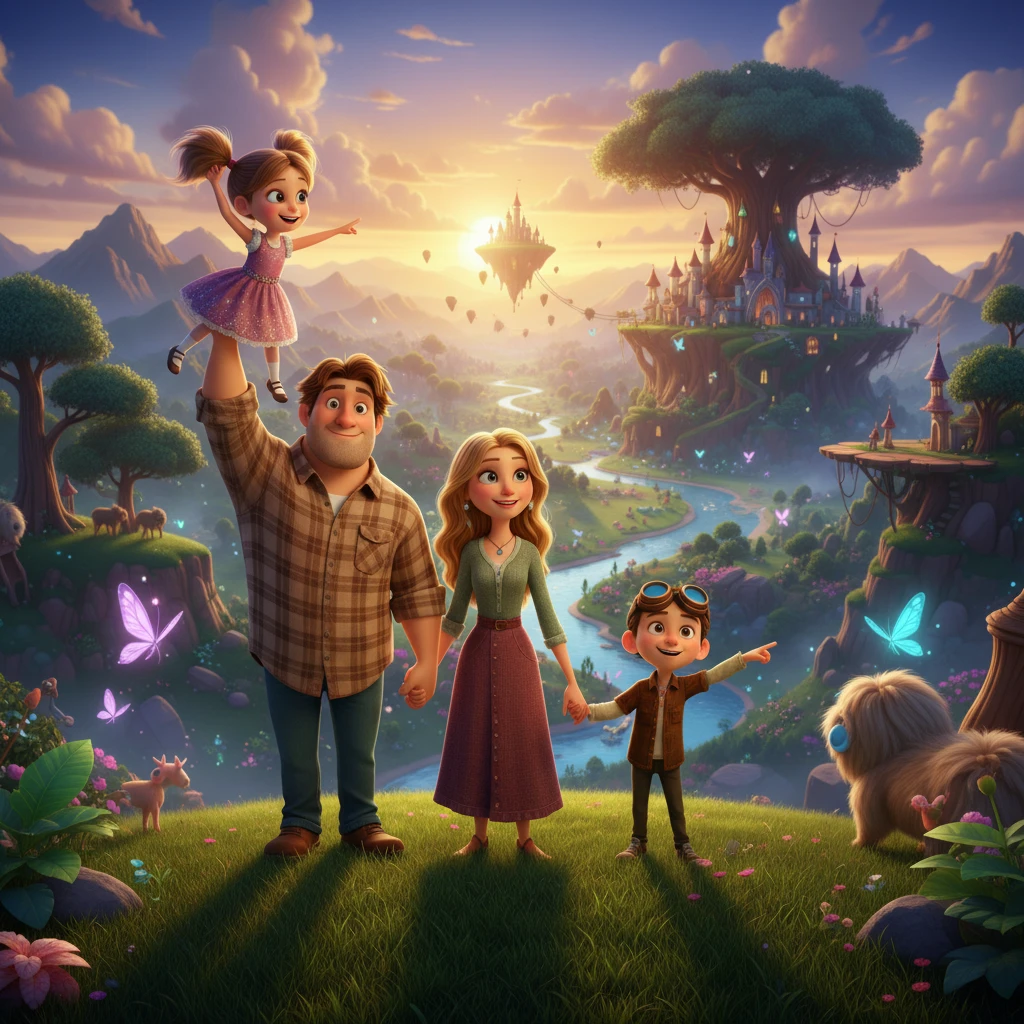
Photo to DreamWorks style
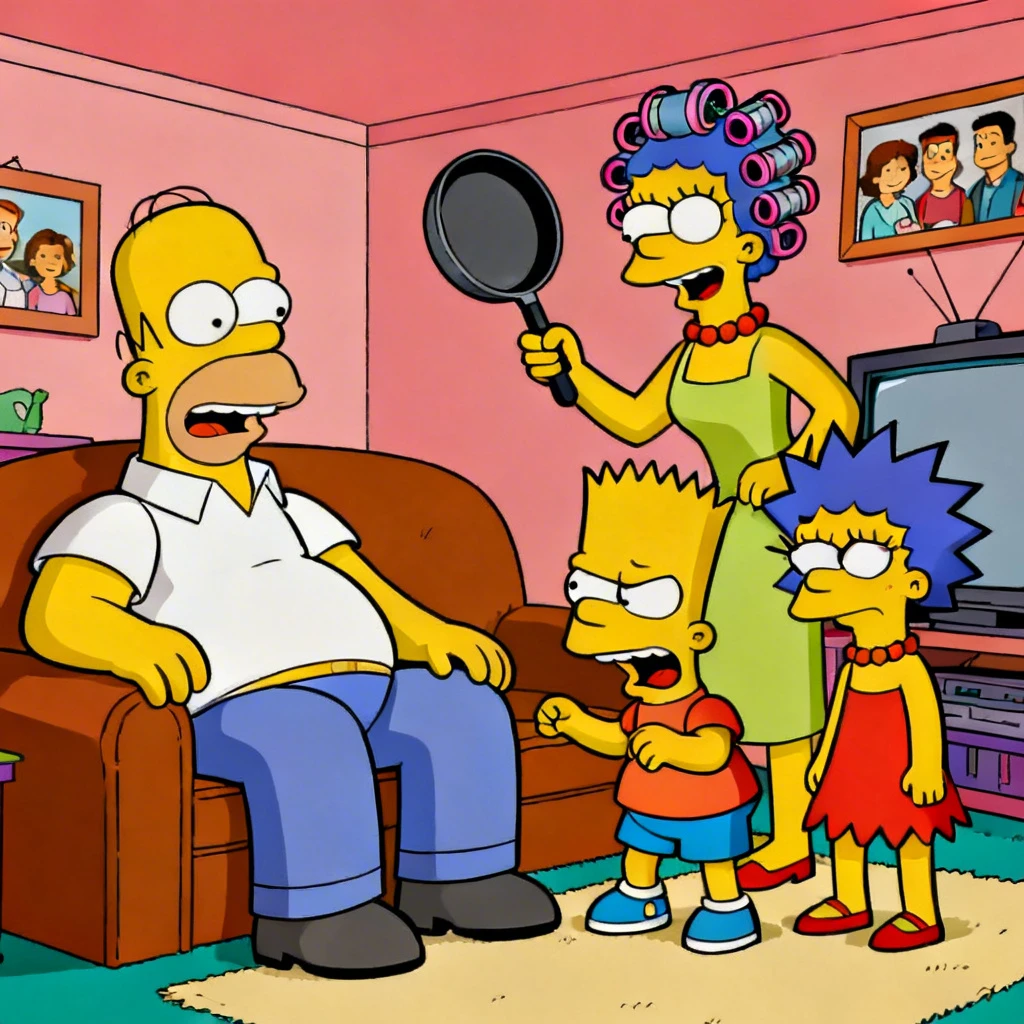
Photo to Simpsons style
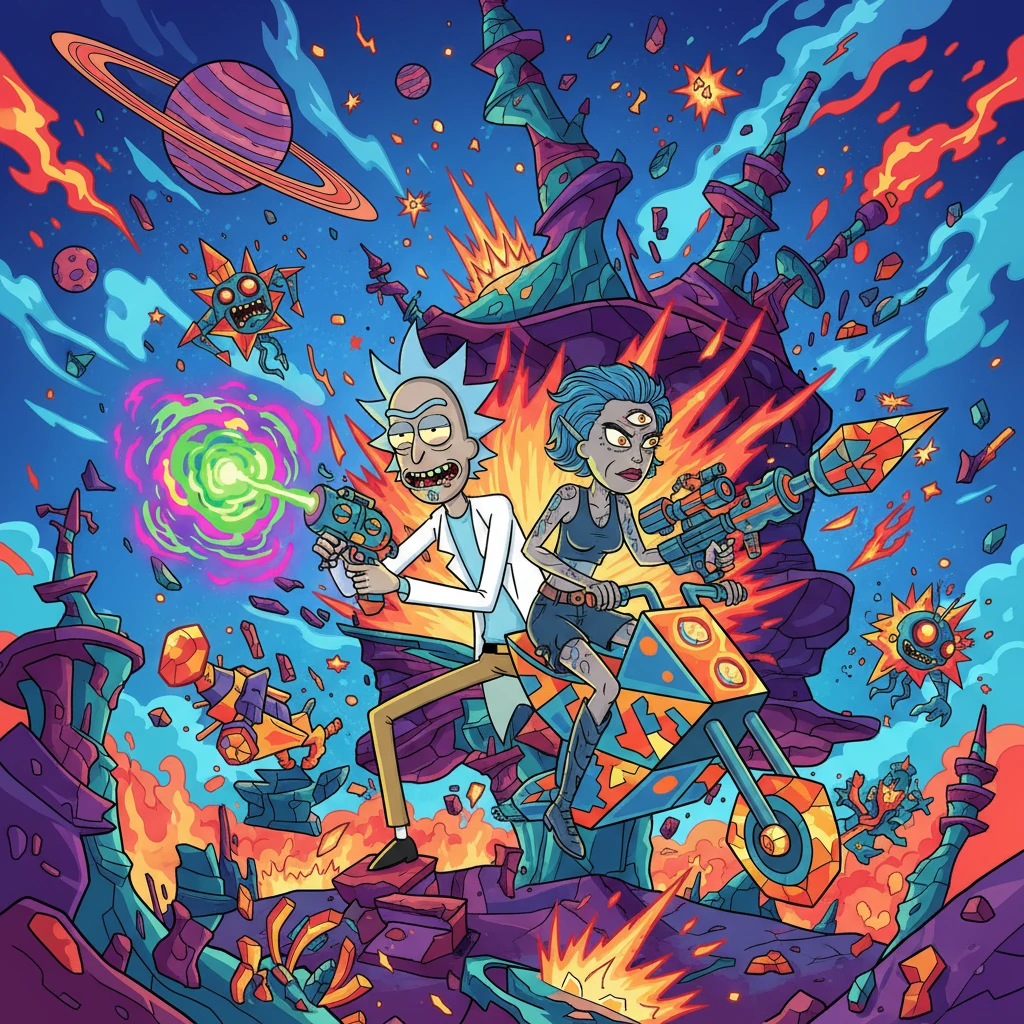
Photo to Rick and Morty style
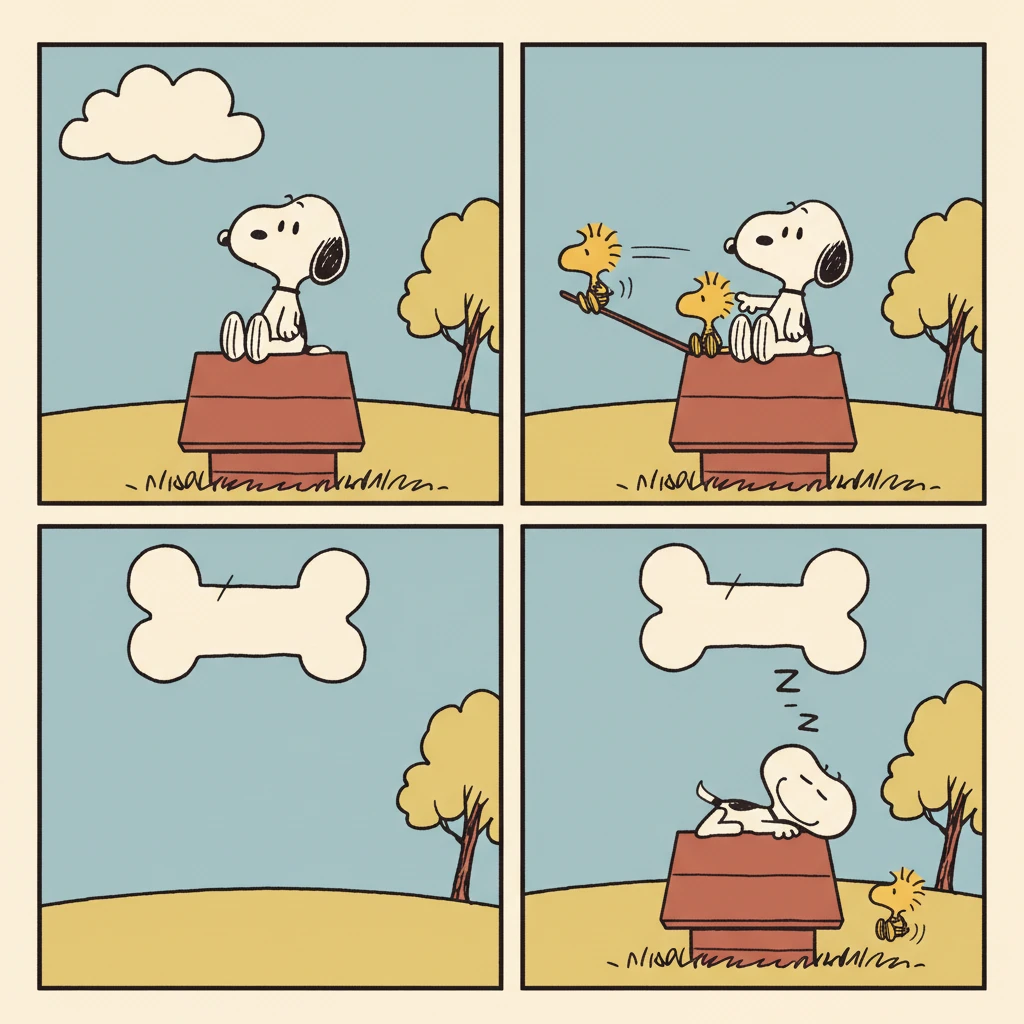
Photo to Snoopy Comic style
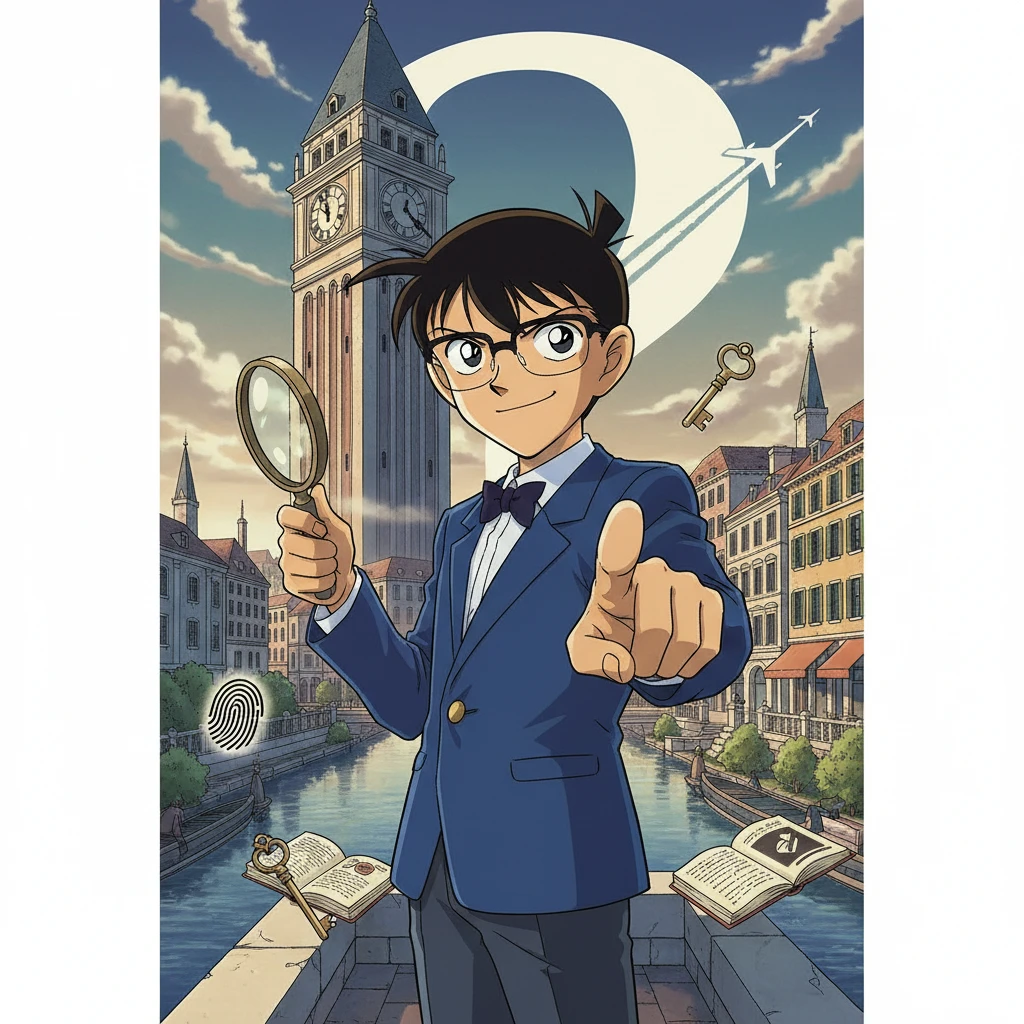
Photo to Detective Conan style
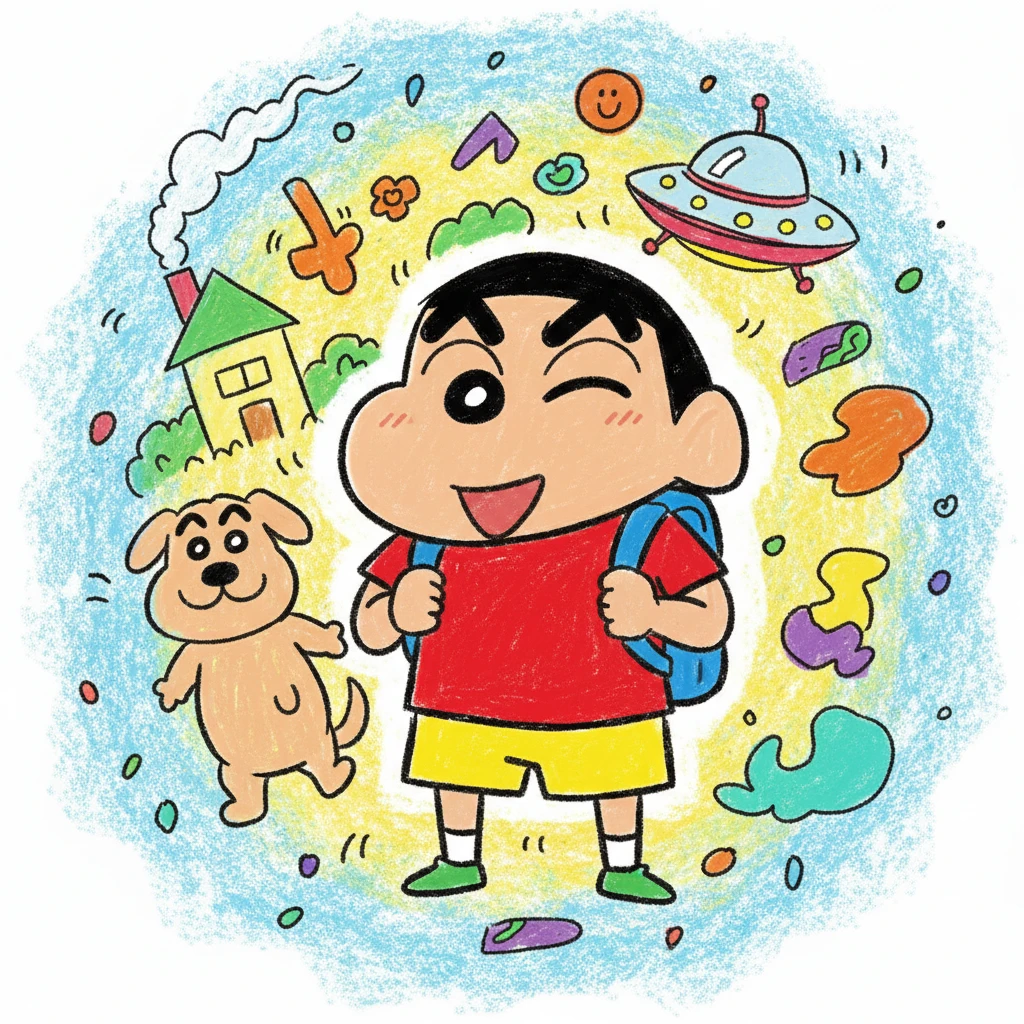
Photo to Crayon Shin-chan style
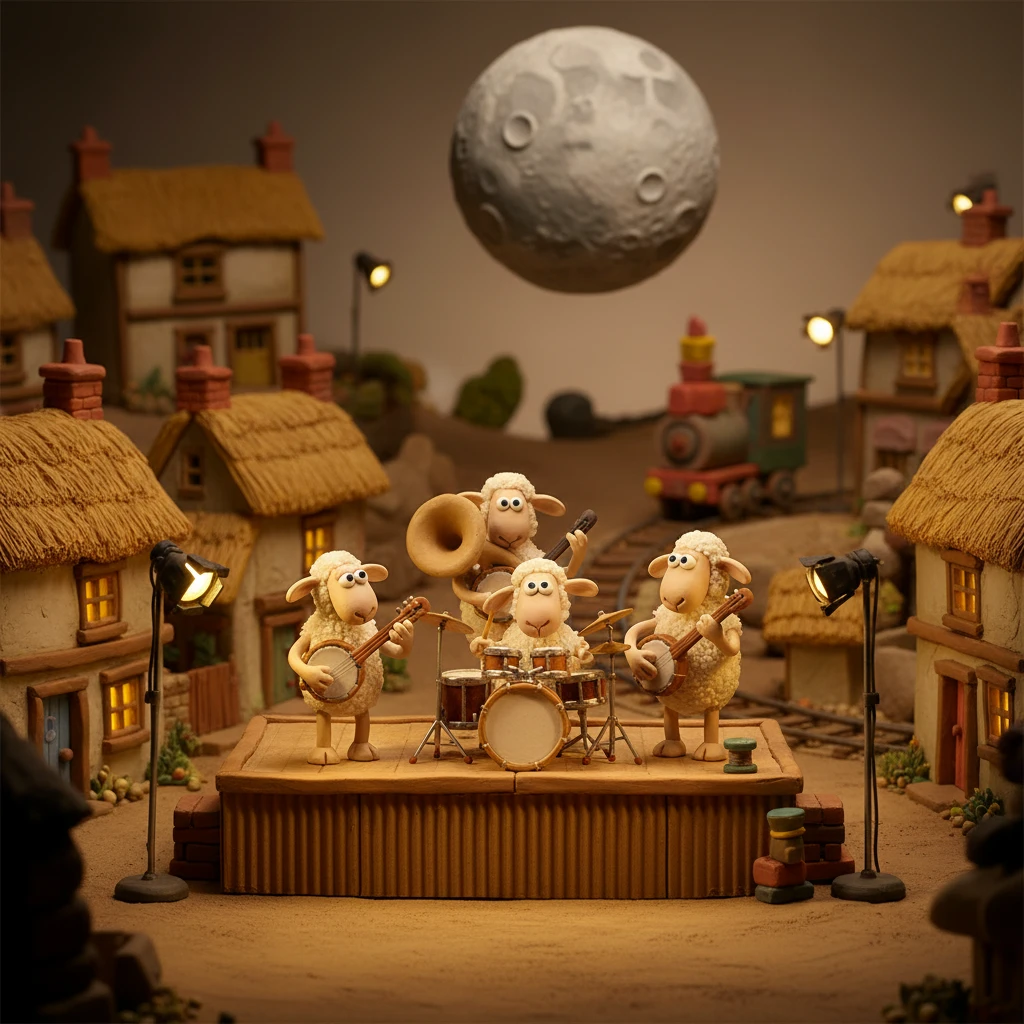
Photo to Aardman Studio style
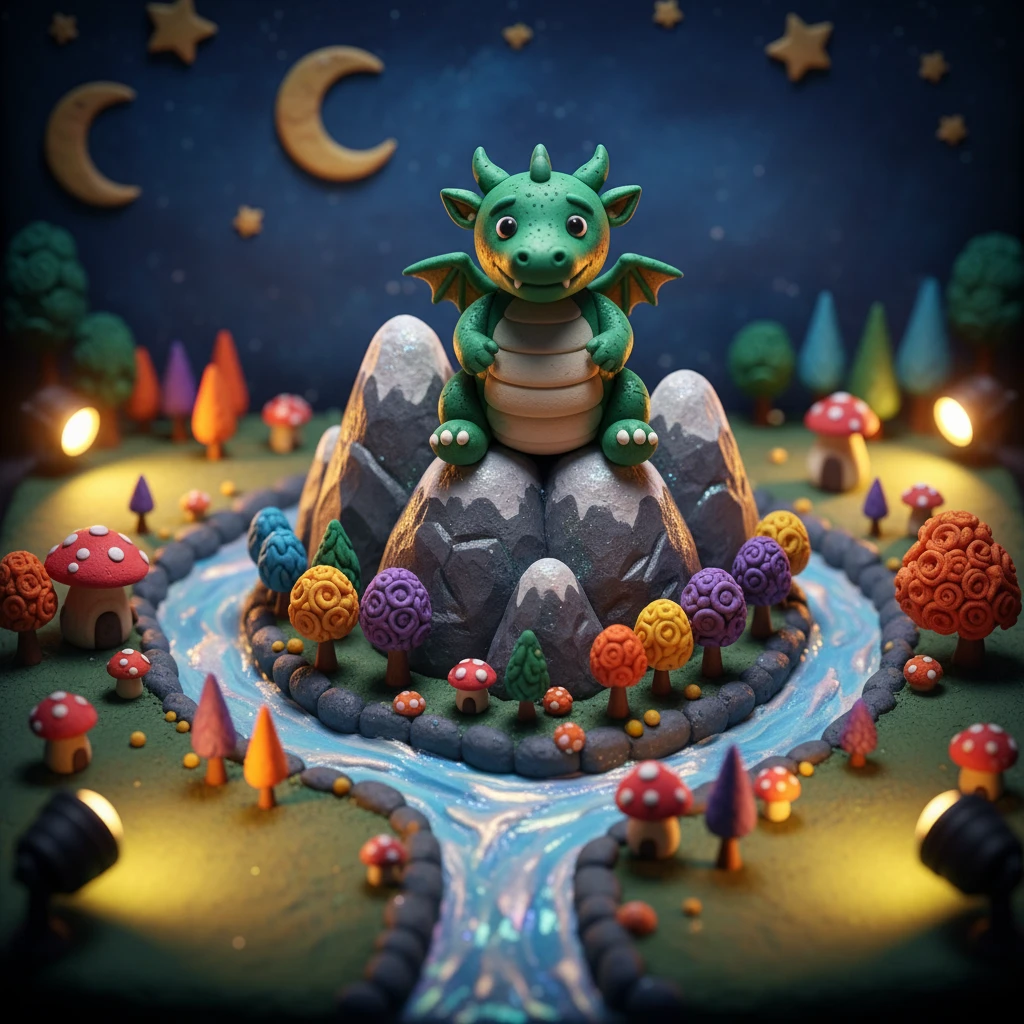
Photo to Claymation style
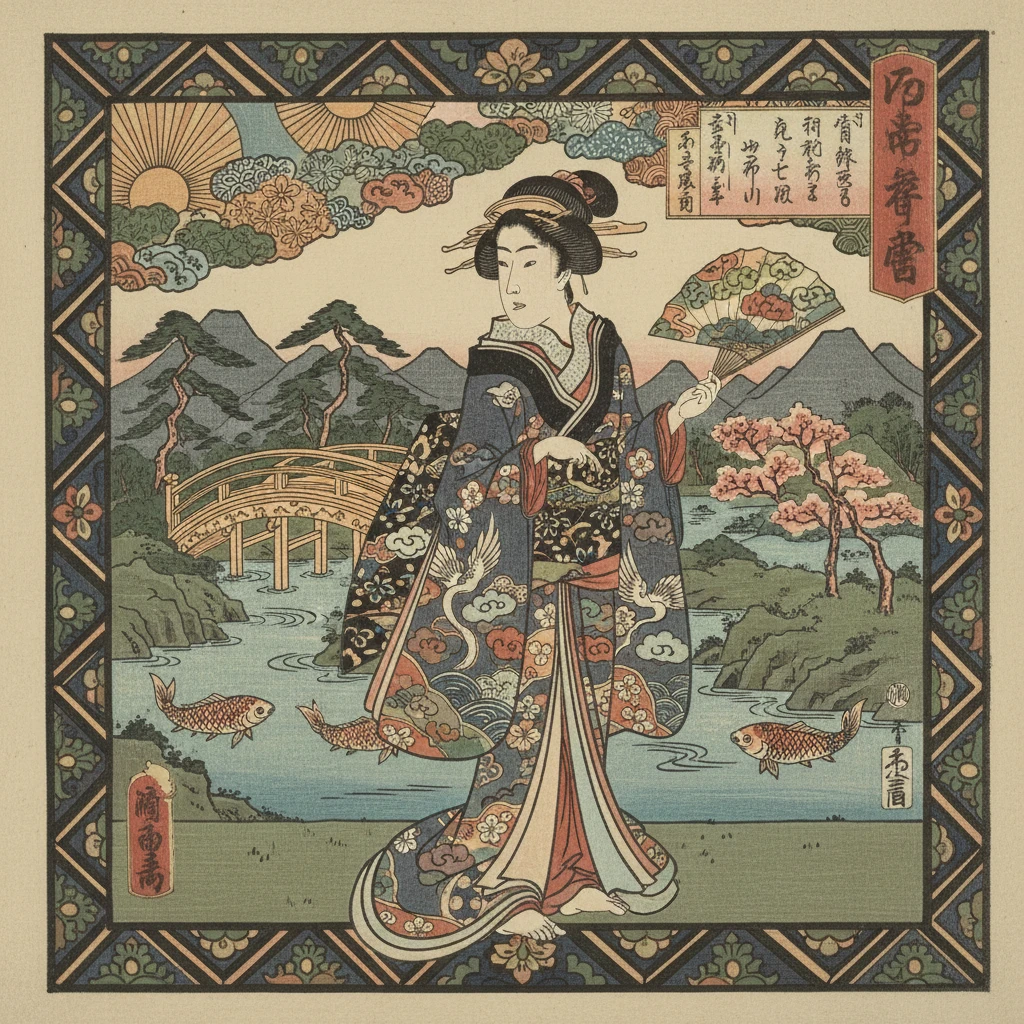
Photo to Japanese Ukiyo-e style
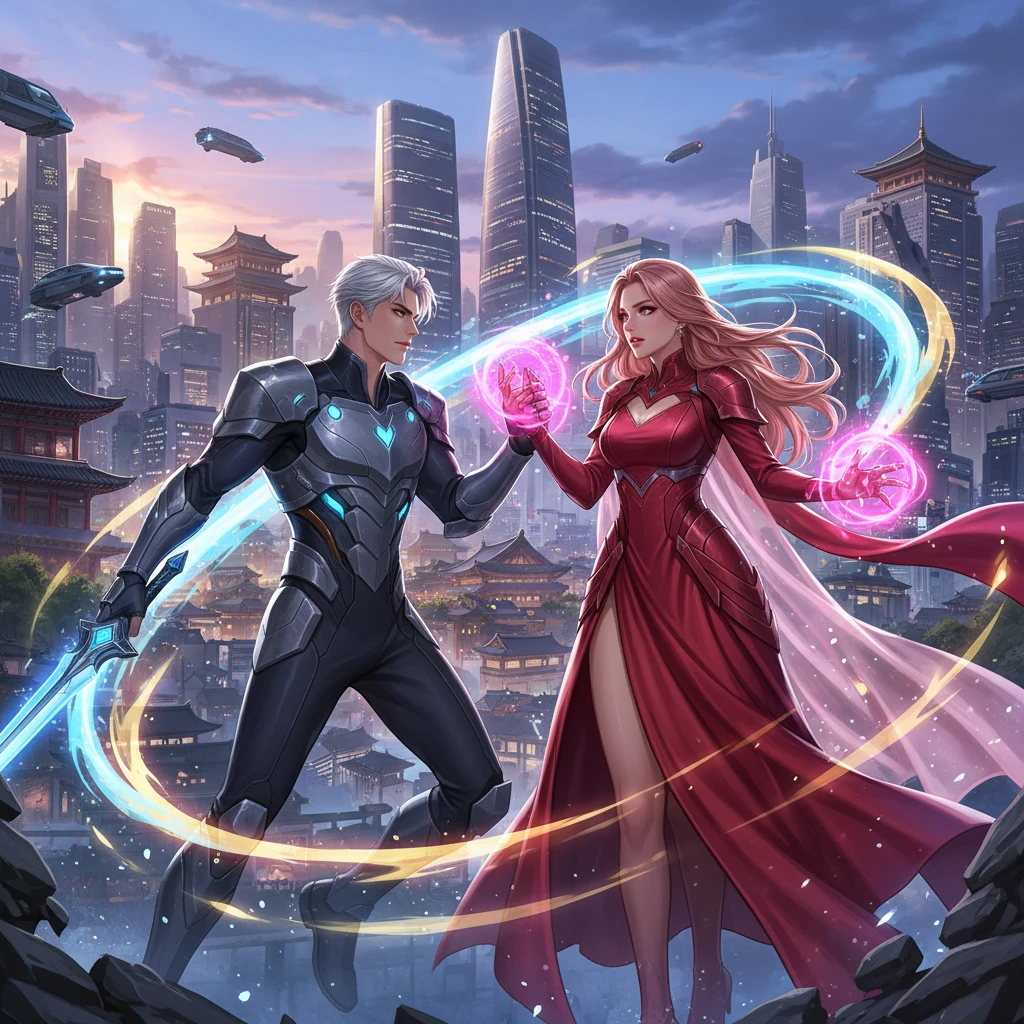
Photo to Korean Manhwa style
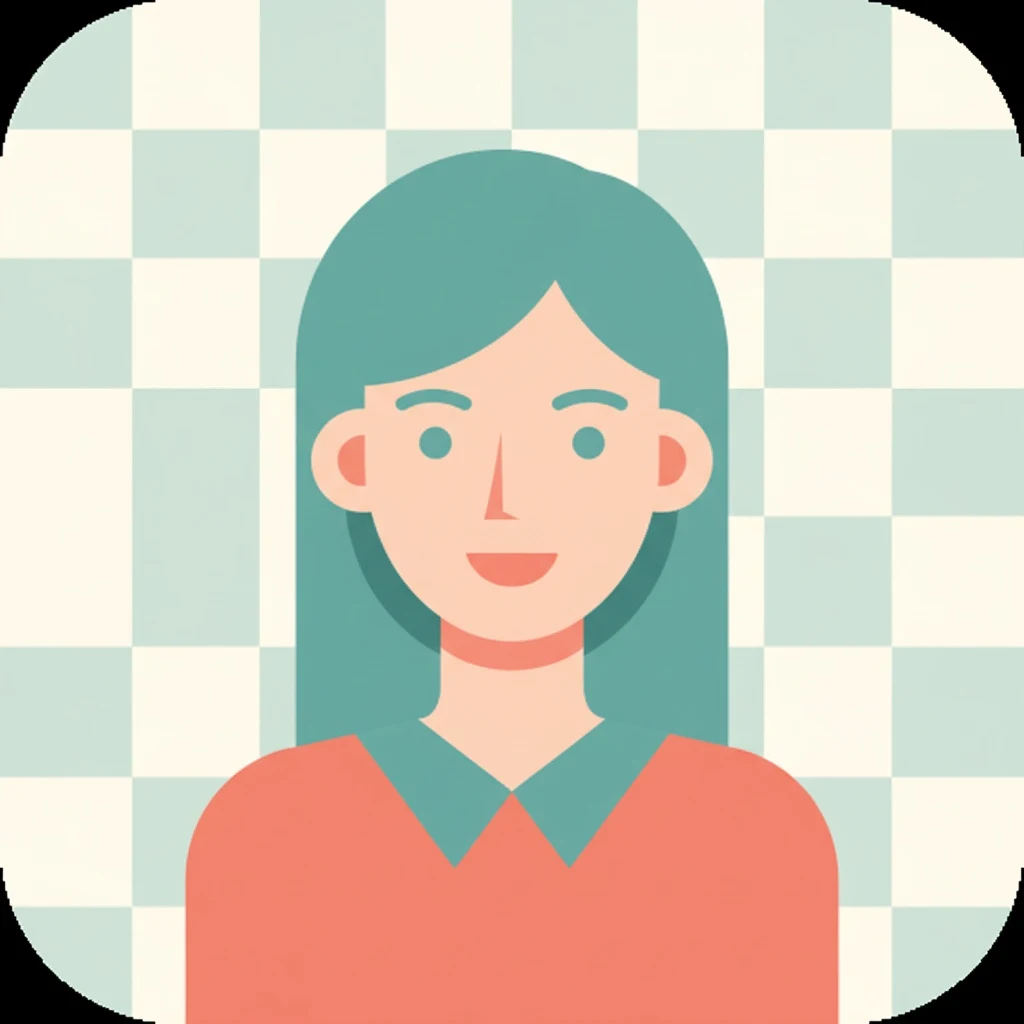
Photo to Flat Illustration style
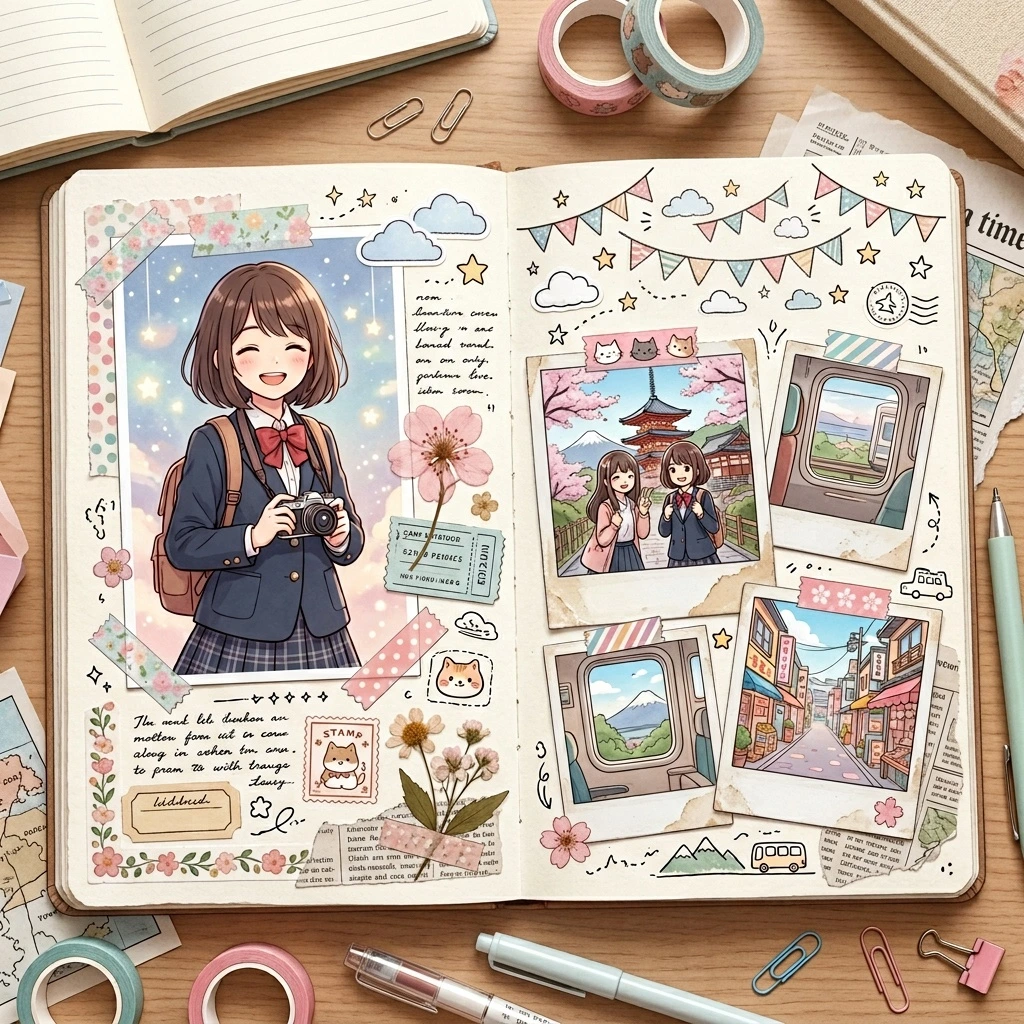
Photo to Scrapbook / Journal Anime style
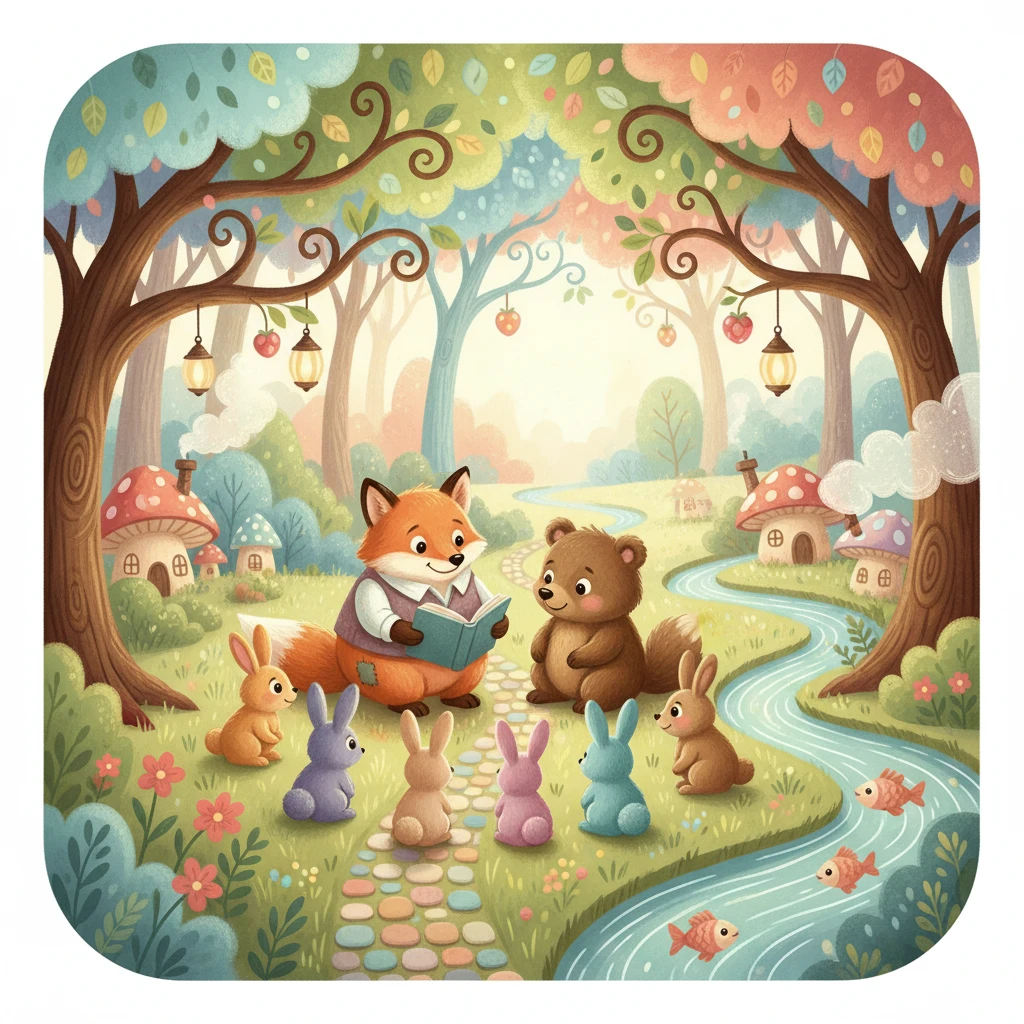
Photo to Children's Book style
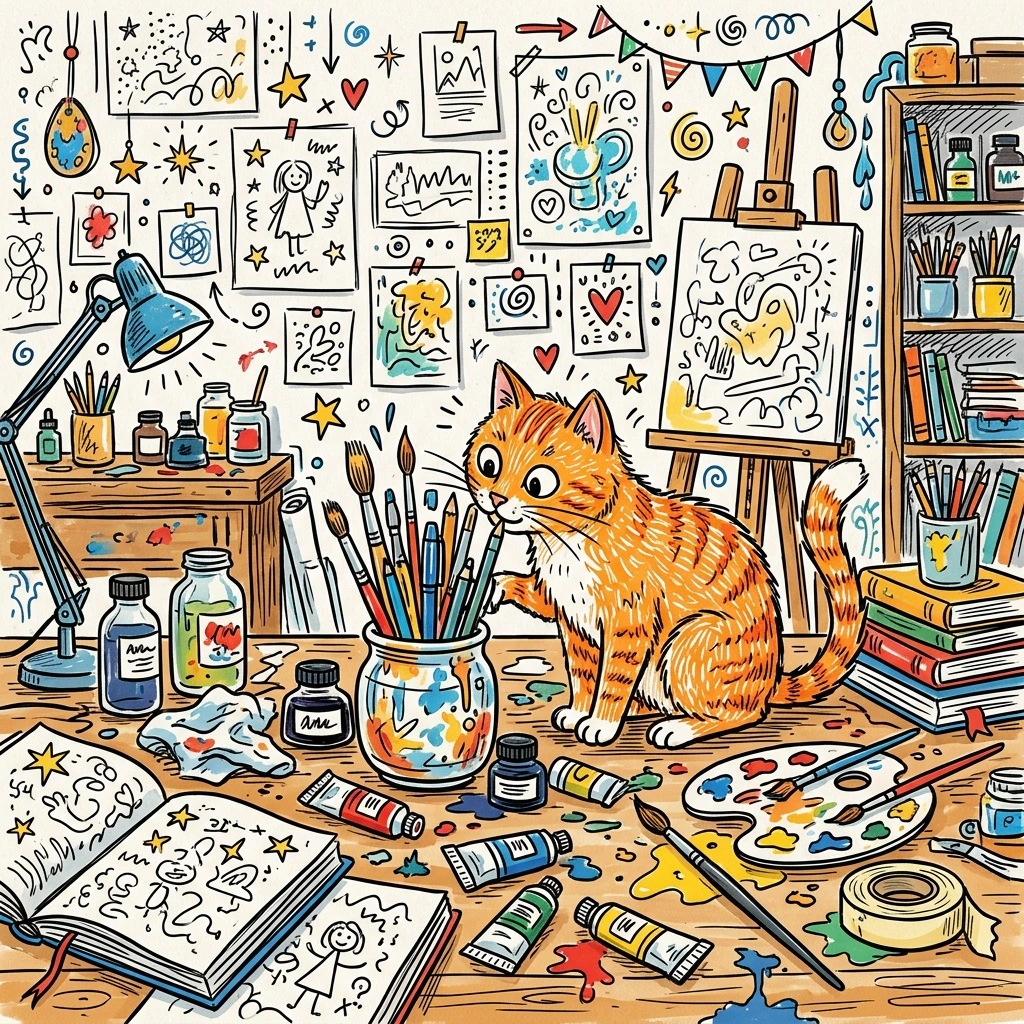
Photo to Doodle Art style
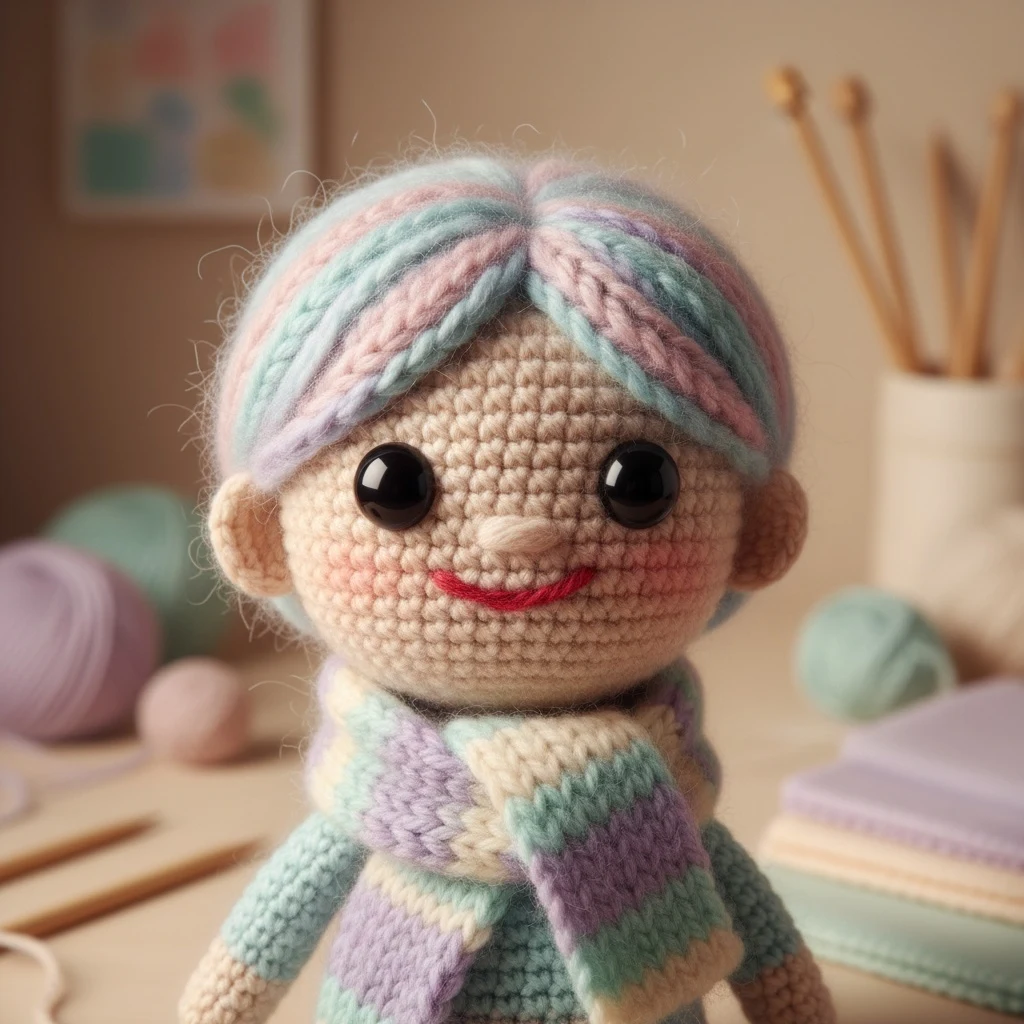
Photo to Knitted Yarn style
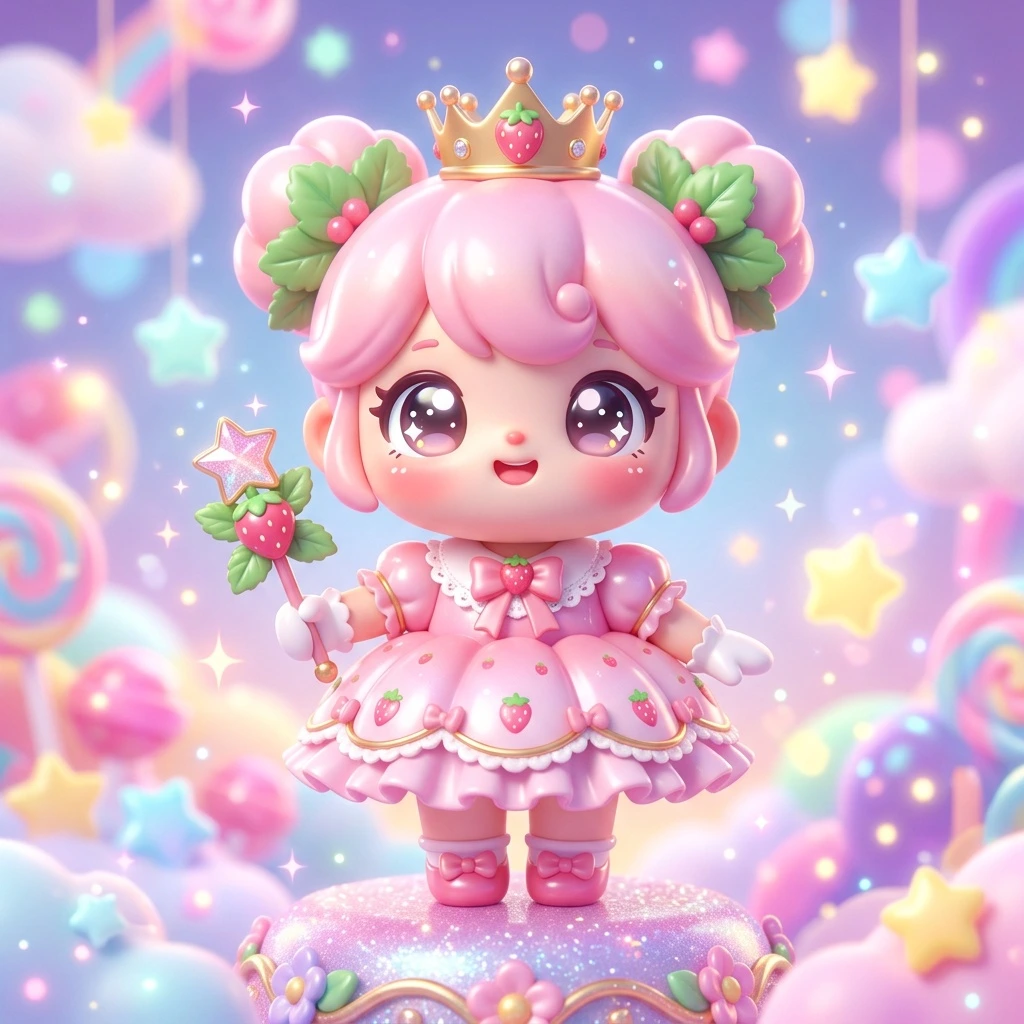
Photo to Kawaii 3D Character style
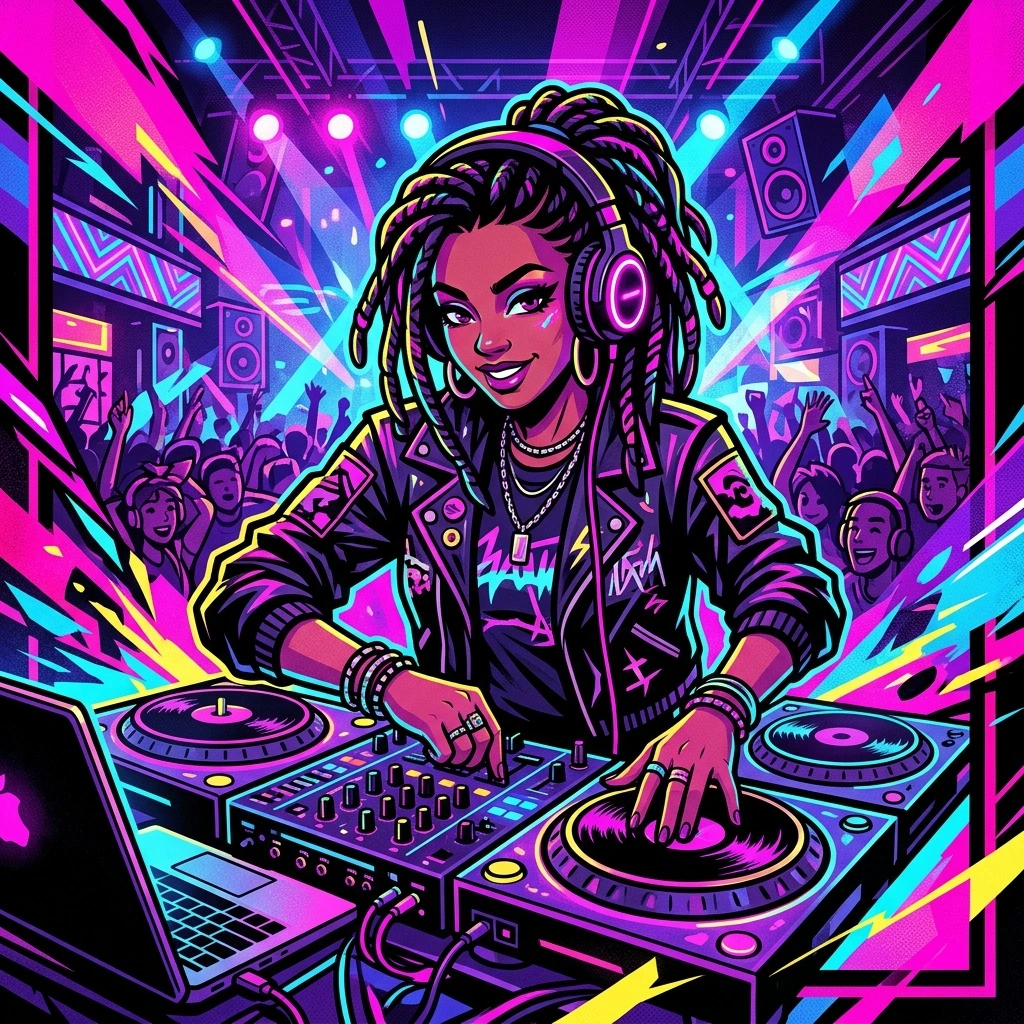
Photo to Cartoon Portrait Poster style
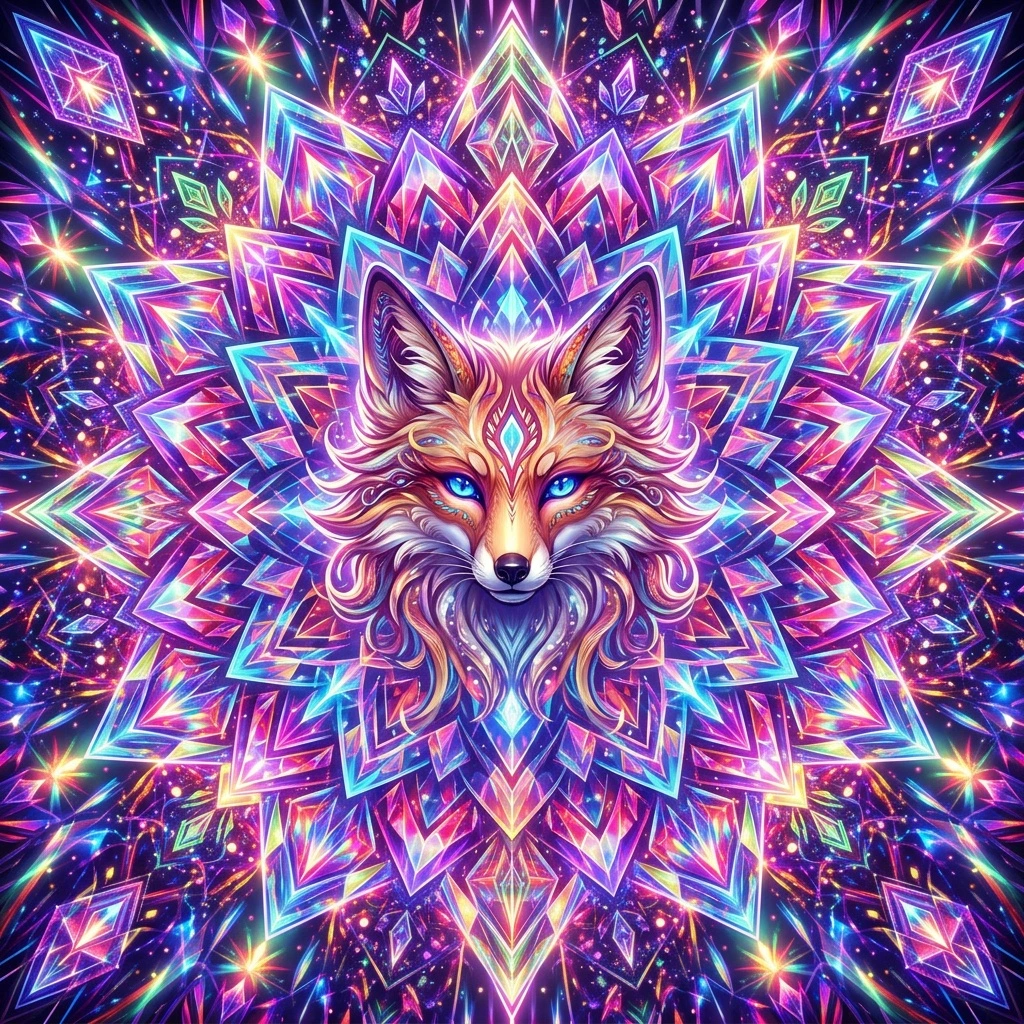
Photo to Kaleidoscope Anime style
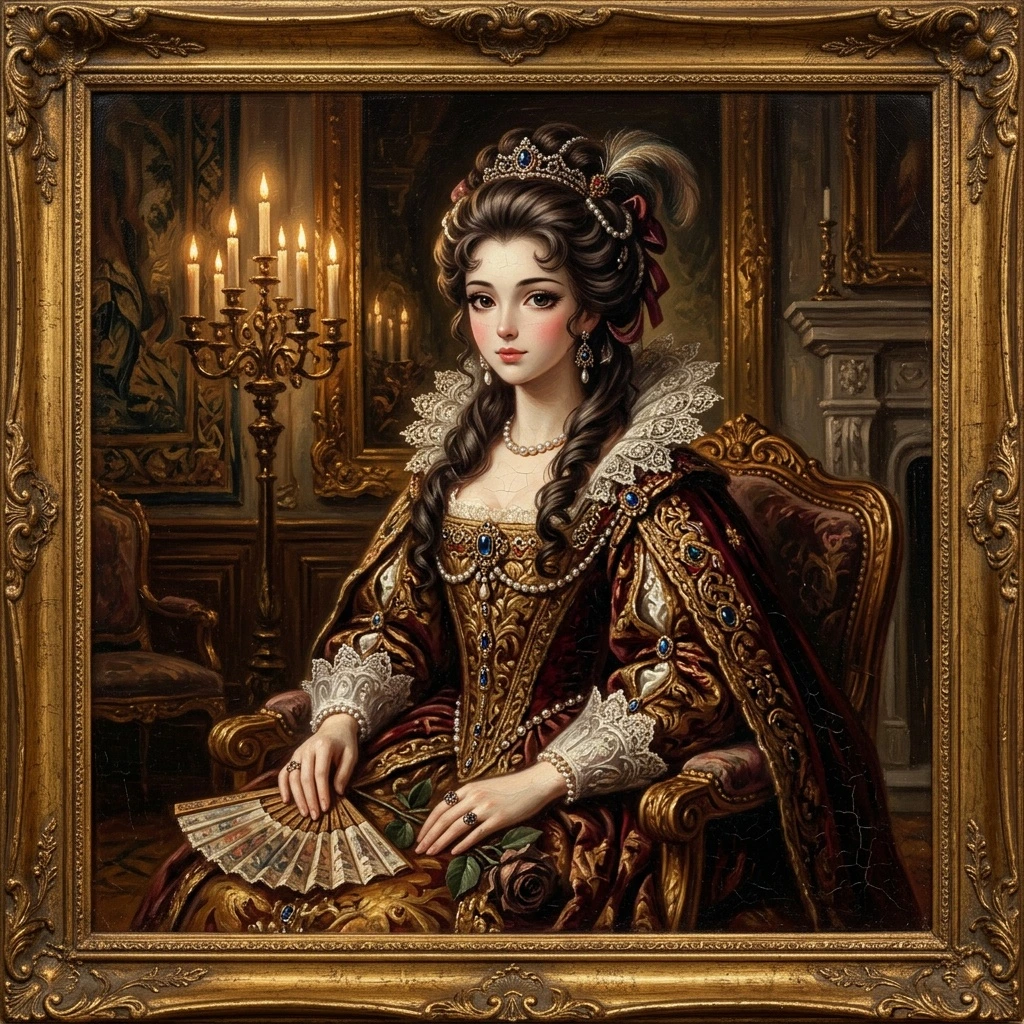
Photo to Vintage Oil Painting Anime style
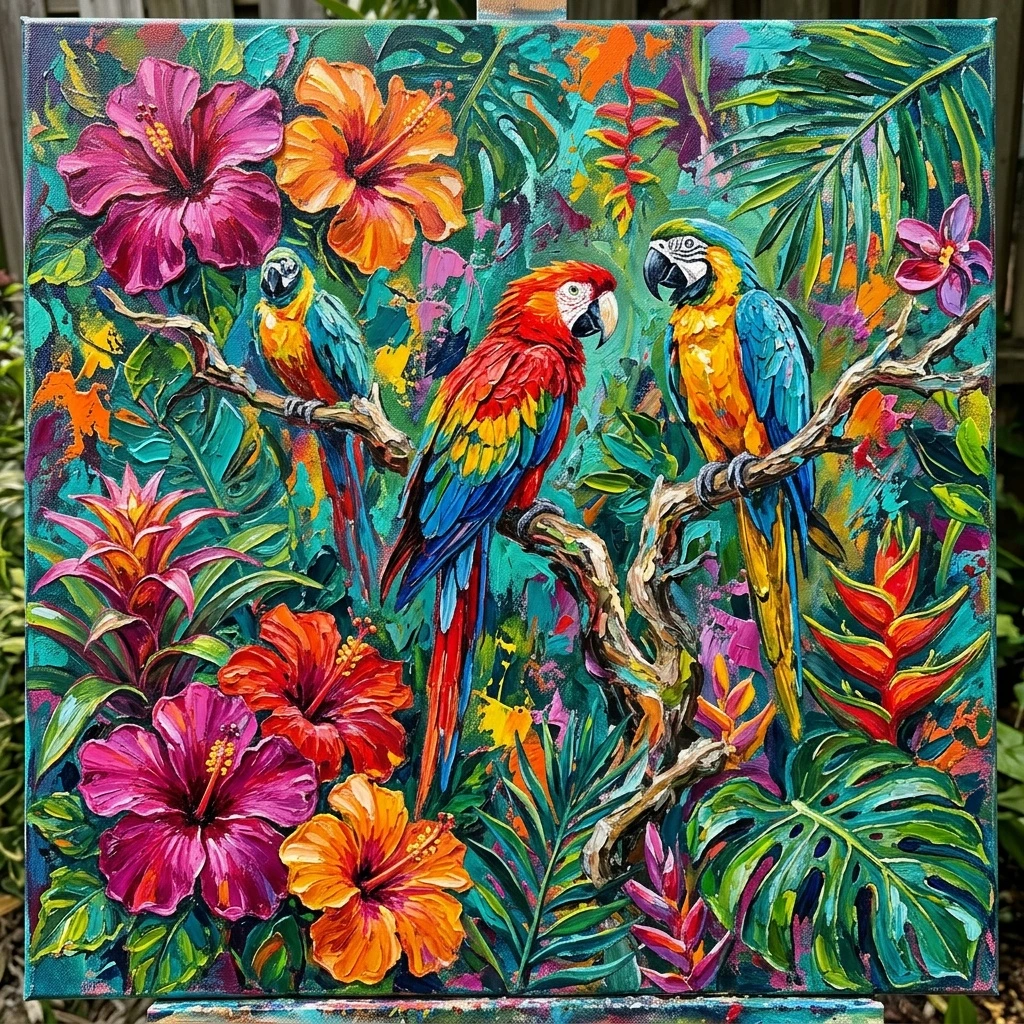
Photo to Acrylic style
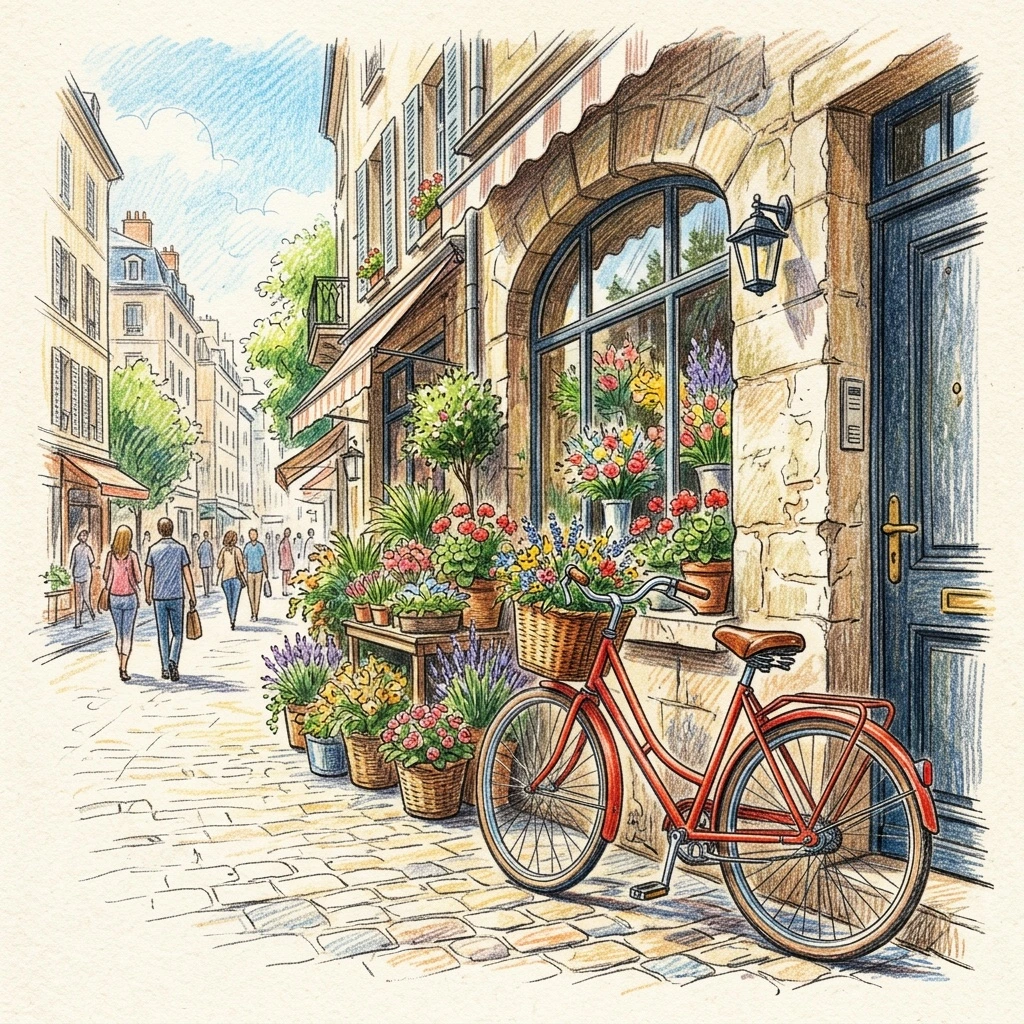
Photo to Colored Pencil Sketch style
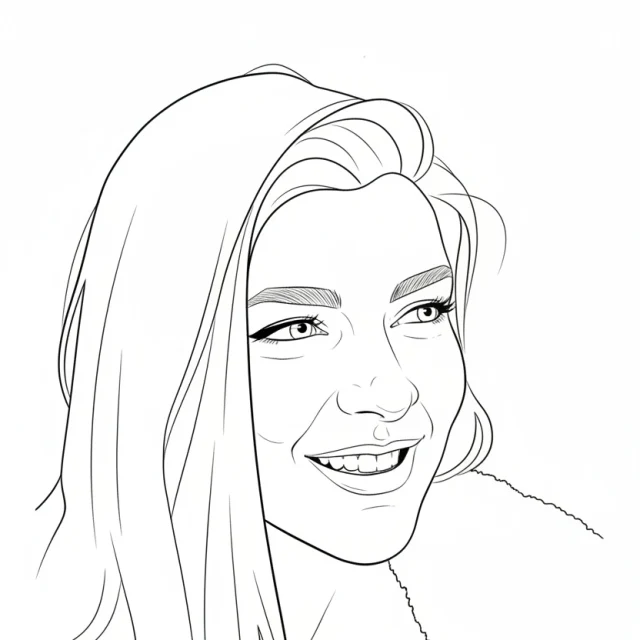
Photo to Line Drawing style
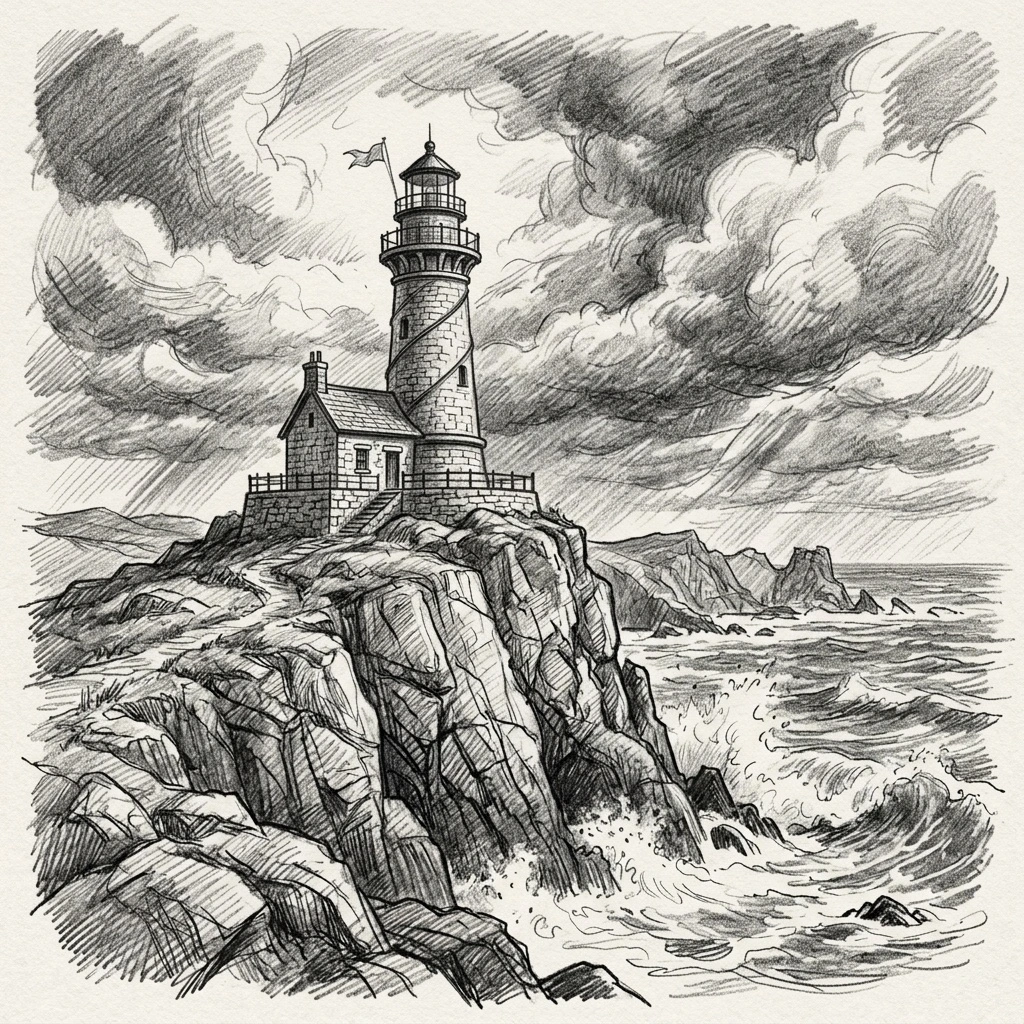
Photo to Black and White Pencil Sketch style
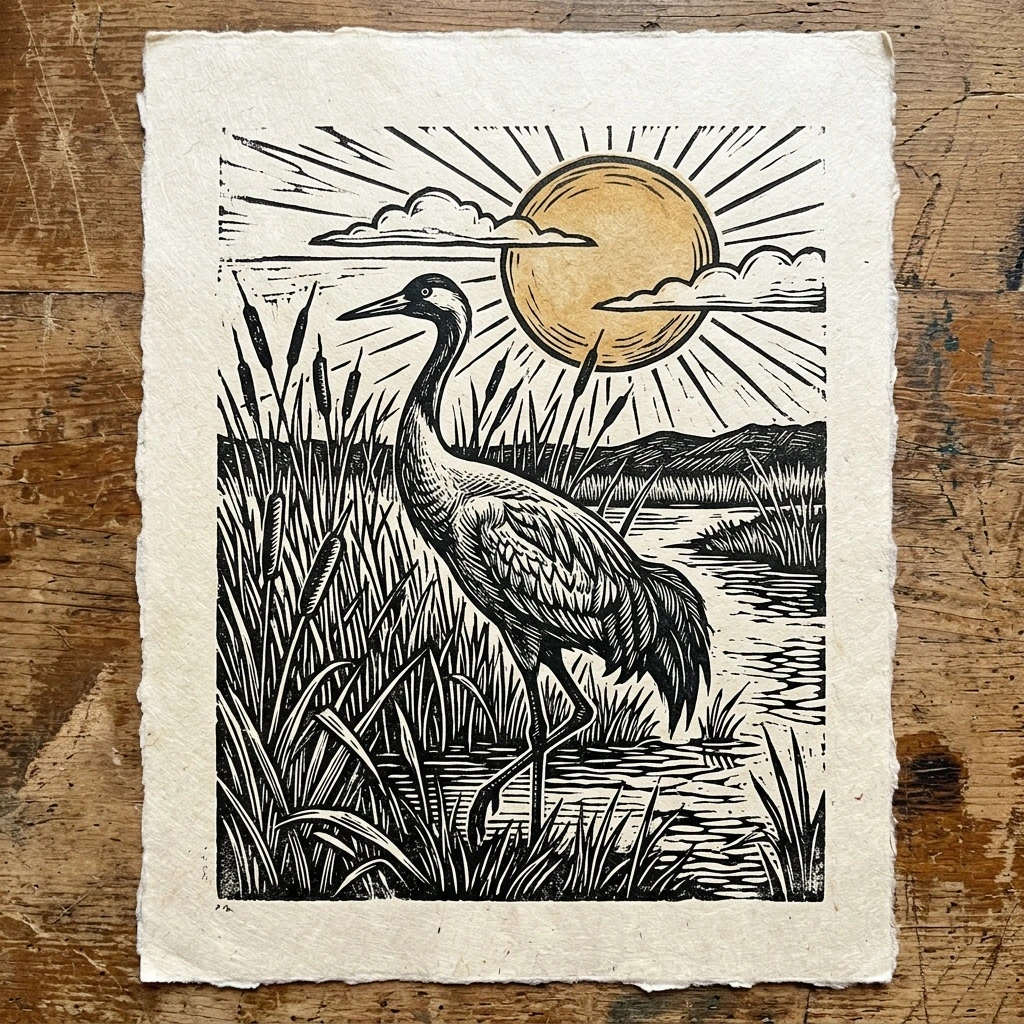
Photo to Printmaking style
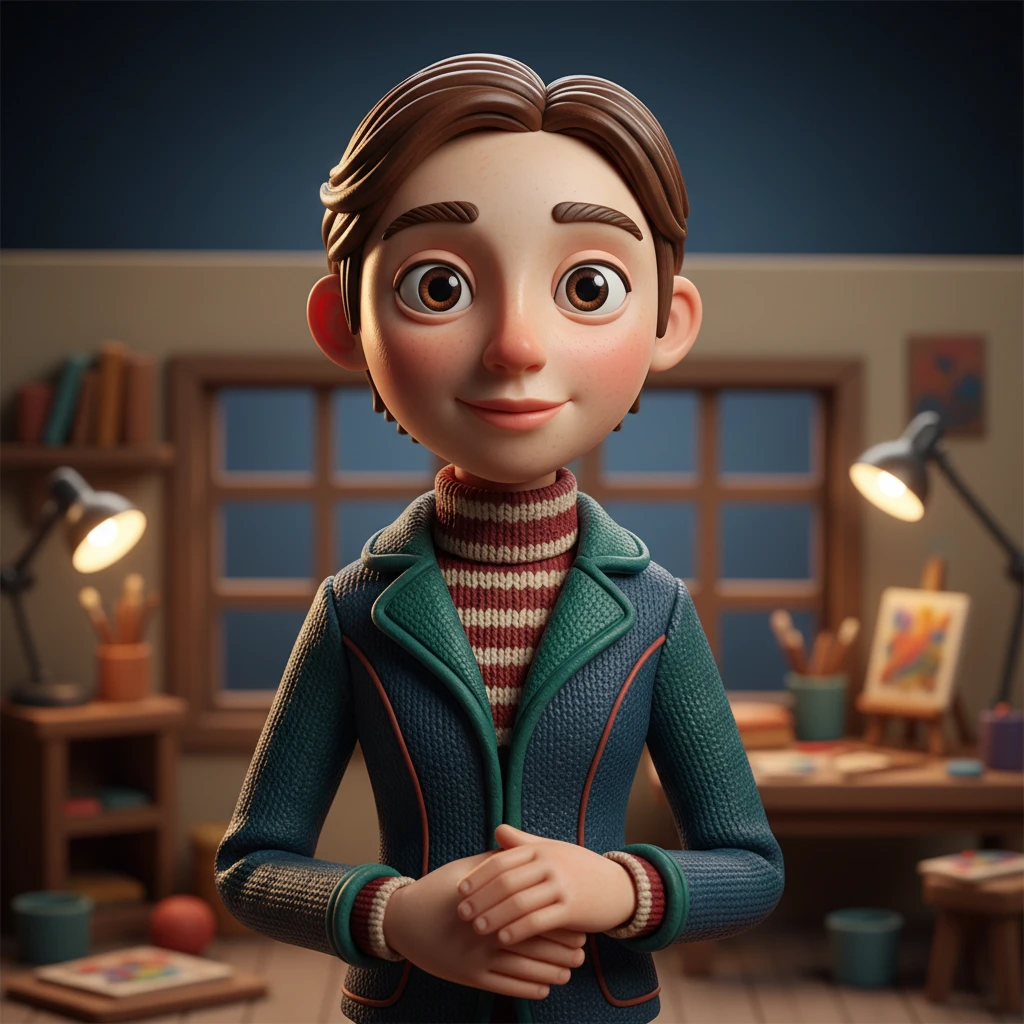
Photo to Stop Motion Clay style
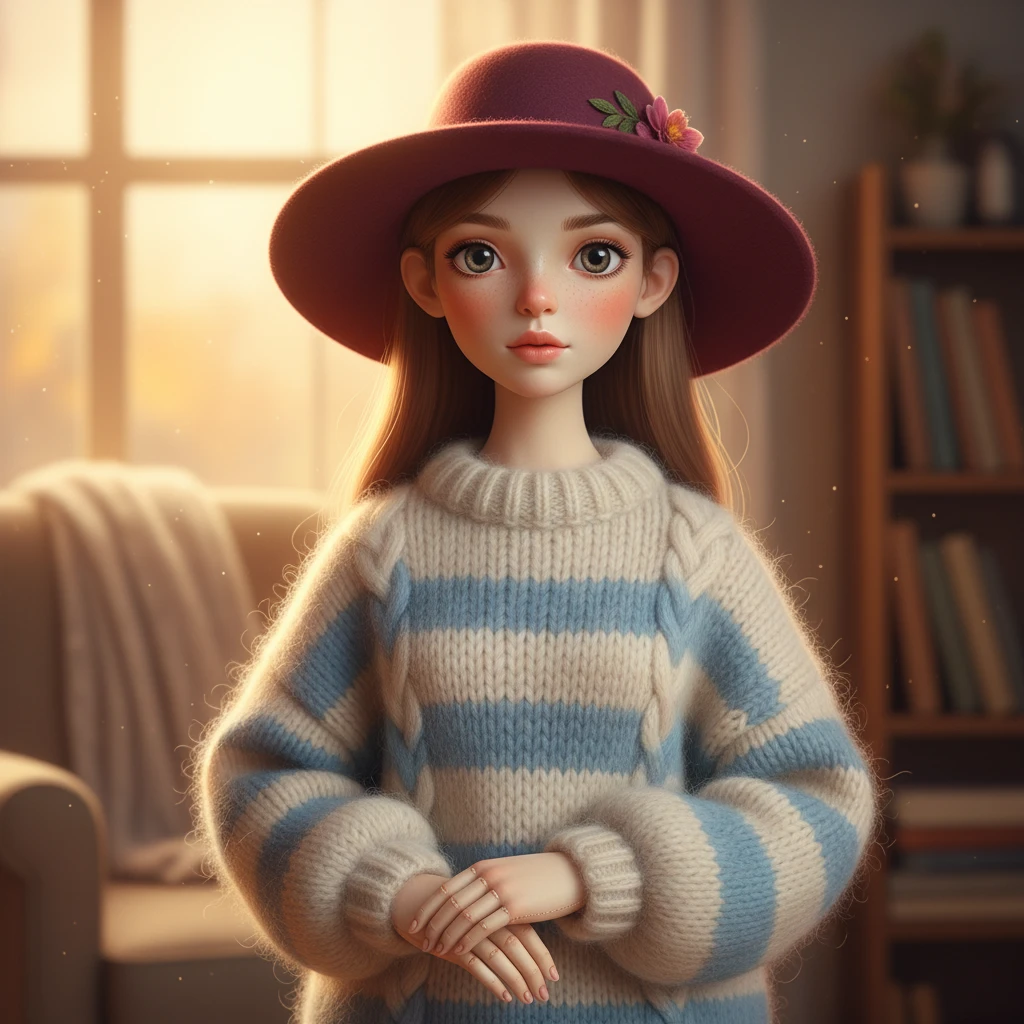
Photo to Textile Craft Doll style
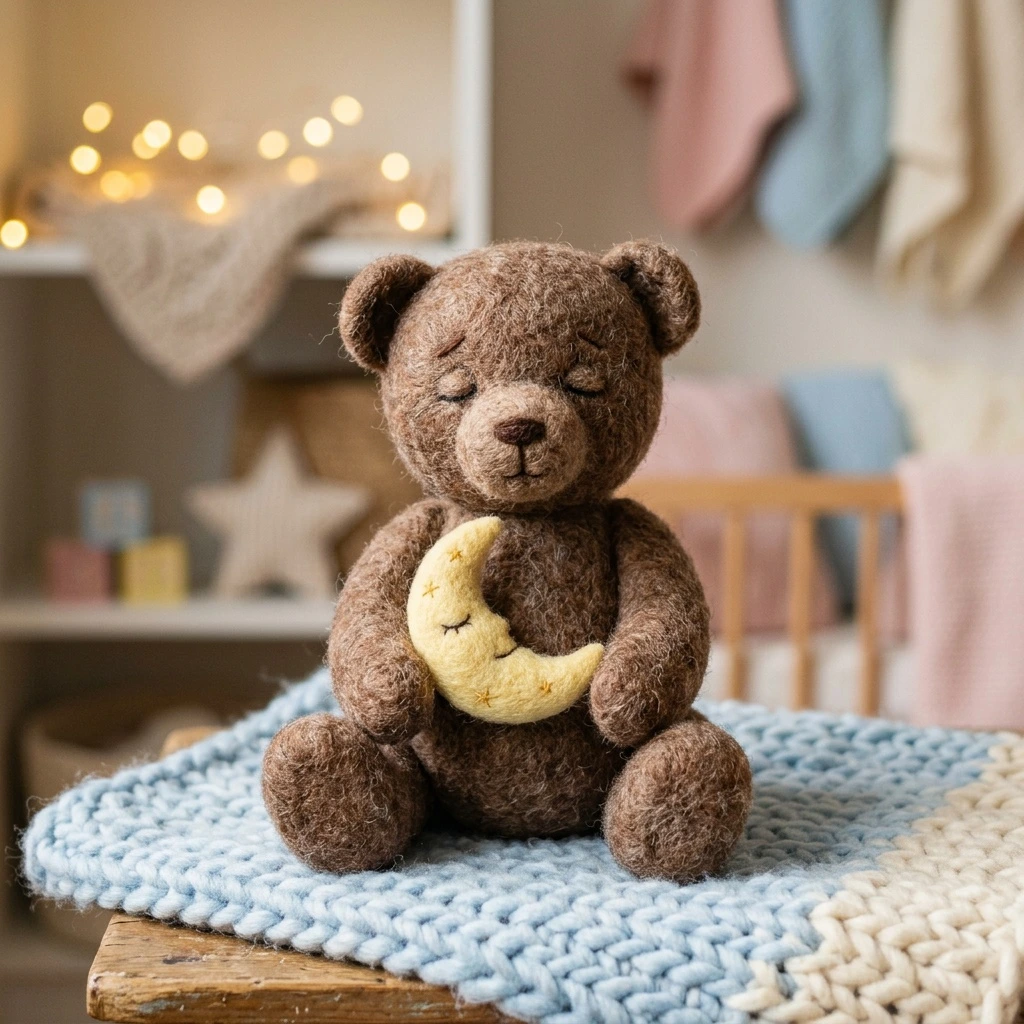
Photo to Felted Wool Doll style
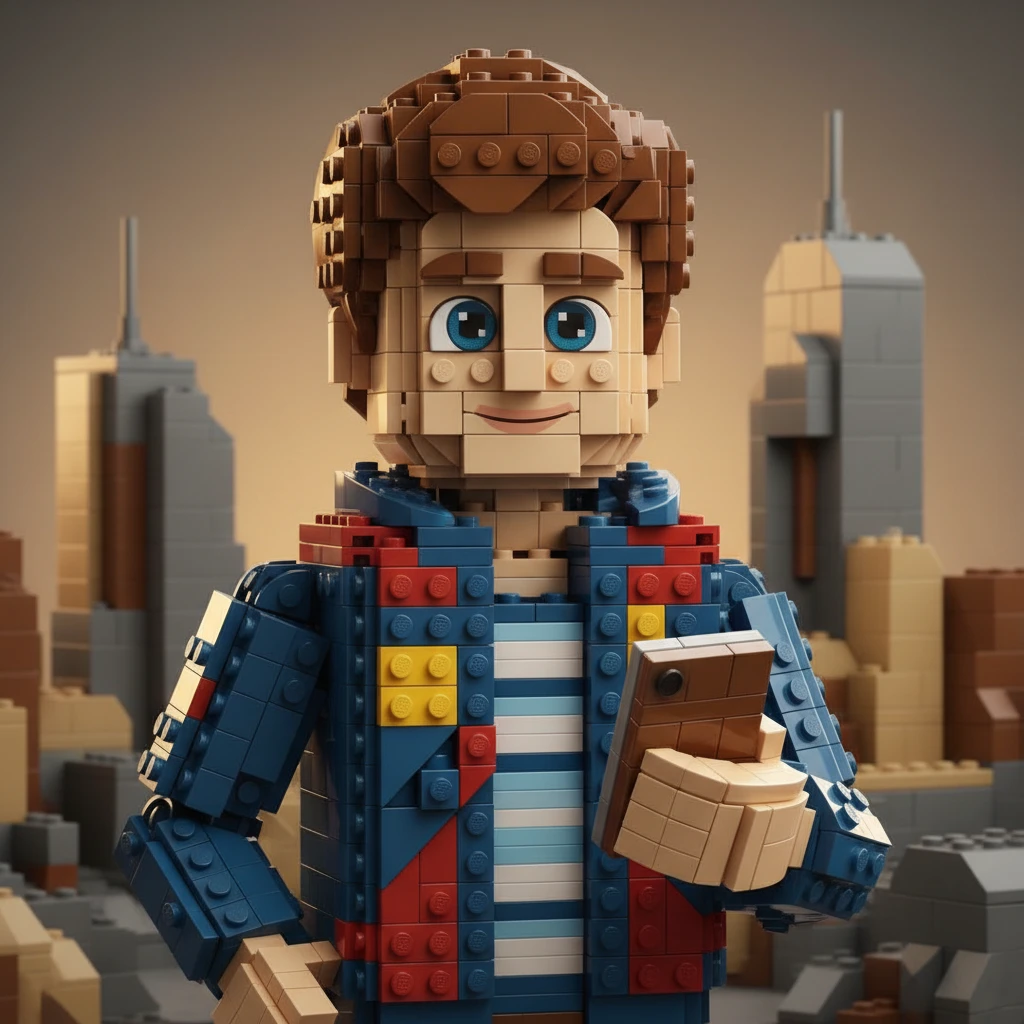
Photo to Brick Toy style
Photo to anime ideas for one picture
Use one real picture for photo to anime avatars, pet art, couple portraits, and stylized travel scenes. The same photo to anime workflow supports soft illustrations, comic looks, chibi styles, and bolder anime results.
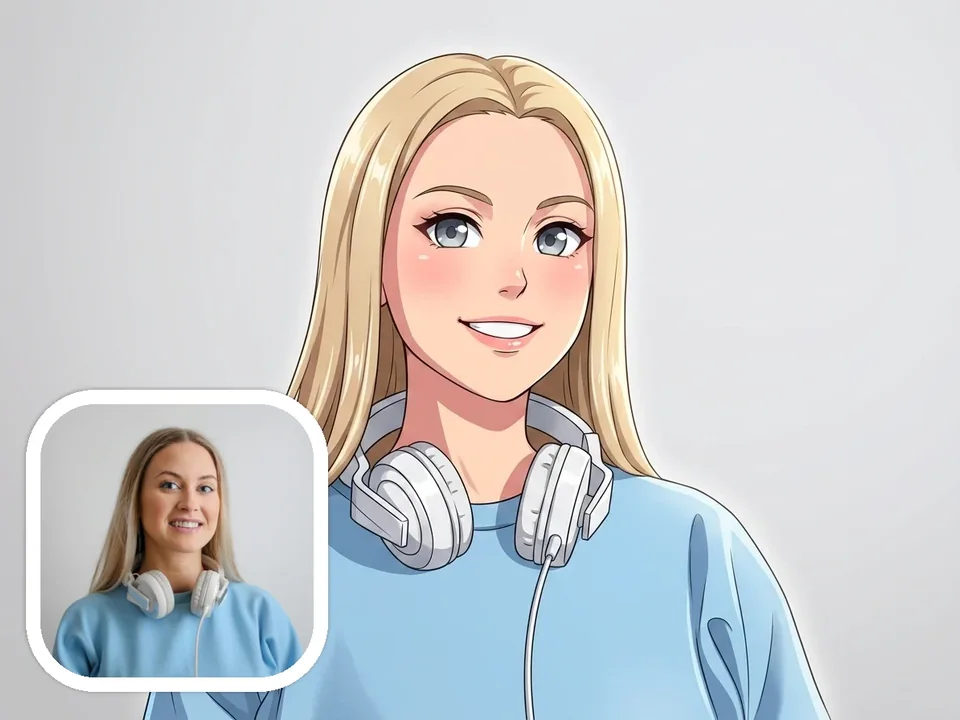
Turn your selfie into anime avatars
Use photo to anime conversion to turn a clear selfie or portrait into an anime avatar for profiles, community accounts, or gaming identity while keeping the subject recognizable.
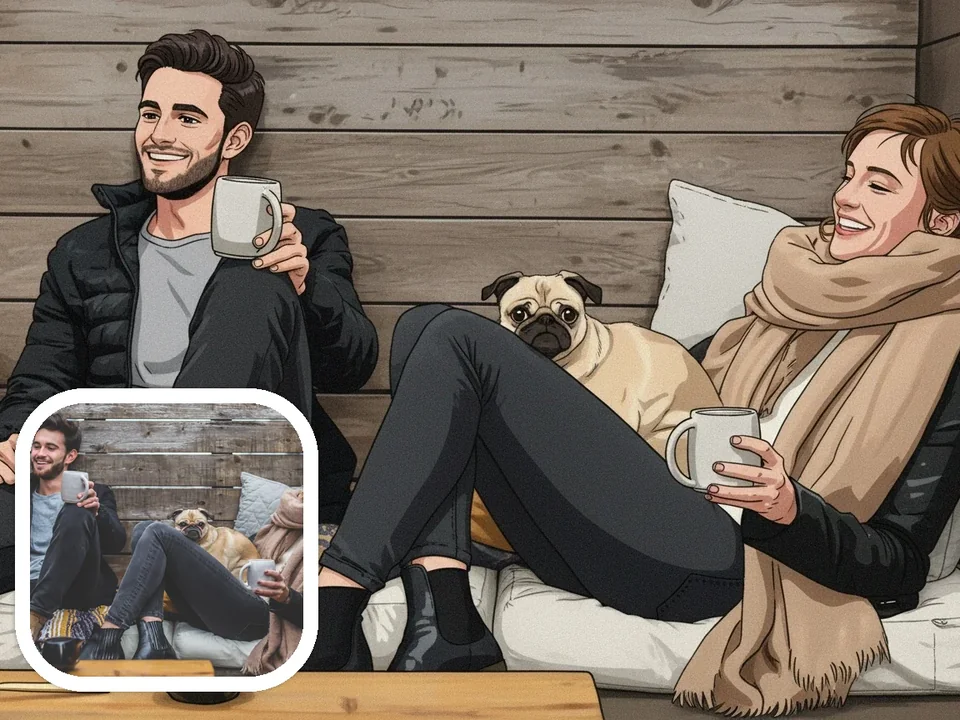
Portrait and couple photos into anime art
Create photo to anime portraits from couple shots and memory photos while keeping the original pose, mood, and composition recognizable.
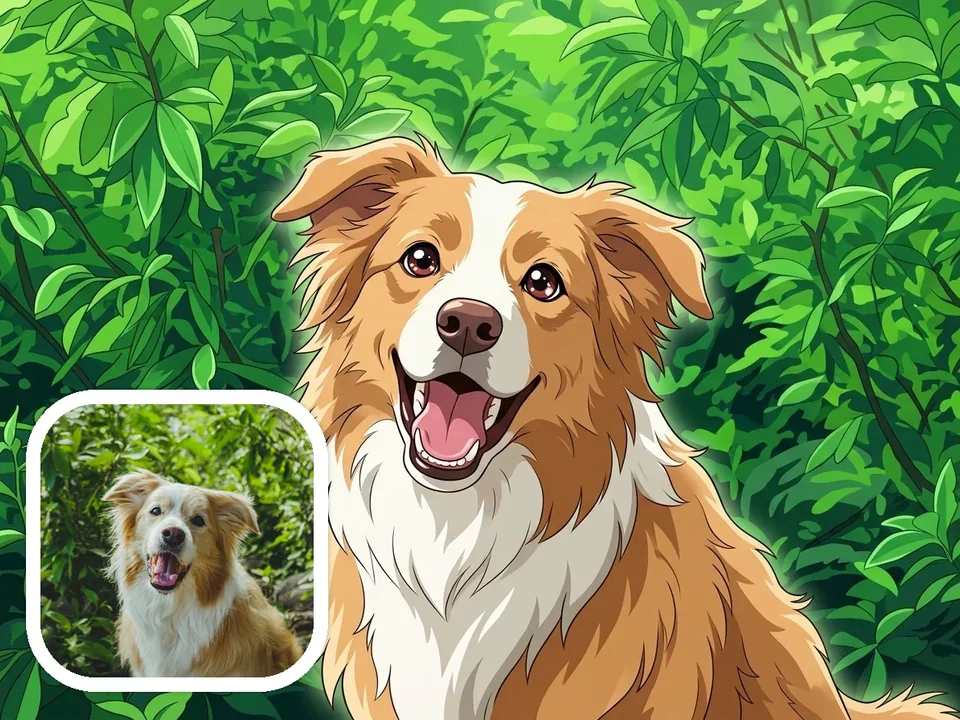
Pet photos into anime pet art
Try photo to anime pet art with dog, cat, and other pet photos. Clear source images usually keep more of the expression, silhouette, and personality.
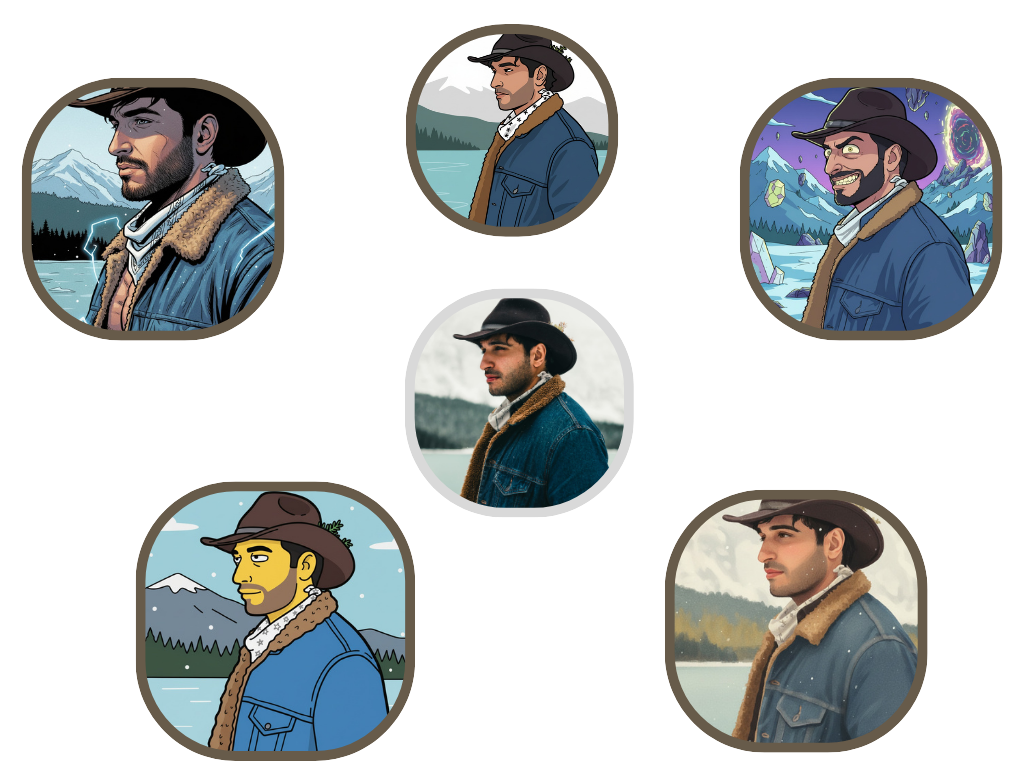
Multiple styles from one photo
Compare multiple photo to anime directions in one workflow, including soft illustrations, comic looks, chibi styles, and cinematic anime results.
How to create photo to anime art
Start with one real photo and go from upload to download in one simple photo to anime workflow.
Upload your photo
Select a JPG, PNG, or WebP image. Clean selfies, portraits, pets, and simple scenes usually work best.
Choose an anime style
Pick the visual direction that fits your image, from soft illustrated looks to retro, chibi, or cinematic anime styles.
Add optional details
Use optional details when you want more control over mood, background cleanup, or extra visual elements.
Generate and download
Create your anime-style result, review the outputs, and download the version you want to keep or share.
Why use AnimeGen for photo to anime?
A photo to anime workflow built around your picture, with recognizable results and no prompt-writing required.
Your subject still feels recognizable
A clear portrait, pet photo, or travel shot gives the model enough detail to keep the subject, mood, and composition feeling close to your original image.
More control than a one-tap filter
Choose a style, adjust the aspect ratio, and add optional details when you want more control over your photo to anime result.
Multiple anime directions from one photo
Try softer illustrations, playful anime treatments, comic directions, and cinematic photo to anime results from the same uploaded picture.
Fast generation, stable workflow
Create photo to anime results quickly without jumping between tools. AnimeGen keeps the workflow smooth from upload to download, so you can compare more than one style.
Save 50% yearly
A full year of credits, issued up front.
Ready to create photo to anime art?
Upload your first photo, choose an anime style, and create a downloadable photo to anime result. No prompt skills or design experience needed.
Frequently Asked Questions
Practical answers about photo quality, anime styles, credits, privacy, and commercial use.