Image to Ghibli Style
Convert Image to Ghibli Style
Upload a photo, picture, portrait, pet image, or landscape and convert image to Studio Ghibli-style art online.
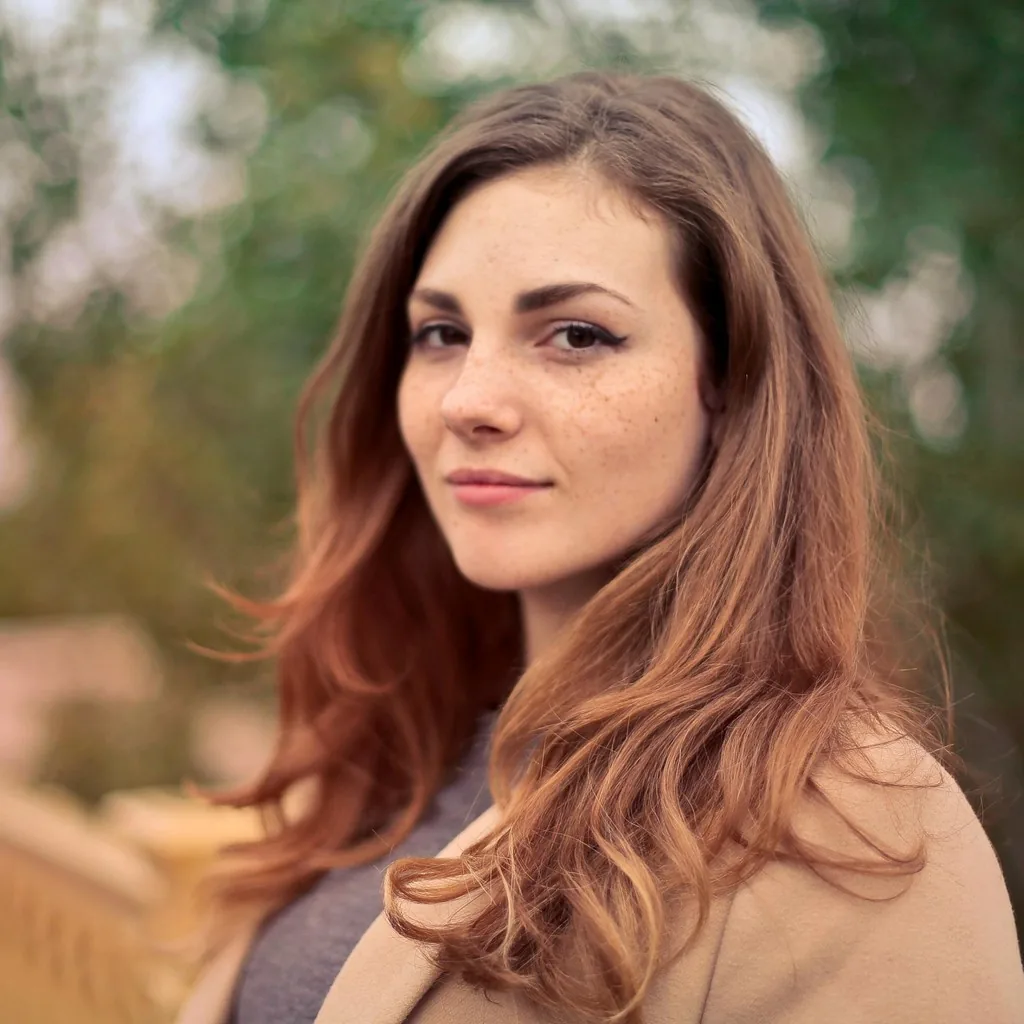
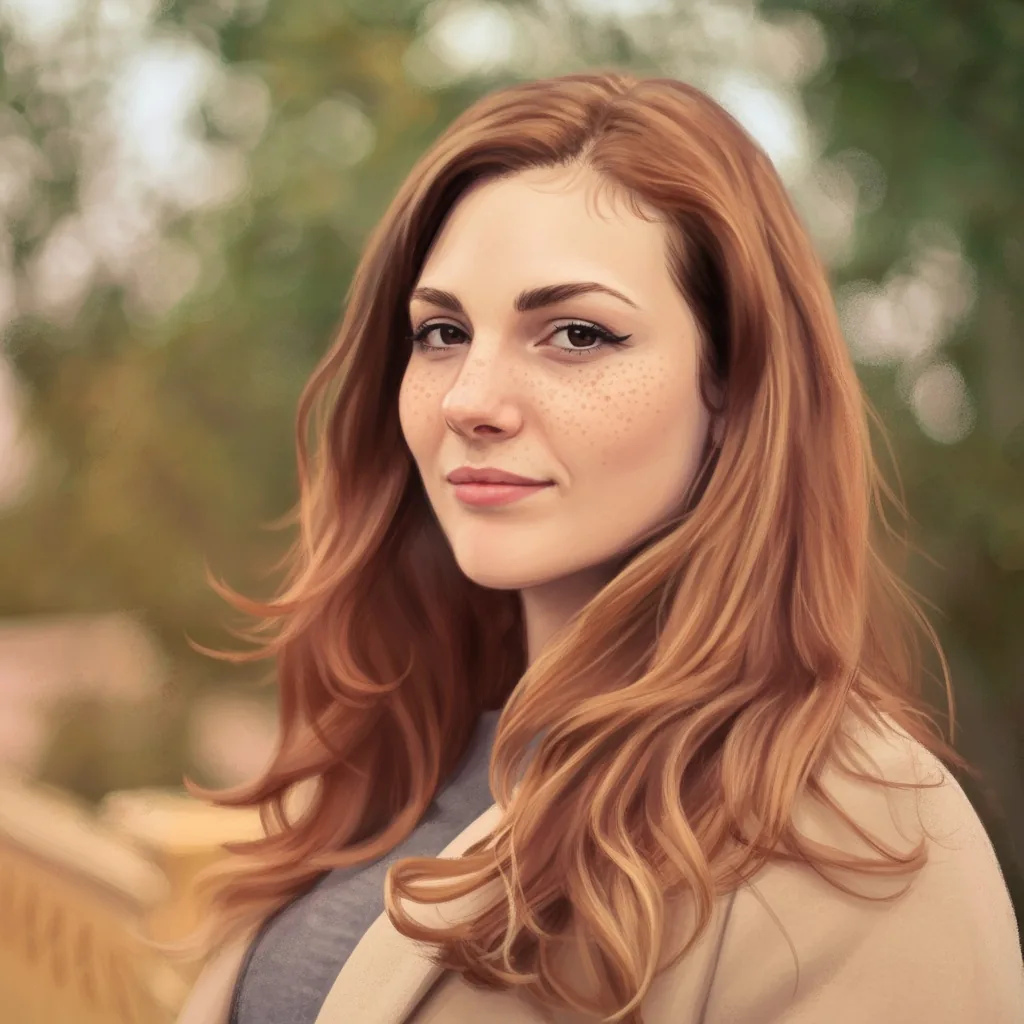
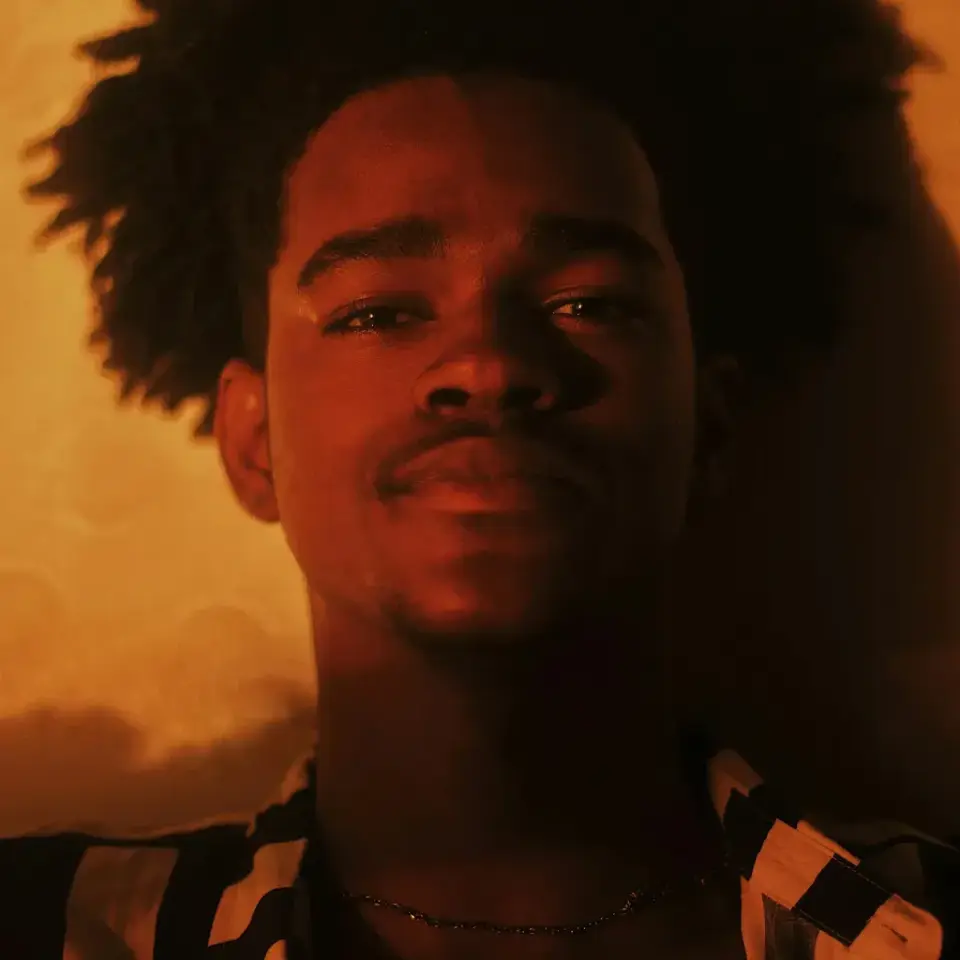
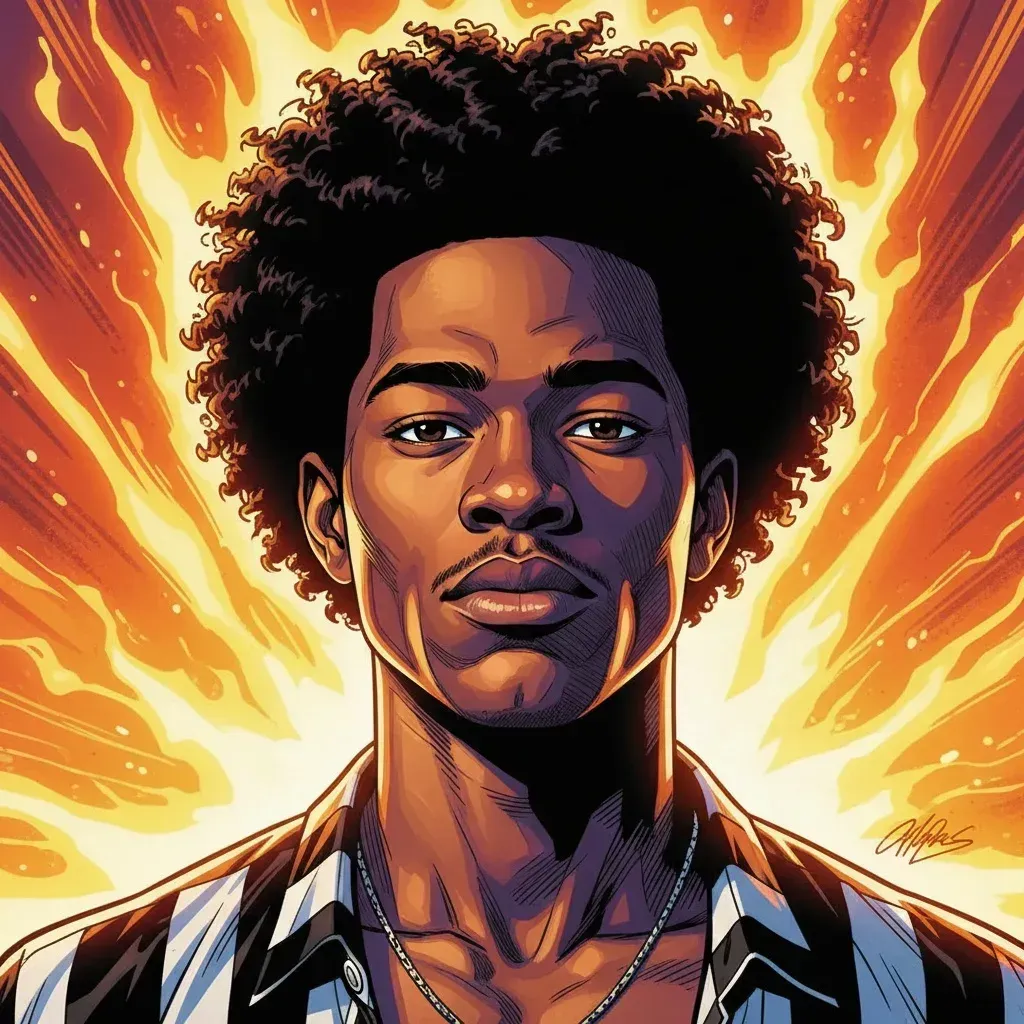
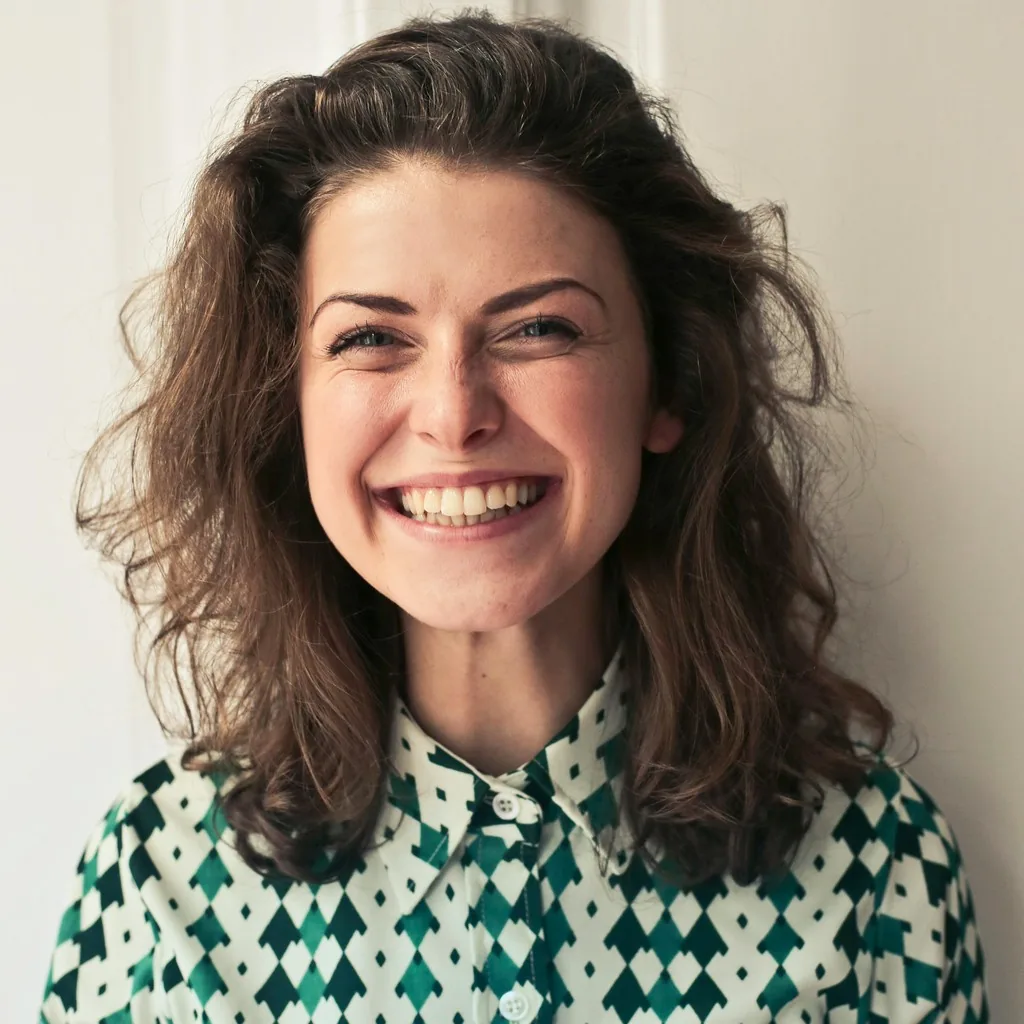
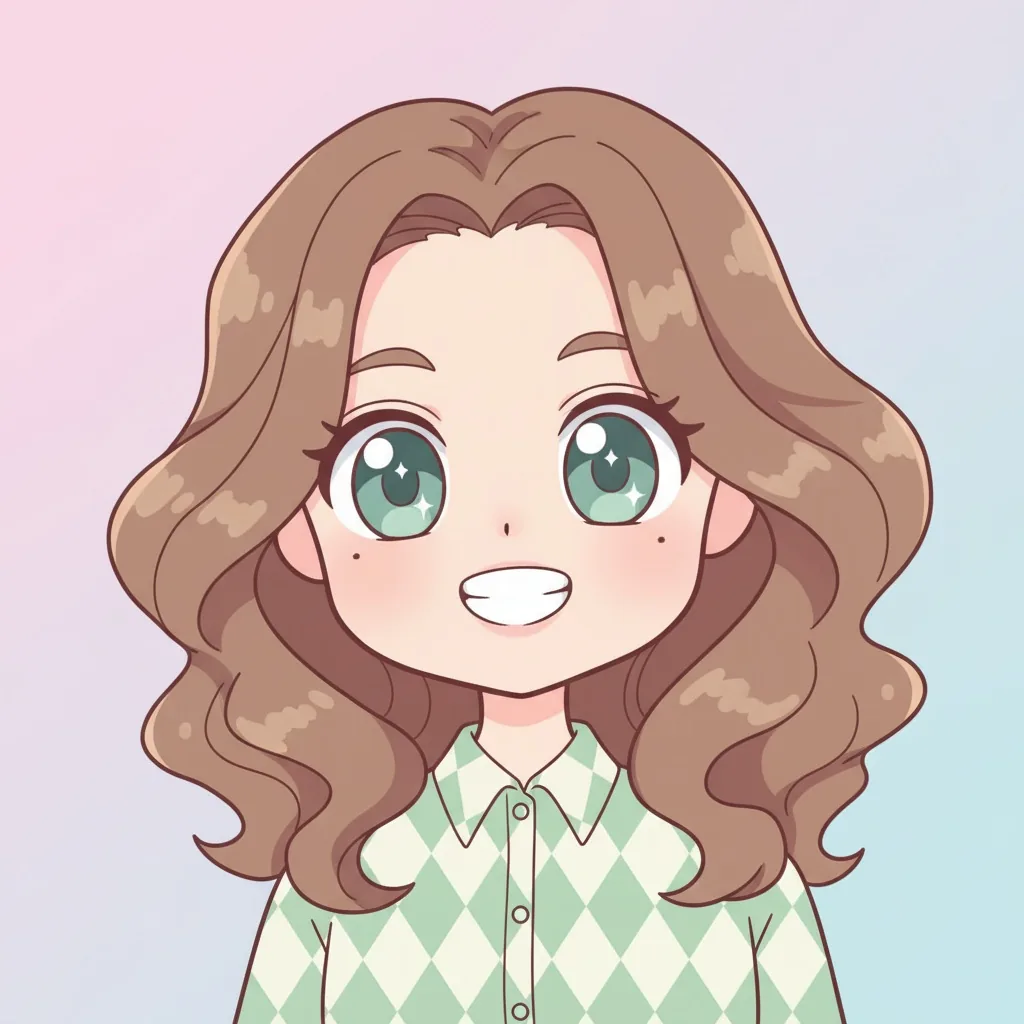
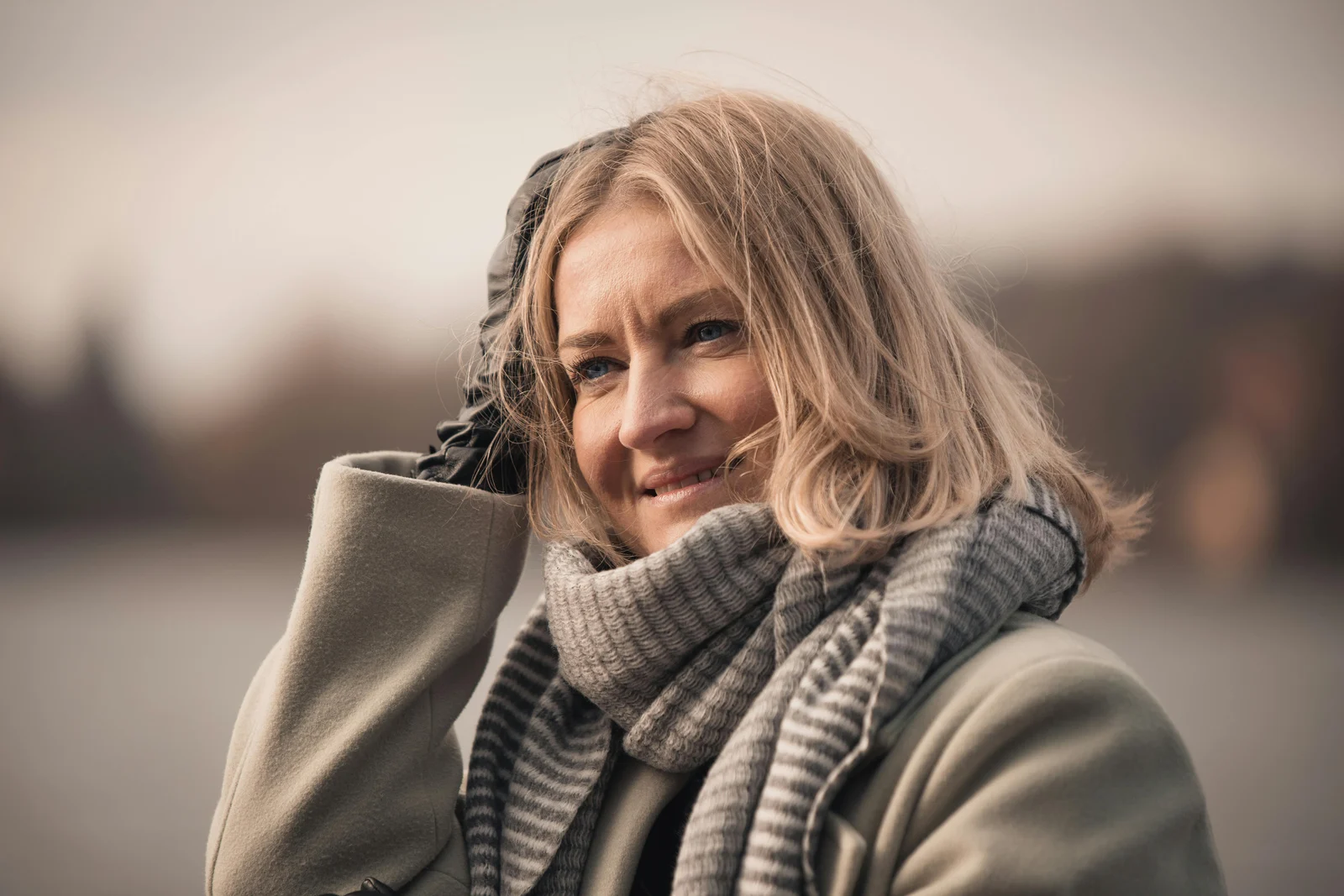
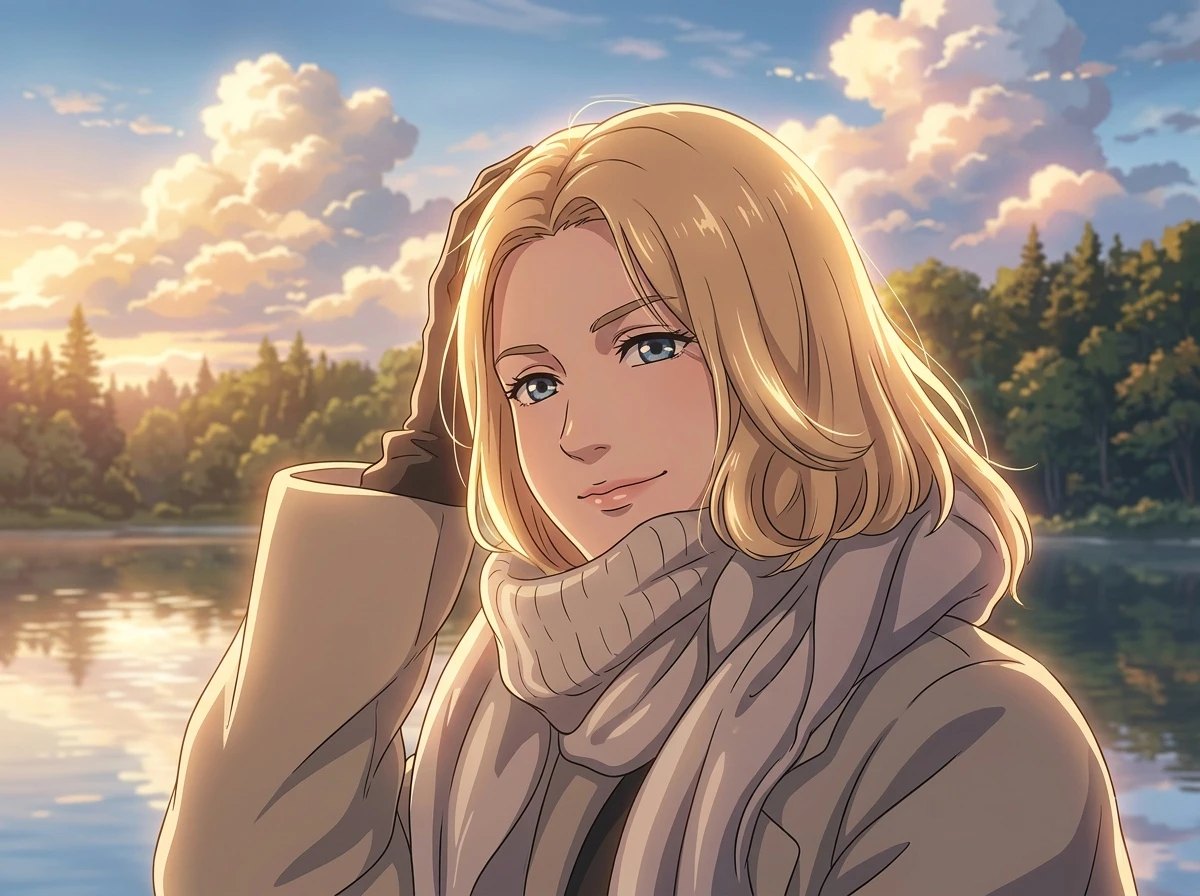
Upload one image, keep the Ghibli-style effect selected, and generate a downloadable Ghibli-inspired result with gentle light, painterly color, expressive characters, and a warm storybook atmosphere.
Best Uses for Image to Ghibli Style Conversion
Convert image to Ghibli style for portraits, pets, travel shots, landscapes, family photos, and scenic pictures that can become warm Ghibli-inspired artwork.
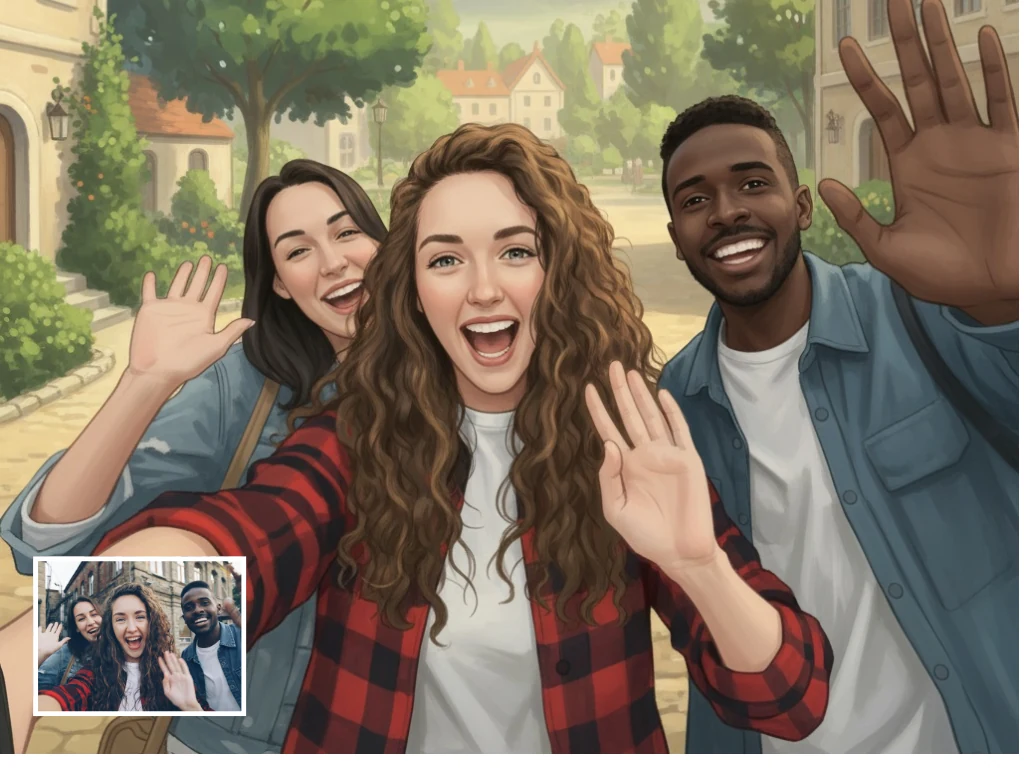
Convert portraits to Ghibli-style character art
Turn portraits, selfies, profile photos, and family images into warm Ghibli-style character art with soft facial features, gentle cinematic lighting, and a profile-ready anime look.
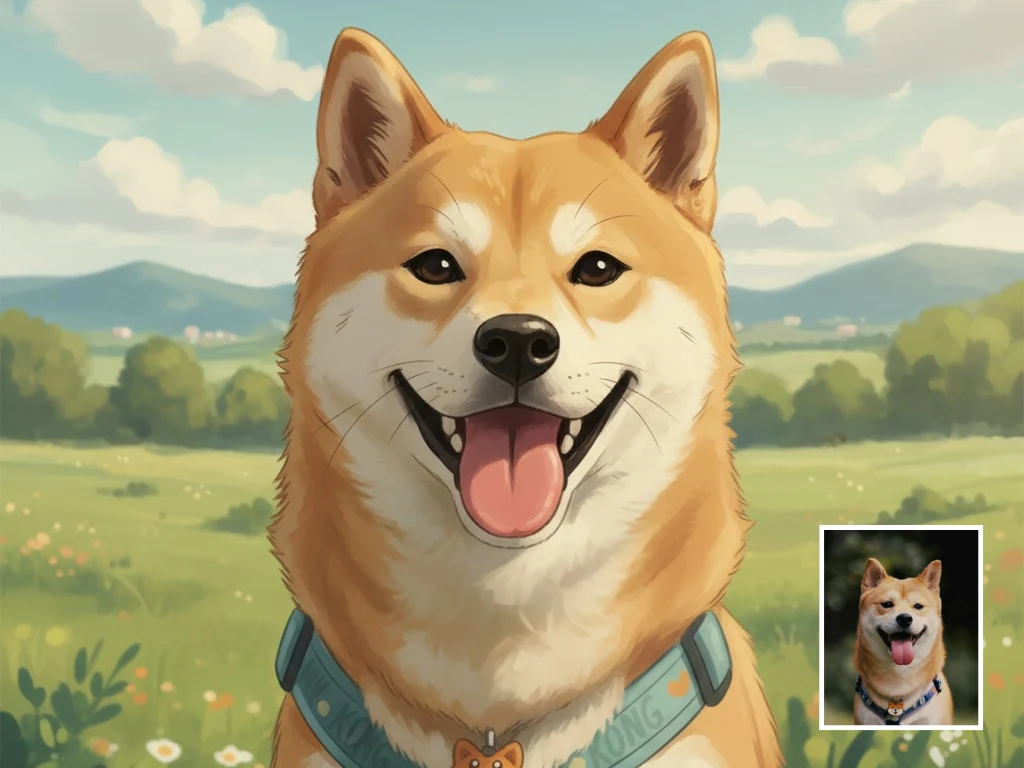
Make Ghibli-style pet photos
Convert dog, cat, and pet photos into whimsical Ghibli-inspired companions with playful personality, soft shapes, storybook warmth, and a collectible keepsake feel.
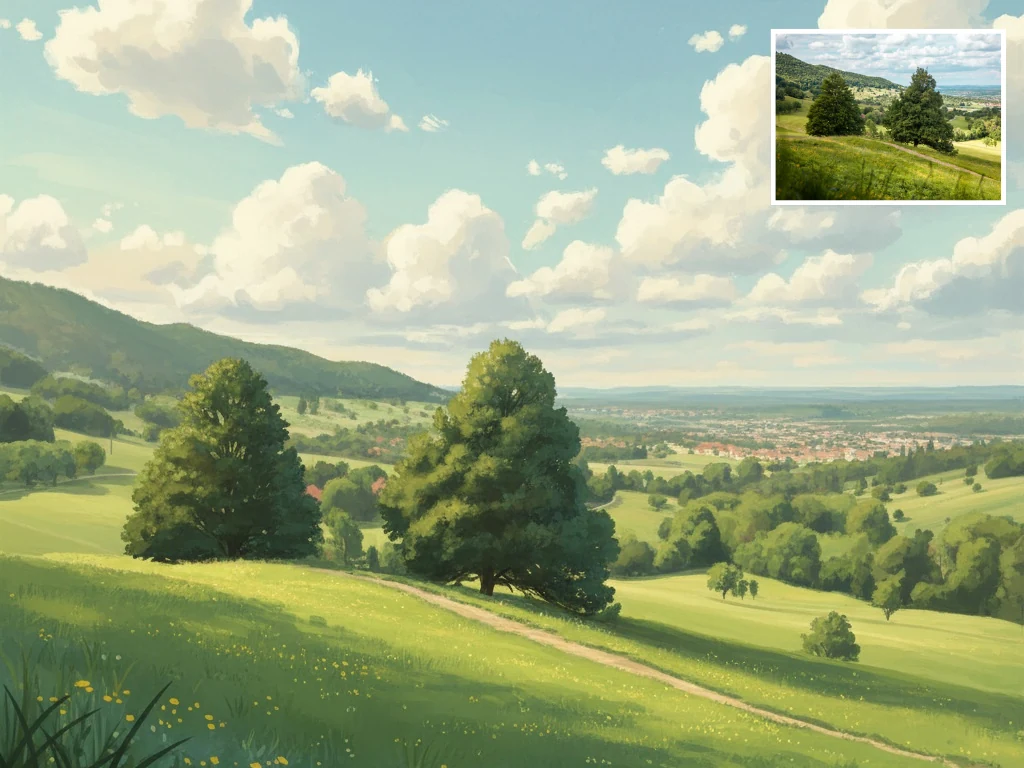
Convert landscapes to Ghibli-inspired scenes
Convert landscapes, travel photos, gardens, streets, and outdoor views into dreamy Ghibli-style scenery with painterly skies, lush greenery, and a calm sense of wonder.
How to Convert Image to Studio Ghibli Style
Use AnimeGen to convert image to Ghibli style in four simple steps, without writing a long ChatGPT prompt or editing the image by hand.
Upload Your Image
Upload a clear portrait, pet photo, landscape, architecture shot, family image, or travel picture in JPG, JPEG, PNG, or WebP format.
Keep Ghibli Style Selected
Use the Ghibli-style preset so the image to Ghibli AI workflow starts with soft light, painterly color, and anime-inspired storytelling.
Add Optional Direction
Add short notes such as warm countryside scene, soft character portrait, whimsical pet companion, painterly sky, or cozy anime background.
Generate and Download
Preview and download the result for profile art, gifts, wallpapers, social sharing, personal collections, or creative projects.
Why Use AnimeGen to Convert Image to Ghibli Style
The best Ghibli-style image results do more than apply a surface filter. They keep the uploaded subject recognizable while adding warmth, softness, painterly color, and a more story-driven anime atmosphere.
Made for images you already have
Upload a portrait, pet photo, family picture, or landscape and turn it into a finished Ghibli-style result without starting from a blank canvas.
A strong fit for photos and pictures
Faces, pets, greenery, skies, family moments, travel photos, and quiet outdoor scenes all translate well into Ghibli-inspired visuals.
Useful without ChatGPT prompting
Many users search how to make Ghibli photo in ChatGPT, but AnimeGen gives them a direct upload-and-generate flow without a complicated prompt.
Downloadable and reusable
The finished Ghibli-style image is well suited for profile art, gifts, wallpapers, social sharing, personal keepsakes, and creative references.
Convert image to Studio Ghibli style
Turn Existing Images Into Warm Ghibli-Style Art
Start with a real photo or picture, then convert image to Studio Ghibli style with a softer, more painterly anime look.
Start with a real image you already love: a selfie, pet photo, family picture, travel shot, building, garden, or landscape. AnimeGen keeps the subject from your upload and restyles it with softer light, painterly color, gentle expressions, and a warm anime storybook atmosphere.
The workflow is simple: upload an image, keep the Ghibli-style effect selected, add a short mood note if you want more control, then generate and download your result. You can convert image to Studio Ghibli style for portraits, pets, landscapes, social posts, wallpapers, gifts, and personal keepsakes without opening a manual editor.
This page creates Ghibli-style and Ghibli-inspired images. It is not an official Studio Ghibli product, and it does not claim to reproduce any film frame or character. The goal is to help your own image feel warmer, more painterly, and more cinematic while staying recognizable.
Choose the Right Image for a Better Ghibli-Style Result
A good source image makes a visible difference. Use clear photos with readable faces, simple silhouettes, natural light, or scene details that can become part of a warm storybook background.
Best Images to Convert to Ghibli Style
The best images for Ghibli-style conversion usually have a clear subject and a calm emotional center. Portraits work well when the face is visible and the lighting is soft. Pet photos work well when the animal has a readable silhouette. Landscapes, gardens, street scenes, and travel shots work well when the sky, greenery, buildings, or path can become part of a storybook background.
Make Ghibli-Style Images Without ChatGPT
You do not need to write a long ChatGPT prompt, search for the right image model, or repeat the same instruction several times. Upload the source image, keep the Ghibli-style preset, add a short mood phrase if needed, and generate a downloadable result. It is a direct way to make a Ghibli photo online from your own picture.
Ghibli-Style Image Generator vs Basic Filter
A basic filter often changes color and texture without understanding the subject. AnimeGen works more like a restyle process: the source image guides the character, pet, place, or composition, while the generator adds painterly color, warm light, softer shapes, and a more cinematic anime mood.
Prompt Ideas for Better Ghibli-Style Images
You can convert image to Ghibli style with the preset alone, but short prompt details help guide portraits, pets, and landscapes toward a clearer final mood.
Portrait Prompt Direction
For portraits, use short prompt details such as warm Ghibli-style character portrait, soft facial expression, painterly background, gentle sunlight, natural colors, and hand-drawn anime mood. Keep the prompt short so the face stays readable and the final image still feels connected to your upload.
Pet Prompt Direction
For pet images, describe the feeling of the companion: whimsical Ghibli-inspired pet, cozy room, soft fur, bright eyes, gentle storybook scene, or playful anime companion. Pet photos are a strong use case because the Ghibli-style result can keep the animal recognizable while making it feel more charming and collectible.
Landscape Prompt Direction
For landscapes and travel images, focus on atmosphere: painterly sky, lush greenery, warm countryside, quiet village road, soft clouds, glowing afternoon light, or peaceful anime background. These terms help convert image to Studio Ghibli style for scenes where mood, color, and environment matter more than facial detail.
Ready to Convert Image to Ghibli Style?
Upload one image, choose the Ghibli-style effect, and see how your photo looks in a warm Ghibli-inspired world.
Convert Image to Ghibli StyleConvert Image to Ghibli Style FAQ
Answers about how to convert image to Studio Ghibli style, how to make Ghibli photo, ChatGPT alternatives, downloads, prompts, best images, and Ghibli-style boundaries.
Create Your Own Ghibli-Style Image Today
Upload a portrait, pet photo, landscape, family picture, or travel image and generate a warm, magical, downloadable Ghibli-inspired result.
Start With Your First Image