Image to Pixel Art
Image to Pixel Art Generator
Upload a photo, picture, or reference image and turn it into pixel art online. AnimeGen helps you convert image to pixel art for avatars, pet sprites, retro game scenes, and downloadable creative projects.

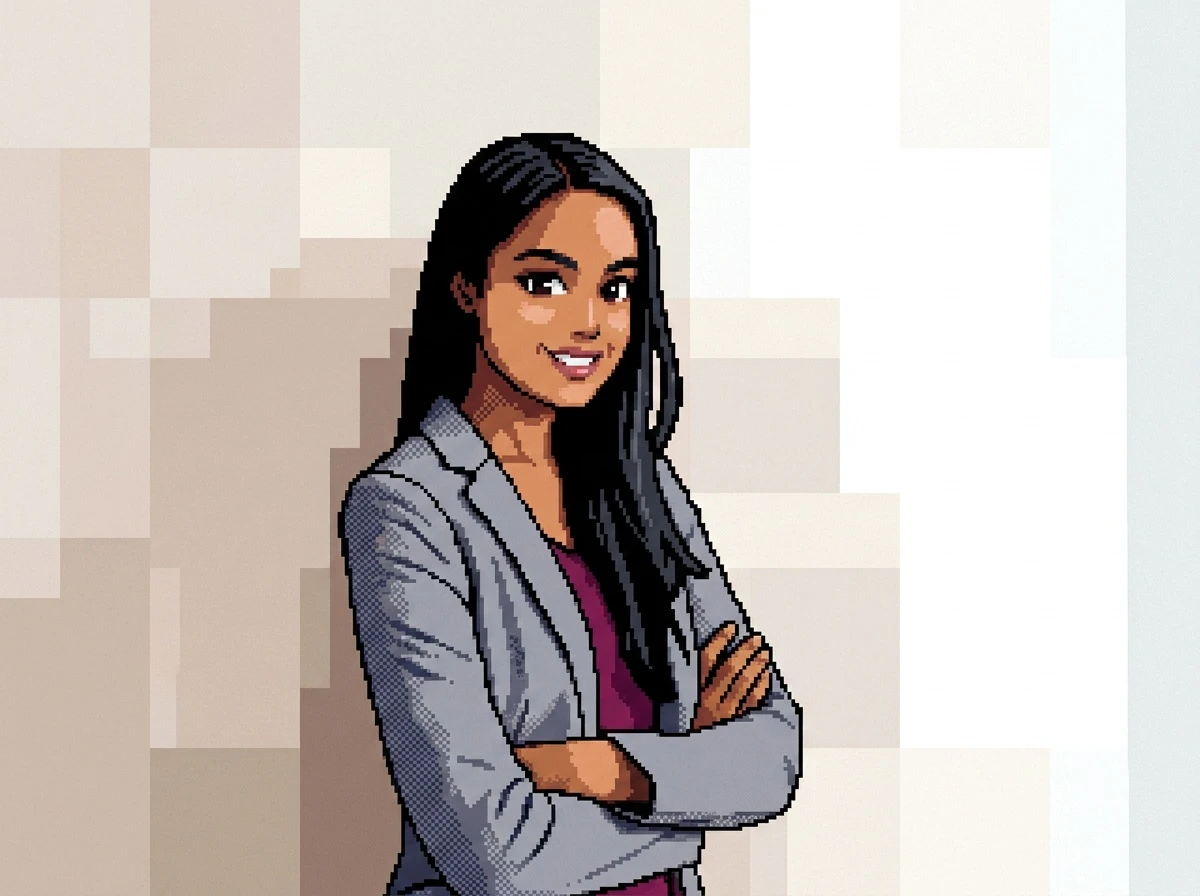
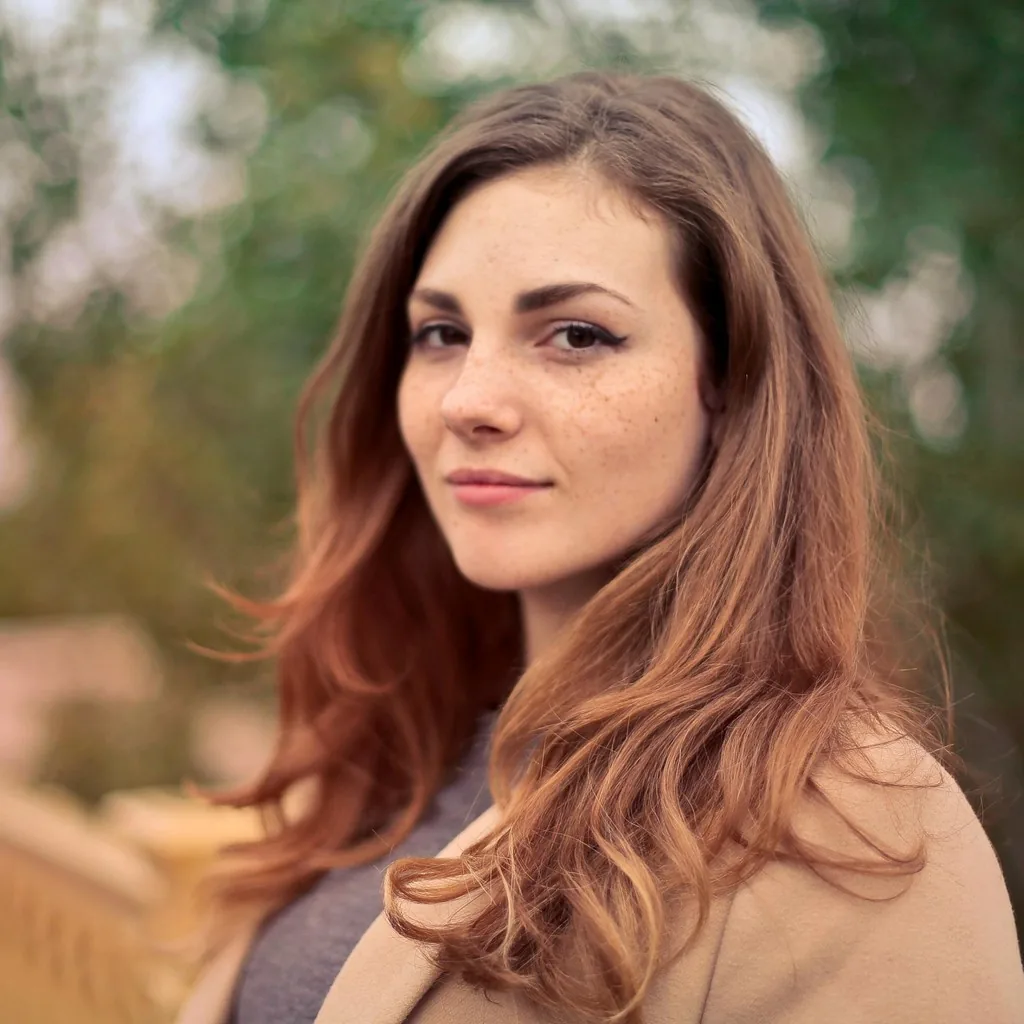
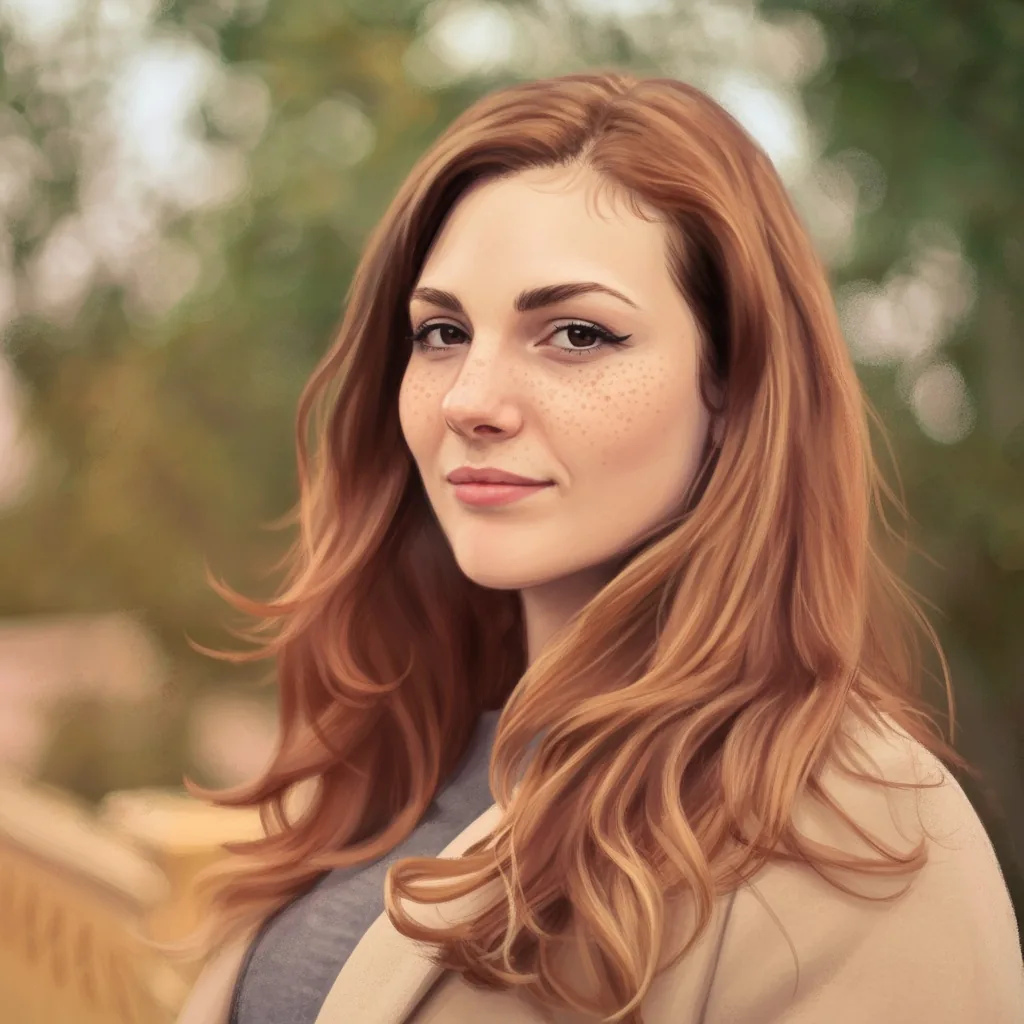
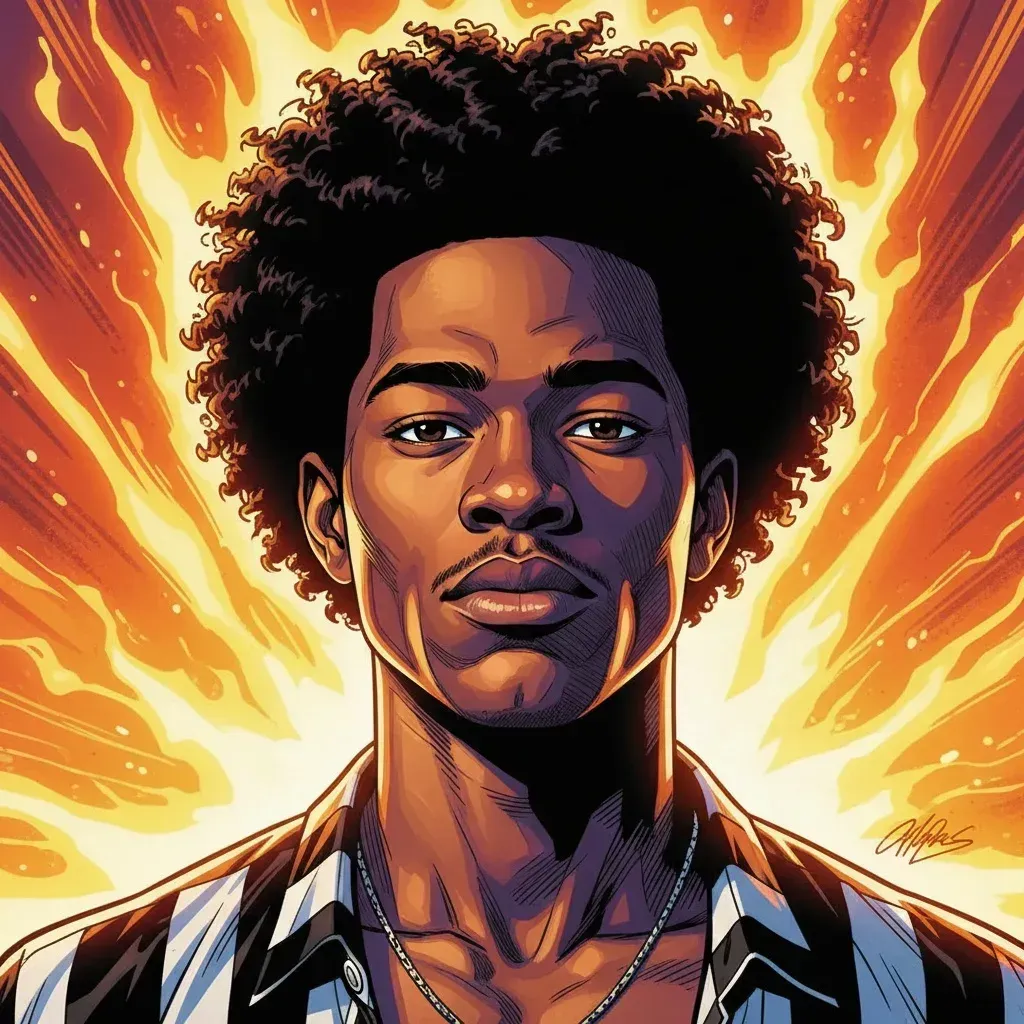



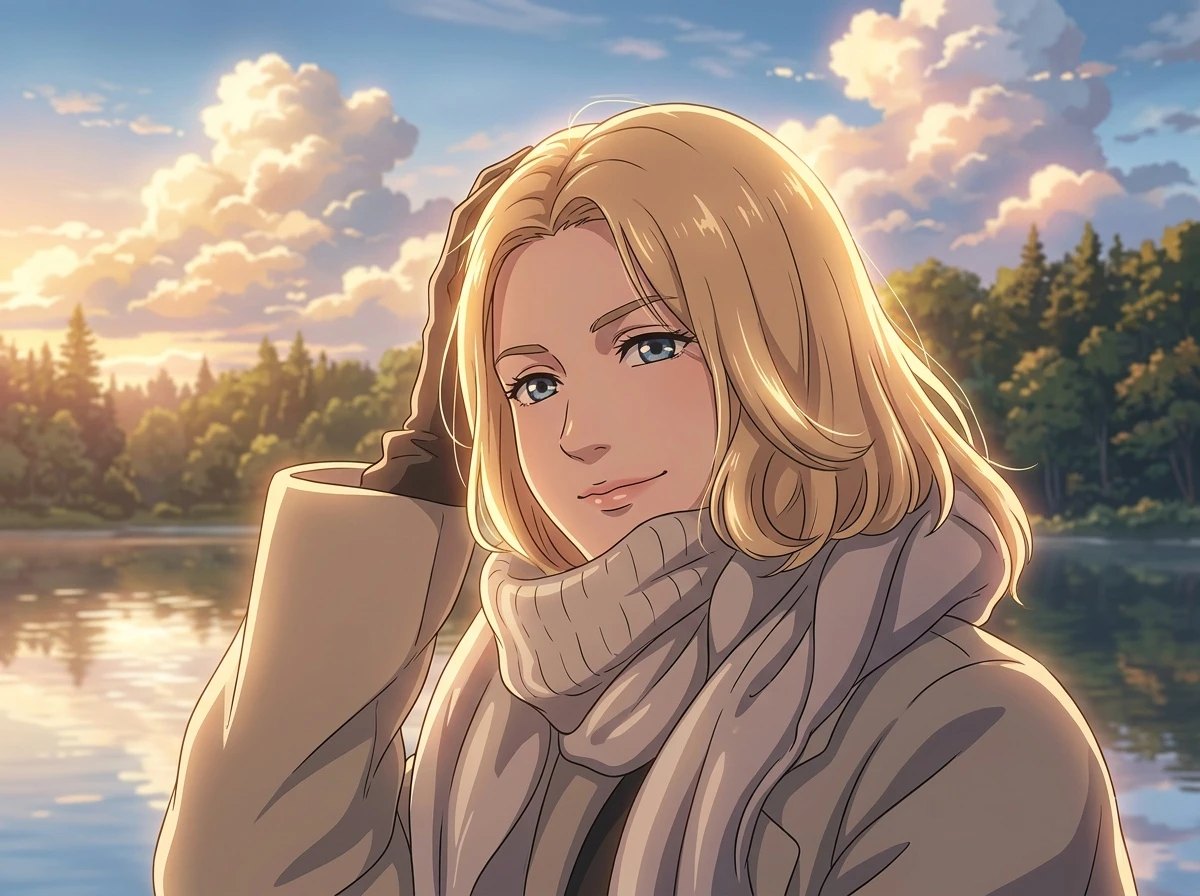
What You Can Create With Image to Pixel Art
Use the image to pixel art generator for profile avatars, pet sprites, character references, retro game backgrounds, social posts, and pixel art from image experiments.
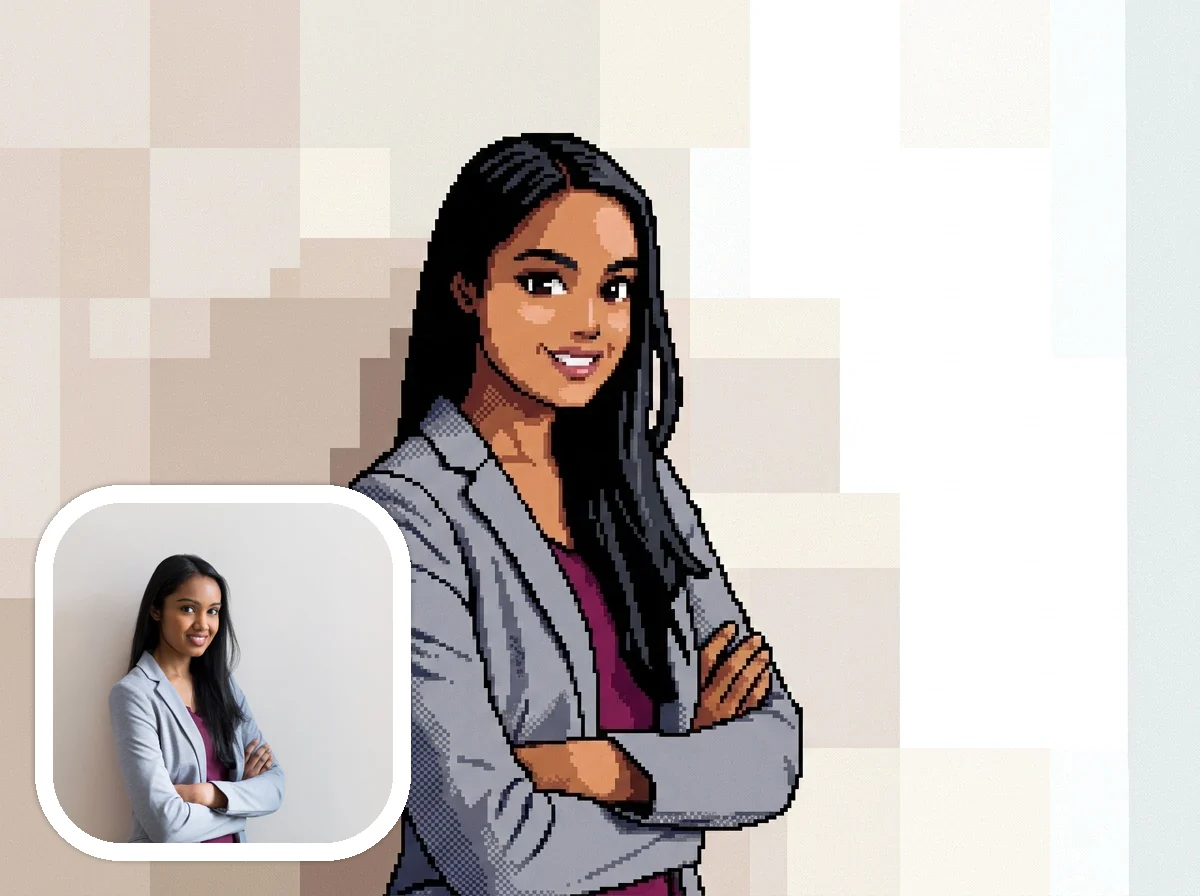
Image to Pixel Art Avatars
Turn selfies, profile photos, portraits, and character references into crisp pixel art avatars. The image to pixel art generator keeps the face readable while adding retro game personality.
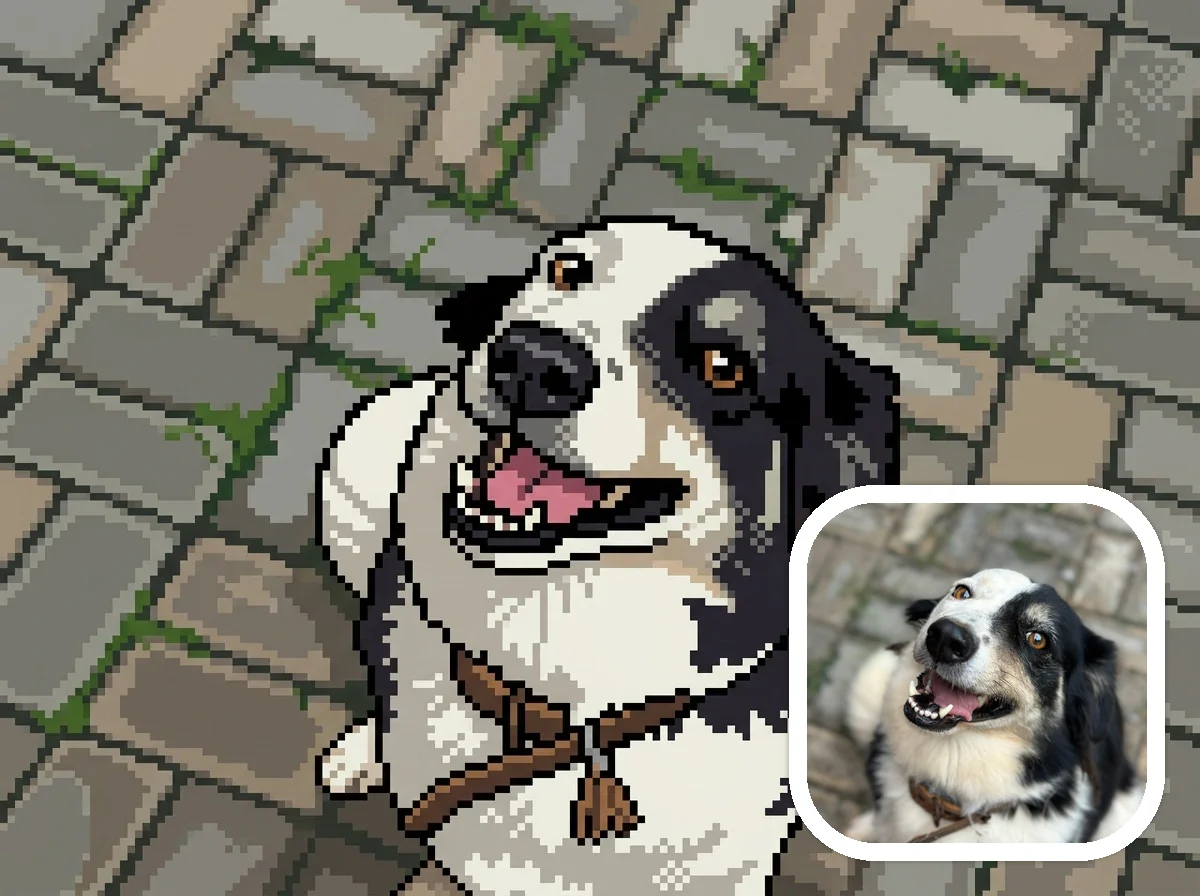
Photo to Pixel Art Pet Sprites
Convert image to pixel art for dogs, cats, and other pets. Clear pet photos can become cute pixel art sprite companions with readable silhouettes and limited-palette charm.
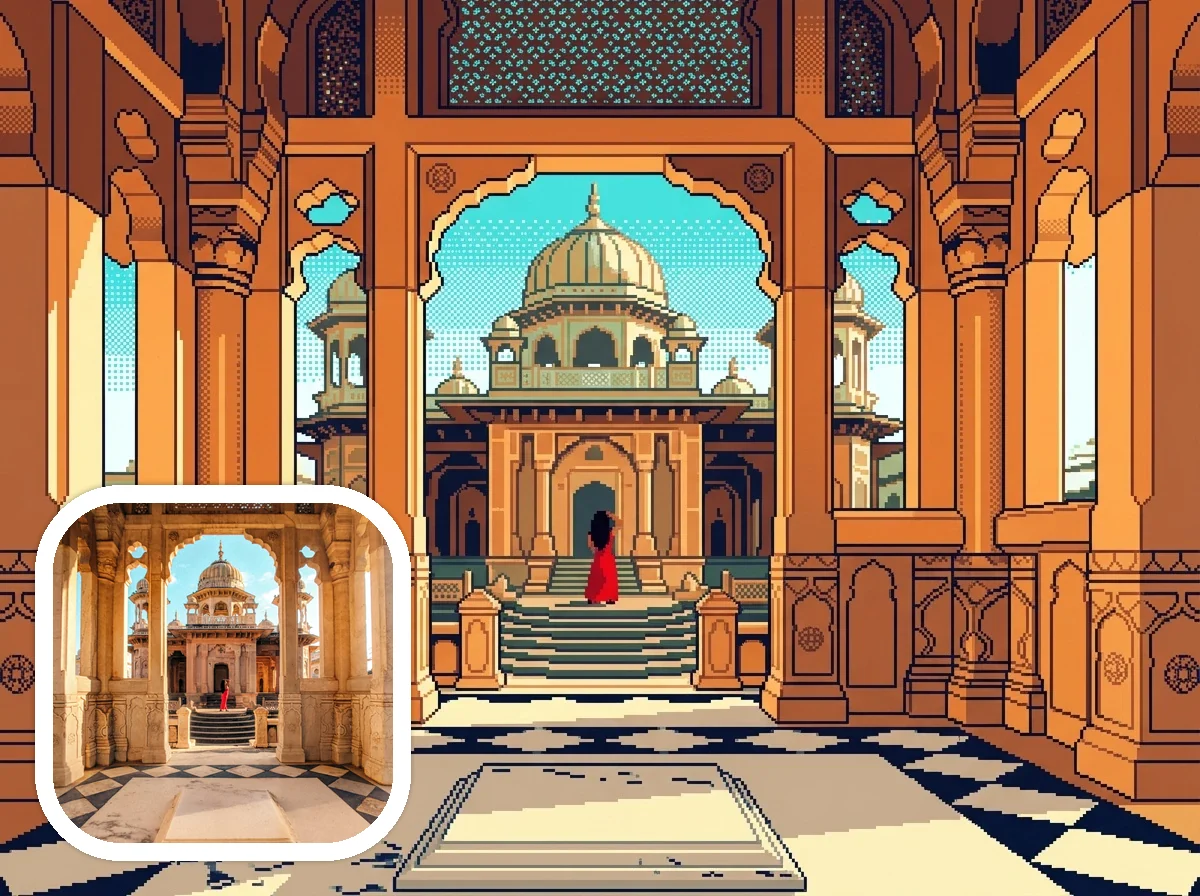
Picture to Pixel Art Game Scenes
Turn buildings, landmarks, rooms, outdoor scenes, and travel photos into nostalgic RPG-style pixel art backgrounds with tile-like shapes, visible square pixels, and game-inspired color.
How to Convert Image to Pixel Art Online
Upload a clear image, keep Pixel Art selected, add optional retro game details, then generate a downloadable pixel art image online. This image to pixel art workflow is built for fast creative results, not manual pixel editing.
Upload a Clear Image
Start with a portrait, pet photo, building, landmark, landscape, drawing, or reference image. A clean source image helps the image to pixel art result stay recognizable.
Choose Pixel Art Style
Keep Pixel Art selected so the image to pixel art workflow starts with the right retro game art direction instead of a generic cartoon or anime filter.
Add Retro Game Details
Add optional notes such as 8-bit avatar, 16-bit sprite, RPG background, arcade palette, simple grid look, or tile-based scenery to guide the AI pixel art generator.
Generate and Download
Generate, preview, and download your pixel art from image result for avatars, pet sprites, game-inspired backgrounds, posts, thumbnails, or creative projects.
Why Use AnimeGen for Image to Pixel Art
Upload a photo, picture, or reference image and turn it into pixel art online. AnimeGen helps you convert image to pixel art for avatars, pet sprites, retro game scenes, and downloadable creative projects.
Made for images you already have
Upload a portrait, pet photo, object, building, or landscape and turn it into a downloadable pixel art-style image without starting from a blank canvas.
More expressive than a simple pixel filter
A basic pixel art converter often reduces resolution. AnimeGen redraws the subject with sprite-like shapes, limited palettes, crisp edges, and retro gaming atmosphere.
Works for photos, pictures, and references
Clear faces become game-ready avatars, expressive pets become sprite companions, and buildings or landscapes can become RPG-style backgrounds from an uploaded image.
Useful for downloadable creative projects
Use the downloadable image to pixel art result for profile images, thumbnails, retro posts, moodboards, concept art references, or playful game-inspired assets.
Image to pixel art workflow
Convert Image to Pixel Art Without Starting From Scratch
Start with a real photo or reference image and turn it into a clean pixel art result. AnimeGen keeps the image to pixel art workflow short: upload, choose the style, generate, and download.
AnimeGen's image to pixel art generator is designed for people who already have a photo, picture, sketch, pet image, portrait, building shot, or character reference and want to turn that image into pixel art. Instead of starting with a blank canvas, you upload an image and let the AI pixel art generator reinterpret the subject with visible pixels, a tighter color palette, cleaner edges, and a retro game-inspired look.
The workflow is simple: upload an image, keep Pixel Art selected, add a short note if you want an 8-bit avatar, 16-bit sprite, arcade palette, RPG background, or cozy game scene, then generate and download your result. You can convert image to pixel art for avatars, pet sprites, thumbnails, game-style backgrounds, social posts, and visual references.
AnimeGen creates AI pixel art-style images, not manual sprite sheets. If you need exact grid size, palette locking, dithering controls, or sprite-sheet assembly, you can refine the result in a dedicated pixel editor after generation. If you want a fast, polished pixel art from image result, this page is built for that upload-and-generate workflow.
Choose the Right Image for Pixel Art Results
Clear source images usually make better pixel art. Pick a subject with a readable shape, good contrast, and details that can survive a smaller, blockier style.
Best Images for Image to Pixel Art
The best image to pixel art results usually come from clear photos with a strong subject. Portraits, selfies, pets, cars, rooms, buildings, landscapes, and character references work well when the subject is visible and the background is not too crowded. If you want to convert image to pixel art for an avatar, crop around the face or upper body. If you want pixel art from image for a game scene, use a photo with clear shapes, good contrast, and readable lighting.
AI Pixel Art Results vs Basic Pixel Filters
A pixel art converter often mechanically pixelates an image, reduces detail, limits colors, or overlays a grid. AnimeGen works more like an AI pixel art generator: it redraws the uploaded image in a pixel art direction. That means the image to pixel art result can feel more intentional than a basic filter, especially for portraits, pet sprites, profile pictures, thumbnails, and retro game-inspired background scenes.
Looking for a Minecraft-Inspired Result?
If you want blocky Minecraft-inspired output, use the dedicated Minecraft style page. This Pixel Art page focuses on image to pixel art for retro avatars, pet sprites, game scenes, icons, thumbnails, and downloadable pixel art-style images.
Open Minecraft StyleImage to Pixel Art Use Cases and Prompt Ideas
A stronger image to pixel art result usually starts with a clear upload and a short prompt. These examples show how to guide the AI pixel art generator without overcomplicating the workflow.
Image to Pixel Art for Avatars and Profiles
Use image to pixel art when you want a profile image that feels more distinctive than a normal selfie. Upload a portrait, crop the face clearly, and ask for a pixel art avatar, 8-bit avatar, 16-bit character portrait, or retro RPG portrait. This image to pixel art use case is strong for social profiles, game handles, creator thumbnails, forum icons, and character references because the uploaded image keeps the identity readable while the AI pixel art generator adds a stylized retro game look.
Convert Image to Pixel Art for Pets and Objects
Pet photos and object photos are useful when you want a cute sprite-like result. You can convert image to pixel art for a dog, cat, toy, car, food item, room object, or product reference. Short prompts such as cute pet sprite, clean pixel art icon, limited palette, 16-bit companion, or retro item sprite can help the image to pixel art generator simplify the subject without losing the main shape. Clear silhouettes usually make the final pixel art from image easier to recognize.
Pixel Art From Image for Scenes and Concepts
Pixel art from image also works for places, rooms, buildings, landscapes, and game-inspired concepts. Upload a street photo, landmark, desk setup, simple room, or travel scene and describe the target mood: RPG background, arcade scene, top-down game map, 16-bit town, cozy pixel room, or retro platformer background. This image to pixel art direction is useful for moodboards, thumbnails, scene references, lightweight concept art, and creative experiments before opening a manual pixel art editor.
Ready to Convert Image to Pixel Art?
Upload a portrait, pet photo, building, landscape, or character image and use AnimeGen as an AI image to pixel art generator for a downloadable retro pixel art result.
Convert Image to Pixel ArtImage to Pixel Art Generator FAQ
Answers about image to pixel art conversion, photo to pixel art results, pixel art converter limits, downloads, prompts, grids, Minecraft pixel art, and the best images to upload.
Create Pixel Art From Image Today
Start from your own image and create pixel art for avatars, pet sprites, retro game-style backgrounds, social posts, thumbnails, concept references, or creative projects.
Convert Image to Pixel Art