Image to Minecraft Pixel Art
Image to Minecraft Pixel Art Generator
Upload an image and turn it into Minecraft-inspired pixel art for an avatar, pet portrait, group scene, or gaming profile picture.
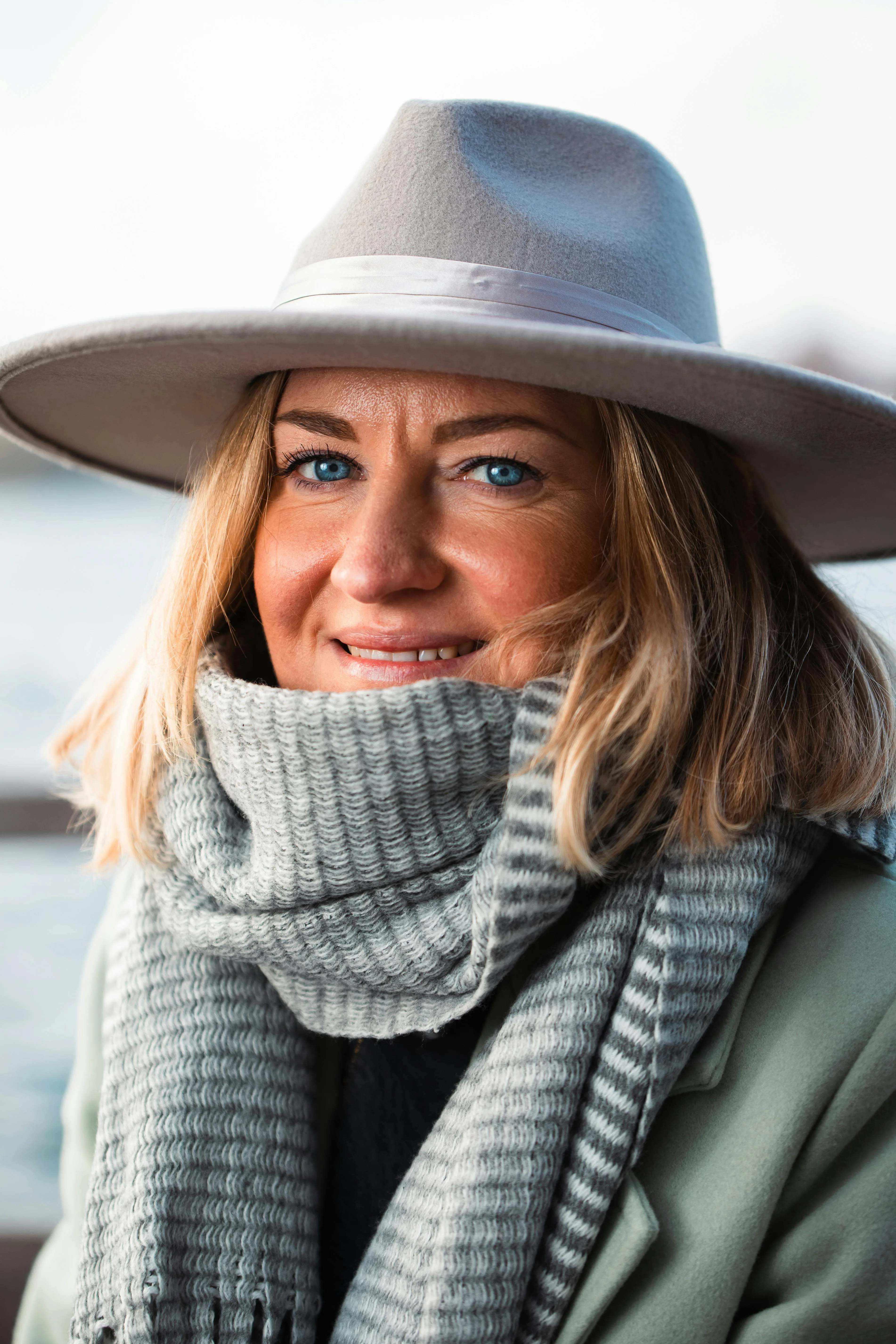
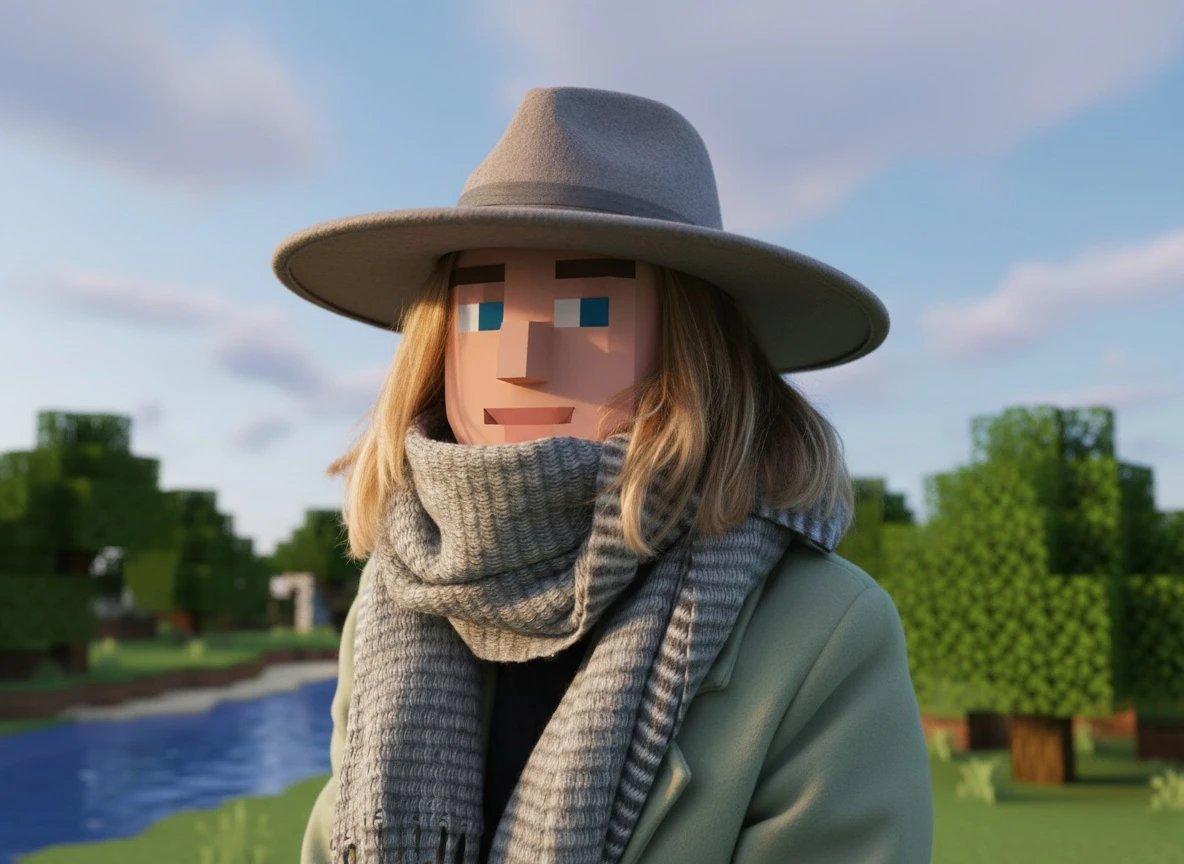
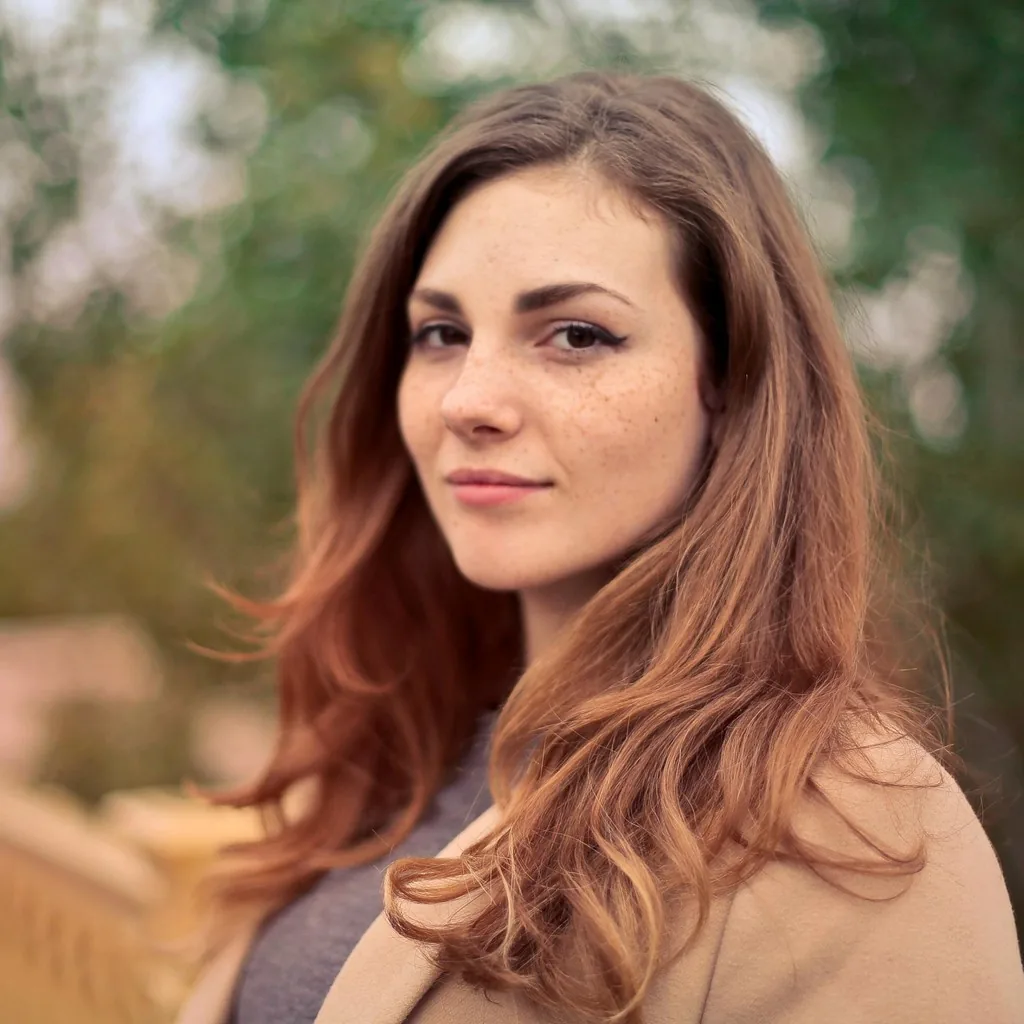
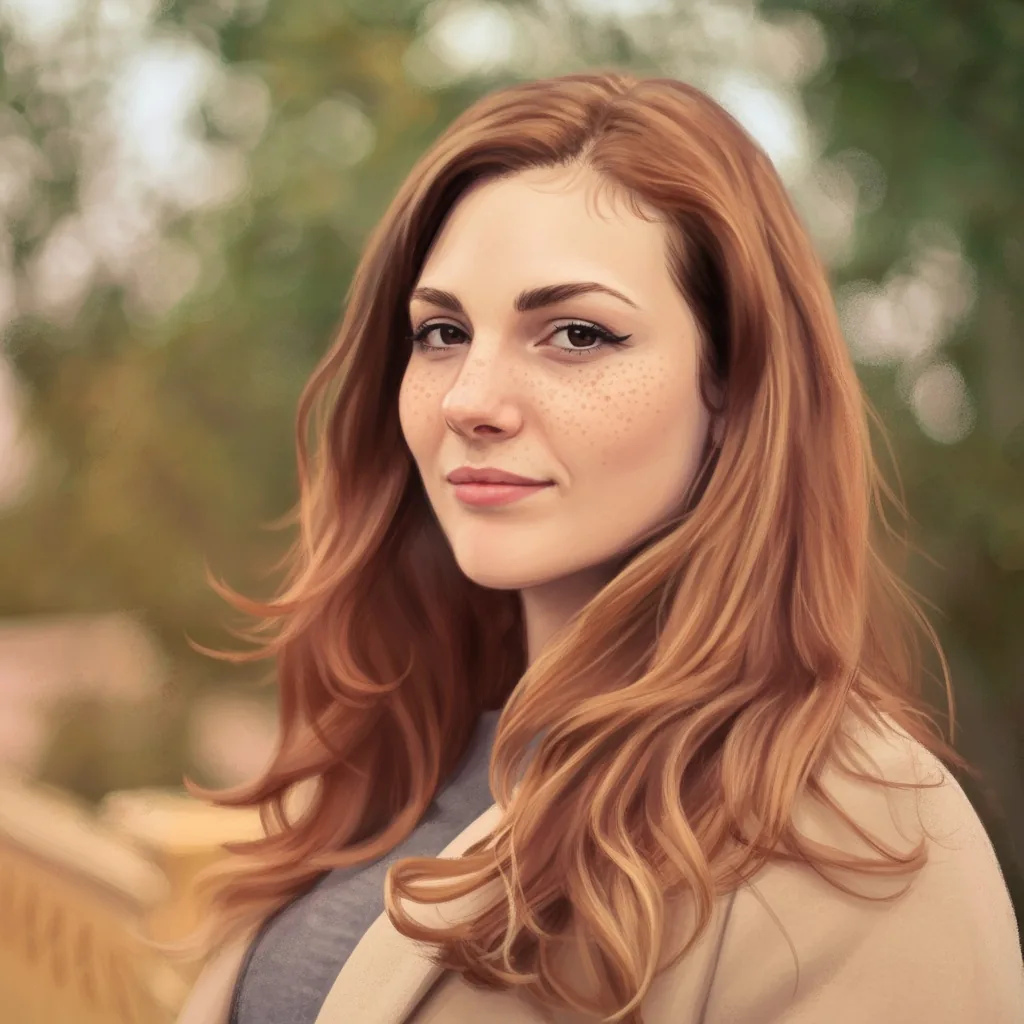
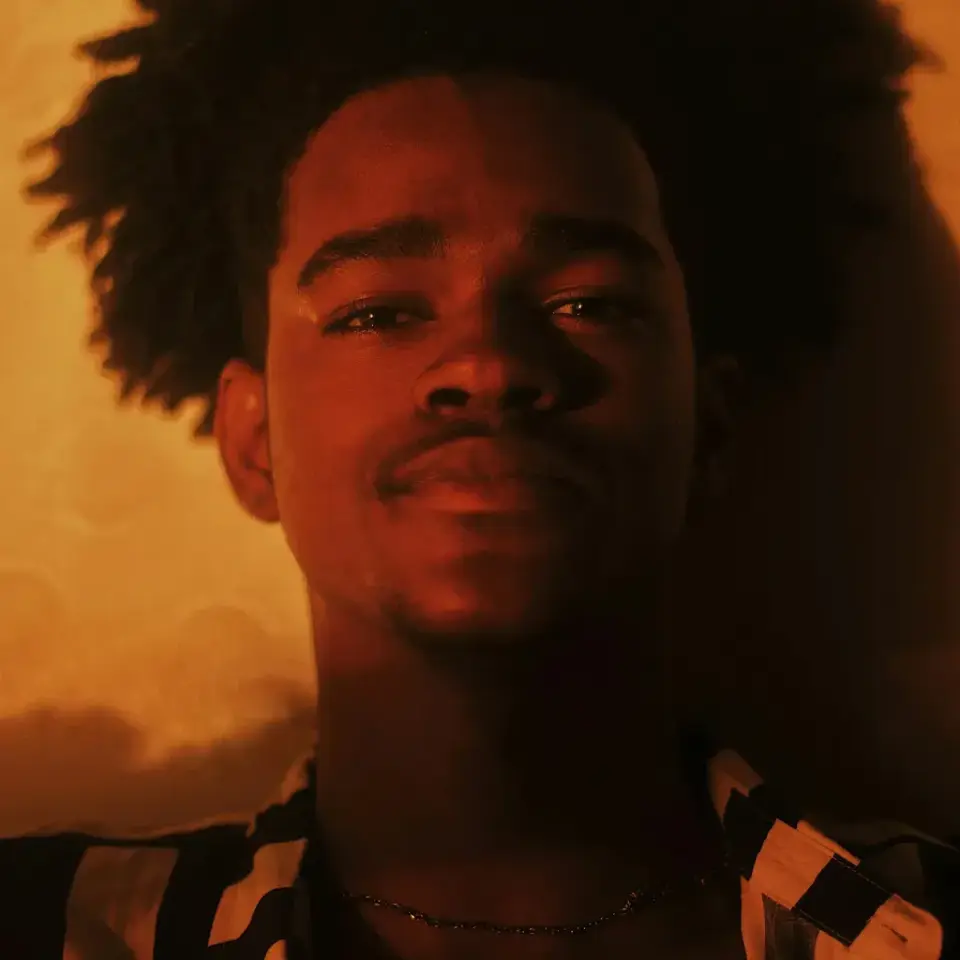
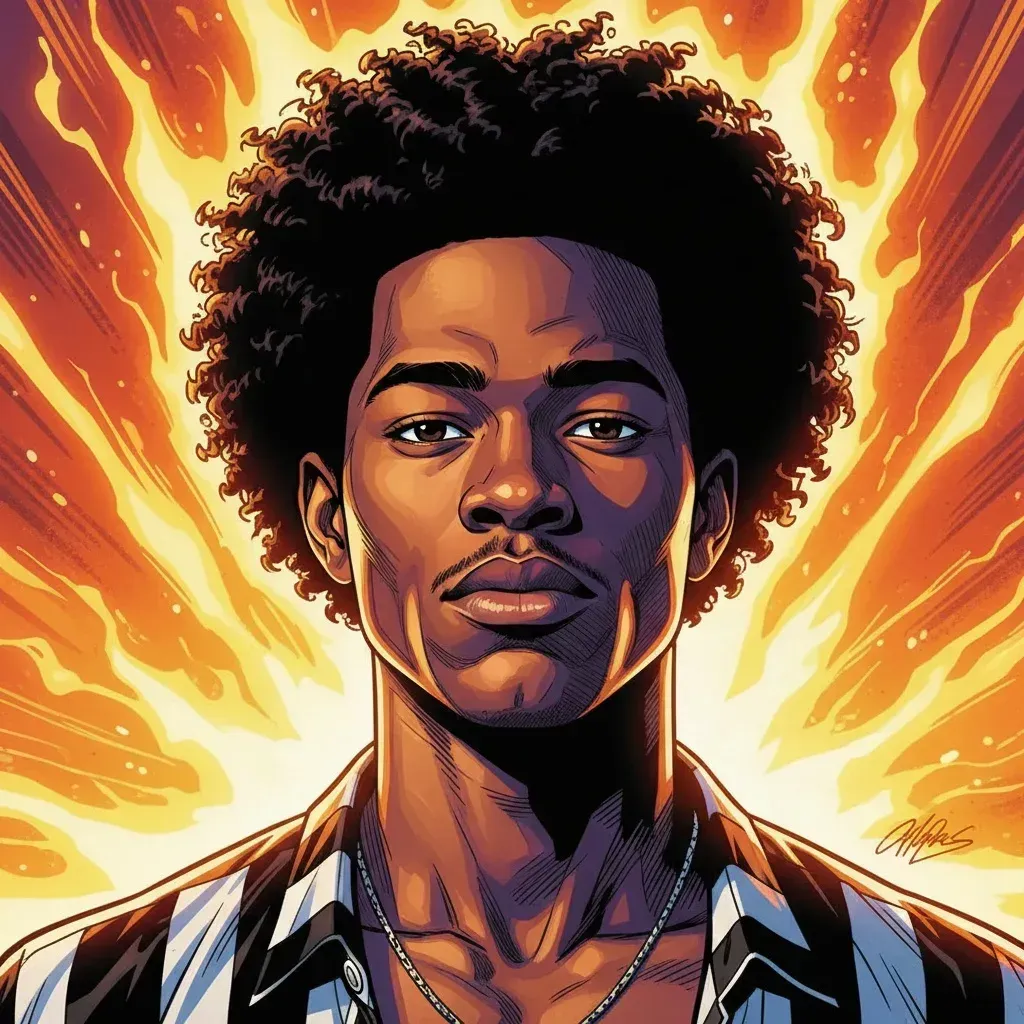
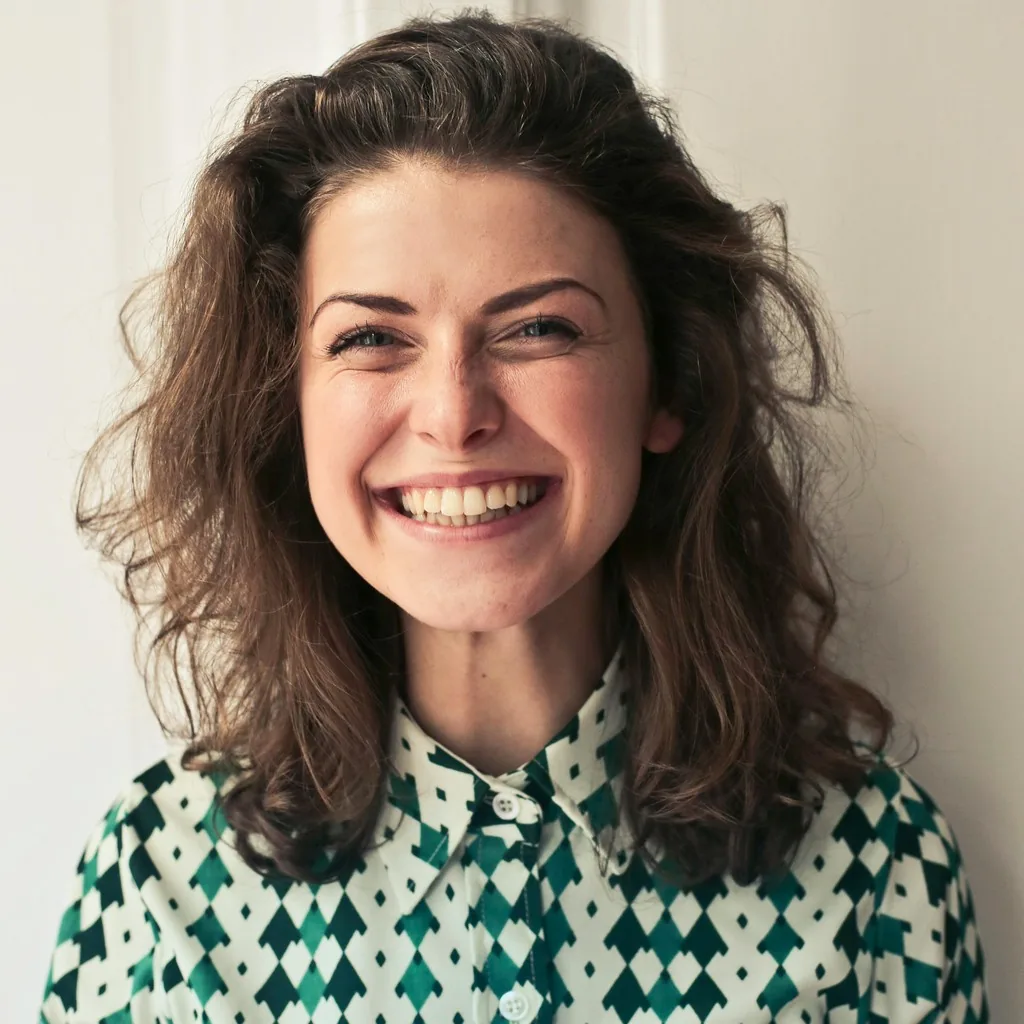
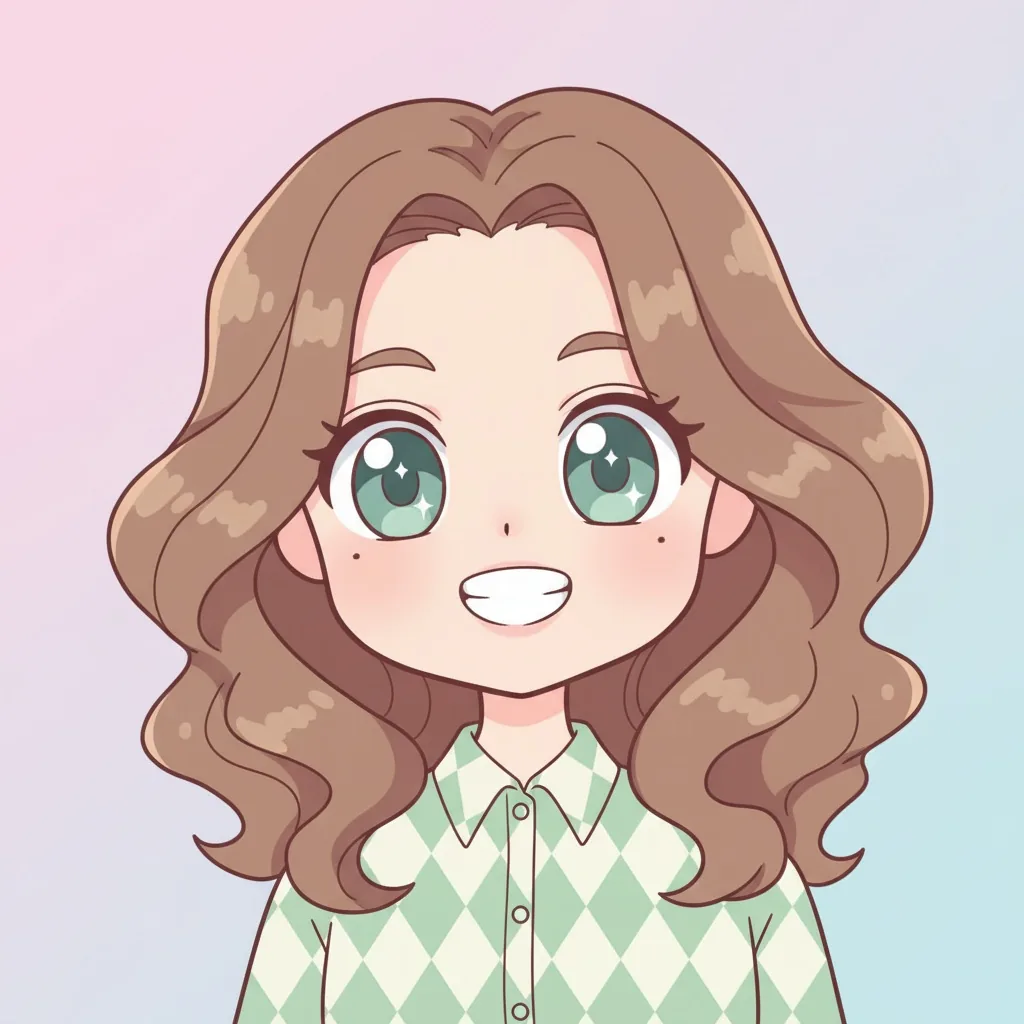
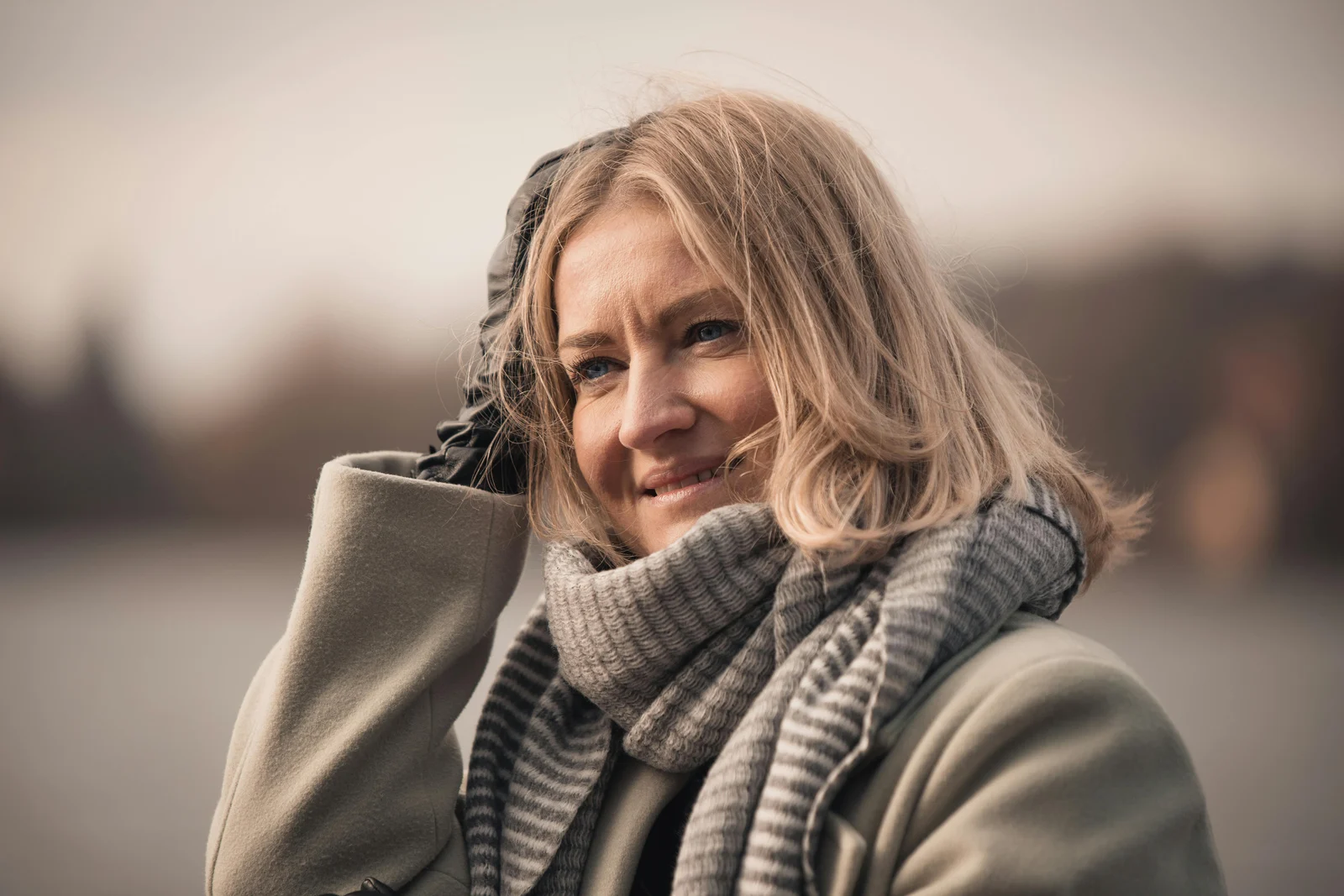
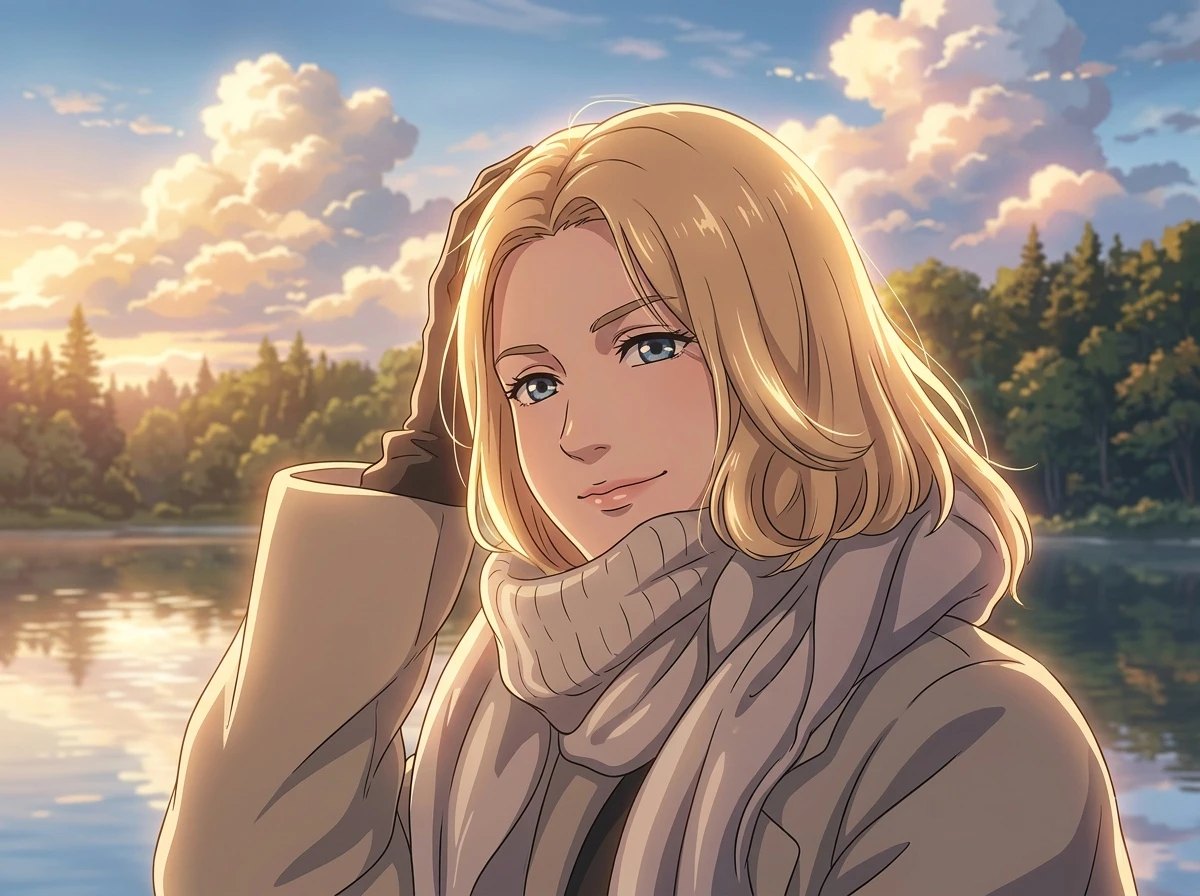
AnimeGen is an image to Minecraft pixel art generator for people who want a downloadable AI image, not a manual block-building plan. Use the Minecraft preset to turn a photo into Minecraft pixel art with a blocky, voxel-inspired look, pixel-like texture, and a clear game-world mood. The result is best for profile pictures, social posts, pet images, friend groups, thumbnails, and playful creative projects.
Use Cases for Image to Minecraft Pixel Art
Use one photo to create Minecraft pixel art avatars, pet artwork, and playful shared moments with a recognizable blocky game-world look.
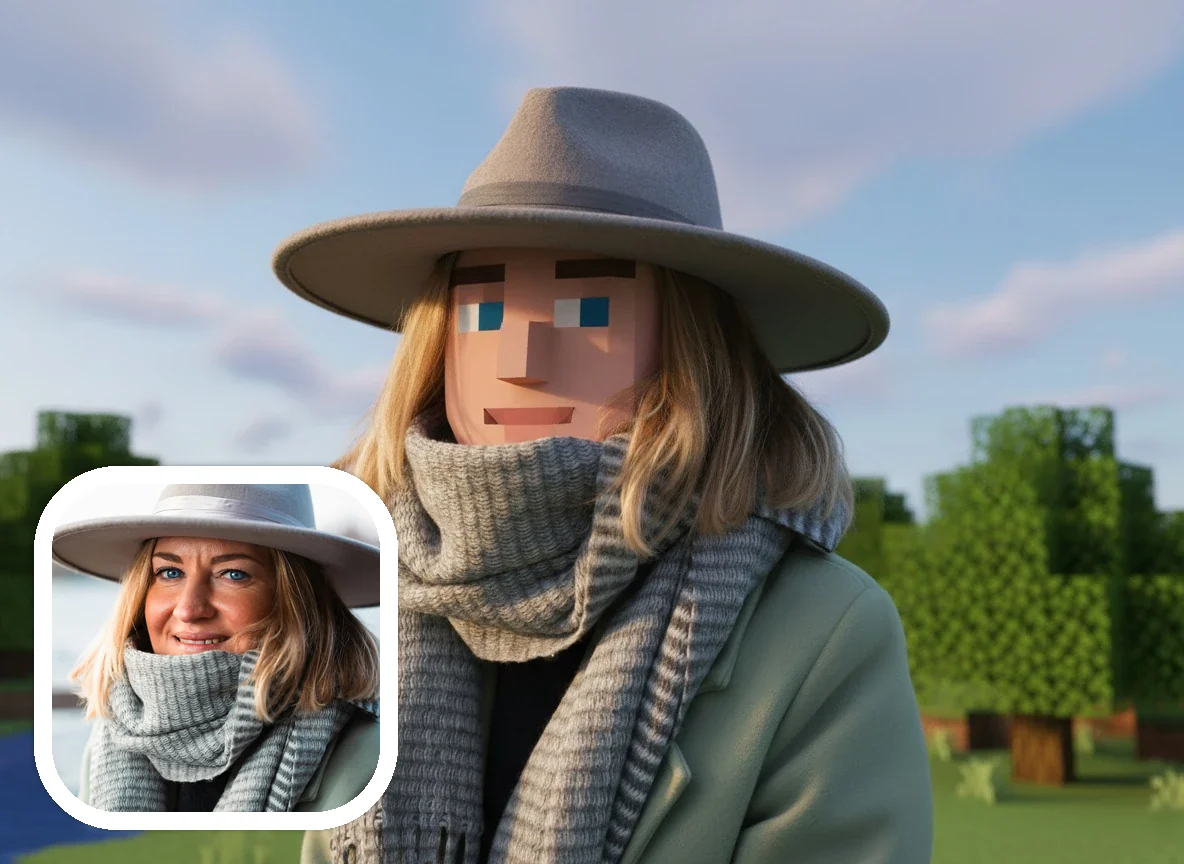
Minecraft Pixel Art Avatars From Photos
Turn a clear selfie or portrait into Minecraft pixel art with cubic shapes, pixel-like texture, and a profile-friendly game-world feel. This is the strongest use case for image to Minecraft pixel art searches because the face remains the center of the result.
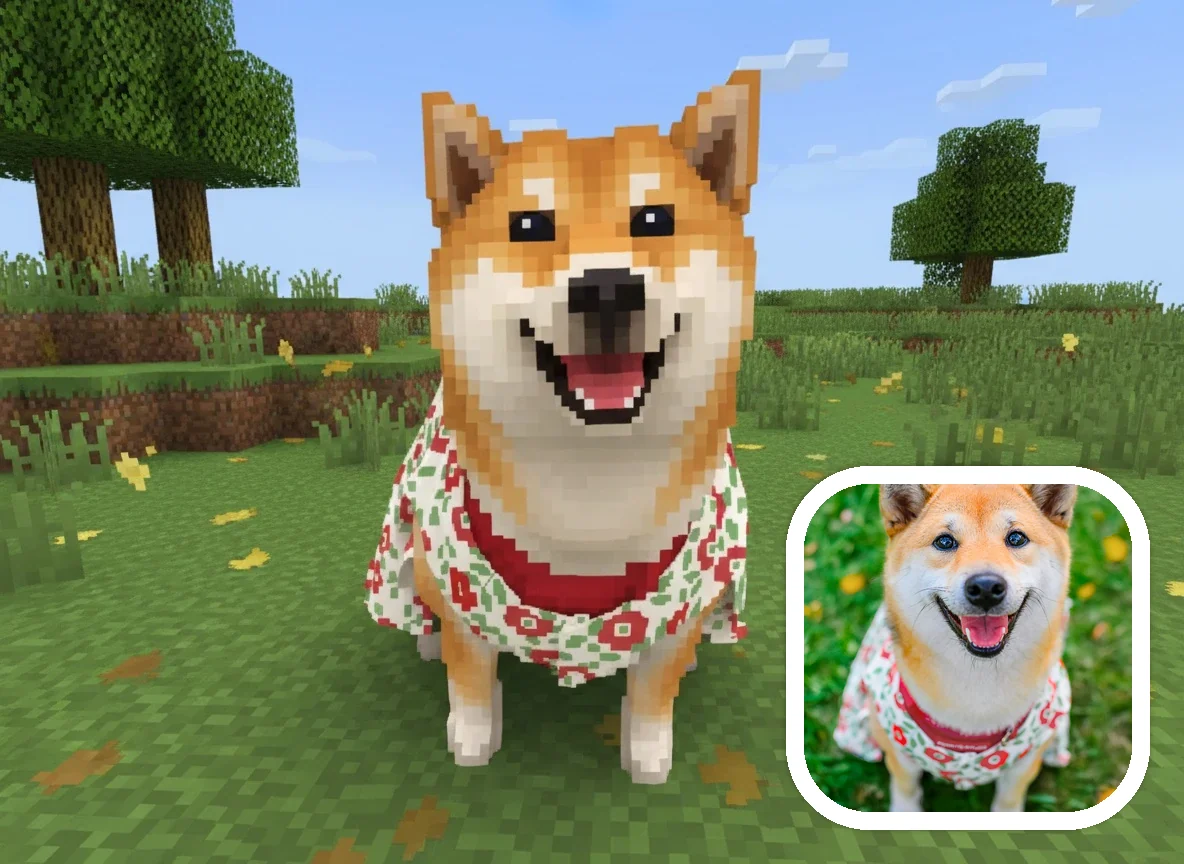
Minecraft Pixel Art Pets
Transform dogs, cats, and other pets into playful Minecraft-inspired pixel art companions. A pet photo can become a blocky AI image for a profile, gaming-themed post, or shareable creative project.
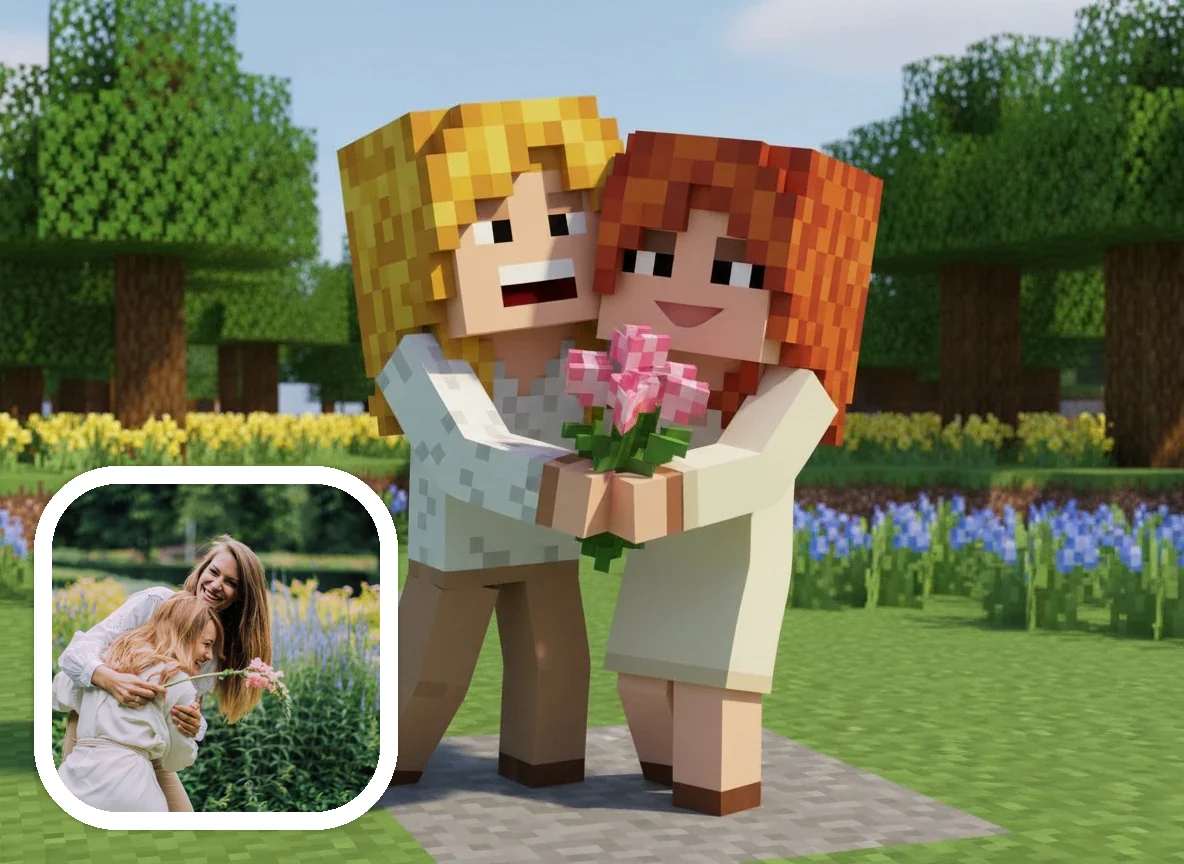
Minecraft Pixel Art Friends and Family Scenes
Turn friends, family, travel moments, and small shared memories into a Minecraft pixel art scene for playful keepsakes, community posts, or themed personal projects. Simple group photos usually work better than crowded images.
How to Turn an Image to Minecraft Pixel Art
The image to Minecraft pixel art workflow is simple: upload a clear photo, keep the Minecraft style selected, add optional direction, then generate a blocky AI image you can preview and download.
Upload Your Image
Choose a portrait, selfie, pet photo, or group image in JPG, PNG, or WebP format. A clear subject gives the Minecraft pixel art generator more visual structure to work with.
Use the Minecraft Pixel Art Style
This page opens with the Minecraft preset selected, so your photo to Minecraft pixel art workflow starts in the right blocky, voxel-inspired direction.
Add Details if Needed
Guide the image to Minecraft pixel art result with short prompts such as avatar portrait, bright village, forest scene, pet companion, blocky face, or gaming profile picture.
Generate and Download
Create the Minecraft-inspired pixel art image, review the generated result, and download the version you want to use for a profile, post, thumbnail, or creative project.
Why Use an Image to Minecraft Pixel Art Generator
Searchers looking for image to Minecraft pixel art often want a fast visual transformation from a real photo. AnimeGen focuses on the creative AI image version of that task: a Minecraft-inspired pixel art look that is easy to generate, easy to read, and easy to share.
Built around photo input
The page is designed for image to Minecraft pixel art searches. Start with a real image, then generate a Minecraft-inspired pixel art result without drawing pixel art by hand.
A recognizable blocky pixel art look
Cubic forms, voxel-style structure, and pixel-like details help the generated image feel close to Minecraft pixel art while still preserving the subject of the uploaded photo.
Useful for avatars and gaming profiles
A Minecraft photo to pixel art result can work well as a profile image, server icon concept, community post, themed thumbnail, or playful social media picture.
Works beyond portraits
The Minecraft pixel art generator can be used for selfies, pets, couples, friend groups, family scenes, and other photos where the main subject is clear.
Downloadable AI image output
AnimeGen creates a downloadable Minecraft-inspired image from your photo. It is meant for visual use, sharing, and creative identity, not for in-game construction files.
Clear about what it does not create
This image to Minecraft pixel art generator does not export schematics, WorldEdit commands, block counts, map files, or game-ready Minecraft skins.
Best Images for Minecraft Pixel Art Results
A good image to Minecraft pixel art result starts with a photo that has a clear subject, readable lighting, and enough contrast for the AI to preserve the main shape after the blocky transformation.
Portraits, selfies, and headshots for Minecraft pixel art avatars
Dog, cat, and pet photos for blocky Minecraft-inspired pet art
Couple, friend, and family photos with simple backgrounds
Gaming profile pictures, community thumbnails, and social visuals
Photos where the face, body, or main object is not hidden or heavily cropped
Images that need a playful Minecraft-inspired pixel art style instead of a realistic edit
What This Minecraft Pixel Art Generator Creates
AnimeGen creates downloadable AI images with a Minecraft-inspired pixel art style. It does not create a Minecraft schematic, block count list, WorldEdit command, Litematica file, map art file, or game-ready Minecraft skin. If you want a creative image to Minecraft pixel art result for an avatar, pet image, post, or thumbnail, this page matches that intent. If you need exact block placement for building inside Minecraft, you need a construction planner rather than an AI image generator.
Ready to Convert an Image to Minecraft Pixel Art?
Upload a photo, keep the Minecraft pixel art style selected, and create a blocky AI image you can preview and download.
Create Minecraft Pixel ArtImage to Minecraft Pixel Art FAQ
Answers about image to Minecraft pixel art results, photo input, Minecraft pixel art generator limits, downloads, skins, schematics, and brand boundaries.
Create Minecraft Pixel Art From Your Image
Use AnimeGen as an image to Minecraft pixel art generator for portraits, pets, friend groups, gaming profiles, and downloadable blocky AI images.
Generate Minecraft Pixel Art