AI Cartoon Generator From Photo
AI Cartoon Generator
Upload a portrait, selfie, pet photo, or couple shot, choose a visual style, add optional details, and generate a downloadable cartoon-style result online.
Num
Action
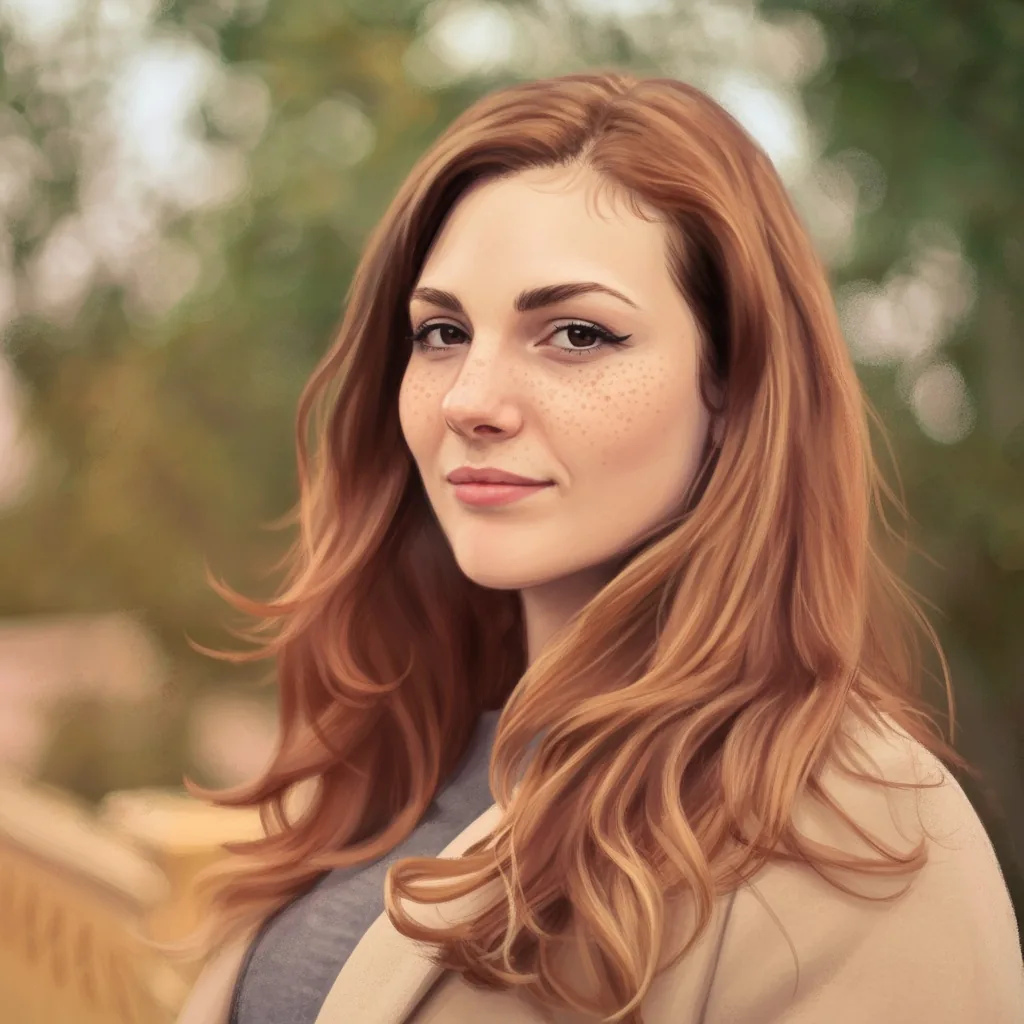
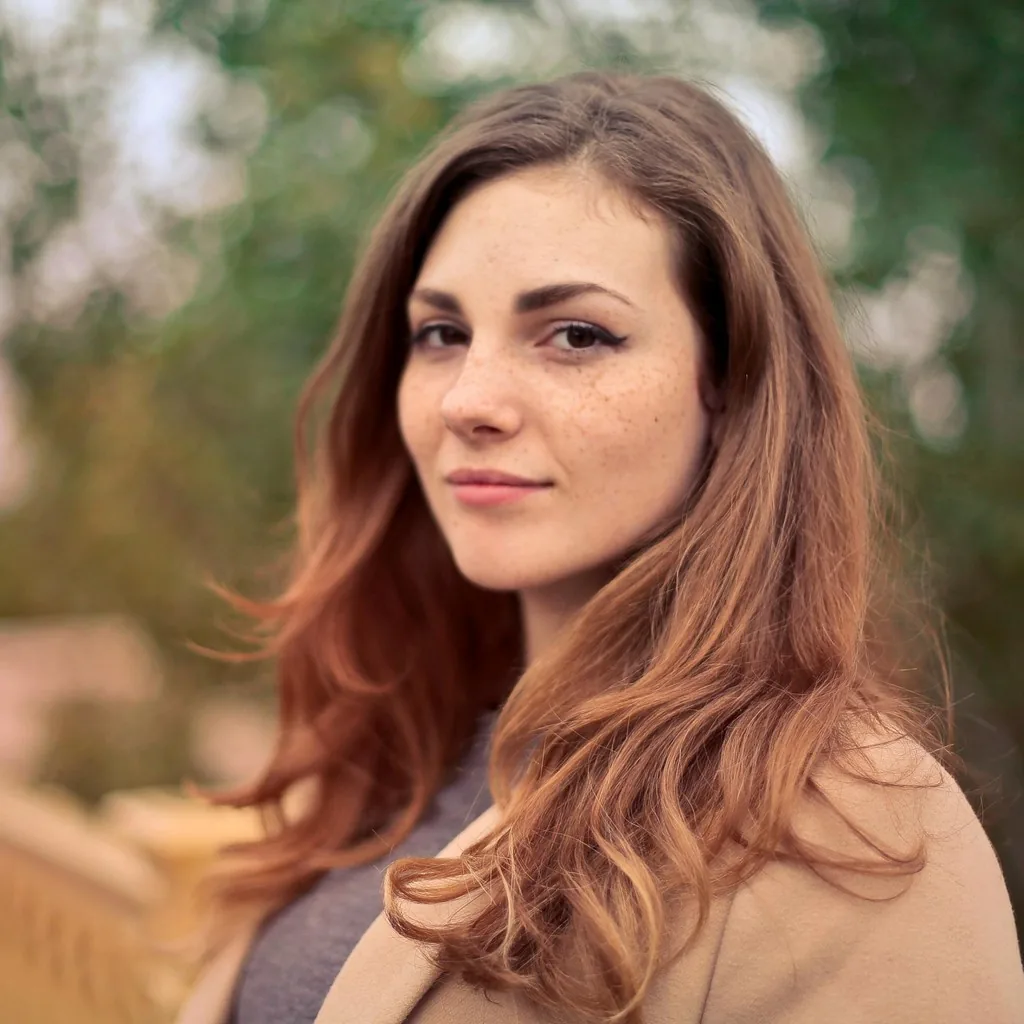
What Photos Work Best for Cartoonizing?
Users searching for an AI cartoon generator from photo usually want to know whether their portrait, pet photo, or couple shot is a good fit. Start with the use case that matches your photo, then move into the workflow below.
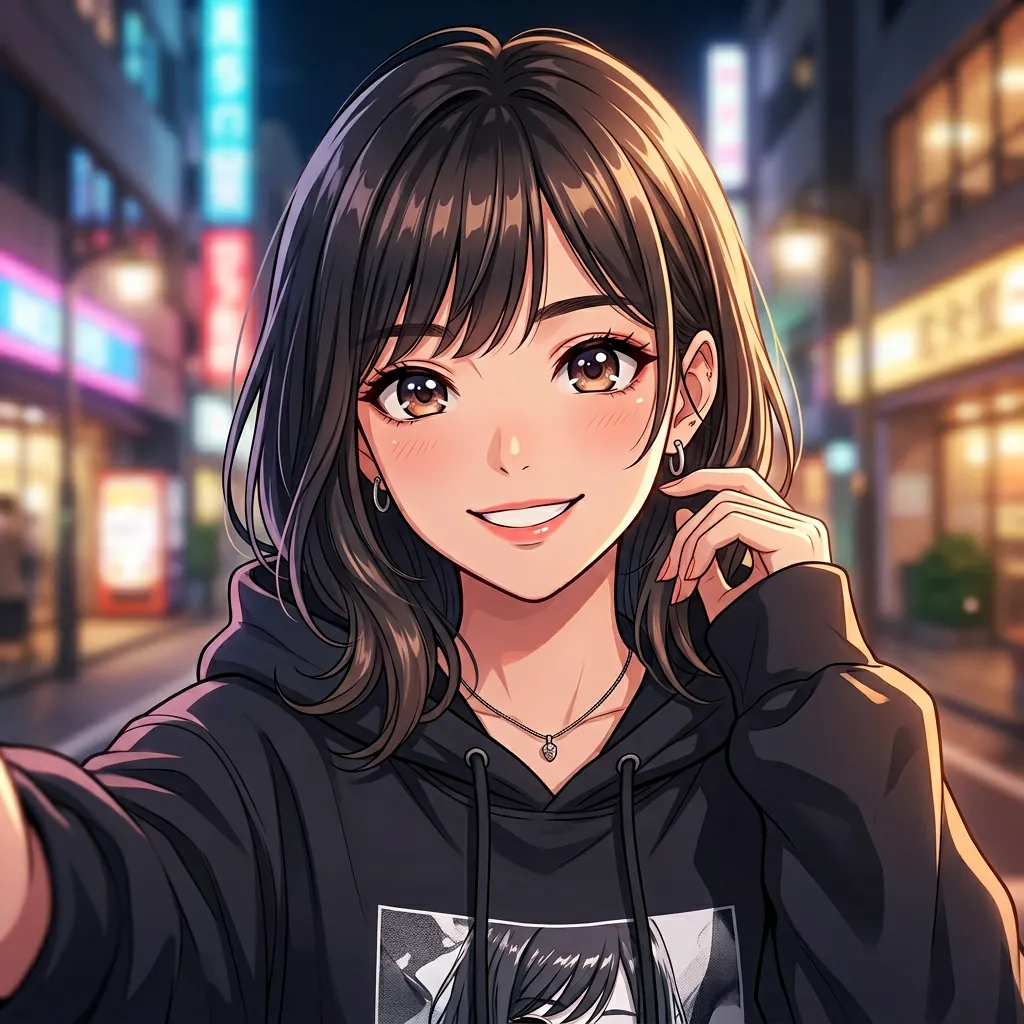
Portraits and selfies
Front-facing portraits and clean selfies are strong inputs when you want a polished cartoon avatar, social image, or creator profile picture.
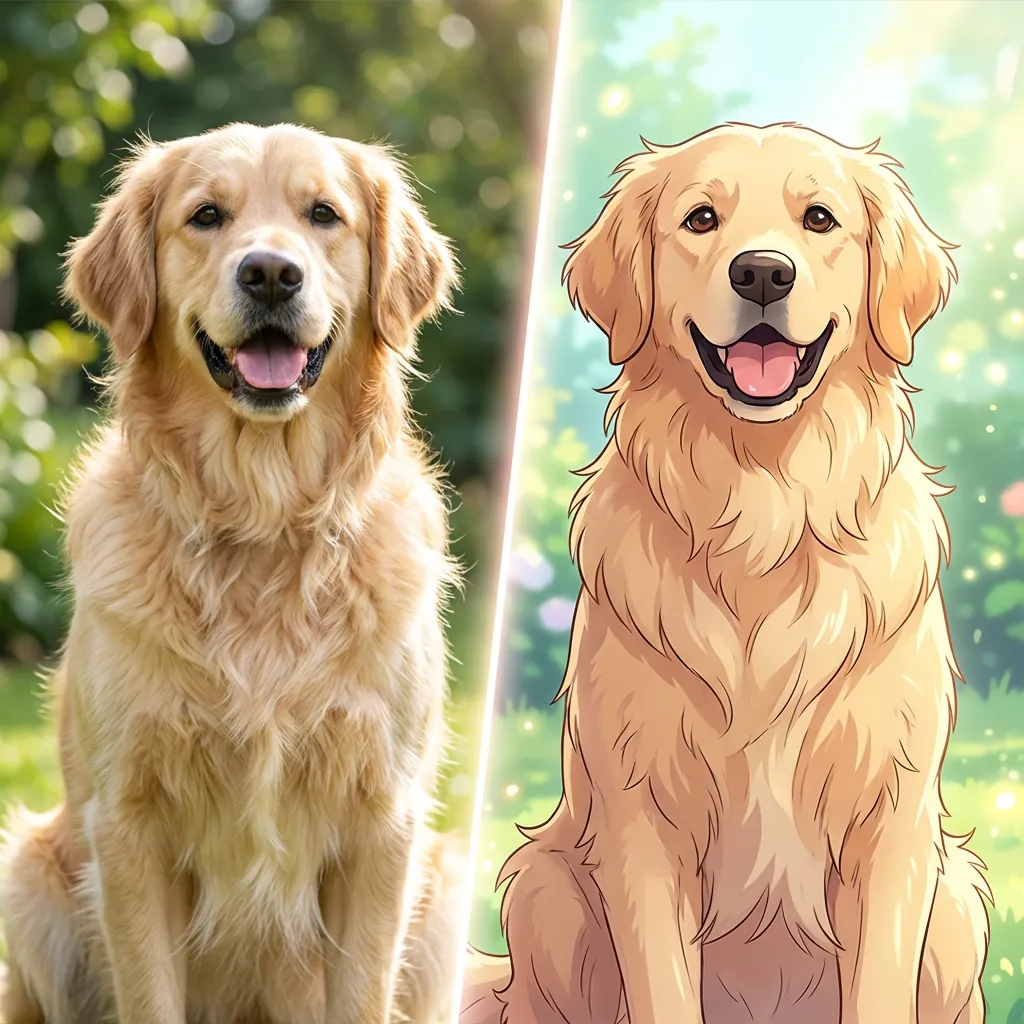
Pets and animal photos
Well-lit pet photos often cartoonize cleanly, especially when the subject is separated from the background and easy to recognize.
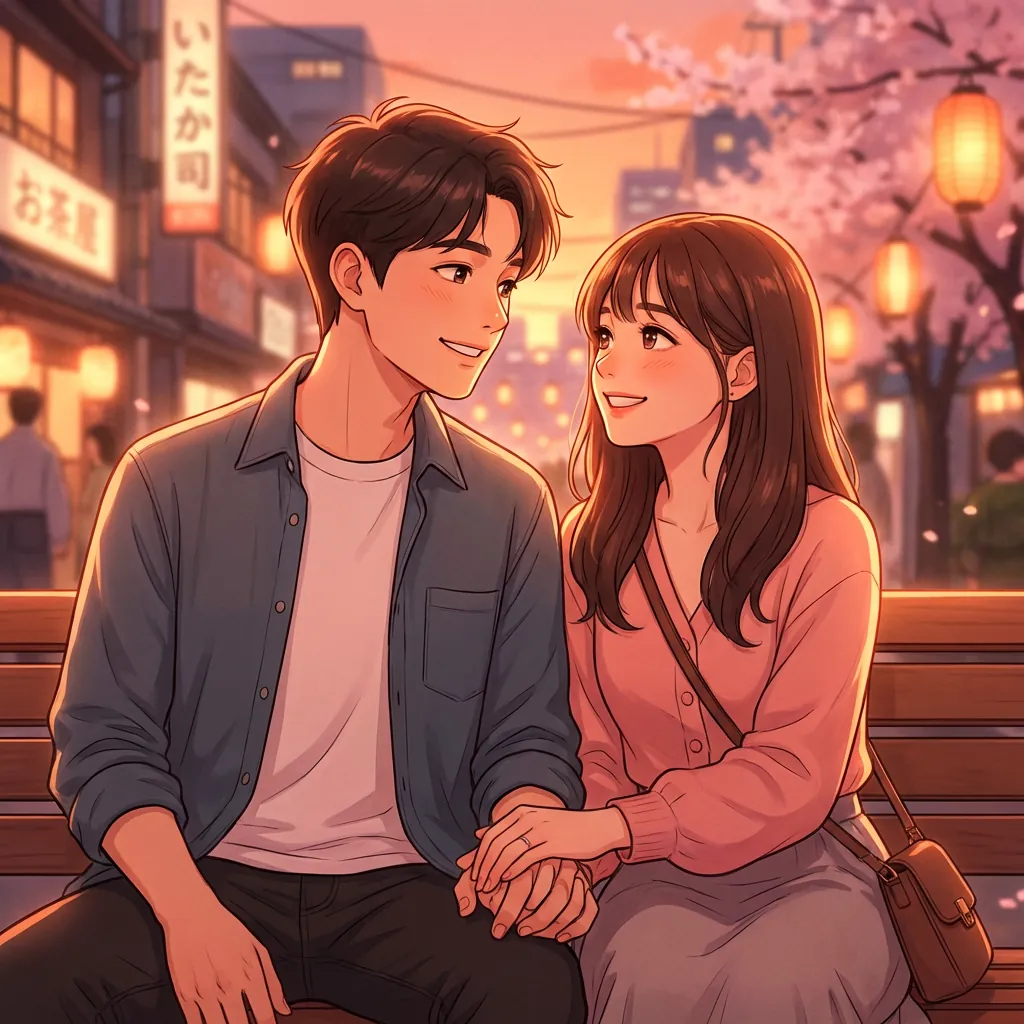
Couple and friendship photos
Use this workflow for photos where pose, emotion, and the relationship between two people matter as much as the final style.
How to Turn a Picture Into a Cartoon With AI
Start with a clear photo, choose a cartoon direction, and generate a result you can preview and download without needing a separate tool.
Upload your photo
Start with a clear JPG, JPEG, PNG, or WebP image. Portraits, pet photos, and cleaner group shots usually work best.
Choose a cartoon direction
Pick a style that fits your image, from softer illustrated looks to comic-like, anime-inspired, or playful cartoon results.
Add extra details if needed
Use optional instructions when you want more control over expression, mood, background cleanup, or stylization level.
Generate and download
Create your cartoon-style image, review the output, and download the version you want to keep or share.
A More Flexible Way to Turn Photos Into Cartoons
When you cartoonize a real photo, the goal is not just to add a filter. You want a cleaner result that still feels usable for avatars, profile images, and shareable content.
Your photo works better for avatars, profiles, and shareable content
Portraits, profile pictures, pet photos, and couple images can turn into cleaner cartoon-style results that fit social sharing and personal branding better than a novelty effect.
You get a cleaner cartoon result from a real photo
A clear source image gives the model enough detail to keep expressions, subject separation, and the overall feeling of the original photo easier to read.
You get more control than a generic filter app
Choose a visual direction, adjust the aspect ratio, add optional details, and test multiple outputs when you want a stronger cartoon-style result.
What Kind of Photos Get Better Cartoon Results
Clear, well-lit images with a visible subject usually produce the strongest cartoon-style results. Heavy blur, dark lighting, and cluttered backgrounds make it harder to preserve clean edges and expressions.
- Portraits and selfies
- Pet photos with a clear subject
- Couple and friendship photos
- Profile-picture candidates
- Simple creator or content images
What Cartoon Styles Can You Try
This page targets broad cartoonize intent, so the copy stays wider than the photo-to-anime page. The generator can still support multiple stylized directions within the same workflow.
- Softer illustrated cartoon looks
- Comic-like and graphic directions
- Playful character and avatar styling
- Anime-inspired and mixed cartoon aesthetics
Turn Your Photo Into a Cartoon Version
Start with a real image, choose a cartoon direction, and generate a version you can preview and download.
Cartoonize My PhotoAI Cartoon Generator From Photo FAQ
Focused answers about which photos work best, whether you need a prompt, and what you can do with the finished cartoon result.
Ready to Cartoonize Your Photo?
Use a portrait, pet photo, or profile image to generate a cleaner, more shareable cartoon-style result.
Upload a Photo and Cartoonize It