Photo to Line Drawing Online
Turn a Photo Into a Line Drawing
Upload a photo, choose the Line Drawing effect, or try a sample first.

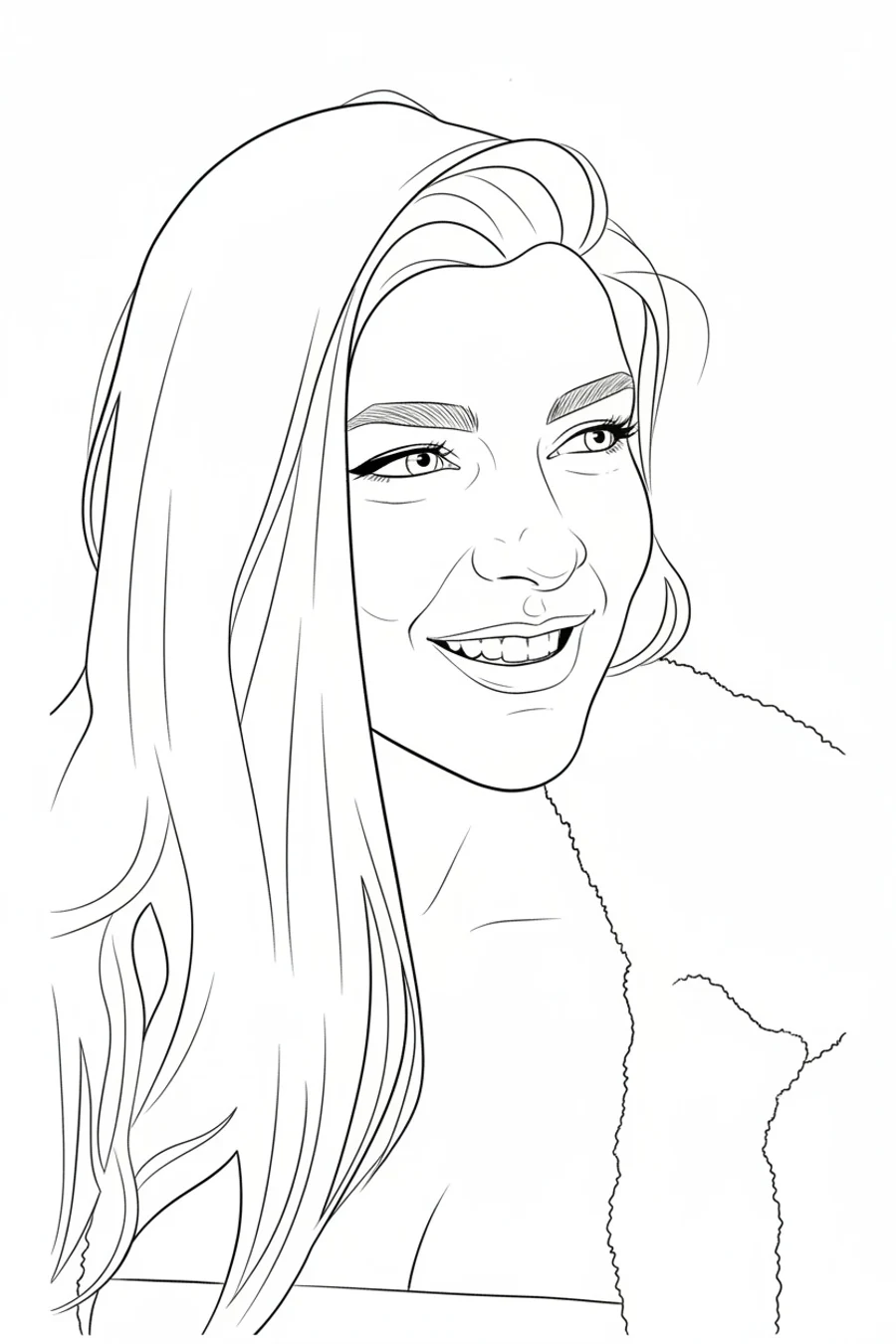
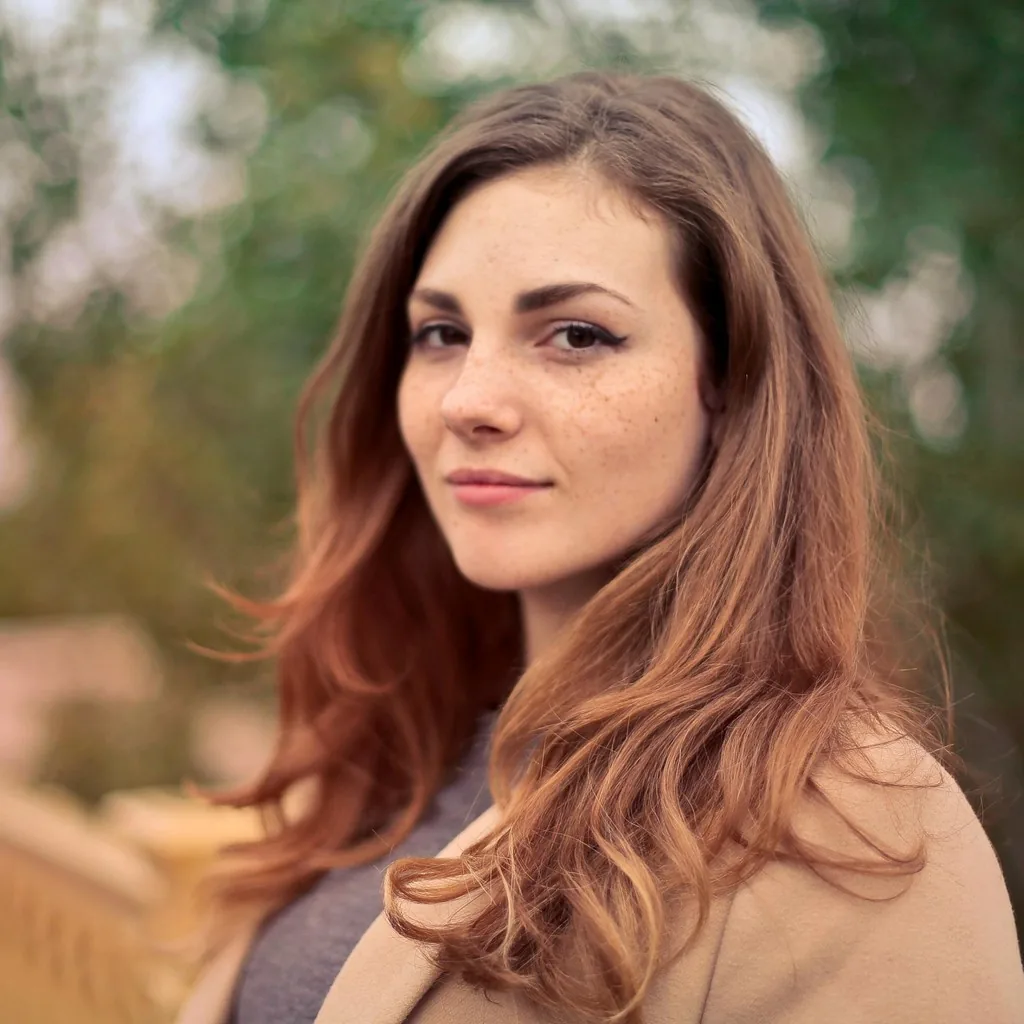
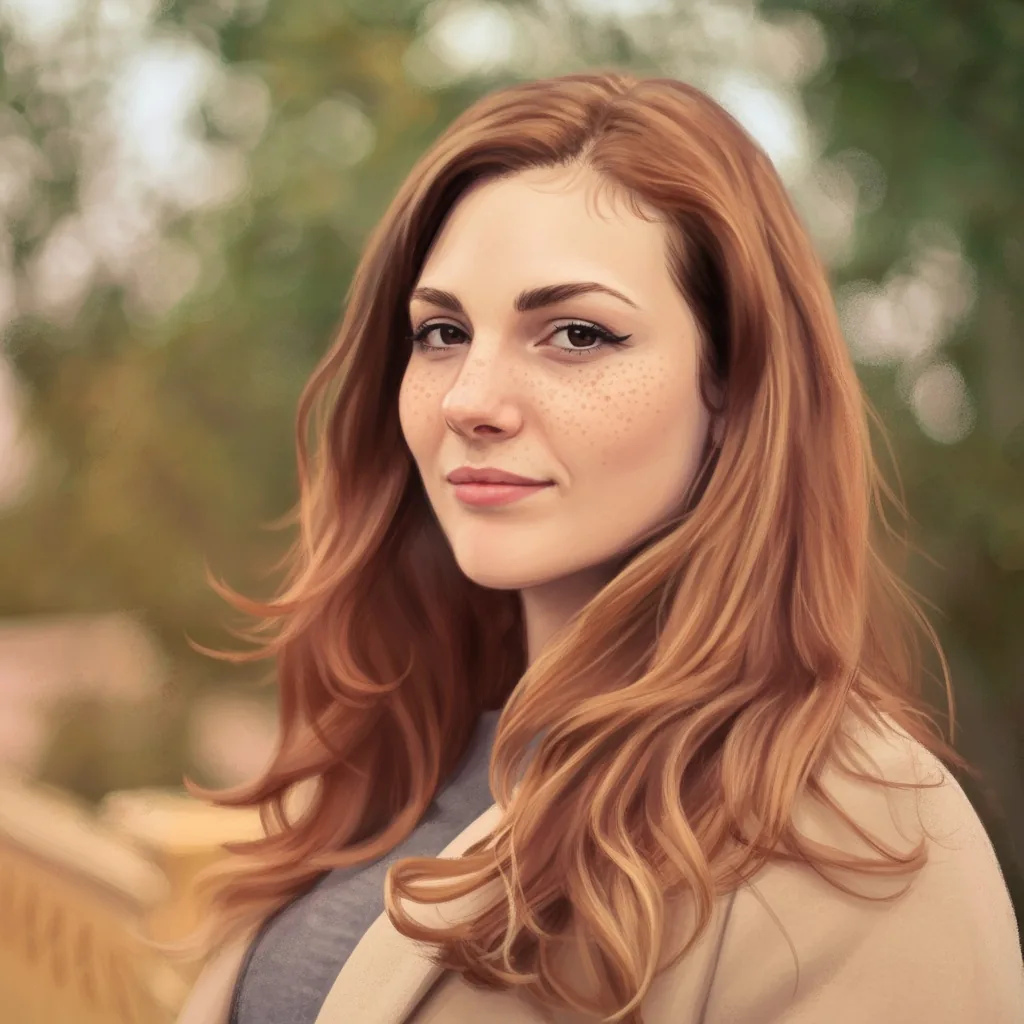





Create Line Drawing Art From Real Photos
Use AnimeGen to turn real photos into clean black-and-white line art for portraits, pet keepsakes, architecture outlines, creative references, and simple illustration ideas.
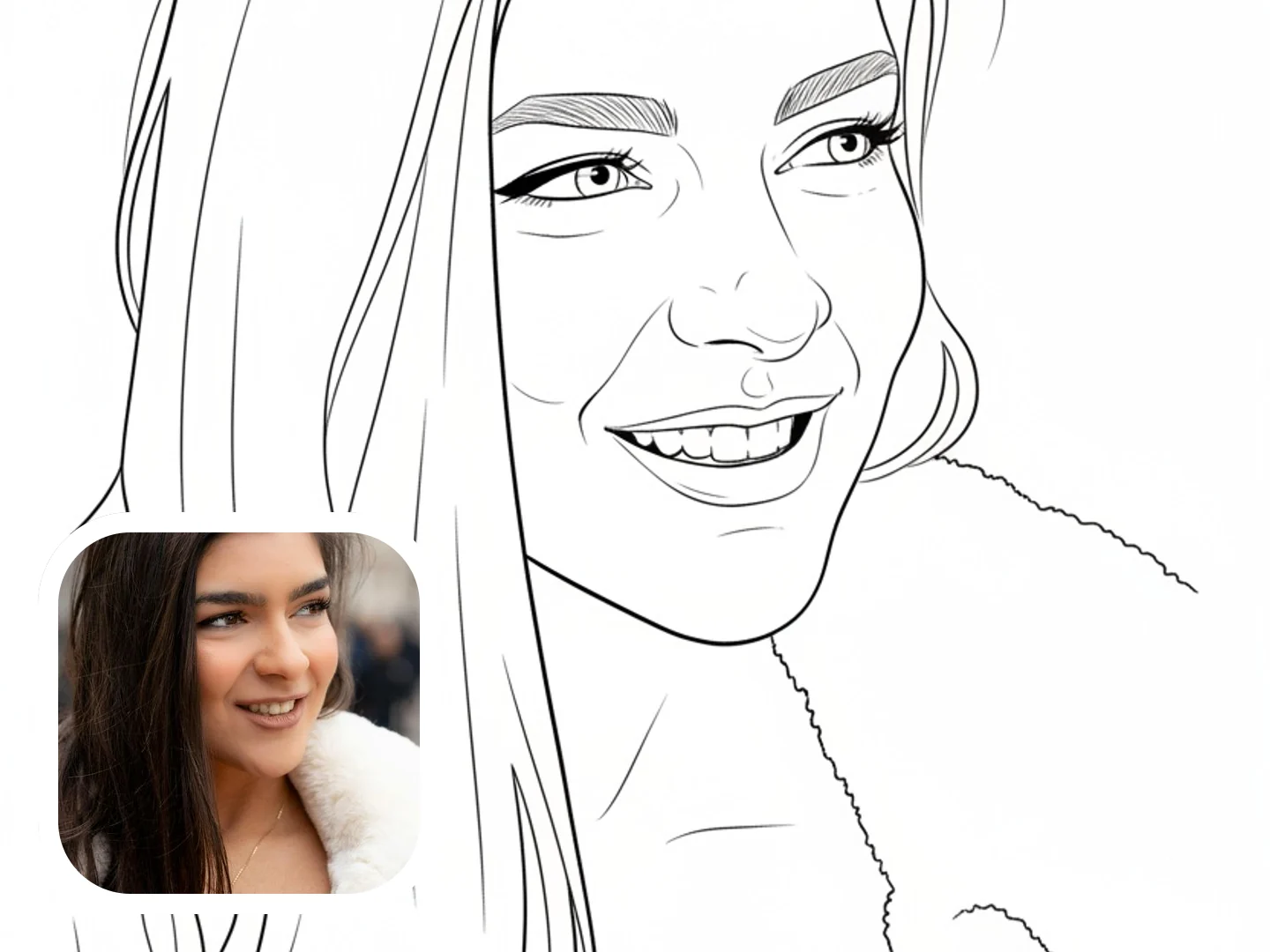
Portrait Line Drawing From Photo
Turn selfies and portrait photos into clean black-and-white line art with recognizable facial structure, hair shape, expression, and simple ink contours.
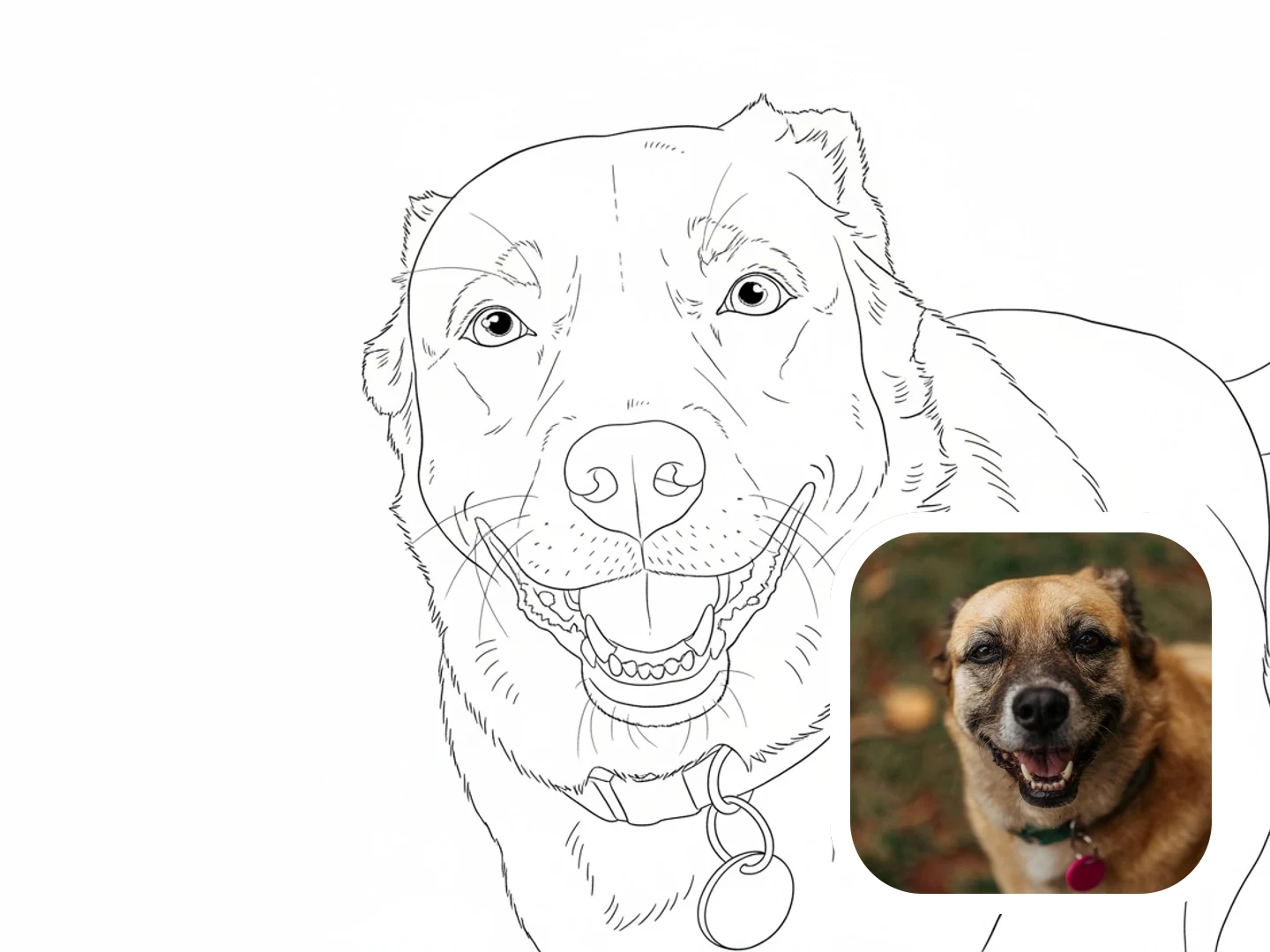
Pet Outline Drawing From Photo
Create pet line drawings from dog or cat photos with readable eyes, muzzle, ears, collar, posture, and light fur contour marks.
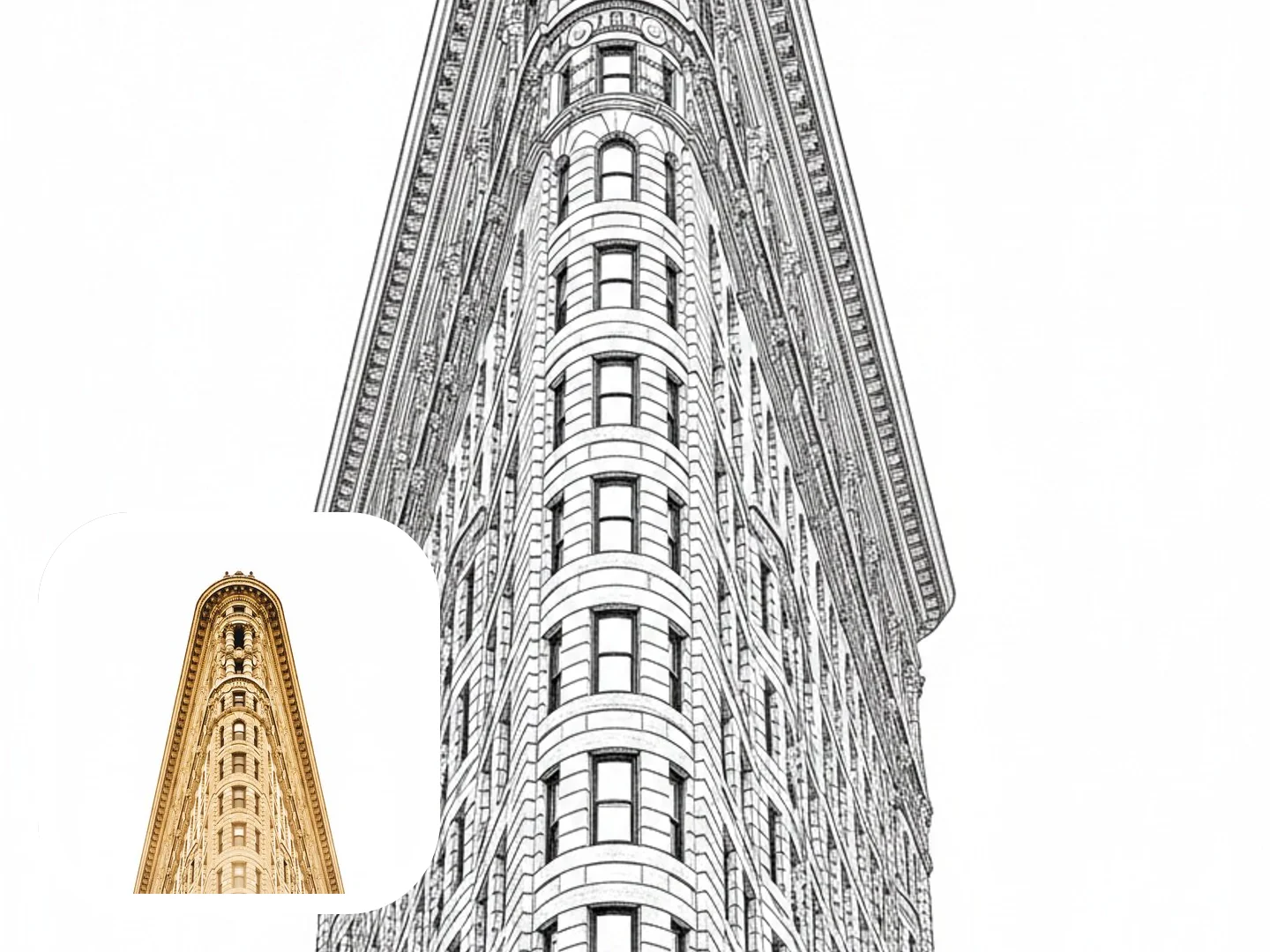
Architecture and Object Line Art
Convert buildings, rooms, product photos, and travel scenes into structured outline drawings with clear perspective and simplified detail.
How to Create Line Drawing Art
Create a downloadable Line Drawing image from a real photo in four simple steps.
Upload a Clear Photo
Start with a portrait, pet photo, building, object, or travel image where the main subject is easy to read.
Choose Line Drawing
Keep Line Drawing selected so the generator aims for clean black-and-white outlines instead of a shaded sketch or cartoon filter.
Add Optional Drawing Details
Add short notes such as white background, simpler lines, stronger outline, minimal shading, pet outline, or architecture line art.
Generate and Download
Generate, preview, and download your line drawing for avatars, pet keepsakes, coloring references, design ideas, or creative projects.
Why Try Photo to Line Drawing
Line Drawing transformation gives photos a clean outline-led result that feels more intentional than a grayscale filter and lighter than a shaded pencil sketch.
Cleaner than a grayscale filter
Line Drawing focuses on crisp contours, simplified shapes, and clear outlines instead of flattening the original photo into gray tones.
Different from pencil sketch effects
A pencil sketch usually relies on graphite texture and shading. Line Drawing keeps the result lighter, cleaner, and more outline-led.
Works across common photo types
Portraits, pets, buildings, products, rooms, and travel images can become useful line-art references when the subject is clear.
Online and downloadable
Create a line drawing directly in AnimeGen, preview the result, and download the image without using separate drawing software.
Ready to Turn a Photo Into a Line Drawing?
Upload a portrait, pet photo, building, product image, or travel shot and generate downloadable black-and-white line art online.
Create Line Drawing ArtFrequently Asked Questions About Photo to Line Drawing
Answers about photo types, prompts, pets, buildings, downloads, credits, and how line drawing differs from pencil sketch effects.
Create Your Own Line Drawing Image Today
Start with a portrait, pet photo, building, object, or travel image and create a clean, downloadable Line Drawing result online.
Create Line Drawing Art