Photo to Makoto Shinkai Style
Turn Your Photo Into Makoto Shinkai Style Art
Upload a photo, choose the Makoto Shinkai style effect, or try a sample first.
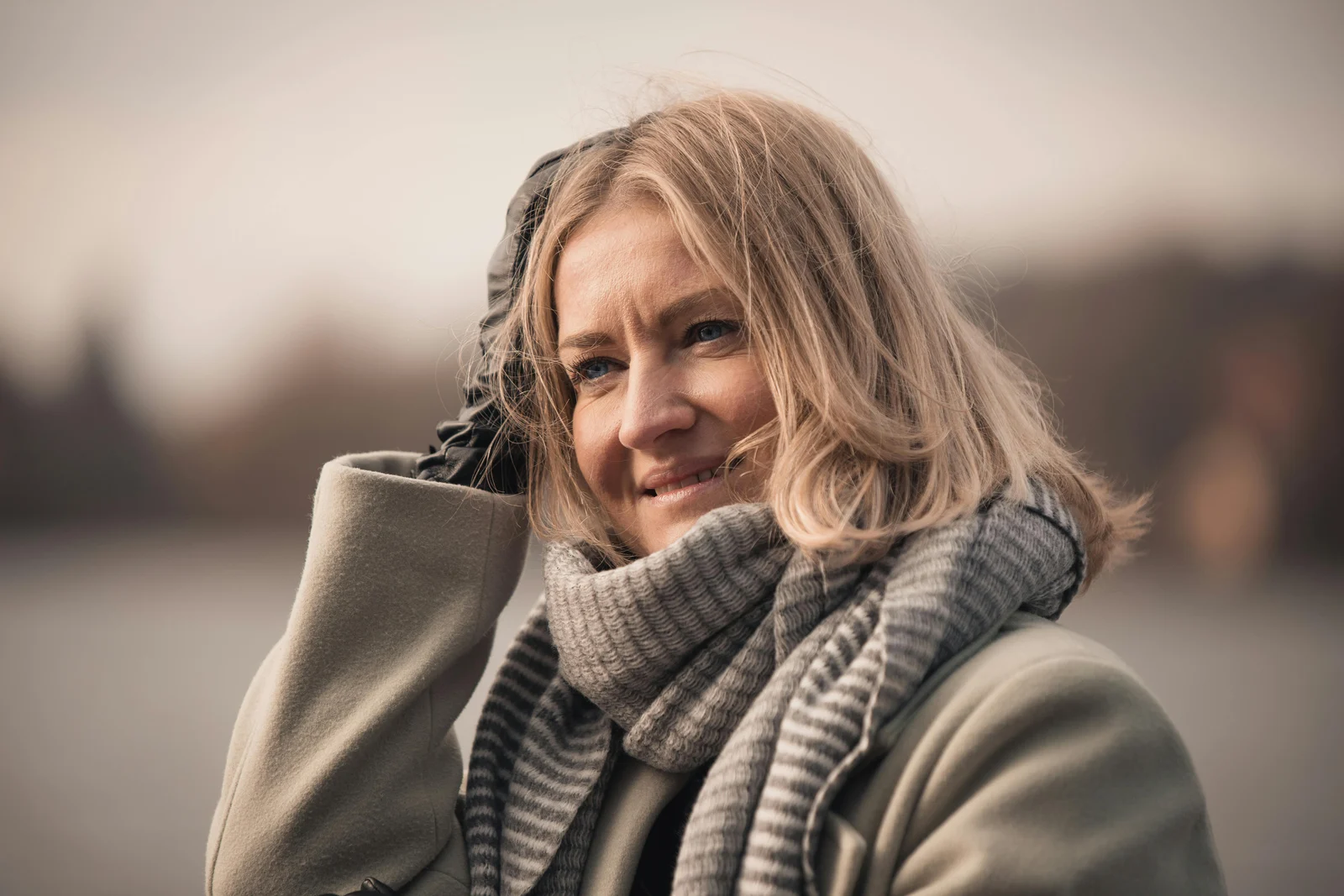
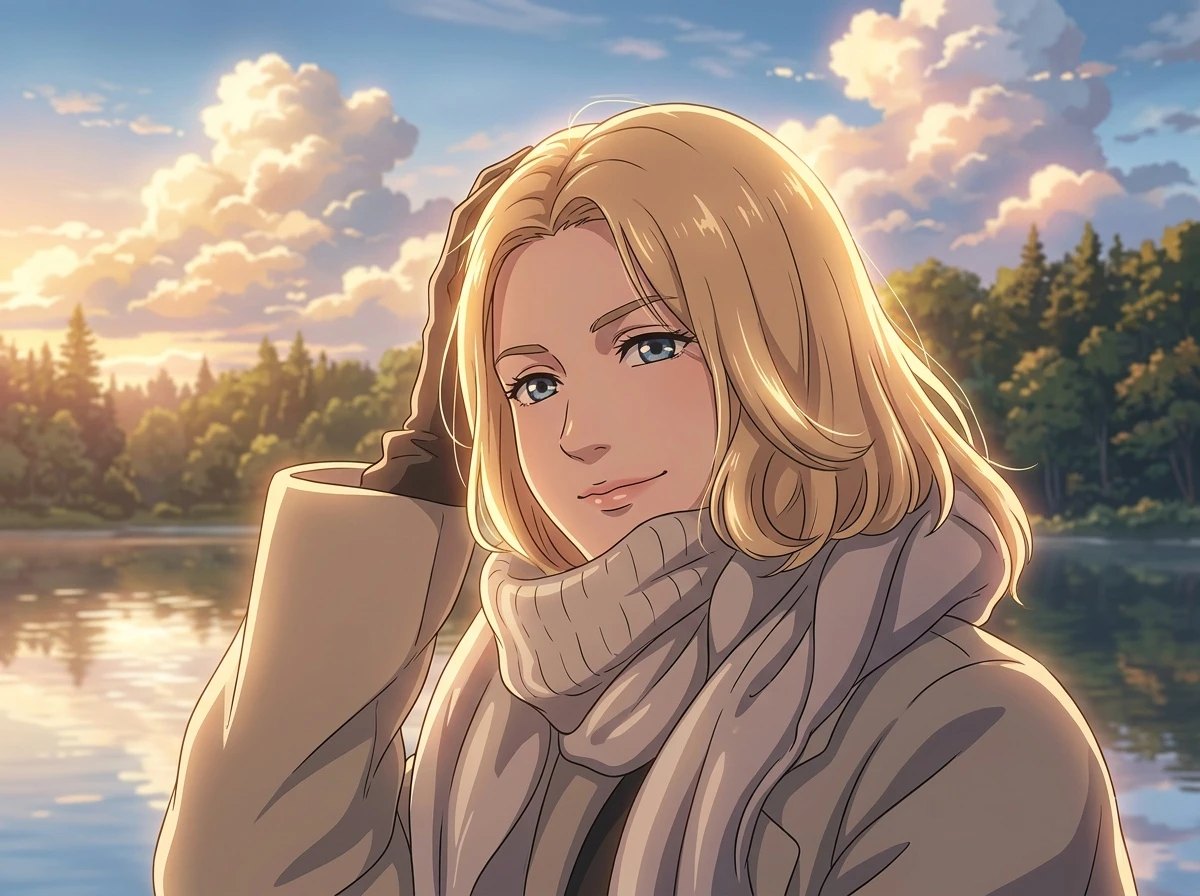
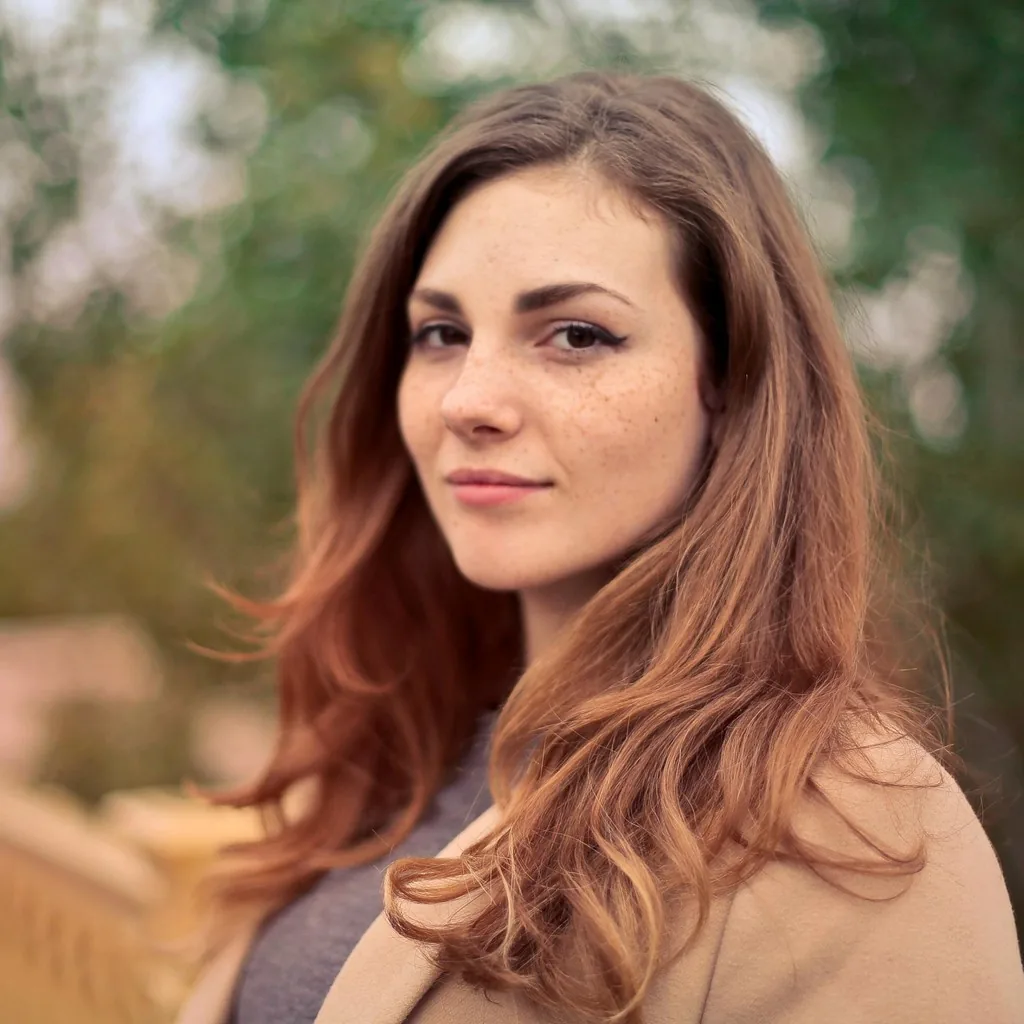
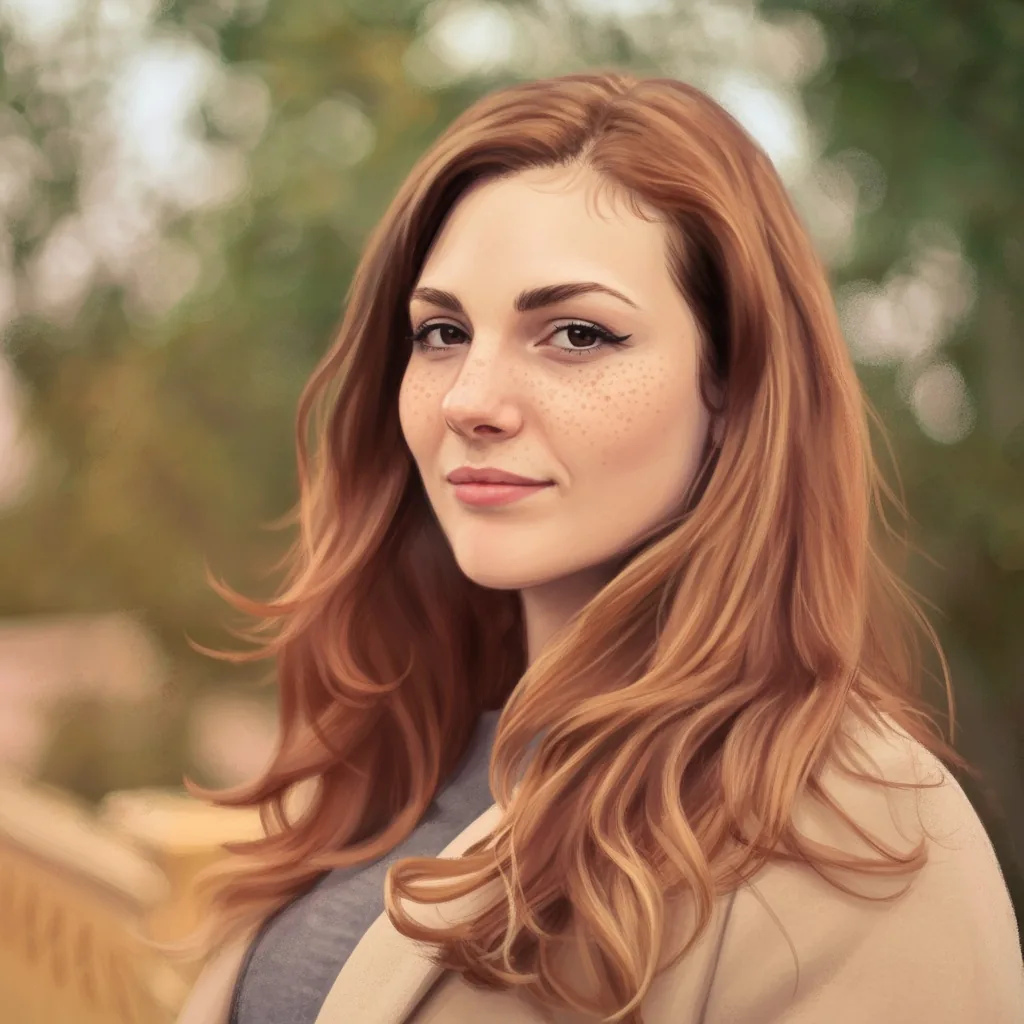
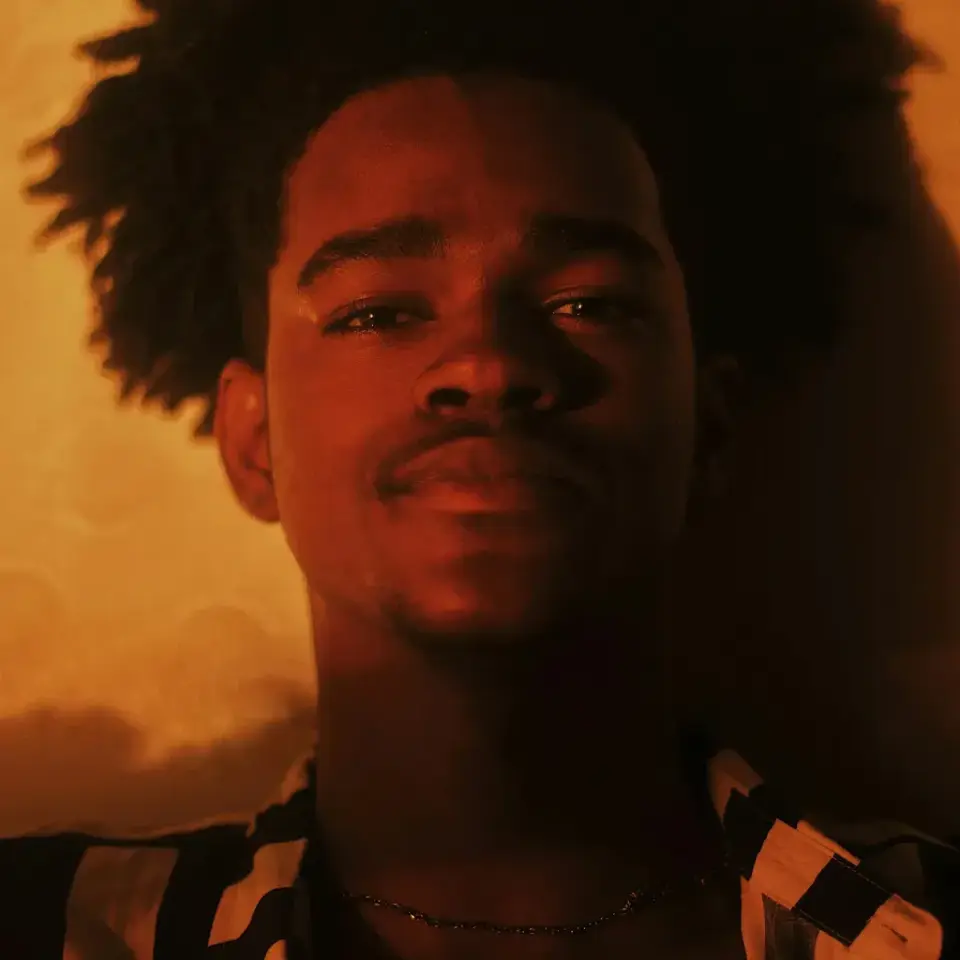
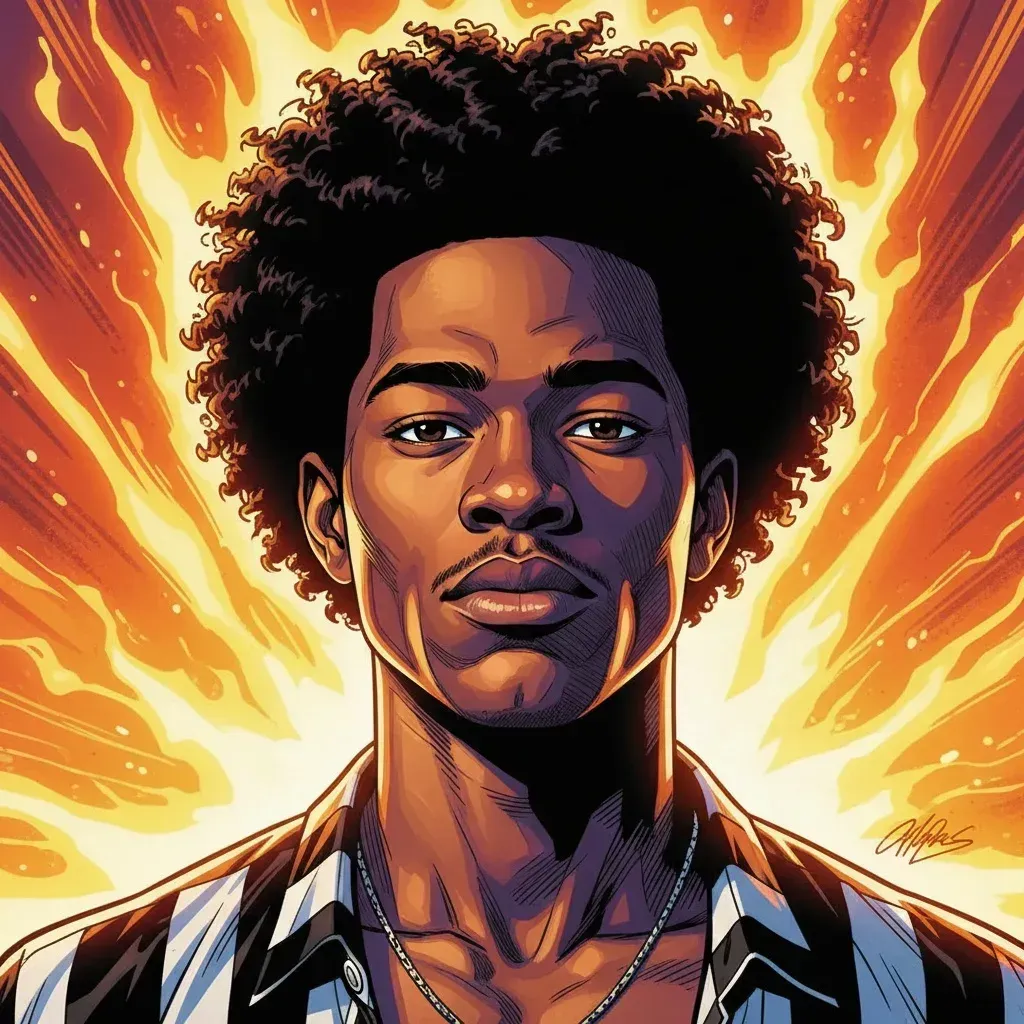


Create Makoto Shinkai Style AI Art From Photos
Use AnimeGen to turn real photos into cinematic anime portraits, poetic city views, and emotional travel memories for avatars, wallpapers, story visuals, social posts, and personal keepsakes.
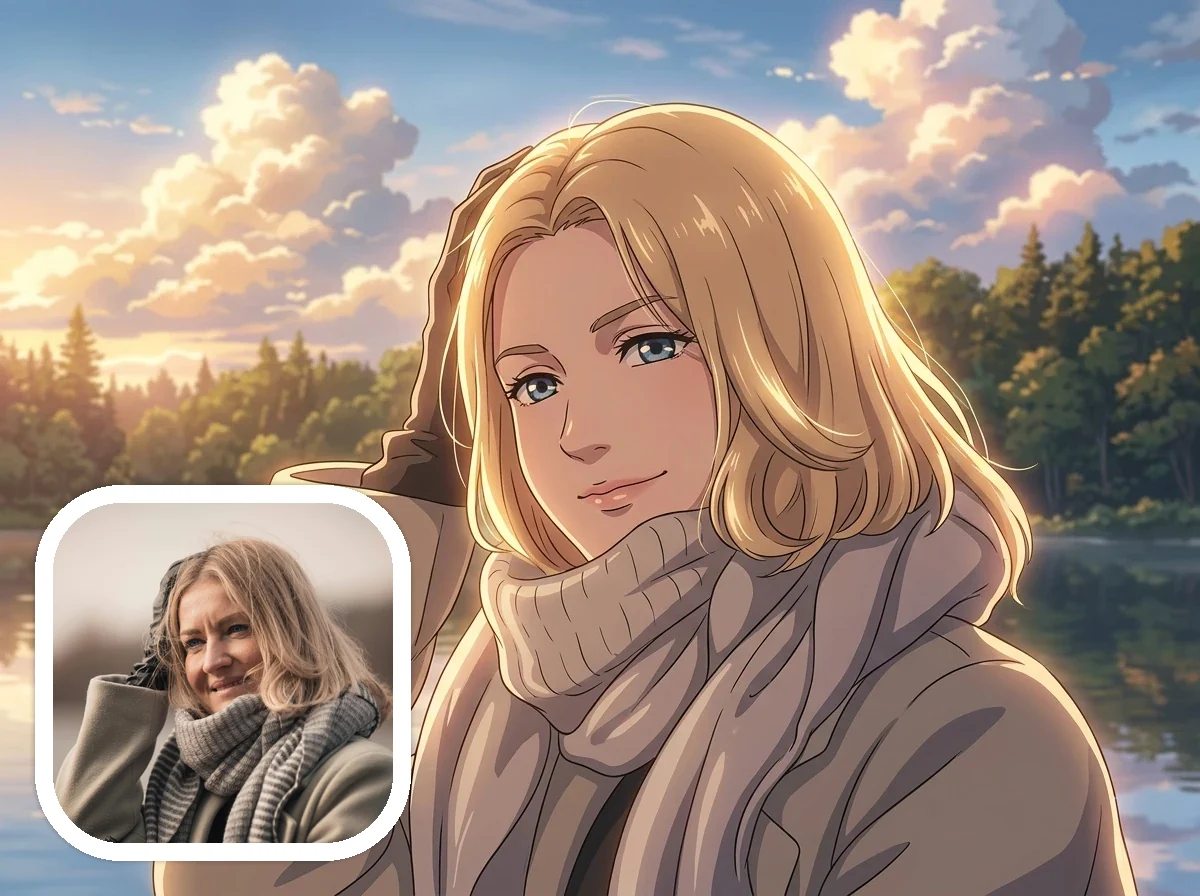
Makoto Shinkai Style Portraits and Avatars
Transform portraits into luminous anime character art with soft rim light, expressive eyes, gentle color gradients, and a quiet film-frame mood that feels more emotional than a standard anime filter.
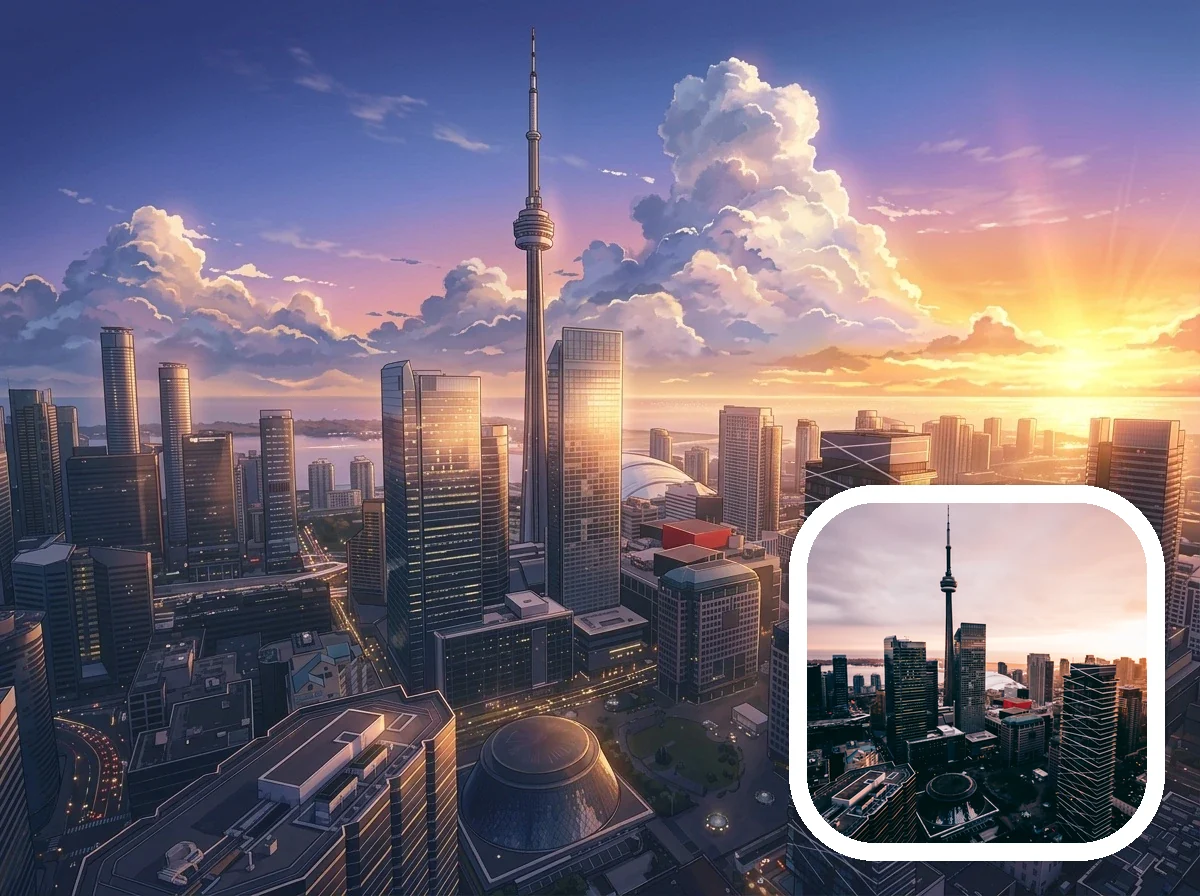
Makoto Shinkai Style City and Sky Scenes
Redraw skylines, architecture, and blue-hour photos as poetic anime scenery with glowing clouds, reflective surfaces, sunset color, and atmospheric depth for wallpapers or story backgrounds.
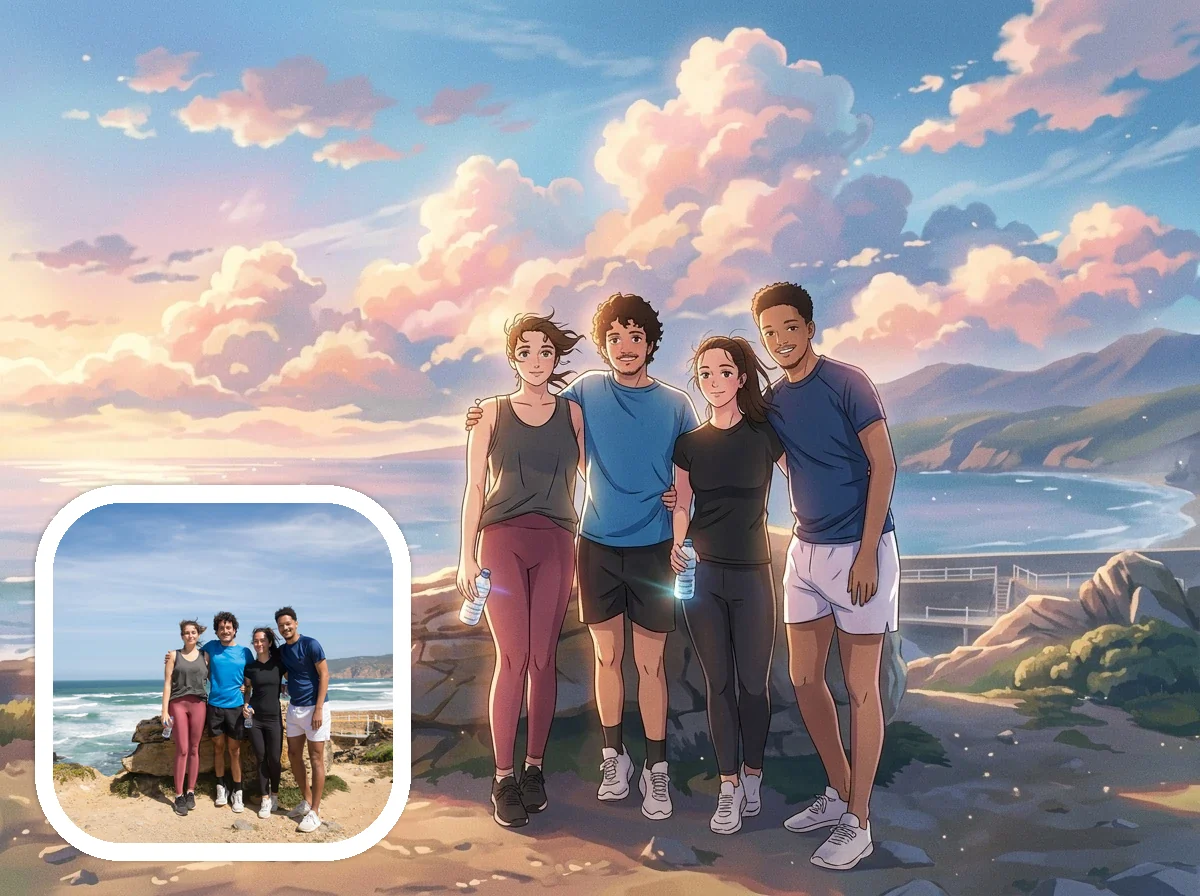
Makoto Shinkai Style Travel and Friendship Moments
Turn couples, friends, and travel photos into nostalgic anime memory scenes with readable faces, ocean wind, dramatic sky light, and a cinematic sense of distance and emotion.
How to Create Makoto Shinkai Style Art
Create a downloadable Makoto Shinkai Style image from a real photo in four simple steps.
Upload a clear photo
Start with a portrait, city view, sky photo, travel scene, couple photo, or friend moment with a readable subject and enough light.
Choose Makoto Shinkai Style
Keep Makoto Shinkai selected so the generator targets luminous clouds, cinematic anime lighting, atmospheric depth, and delicate linework.
Add mood details
Use short notes such as sunset sky, blue-hour city, reflective water, emotional atmosphere, gentle rim light, or nostalgic travel memory.
Generate and download
Preview the result, then download your Makoto Shinkai Style AI image for avatars, wallpapers, social posts, keepsakes, or creative projects.
Why Try Makoto Shinkai Style Photo Transformation
Makoto Shinkai Style transformation gives ordinary photos a luminous cinematic anime mood, making light, sky, reflection, and emotion feel central to the image.
Light becomes the story
Glowing skies, radiant cloud edges, soft lens-like highlights, and reflective surfaces make the image feel cinematic instead of simply cartoonized.
Strong for portraits and scenery
Faces, cities, ocean views, sunsets, rain, windows, and travel scenes all work well when the photo already has atmosphere or a clear focal point.
More poetic than a generic anime filter
The page targets luminous cinematic anime art rather than broad cartoon effects, simple sky replacement, or flat anime colorization.
Ready for online use
Create, preview, and download Makoto Shinkai Style AI art directly in AnimeGen for profile images, wallpapers, stories, and personal collections.
Ready to Turn Your Photo Into Makoto Shinkai Style Art?
Upload a photo and create downloadable cinematic anime art with luminous skies, emotional light, delicate linework, and poetic atmosphere.
Create Makoto Shinkai Style ArtFrequently Asked Questions About Makoto Shinkai Style AI Art
Answers about photo types, prompts, portraits, city scenes, travel photos, downloads, anime filters, and getting stronger luminous results.
Create Your Own Makoto Shinkai Style Image Today
Start with a portrait, skyline, or travel photo and create a luminous, downloadable Makoto Shinkai Style AI image online.
Create Makoto Shinkai Style Art