Image to LEGO
Image to LEGO AI Generator
Upload a photo or picture and convert image to LEGO-style brick art online. Create LEGO brick avatars, pet figures, building models, and LEGO mosaic-inspired images.

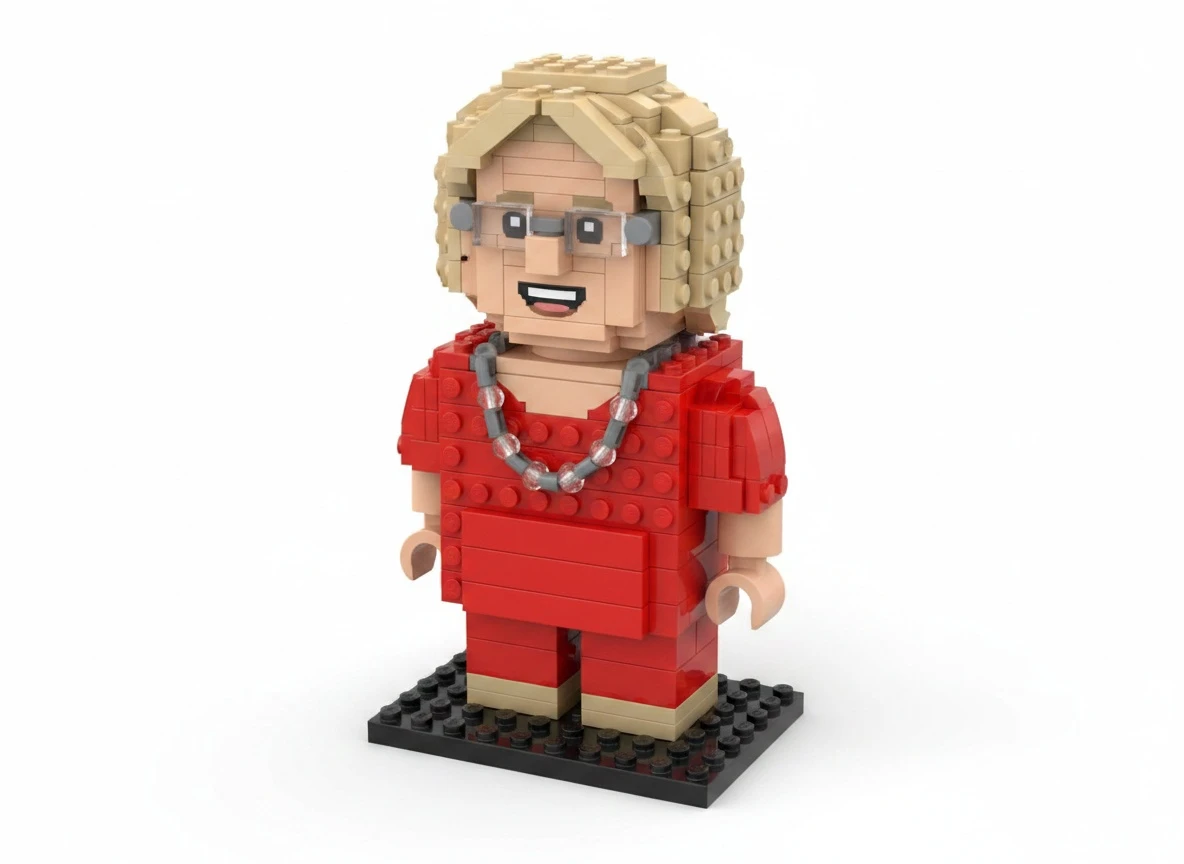

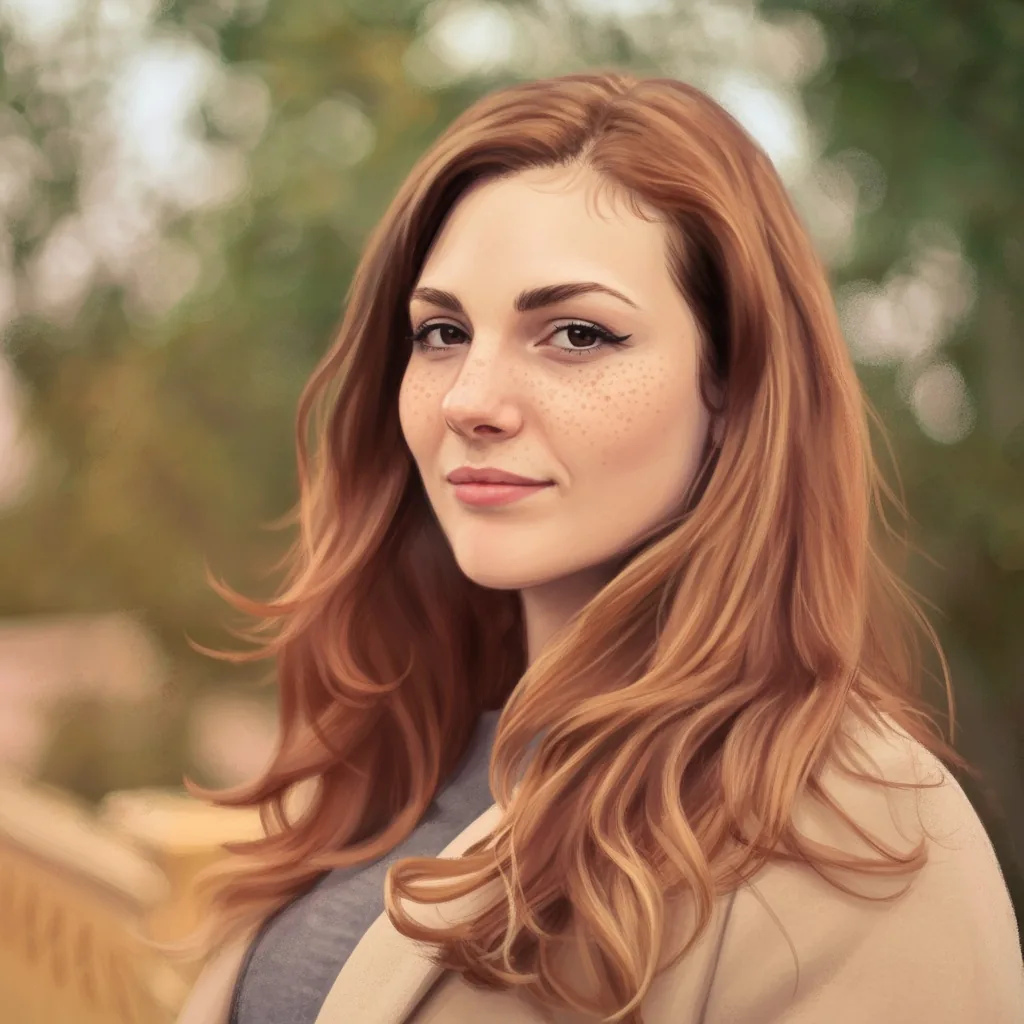

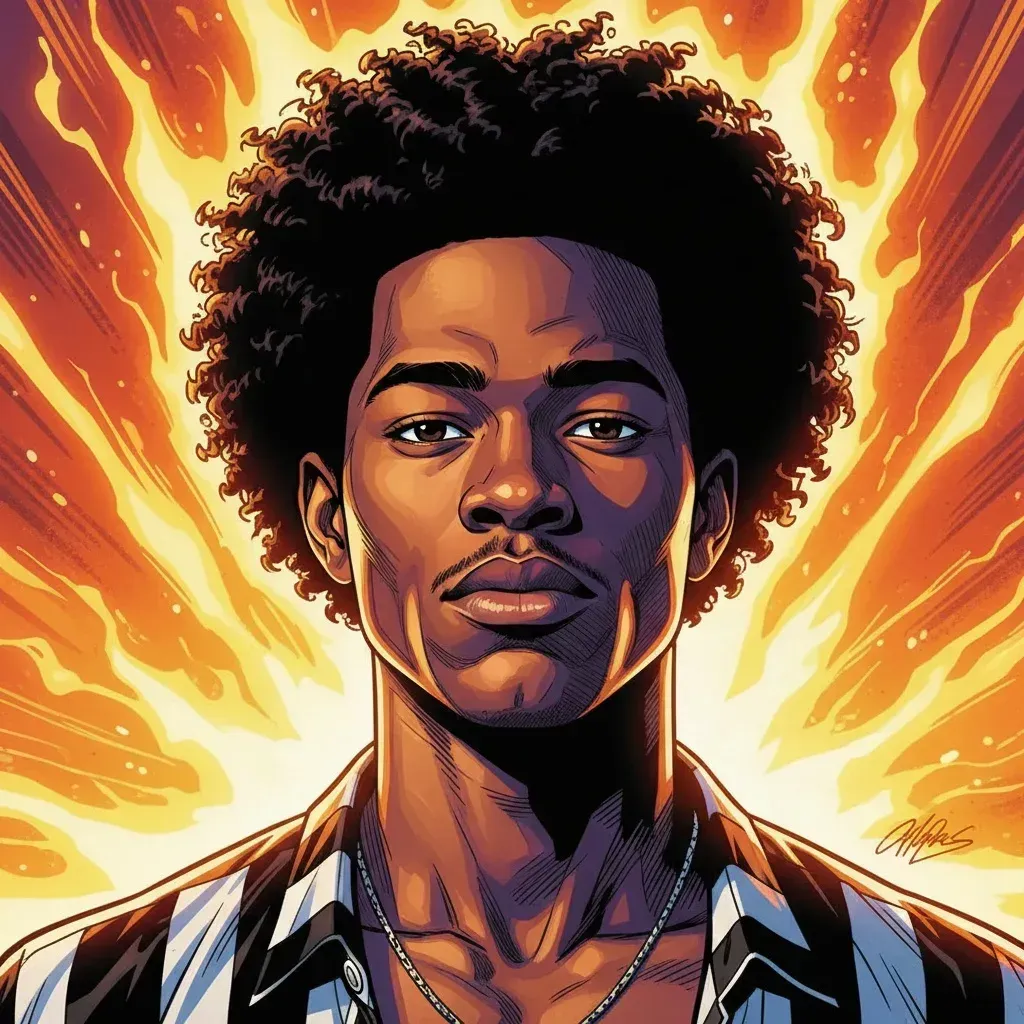




What You Can Create With Image to LEGO
Use AnimeGen as an image to LEGO AI generator for brick avatars, toy-like pet figures, modular buildings, travel scenes, and LEGO mosaic-inspired creative images.
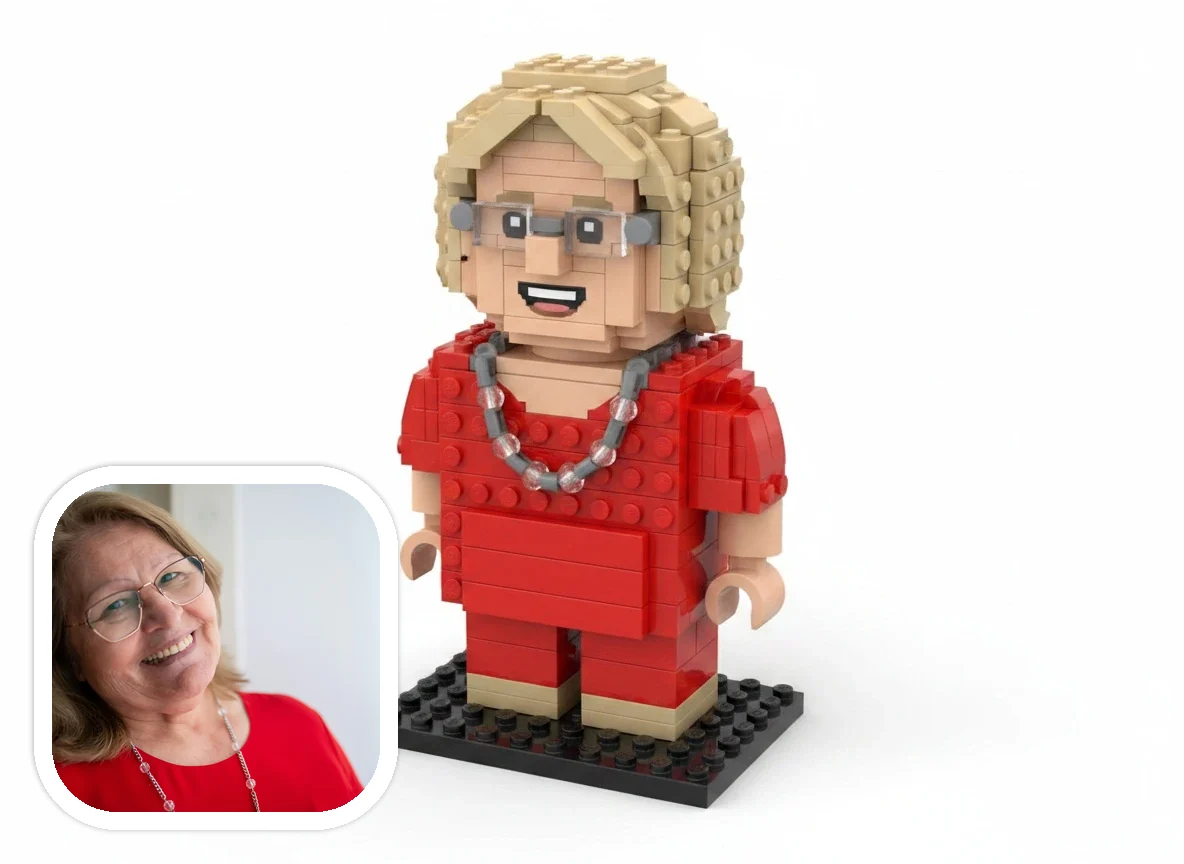
Image to LEGO Brick Avatars
Turn portraits, selfies, and profile photos into toy-like LEGO-style character images with visible studs, plastic shine, block-built hair, and readable expression.
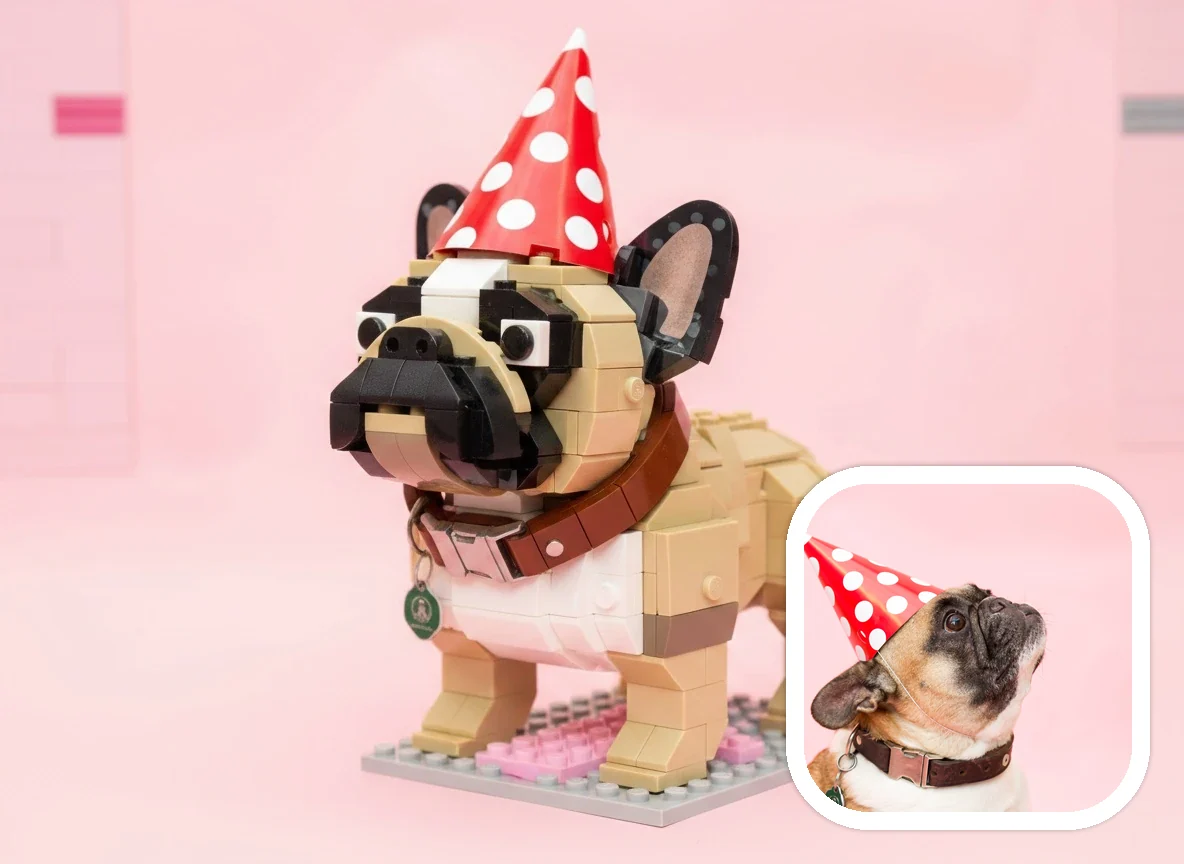
Convert Image to LEGO Pet Figures
Convert image to LEGO-style pet art for dogs, cats, and other animals. Clear pet photos can become playful brick-built figures and collectible toy-world companions.
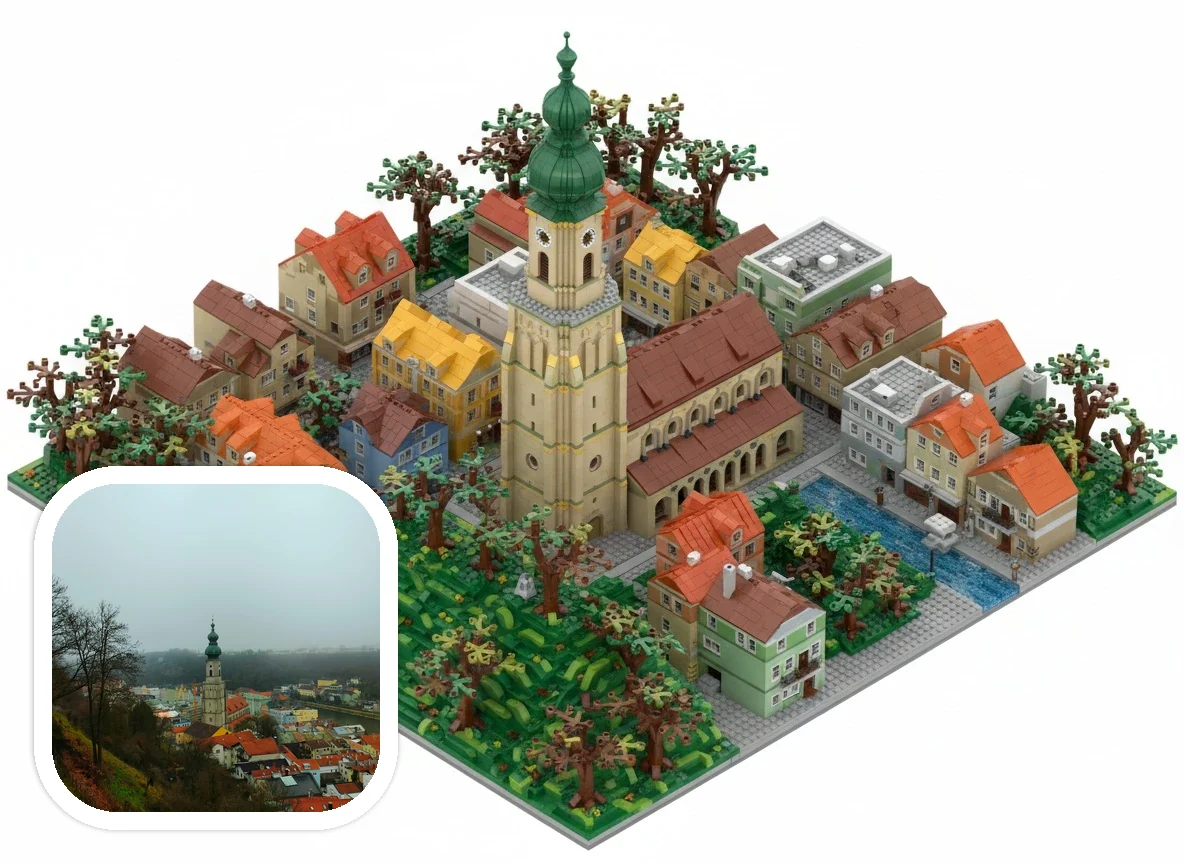
Image to LEGO Bricks for Buildings and Places
Rebuild buildings, landmarks, travel scenes, and memorable places as colorful LEGO brick-inspired displays with blocky scenery and modular model structure.
How to Convert Image to LEGO Bricks Online
Upload a clear image, keep LEGO Style selected, add optional brick, mosaic, or display-model details, then generate a downloadable LEGO-style AI image online.
Upload a Clear Image
Start with a portrait, pet photo, object, building, landmark, LEGO mosaic reference, or travel scene with a readable subject.
Choose LEGO Style
Keep LEGO Style selected so the image to LEGO workflow starts with the right brick-art direction instead of a generic toy filter.
Add Brick Details
Add optional notes such as colorful LEGO bricks, LEGO mosaic, modular city scene, plastic shine, collectible figure, or clean display model.
Generate and Download
Generate, preview, and download your image to LEGO result for avatars, pet art, travel memories, building concepts, thumbnails, or creative projects.
Why Use AnimeGen for Image to LEGO
Upload a photo or picture and convert image to LEGO-style brick art online. Create LEGO brick avatars, pet figures, building models, and LEGO mosaic-inspired images.
Built around image to LEGO results
Upload a real image and turn it into LEGO-style brick art with modular blocks, visible studs, and toy-like surfaces instead of starting from a blank canvas.
More useful than a simple toy filter
A basic filter may only brighten colors. AnimeGen aims for readable LEGO brick construction, plastic highlights, and collectible model appeal.
Works for portraits, pets, and buildings
Clear faces become brick avatar figures, pets become playful toy characters, and architecture can turn into LEGO brick-inspired modular display scenes.
Downloadable and easy to reuse
Use the image to LEGO result for profile images, pet art, travel memories, social posts, gift ideas, thumbnails, or creative references.
Image to LEGO workflow
Convert Image to LEGO Bricks, Mosaics, and Display Scenes
Start with a real photo, picture, object shot, pet image, or building photo and turn it into a LEGO-style visual result. AnimeGen keeps the image to LEGO workflow short: upload, choose the style, guide the brick look, generate, and download.
AnimeGen's image to LEGO AI generator is made for people who already have a photo, picture, object shot, pet image, portrait, building photo, or travel scene and want to convert image to LEGO-style brick art. Instead of designing a brick model manually, you upload an image and let the generator reinterpret it with modular blocks, visible studs, toy-like plastic surfaces, and a playful display-model look.
The workflow is simple: upload an image, keep LEGO Style selected, add a short note if you want LEGO bricks, a LEGO mosaic look, a modular city scene, a collectible figure, or a clean studio display, then generate and download your result. This image to LEGO workflow works for avatars, pets, buildings, landmarks, objects, travel memories, thumbnails, and social posts.
AnimeGen creates LEGO-inspired AI images, not official building instructions or exact brick inventories. If you need a precise physical brick build, use a dedicated brick design tool after generation. If you want a fast visual image to LEGO result, AnimeGen is built for the upload-and-generate creative workflow.
Choose the Right Image to LEGO Direction
Different images need different brick-art treatment. A portrait may work best as a figure, a building as a modular scene, and a flat graphic as a LEGO mosaic-style image.
Convert Image to LEGO Bricks
Use convert image to LEGO bricks when you want a photo to become a brick-built scene with visible studs, blocky surfaces, toy-like shine, and modular shapes. Portraits, pets, buildings, rooms, cars, landmarks, and simple objects usually work best when the subject is clear and the background is not too crowded.
Convert Image to LEGO Mosaic
A LEGO mosaic-style result works well for faces, icons, objects, posters, and flat compositions where color blocks matter more than depth. If you want an image to LEGO mosaic effect, use a clear source image with strong contrast and ask for a mosaic, tiled brick pattern, or flat LEGO brick artwork.
Image to LEGO AI vs Brick Builder
AnimeGen is an image to LEGO AI generator for visual artwork. It can create LEGO-style brick art, avatars, pets, and display scenes, but it does not output official LEGO instructions, part lists, or exact model files. Use it when you want a downloadable image, not a physical build plan.
Ready to Convert Image to LEGO-Style Brick Art?
Upload a portrait, pet photo, building, landmark, or travel image and generate a downloadable LEGO-style AI image with visible bricks, studs, and toy-like plastic detail.
Convert Image to LEGOImage to LEGO AI Generator FAQ
Answers about image to LEGO conversion, LEGO bricks, LEGO mosaic-style results, prompts, downloads, photo types, and official brand boundaries.
Create Your Own Image to LEGO Result Today
Start from your own image and create LEGO-style brick art for avatars, pet art, travel memories, building mockups, social posts, thumbnails, or creative projects.
Convert Image to LEGO