Photo to Comic Book Style
Turn Your Photo Into Comic Book Style Art
Upload a photo, choose the Comic Book effect, or try a sample first.
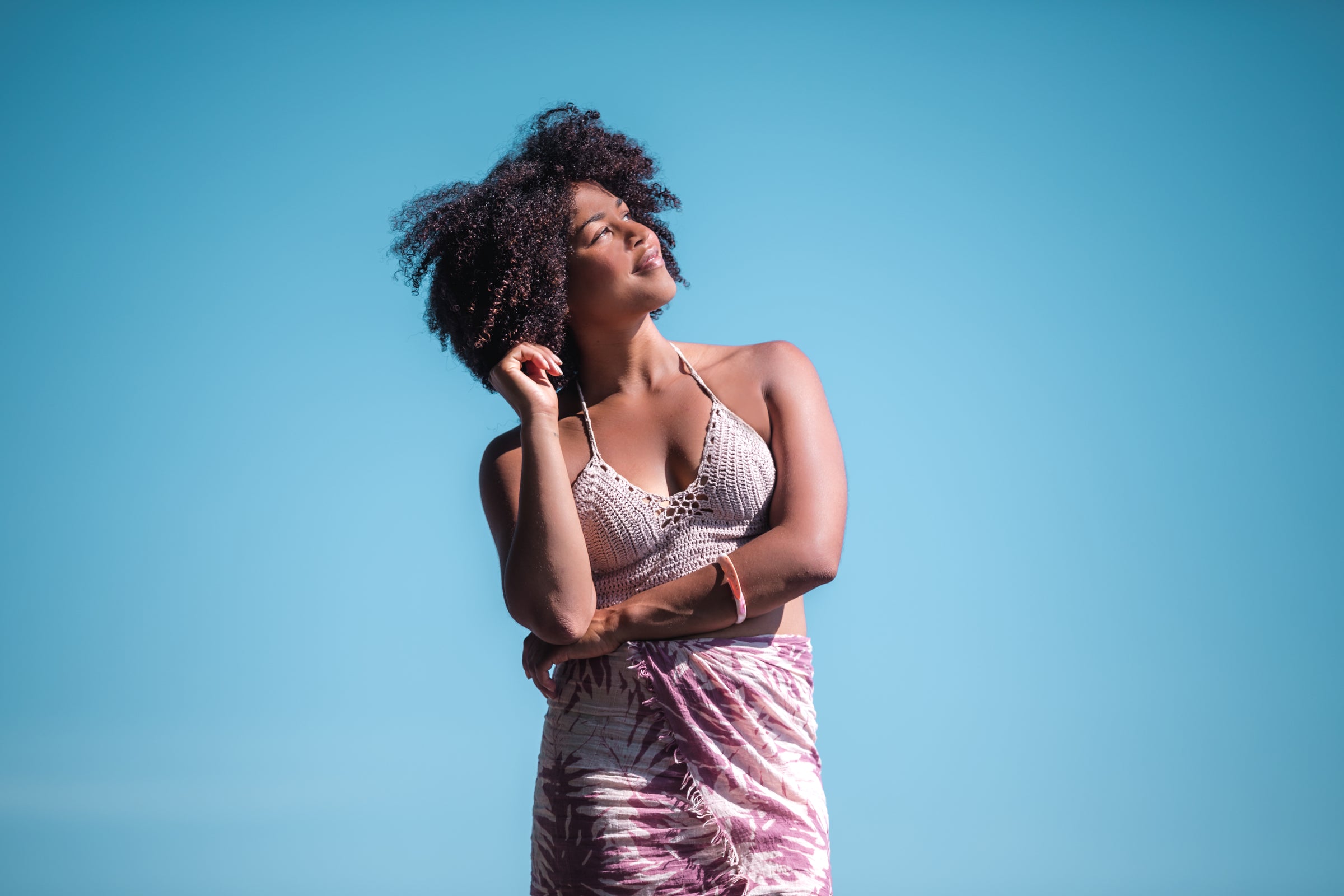
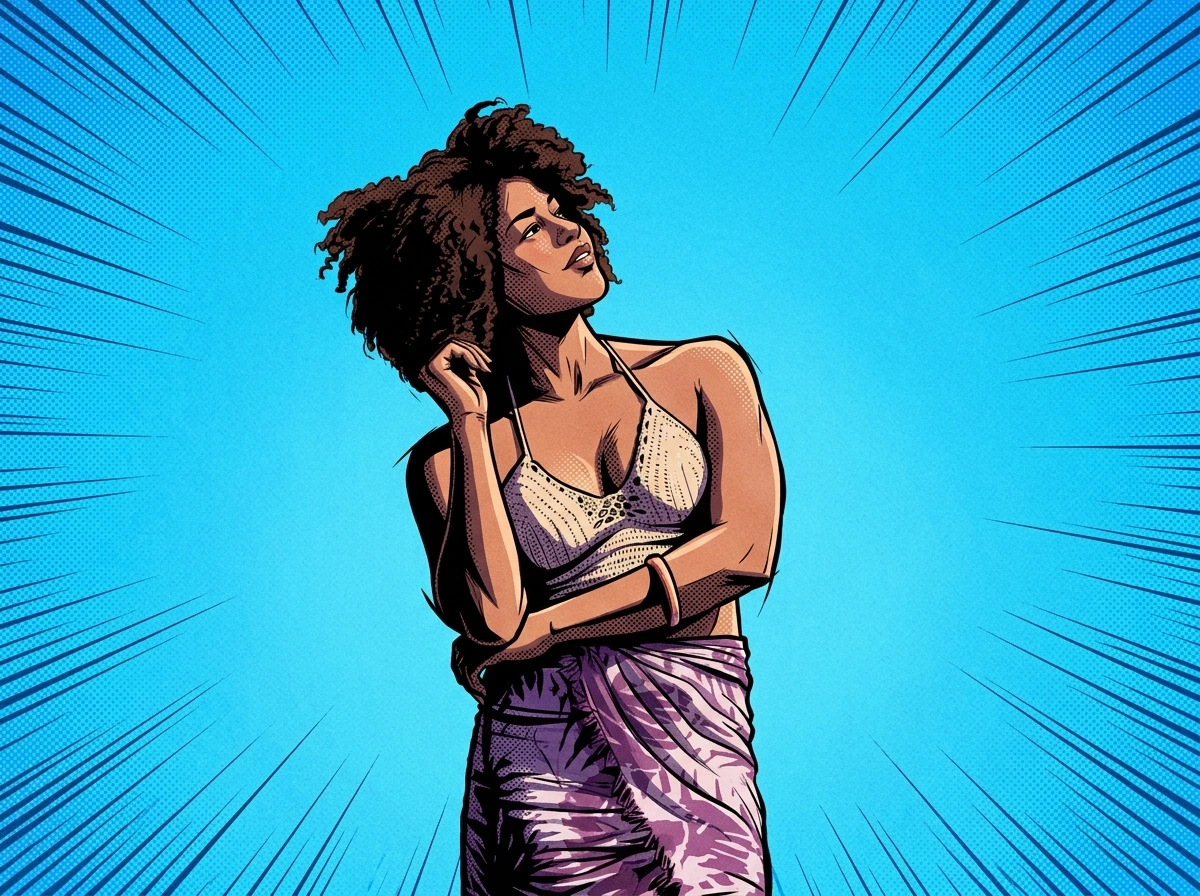
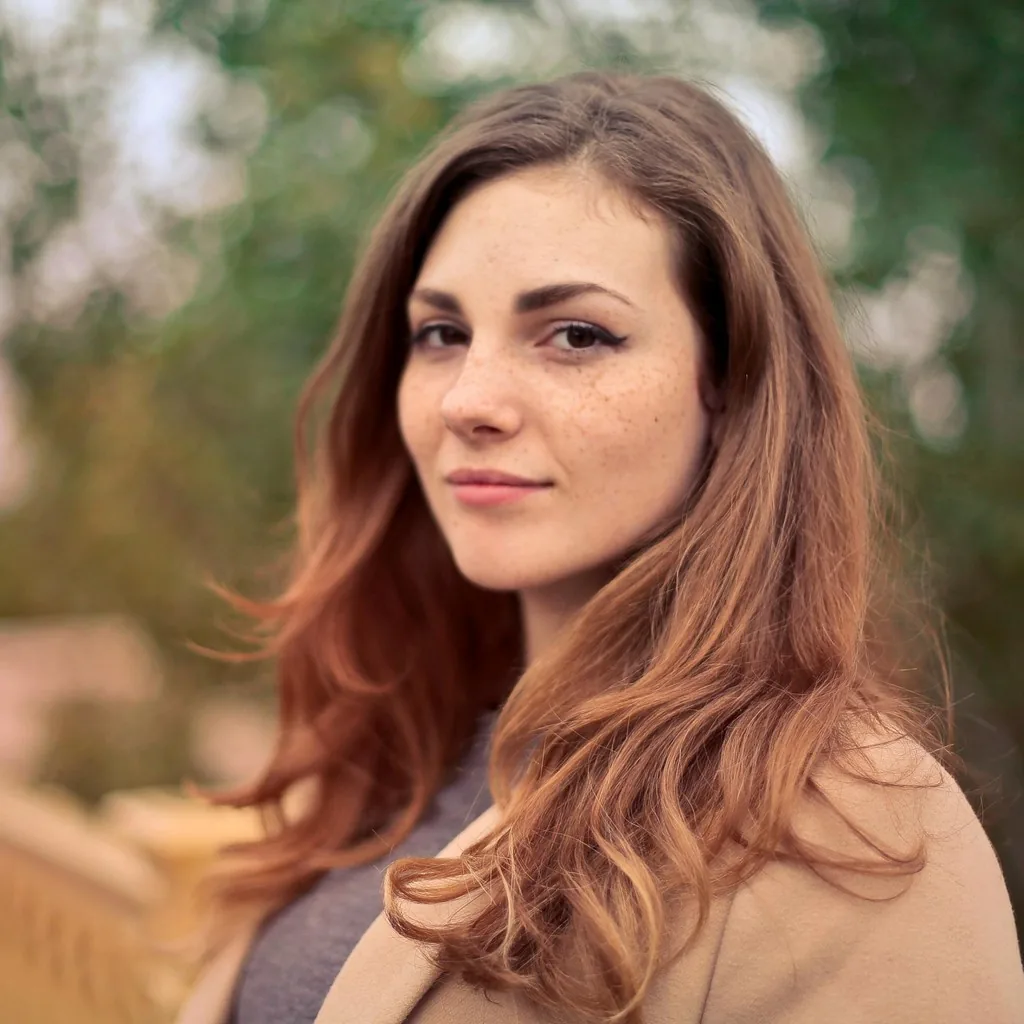
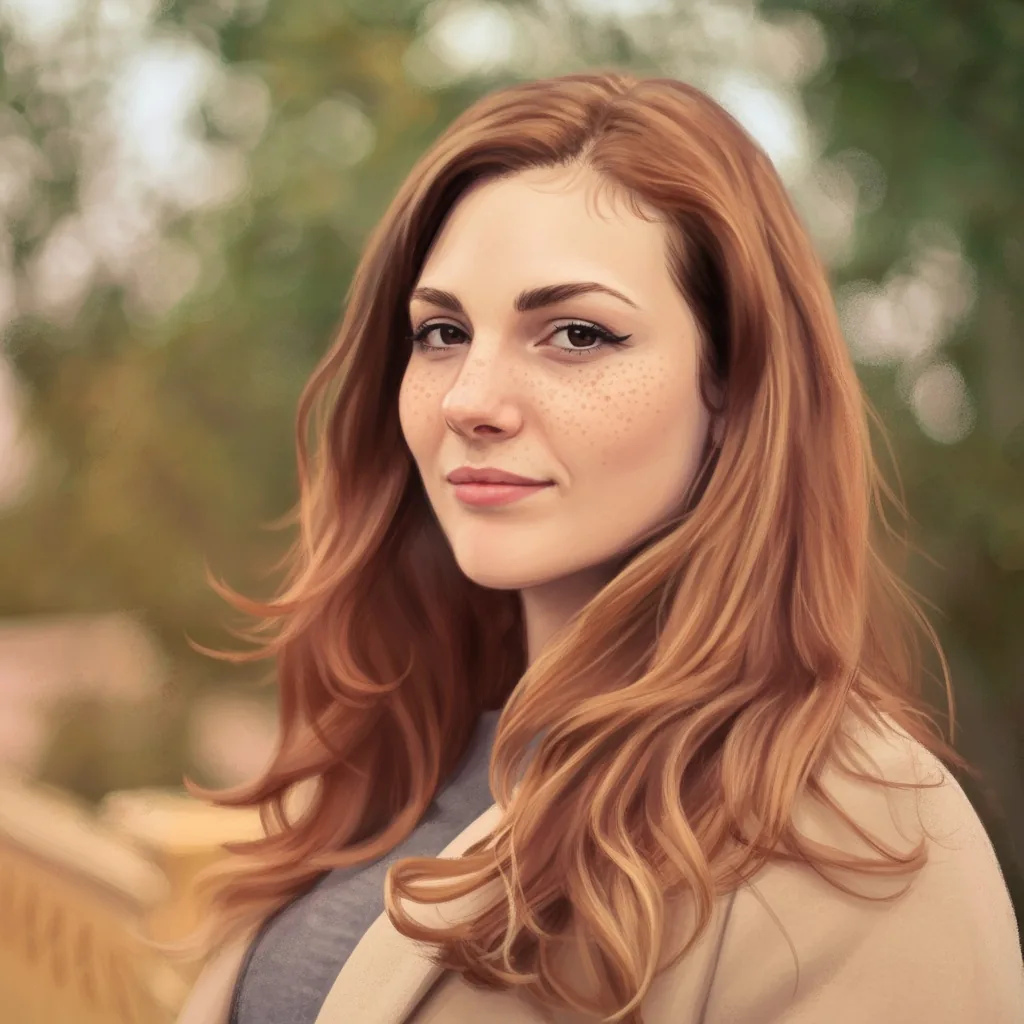
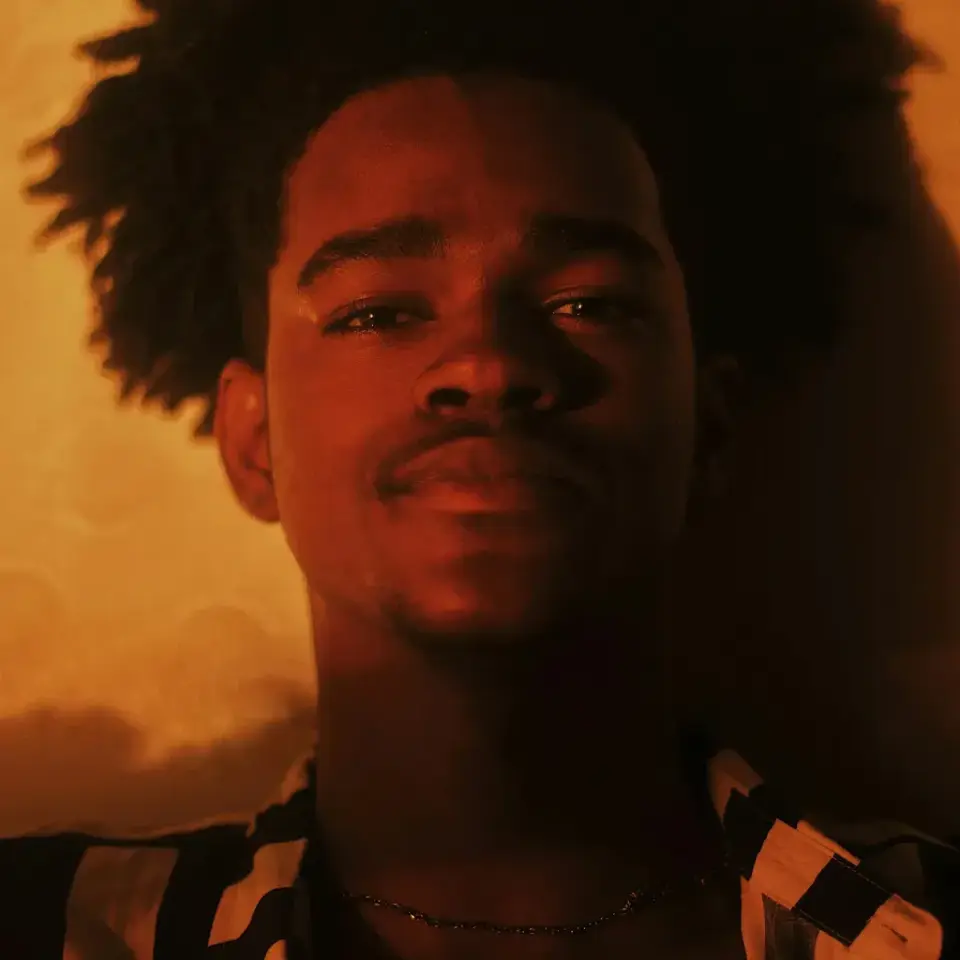
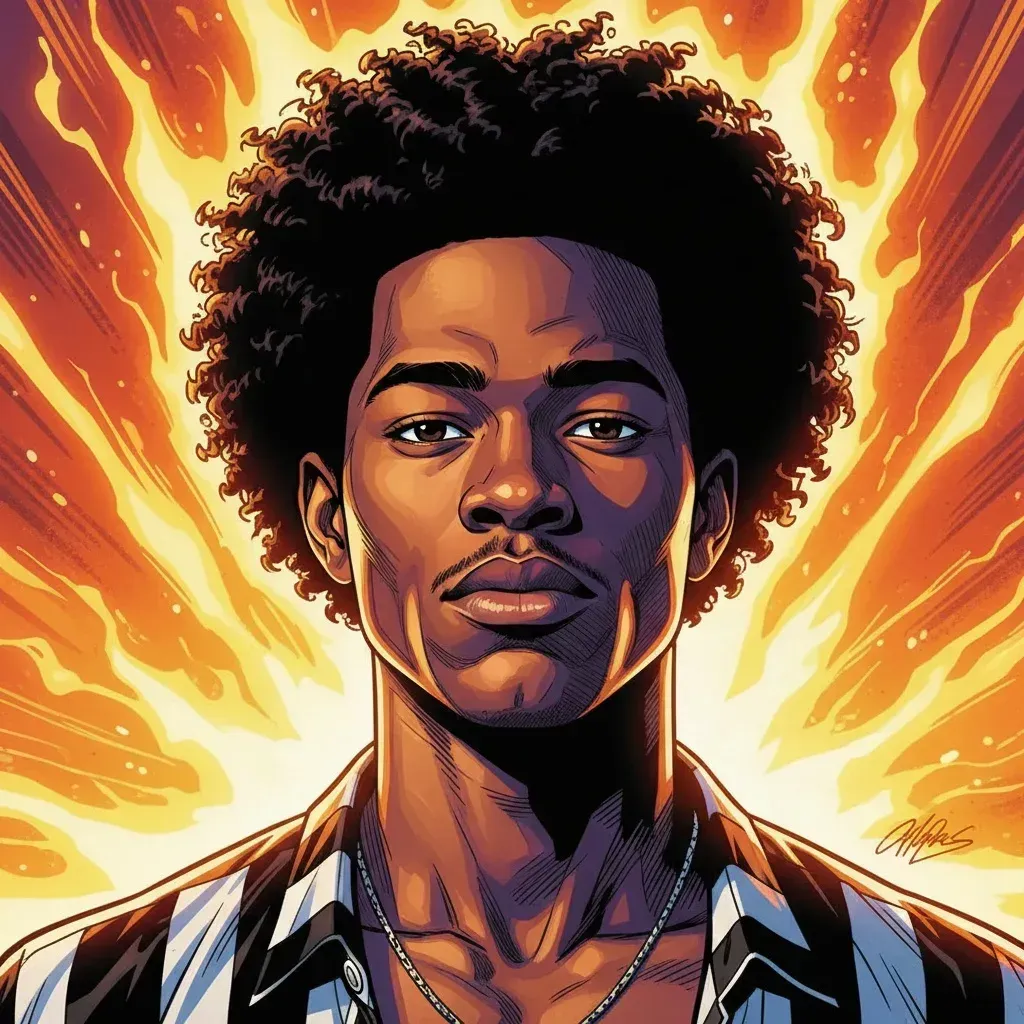
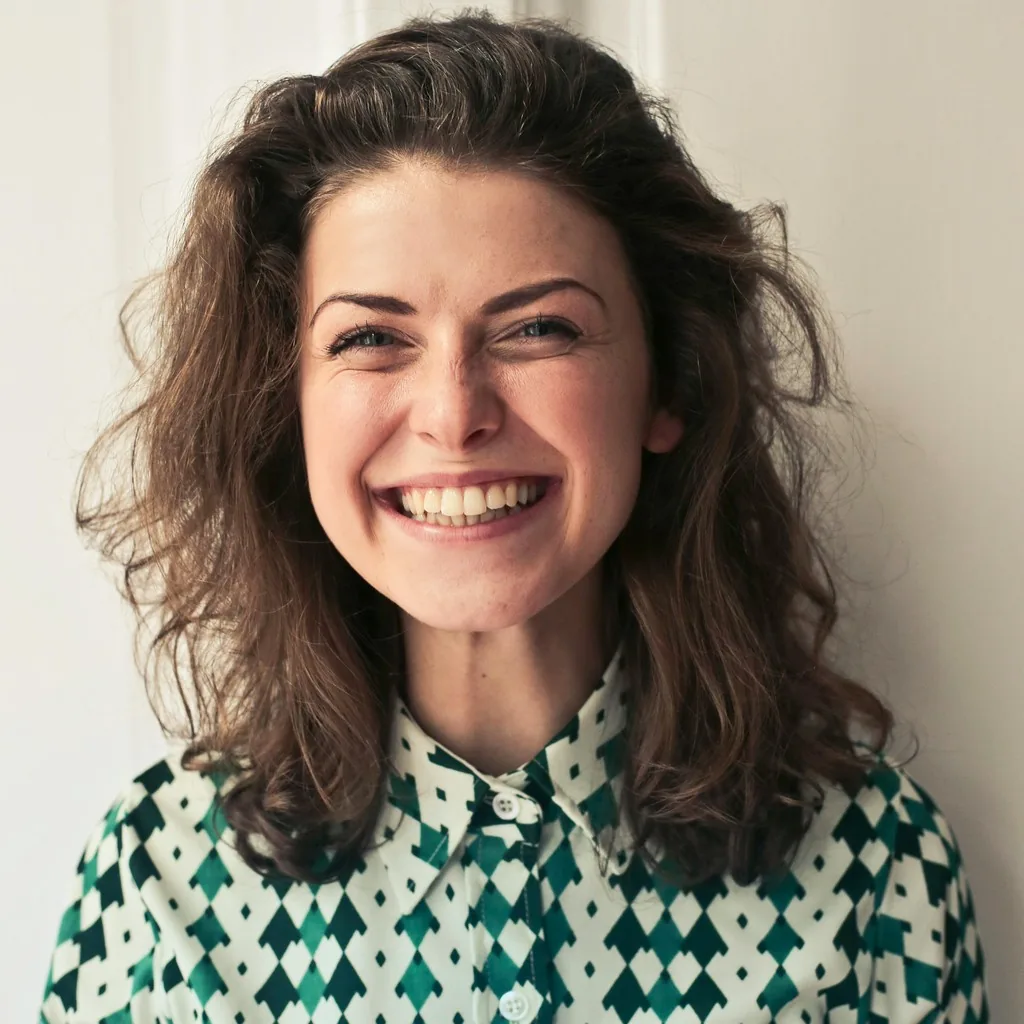
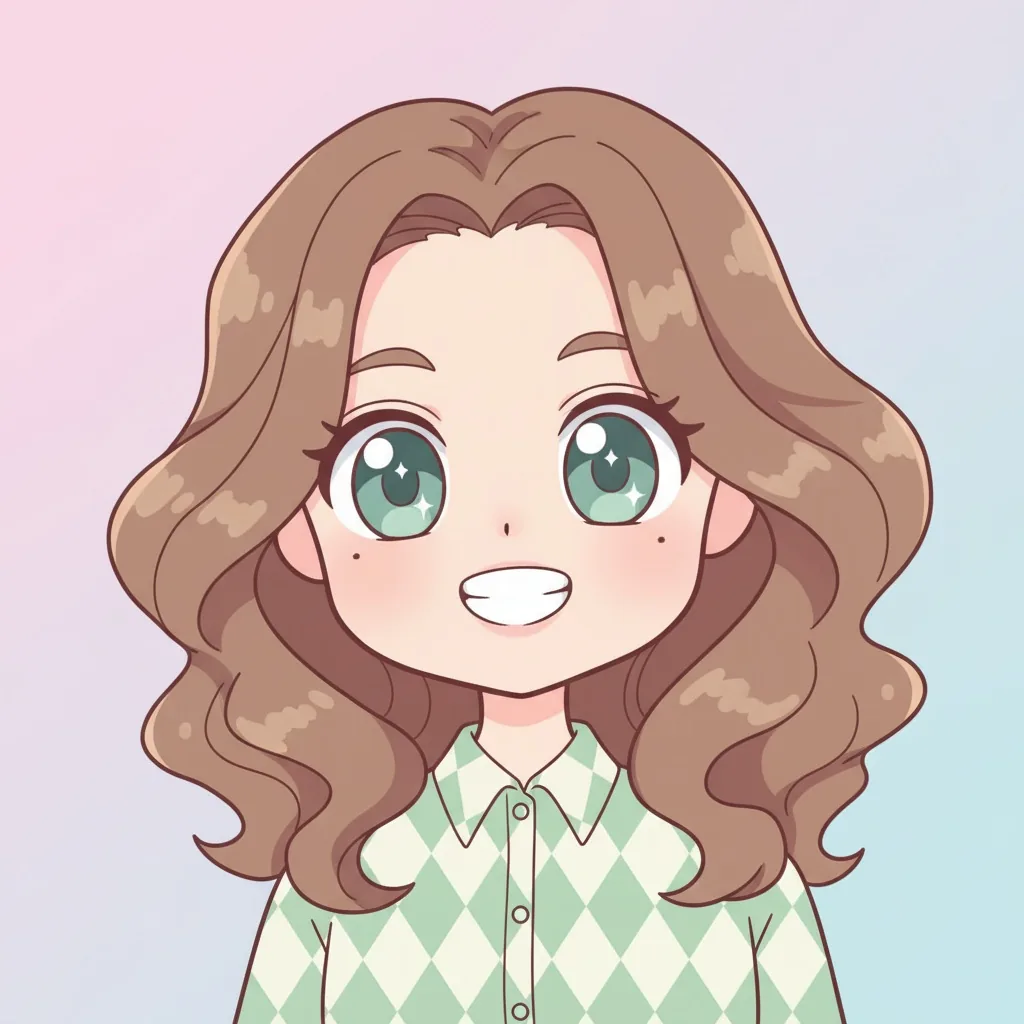

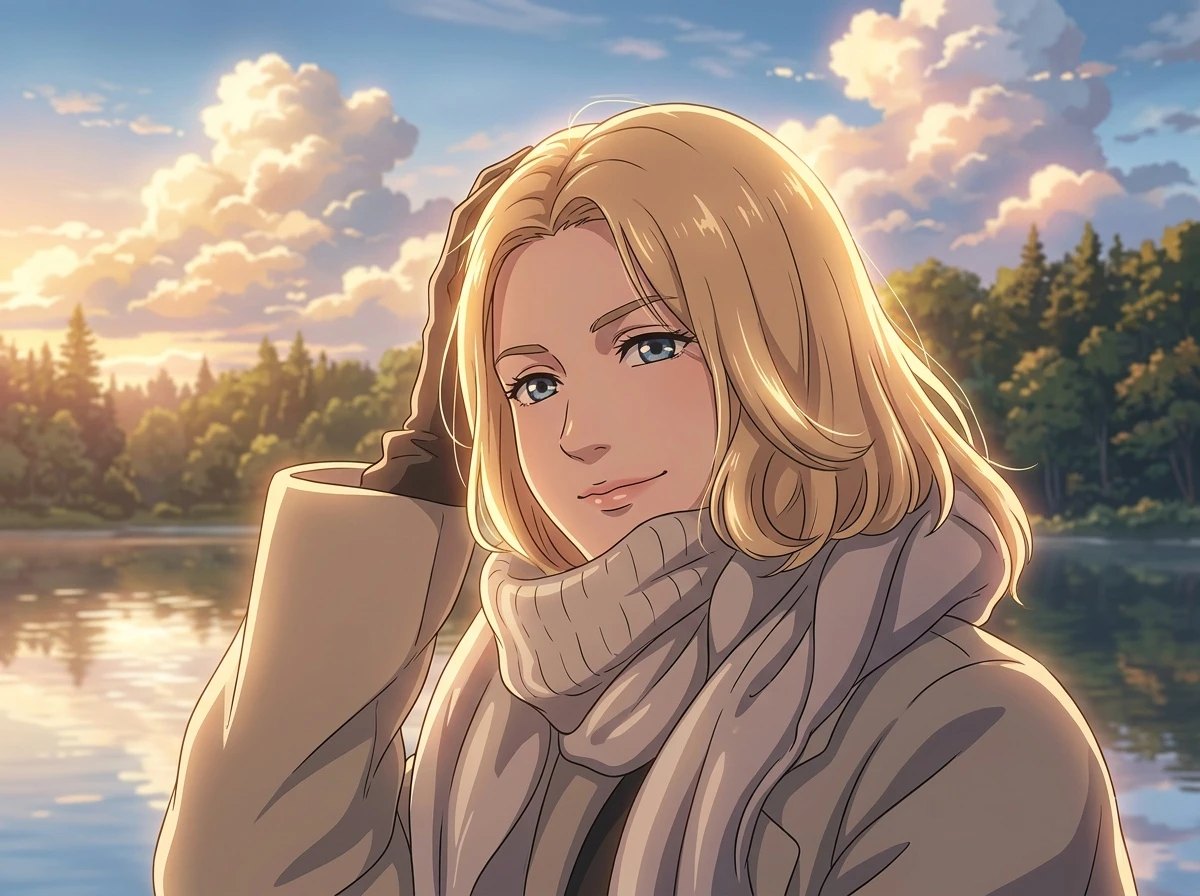
Create Comic Book Style AI Art From Real Photos
Use AnimeGen to make inked character portraits, expressive pet companions, and city comic panels from photos you already have.
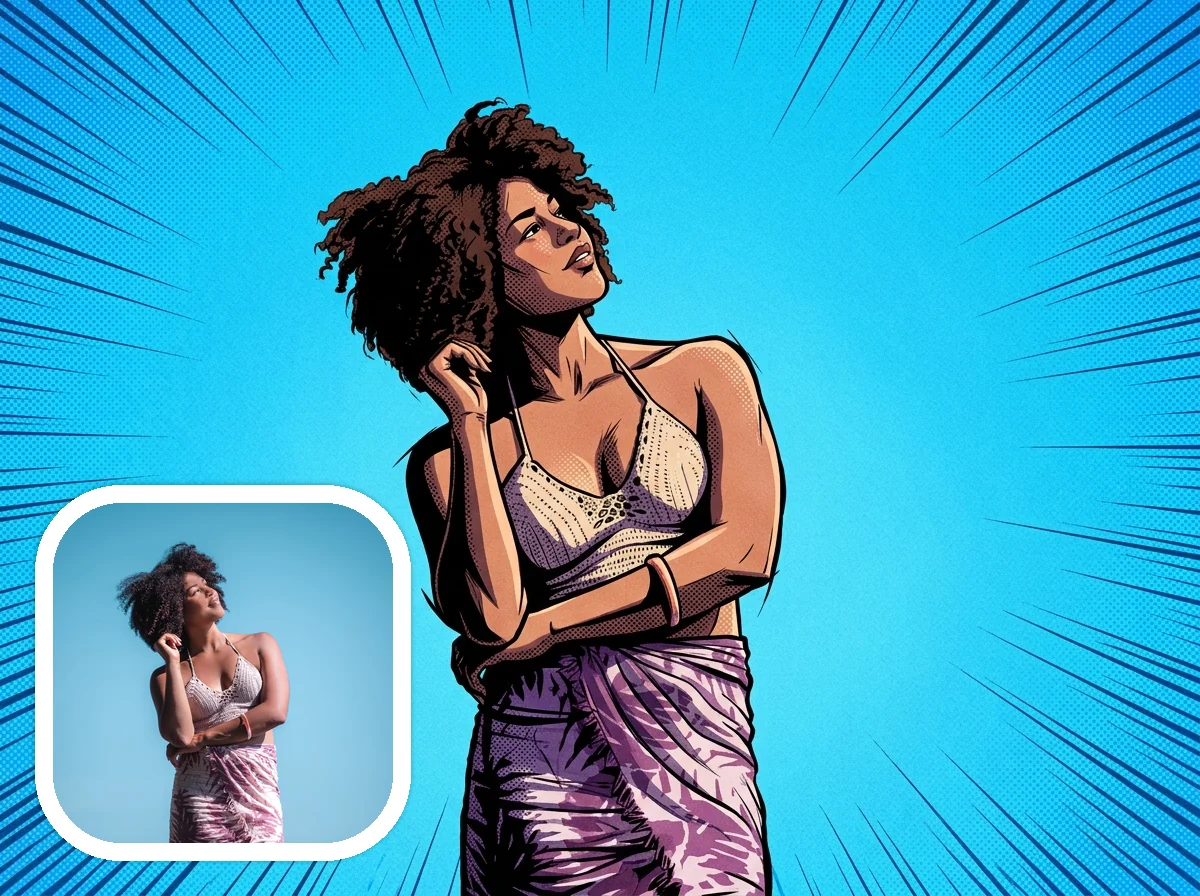
Comic Book Style Portraits and Avatars
Turn portraits and selfies into original comic-book artwork with bold ink contours, graphic shadows, energetic line bursts, and an avatar-ready illustrated look.
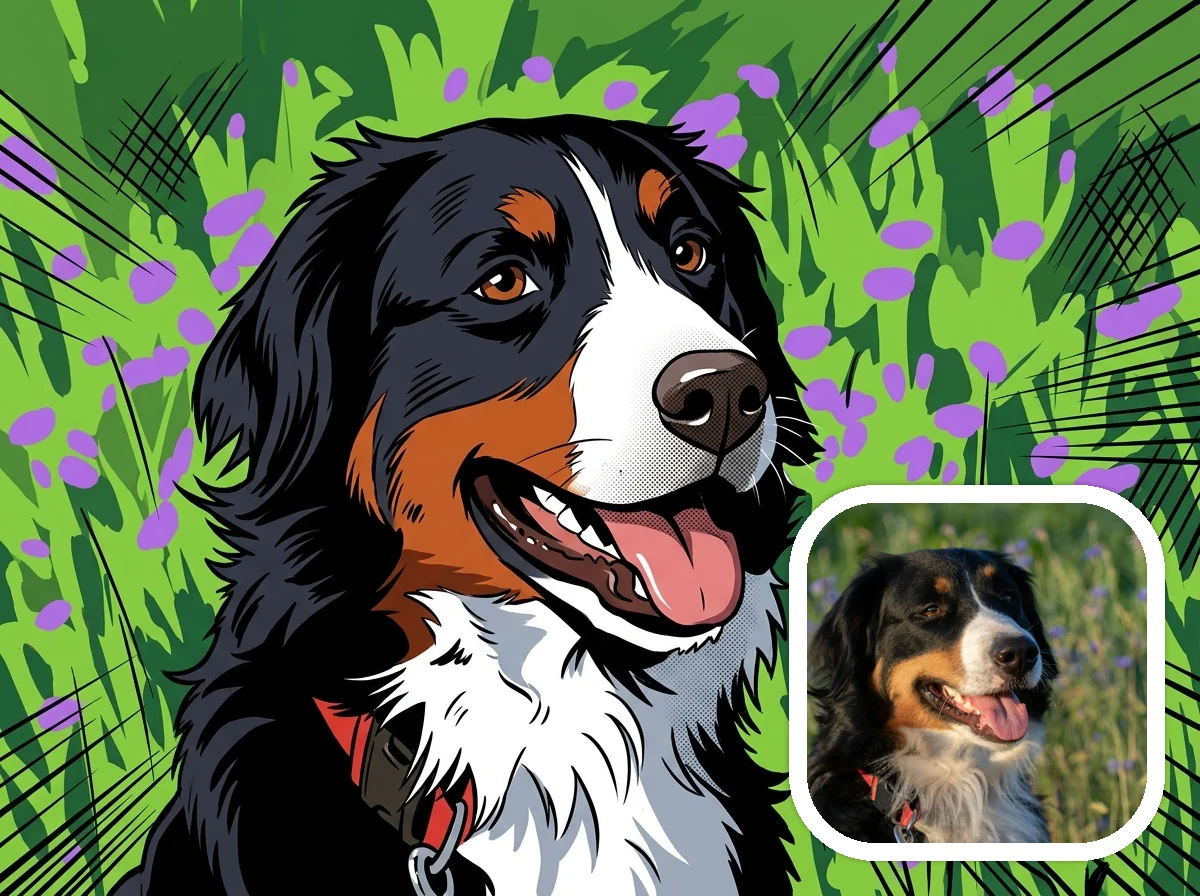
Comic Book Style Dramatic Pet Companions
Transform dogs, cats, and expressive pets into comic companions with readable animal structure, simplified fur marks, bold outlines, and playful panel energy.
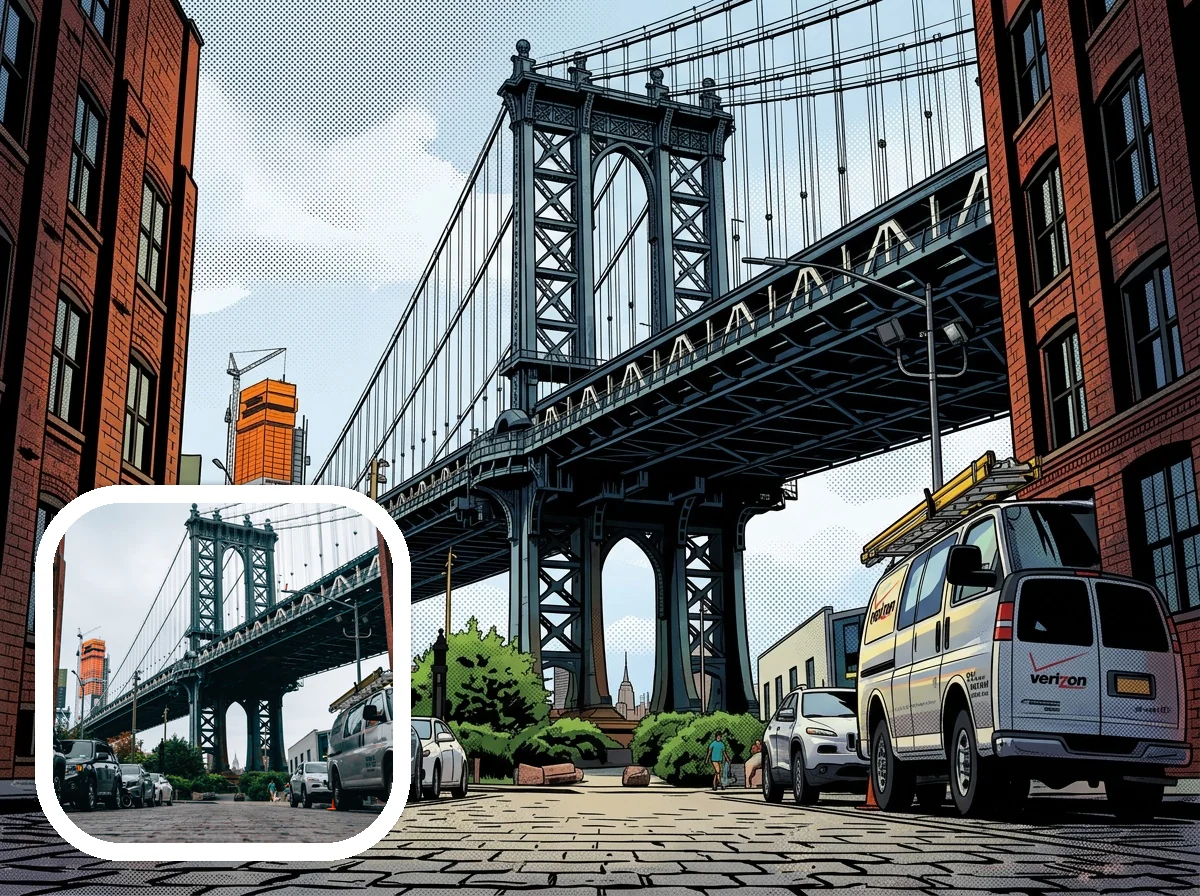
Comic Book Style City and Architecture Panels
Reimagine city streets, bridges, buildings, and travel photos as comic panels with strong perspective, inked architecture, and printed-page contrast.
How to Create Comic Book Style Art
Create a downloadable Comic Book Style image from a real photo in four simple steps.
Upload a clear photo
Start with a portrait, pet photo, city scene, building shot, or travel image where the subject and composition are easy to recognize.
Choose Comic Book Style
Keep Comic Book Style selected so the generator aims for bold ink outlines, graphic shadows, halftone texture, and printed-panel color.
Add comic details
Optional notes like dramatic ink lines, halftone shading, action-panel mood, city background, pet companion, or keep the original outfit can guide the result.
Generate and download
Preview the result, then download your Comic Book Style AI image for avatars, pet art, city panels, gifts, or creative projects.
Why Try Comic Book Style Photo Transformation
Comic Book Style transformation gives photos a sharper illustrated panel look than a generic cartoon filter while keeping the original subject recognizable.
Bold printed-page identity
Ink contours, graphic shadow blocks, punchy color, and halftone accents make photos feel like intentional comic-book panels.
More than a generic comic filter
The goal is a fully redrawn comic-book image, not a light outline, simple posterization, or soft cartoon finish.
Strong for portraits, pets, and cities
Clear people, expressive pets, street scenes, bridges, and buildings can become avatars, pet companions, and panel-style backgrounds.
Independent and downloadable
Create original comic-style images for profiles, gifts, mood boards, thumbnails, and personal projects without needing design software.
Ready to Turn Your Photo Into Comic Book Style Art?
Upload a photo and generate a downloadable AI image with bold ink lines, halftone texture, graphic shadows, and comic-book panel energy.
Create Comic Book Style ArtFrequently Asked Questions About Comic Book Style AI Art
Answers about photo types, prompts, downloads, pets, city scenes, quality, comic filters, and getting stronger Comic Book Style results.
Create Your Own Comic Book Style Image Today
Start with a portrait, pet photo, or city scene and create an original, downloadable comic-book style image online.
Create Comic Book Style Art